
1. Introdução
This manual provides essential information for the safe and efficient use of your Infinix Smart 10 smartphone. Please read this guide thoroughly before operating your device to ensure optimal performance and longevity. Keep this manual for future reference.
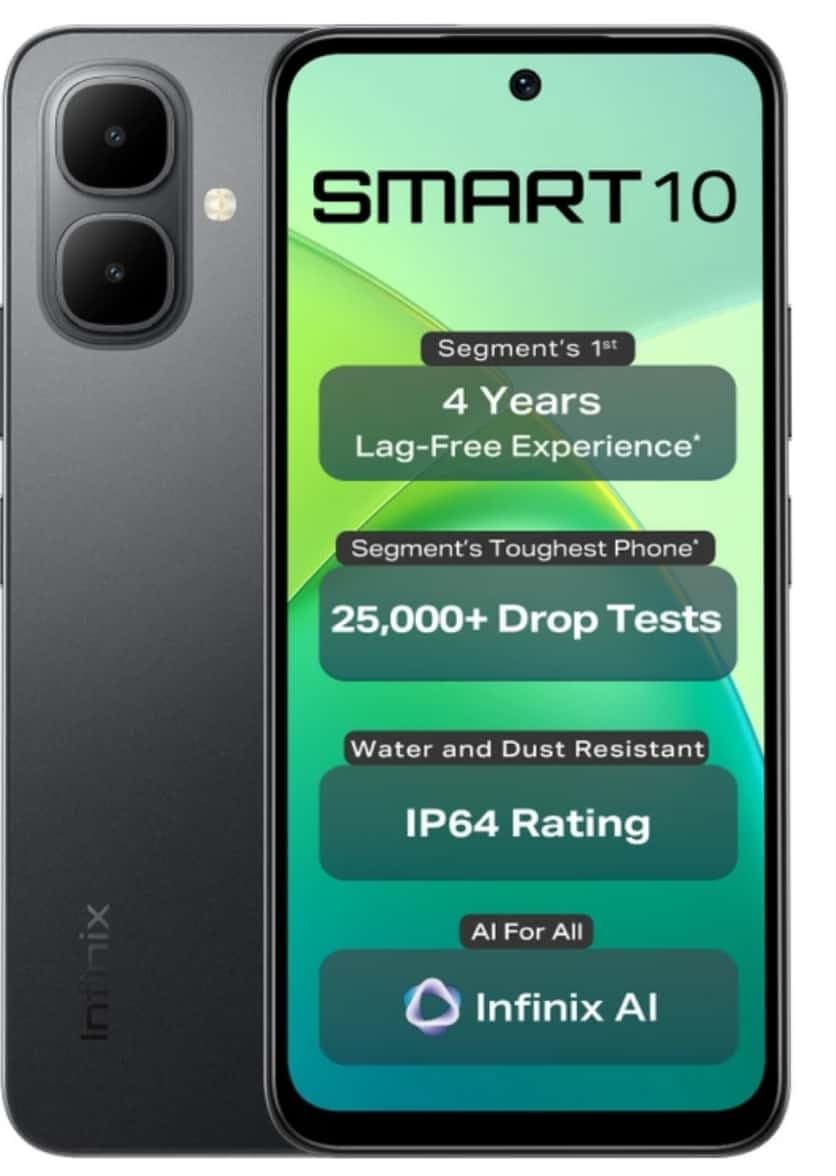
Image: Infinix Smart 10 smartphone, showcasing its design and highlighted features such as durability and performance.
2. Dispositivo acabadoview
Familiarize yourself with the physical components of your Infinix Smart 10.
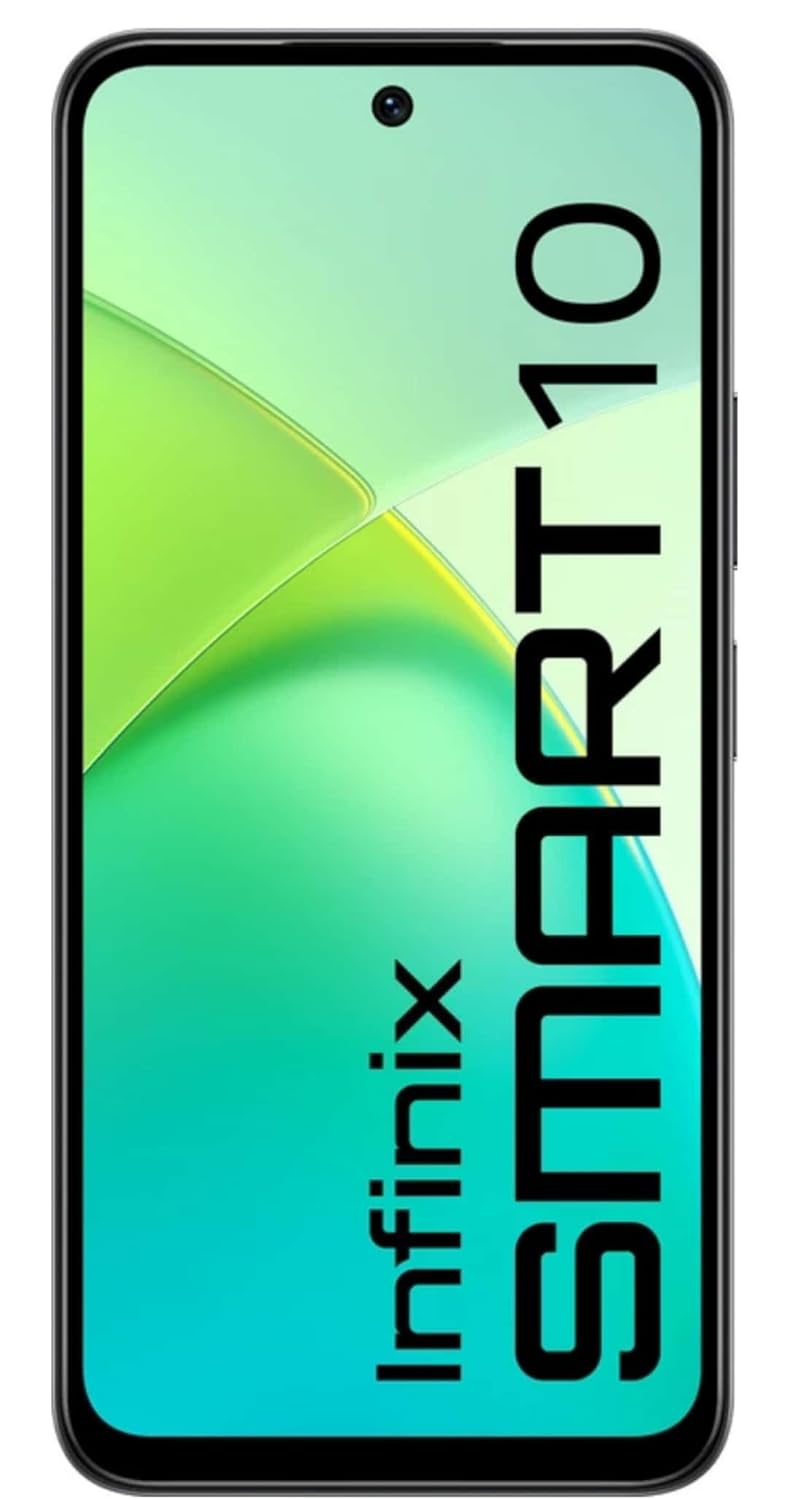
Imagem: Frente view of the Infinix Smart 10, displaying its screen.

Imagem: Traseira view of the Infinix Smart 10, showing the camera setup and branding.
3. Configuração
3.1 Desembalagem e Conteúdo da Embalagem
Ao abrir a embalagem, verifique se todos os itens estão presentes:
- Infinix Smart 10 Smartphone
- Fone de ouvido
- Cabo de carregamento (USB)
- Adaptador de energia
- Ferramenta Ejetora SIM
- Guia de início rápido
- Cartão de garantia
3.2 Inserindo os cartões SIM e MicroSD
- Localize a bandeja do SIM na lateral do aparelho.
- Insira a ferramenta de ejeção do SIM no pequeno orifício ao lado da bandeja e pressione suavemente até que a bandeja se solte.
- Insira seu(s) cartão(ões) Nano-SIM e/ou cartão microSD nos slots designados na bandeja, garantindo a orientação correta.
- Empurre cuidadosamente a bandeja de volta para dentro do dispositivo até que ela fique nivelada com a lateral.
3.3 Inicialização e Configuração
- Mantenha pressionado o botão Liga/Desliga até que o logotipo da Infinix apareça.
- Follow the on-screen instructions to select your language, connect to Wi-Fi, set up your Google account, and configure security settings.
3.4 Carregando o dispositivo
Before first use, fully charge your Infinix Smart 10. Connect the USB cable to the charging port on your phone and the power adapter, then plug the adapter into a power outlet. The battery indicator will show charging status.

Image: The Infinix Smart 10 connected to a charger, illustrating its 5000mAh battery.
4. Operando seu dispositivo
4.1 Navegação básica
Your Infinix Smart 10 uses a touchscreen interface. Common gestures include:
- Tocar: Selecione um item ou abra um aplicativo.
- Deslize: Percorra as telas ou listas.
- Pitada: Aumente ou diminua o zoom nas imagens e web páginas.
- Pressão longa: Aceda aos menus contextuais ou mova os ícones.
4.2 Recursos de exibição
The device features a 16.94 cm (6.67 inch) HD+ Display with a 120Hz refresh rate, designed for smooth visuals even in bright conditions.

Image: The Infinix Smart 10 display showcasing vibrant visuals and the 120Hz refresh rate.
4.3 Operação da câmera
The Infinix Smart 10 is equipped with an 8MP front camera and an 8MP dual rear camera, capable of 2K video recording. It includes a Dual LED Flash, Dual Video Mode for simultaneous front and rear recording, and a Pro Mode for advanced photography.

Image: A user demonstrating the camera features of the Infinix Smart 10, highlighting its various modes and specifications.
4.4 Gerenciamento de bateria
Your device is powered by a 5000 mAh battery, offering extended usage times. To optimize battery life:
- Ajustar o brilho da tela.
- Feche os aplicativos não utilizados.
- Desative o Wi-Fi, o Bluetooth e o GPS quando não estiverem em uso.
- Utilize os modos de economia de energia.
4.5 Processor Performance
The Infinix Smart 10 is powered by the UniSoc T7250 Processor, designed for efficient performance and a smooth user experience, certified for 48-month TÜV Fluency.

Image: A visual representation of the UniSoc T7250 processor, highlighting its performance capabilities.
4.6 Conectividade
The device supports Wi-Fi for internet access and Bluetooth for connecting to wireless accessories. Access these settings via the Quick Settings panel or the main Settings menu.
5. Manutenção
5.1 Cuidados Gerais
Para realizar a manutenção do seu dispositivo:
- Limpe a tela e a carcaça com um pano macio e sem fiapos.
- Evite expor o telefone a temperaturas extremas ou à luz solar direta por períodos prolongados.
- Não use produtos químicos agressivos ou materiais abrasivos para limpeza.
5.2 Características de durabilidade
The Infinix Smart 10 is designed with durability in mind, featuring an IP64 rating for water and dust resistance, and has undergone over 25,000 drop tests, including 1.5-meter 6-sided drop tests.

Image: The Infinix Smart 10 demonstrating its robust build and resistance to drops.
5.3 Atualizações de Software
Verifique e instale regularmente as atualizações de software para garantir que seu dispositivo tenha os recursos mais recentes, patches de segurança e melhorias de desempenho. Navegue até Configurações > Sistema > Atualização do sistema para verificar atualizações.
6. Solução De Problemas
Se você encontrar problemas com seu dispositivo, tente os seguintes passos:
- Dispositivo não liga: Certifique-se de que a bateria esteja carregada. Conecte-a a um carregador e aguarde alguns minutos antes de tentar ligá-la novamente.
- Aplicativos travando ou congelando: Close and restart the app. If the issue persists, clear the app's cache (Settings > Apps > [App Name] > Storage > Clear cache).
- Conectividade de rede deficiente: Verifique se o Modo Avião está desativado. Reinicie o dispositivo. Verifique se o seu cartão SIM está inserido corretamente.
- Device slow performance: Close background apps. Clear cache and temporary fileConsidere a restauração de fábrica como último recurso (faça backup dos seus dados primeiro).
6.1 Redefinição de fábrica
A restauração de fábrica apagará todos os dados do seu telefone e o restaurará às configurações originais de fábrica. Faça backup de todos os dados importantes antes de prosseguir. Para restaurar as configurações de fábrica, acesse Configurações > Sistema > Opções de redefinição > Apagar todos os dados (redefinição de fábrica).
7. Especificações
| Recurso | Especificação |
|---|---|
| Número do modelo | X6725 |
| Sistema operacional | Androide 15 |
| BATER | 4 GB |
| Armazenamento interno | 64 GB de ROM |
| Mostrar | 16.94 cm (6.67 inch) HD+ Display, 120Hz |
| Câmera Traseira | 8MP Dual Camera, 2K Video Recording, Dual LED Flash |
| Câmera Frontal | 8MP, 2K Video Recording |
| Bateria | 5000 mAh |
| Processador | UniSoc T7250 |
| Conectividade | Wi-fi |
| Dimensões (CxLxA) | 8 x 77 x 166 milímetros |
| Peso do item | 187 g |
| Cor | Pulse Green (Note: Color may vary by region/variant) |
| Características especiais | IP64 Water and Dust Resistant, 25,000+ Drop Tests |
8. Garantia e Suporte
8.1 Informações de garantia
Your Infinix Smart 10 comes with a standard manufacturer's warranty. Please refer to the warranty card included in your package for specific terms, conditions, and duration. Keep your proof of purchase for warranty claims.
8.2 Suporte ao cliente
For technical assistance, service, or further inquiries, please contact Infinix customer support through their official website ou as informações de contato fornecidas na sua documentação de garantia.


