
1. Introdução
The Awei H15 Smartwatch is designed to integrate seamlessly into your daily life, offering health monitoring, communication features, and smart notifications. This manual provides essential information for setting up, operating, and maintaining your device.
2. O que está na caixa
- 1 x Awei H15 Smartwatch
- 1 x cabo de carregamento
- 1 x Manual do Usuário (este documento)
3. Produto acabadoview
Familiarize yourself with the key components of your Awei H15 Smartwatch.
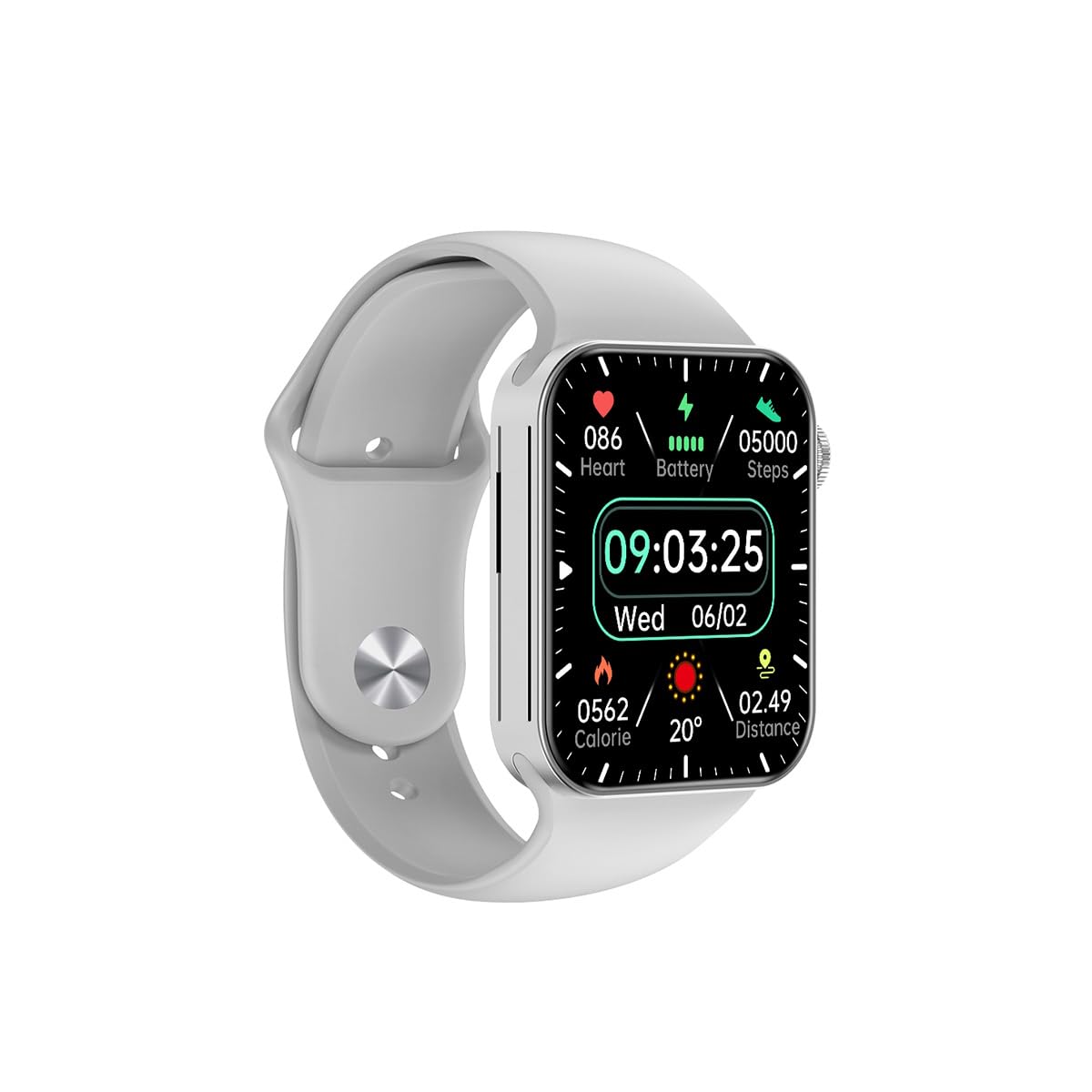
Figura 3.1: Frente view of the Awei H15 Smartwatch display, illustrating various health metrics and time.

Figura 3.2: Lado view of the smartwatch, highlighting the rotary crown for navigation and an additional button.
4. Configuração
4.1 Carregando o Smartwatch
Before first use, fully charge your Awei H15 Smartwatch. Connect the provided charging cable to the charging port on the back of the watch and to a standard USB power adapter (not included).
- Tempo de carregamento: Aproximadamente 2 a 3 horas para uma carga completa.
- Battery Life: Up to 7 days with calls, up to 15 days without calls.
4.2 Ligar/Desligar
- Para ligar: Press and hold the side button until the Awei logo appears.
- Para desligar: Pressione e mantenha pressionado o botão lateral e, em seguida, selecione "Desligar" na tela.
4.3 Emparelhamento com seu smartphone
The Awei H15 Smartwatch uses Dual Bluetooth 3.0/5.0 for stable connectivity. To unlock full features, download the companion app (refer to the packaging or quick start guide for app name) from your smartphone's app store.
- Certifique-se de que seu smartwatch esteja ligado e totalmente carregado.
- Ative o Bluetooth no seu smartphone.
- Open the companion app and follow the on-screen instructions to search for and connect to your Awei H15 Smartwatch.
- Confirme o pedido de emparelhamento tanto no seu smartphone quanto no seu smartwatch.
5. Instruções de operação
5.1 Navegação básica
- Tela sensível ao toque: Deslize para a esquerda, direita, para cima ou para baixo para navegar pelos menus e telas. Toque para selecionar itens.
- Coroa rotativa: Rotate the crown to scroll through lists or zoom in/out (where applicable). Press the crown to return to the home screen or confirm selections.
5.2 Multi-Dial Switching
Customize your smartwatch's appearance by switching between various watch faces.

Figura 5.1: Examples of different watch faces available on the Awei H15 Smartwatch.
Para alterar o mostrador do relógio:
- From the home screen, press and hold the display.
- Swipe left or right to browse available watch faces.
- Tap on a watch face to select it.
5.3 Monitoramento de Saúde
The Awei H15 Smartwatch tracks various health metrics to support your active lifestyle.
- Frequência cardíaca: Monitore sua frequência cardíaca ao longo do dia.
- Rastreamento de atividades: The built-in G-Sensor (MSA311) accurately tracks steps, distance, and calories burned.
- Monitoramento do sono: Track your sleep patterns (light sleep, deep sleep, wake-up times).
Access detailed health data through the companion app on your smartphone.
5.4 Recursos inteligentes
- Chamadas: Faça e receba chamadas diretamente do seu smartwatch quando ele estiver conectado ao seu telefone via Bluetooth.
- Notificações: Receive alerts for messages, emails, and app notifications.
- Atualizações meteorológicas: Obtenha informações meteorológicas em tempo real.
- Controle de música: Controle a reprodução de música no seu smartphone.
6. Manutenção
6.1 Limpeza
Limpe seu smartwatch regularmente para garantir o melhor desempenho e higiene.
- Limpe a tela e a carcaça com um pano macio e sem fiapos.
- Para sujeira persistente, levementeampUmedeça o pano com água. Evite produtos químicos agressivos.
- Limpe os contatos de carregamento periodicamente para garantir uma boa conexão.
6.2 Resistência à água (IP67)
The Awei H15 Smartwatch is IP67 water-resistant, meaning it is protected against dust and can withstand immersion in water up to 1 meter for 30 minutes.
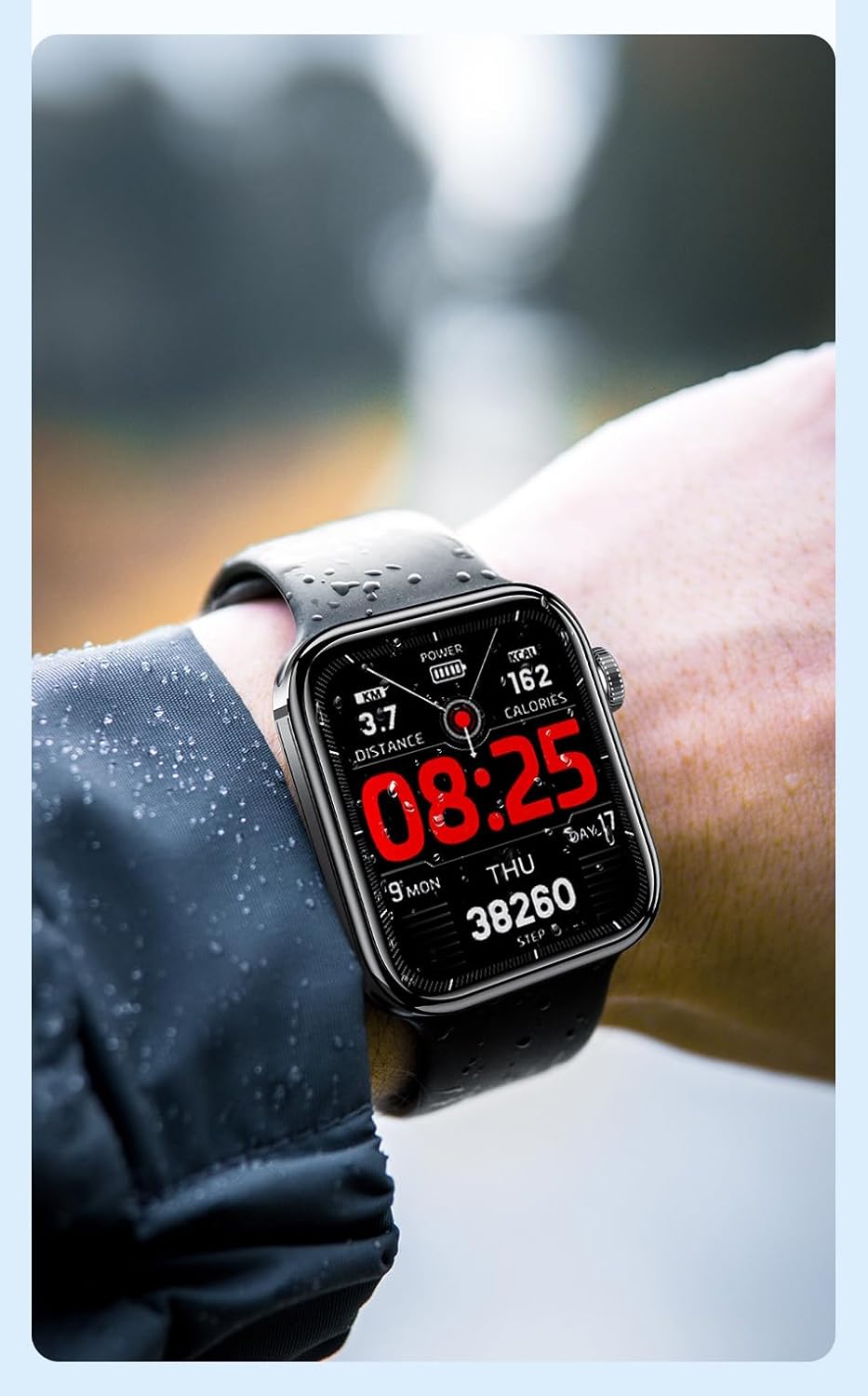
Figura 6.1: The Awei H15 Smartwatch is designed to withstand splashes and dust.
Important: IP67 rating does not mean the watch is suitable for swimming, showering, or diving. Avoid exposing the watch to hot water, steam, or high-velocity water.
7. Solução De Problemas
- Relógio que não liga: Certifique-se de que o relógio esteja totalmente carregado. Conecte-o ao carregador por pelo menos 30 minutos.
- Não foi possível emparelhar com o smartphone:
- Certifique-se de que o Bluetooth esteja ativado no seu telefone e no relógio.
- Certifique-se de que o relógio esteja dentro do alcance do seu telefone.
- Reinicie o relógio e o telefone.
- Verifique se o aplicativo complementar está atualizado para a versão mais recente.
- Dados de saúde imprecisos: Certifique-se de que o relógio esteja ajustado ao seu pulso, nem muito apertado nem muito folgado. Limpe o sensor na parte traseira do relógio.
- Vida curta da bateria: Reduza o brilho da tela, desative notificações desnecessárias e limite o monitoramento contínuo da frequência cardíaca.
8. Especificações
| Recurso | Especificação |
|---|---|
| Modelo | H15 |
| Tecnologia de Conectividade | Bluetooth 3.0/5.0 |
| Resistência à água | IP67 |
| Capacidade da bateria | 260mAh |
| Tempo de carregamento | 2-3 horas |
| Tempo de uso | Up to 7 days (with calls), 15 days (without calls) |
| Sensor G | MSA311 |
| Dimensões | 36.8 × 42.5 × 13.2 mm |
| Comprimento da pulseira | 270 mm |
| Fabricante | Awei |
9. Garantia e Suporte
Your Awei H15 Smartwatch comes with a Garantia de 6 meses a partir da data da compra. Esta garantia cobre defeitos de fabricação sob uso normal.
For warranty claims or technical support, please contact your retailer or the official Awei customer service. Keep your proof of purchase for warranty validation.