
Bmax X15 Pro
Manual do Usuário do Notebook Bmax X15 Pro de 15.6 polegadas
Modelo: X15 Pro
1. Introdução
This manual provides essential information for setting up, operating, and maintaining your Bmax X15 Pro 15.6-inch laptop. Please read this manual thoroughly to ensure proper use and to maximize the performance and longevity of your device.

Image: The Bmax X15 Pro laptop displaying the Windows 11 Pro operating system, highlighting its Intel N95 processor, 16GB RAM, 512GB SSD, and 1920x1080 FHD display.
2. O que está na caixa
Upon unpacking your Bmax X15 Pro laptop, please verify that all the following items are included:
- 1 x BMAX MaxBook X15 Pro Intel N95 Notebook Computer
- 1x12v/3a adaptador de alimentação dc
- 1 x Multi-Language User Manual
3. Produto acabadoview
3.1. Componentes físicos e portas
Familiarize yourself with the various ports and components of your laptop for optimal connectivity and usage.

Imagem: Lado view of the Bmax X15 Pro laptop illustrating the placement of its various ports, including Micro SD, USB 3.0, Headset jack, HDMI, and Power input.
- Lado Esquerdo: Micro SD slot, 2x USB 3.0 ports, 3.5mm Headset jack.
- Lado direito: Power input, HDMI port, 1x USB 3.0 port, Security Lock slot.
3.2. Teclado e touchpad
The laptop features a full-size keyboard with large keycaps and a large touchpad supporting multi-touch gestures for efficient navigation and input.

Imagem: Uma visão de cima para baixo view of the Bmax X15 Pro laptop's full-size keyboard and large touchpad, highlighting its ergonomic design for comfortable use.
4. Configuração
4.1. Inicialização da alimentação e carregamento
- Connect the provided DC power adapter to the laptop's power input port and a wall outlet.
- Deixe o laptop carregando por pelo menos 30 minutos antes do primeiro uso, ou até que o indicador de bateria mostre carga suficiente.
- Pressione o botão liga/desliga localizado no teclado para ligar o laptop.
- Follow the on-screen instructions to complete the Windows 11 Pro setup process.
5. Instruções de operação
5.1. Gerenciamento de energia
- Ligar: Pressione o botão liga/desliga.
- Modo dormir: Feche a tampa ou pressione rapidamente o botão liga/desliga.
- Desligar: Clique no botão Iniciar e, em seguida, em Energia > Desligar.
- Reiniciar: Clique no botão Iniciar e, em seguida, em Energia > Reiniciar.
5.2. Uso da tela
The 15.6-inch FHD IPS display offers a 180° convertible design, allowing for flexible viewing angles and collaborative use.

Image: The Bmax X15 Pro laptop shown in its 180-degree lay-flat configuration, demonstrating its versatility for sharing and collaboration.
5.3. Conectividade
The laptop supports various wireless and wired connections:
- Wi-fi: Dual-band Wi-Fi 5 (802.11ac/a/b/g/n) for fast internet access.
- Bluetooth: Bluetooth 5.0 para conectar periféricos sem fio.
- HDMI: Conecte-se a monitores ou projetores externos.
- USB 3.0: Three ports for high-speed data transfer with external devices.
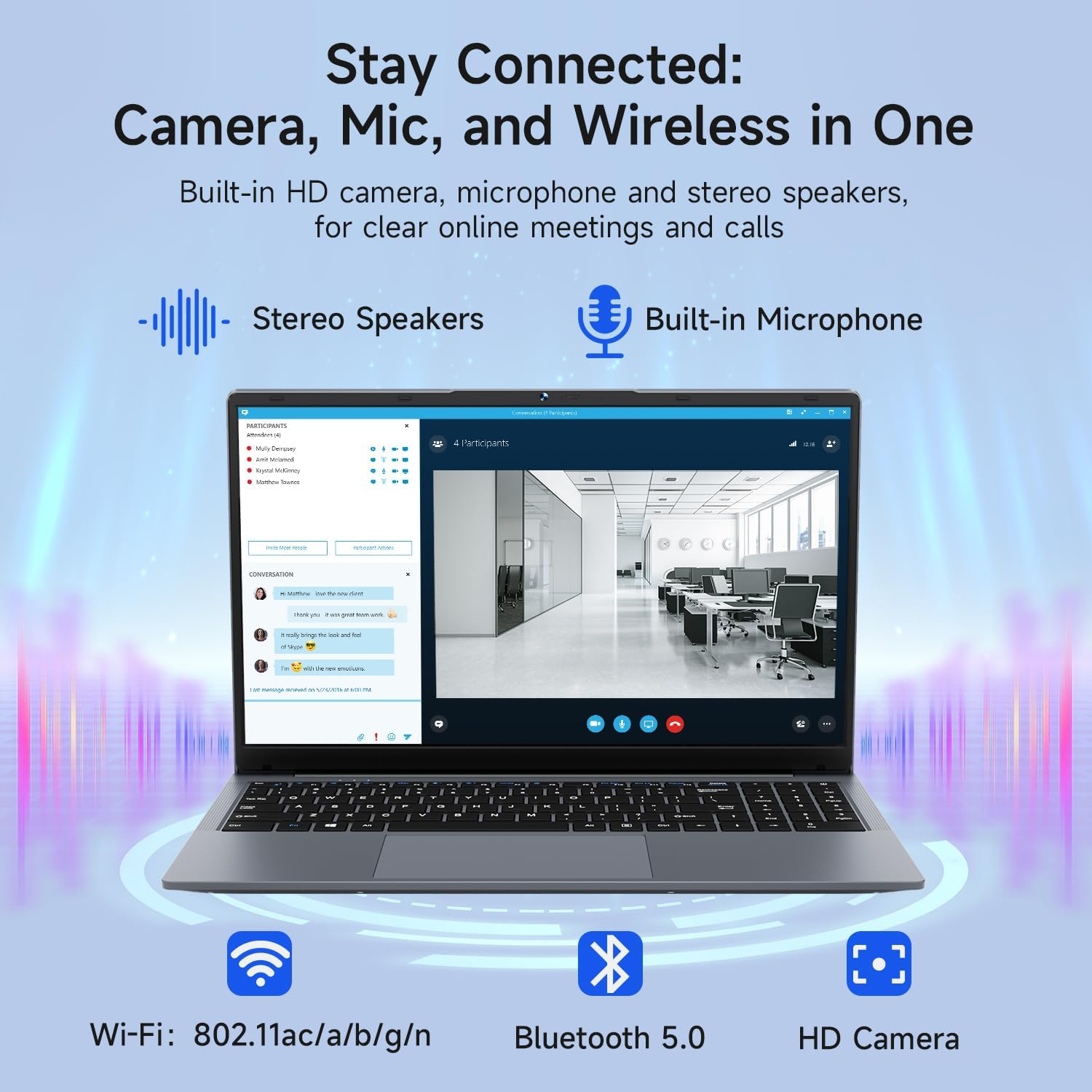
Image: The Bmax X15 Pro laptop with icons representing its integrated Wi-Fi, Bluetooth 5.0, and HD camera capabilities, emphasizing its comprehensive connectivity for communication.
6. Armazenamento e desempenho
The Bmax X15 Pro is equipped with robust components for efficient performance and ample armazenamento.
6.1. Processador
Powered by the Intel Celeron N95 Quad-Core Processor (up to 3.4GHz), featuring 4 cores and 4 threads with a 6MB cache, ensuring efficient performance for various tasks.

Image: A graphic detailing the Intel 12th Gen Processor N95, showing its 3.40GHz Turbo Frequency, 6MB Cache, 15W Power Consumption, and 4 cores/4 threads, alongside performance benchmarks.
6.2. Memória e Armazenamento
The laptop includes 16GB DDR4 RAM and a 512GB SSD, providing substantial storage capacity and enabling efficient multitasking. An M.2_SATA 2280 expansion slot is available for additional storage.
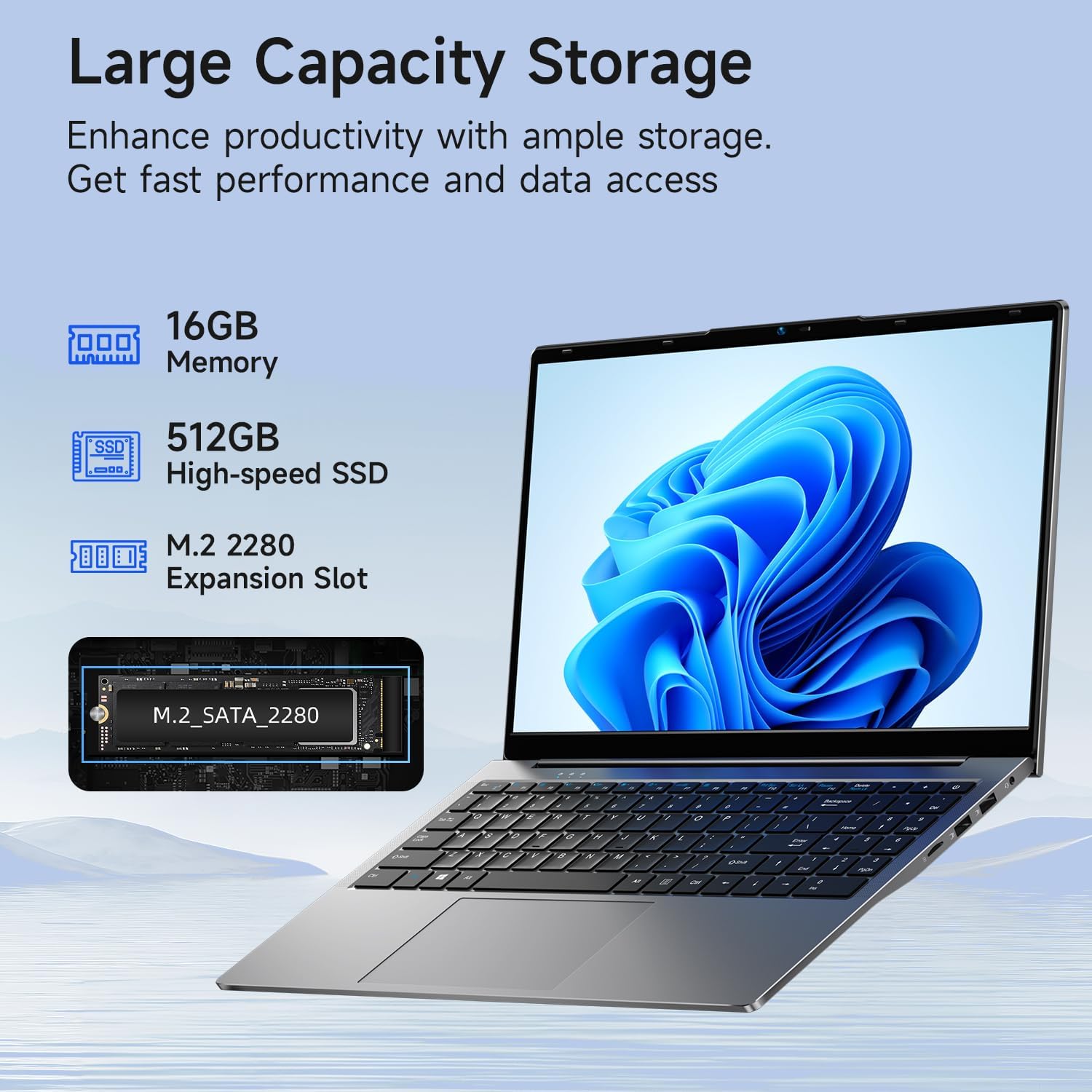
Image: A visual representation of the Bmax X15 Pro laptop's internal components, highlighting its 16GB memory, 512GB high-speed SSD, and an accessible M.2 2280 expansion slot for storage upgrades.
7. Recursos de exibição
Experience clear and vibrant visuals with the 15.6-inch FHD 1920x1080 IPS display, featuring a slim bezel design and 180° viewângulos de inclinação.

Image: A graphic illustrating the Bmax X15 Pro laptop's display features, including its 15.6-inch IPS FHD screen, 1920x1080 resolution, 5.7mm ultra-narrow bezel, and 180° lay-flat design.
8. Sistema de refrigeração
The laptop incorporates intelligent fans and dual copper heat pipes to ensure rapid heat dissipation, maintaining optimal performance and preventing overheating during extended use.

Image: An internal diagram of the Bmax X15 Pro laptop, highlighting its dual copper heat pipes and silent smart fan, illustrating the efficient and quiet cooling system.
9. Gerenciamento de bateria
The laptop is powered by a 51.3Wh battery, providing up to 6-8 hours of usage on a single charge, depending on usage patterns.
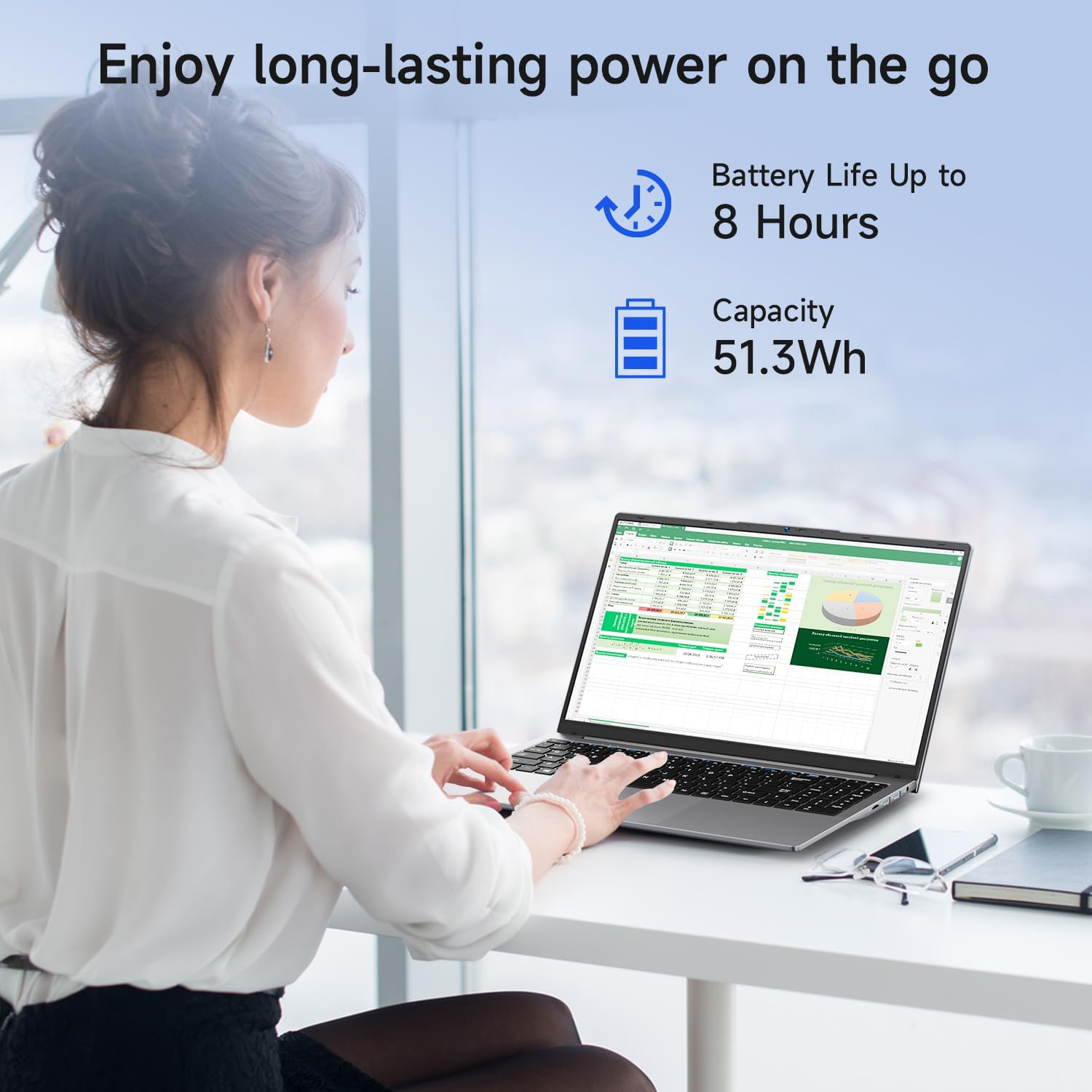
Image: A woman working on the Bmax X15 Pro laptop, with an overlay indicating a battery life of up to 8 hours and a capacity of 51.3Wh, emphasizing its long-lasting power.
10. Manutenção
A manutenção adequada garante a longevidade e o desempenho ideal do seu laptop.
- Limpeza: Use um pano macio e sem fiapos para limpar a tela e a parte externa. Evite produtos químicos agressivos.
- Ventilação: Certifique-se de que as aberturas de ventilação estejam desobstruídas para evitar o superaquecimento.
- Atualizações de software: Atualize regularmente seu sistema operacional e drivers para manter a segurança e o desempenho.
- Cuidados com a bateria: Avoid fully discharging the battery frequently. Store the laptop in a cool, dry place if not used for extended periods.
11. Solução De Problemas
This section addresses common issues you might encounter with your Bmax X15 Pro laptop.
- O laptop não liga: Verifique se o adaptador de energia está conectado firmemente e se a bateria tem carga suficiente. Tente usar outra tomada.
- Problemas de exibição: Se a tela estiver em branco, tente conectar um monitor externo para verificar se o problema está na tela do laptop. Ajuste as configurações de brilho.
- Problemas de conectividade Wi-Fi: Verifique se o Wi-Fi está ativado nas configurações do Windows. Reinicie o roteador e o laptop. Verifique se há drivers de Wi-Fi atualizados.
- Desempenho lento: Feche aplicativos desnecessários. Verifique se há malware. Certifique-se de ter espaço livre suficiente no SSD.
12. Especificações
| Recurso | Especificação |
|---|---|
| Tamanho de exibição de tela em pé | 15.6 polegadas |
| Resolução da tela | 1920 x 1080 pixels |
| Resolução máxima da tela | 1920x1080 pixels |
| Processador | 3.4 GHz Celeron (Intel N95 Quad-Core) |
| BATER | 16 GB DDR4 |
| Velocidade da memória | 2666 MHz |
| Disco rígido | 512 GB SSD (PCIE x 4 interface) |
| Coprocessador gráfico | Gráficos Intel UHD |
| Tamanho da memória RAM da placa gráfica | 8 GB (Integrated) |
| Tipo sem fio | 2.4 GHz Radio Frequency, 5 GHz Radio Frequency, 802.11a/b/g/n/ac, Bluetooth 5.0 |
| Número de portas USB 3.0 | 3 |
| Duração média da bateria (em horas) | 4-8 Hours (51.3Wh) |
| Sistema operacional | Windows 11 Pro |
| Peso do item | 3.57 libras |
| Dimensões do produto | 14.08 x 9.04 x 0.76 polegadas |
| Cor | Cinza Espacial |
| Recurso especial | HD Audio, Lightweight, Memory Card Slot, Numeric Keypad |
13. Garantia e Suporte
Your Bmax X15 Pro laptop comes with a 12-month warranty from the date of purchase. This warranty covers manufacturing defects and ensures product reliability.
- Período de garantia: 12 months from the purchase date.
- Política de devolução: Worry-free 30-day return period.
- Atendimento ao Cliente: 7 days/24 hours friendly customer support.
- Acessórios incluídos: 2 replaceable plugs (US, EU) are included to meet diverse connectivity needs.
For technical assistance or warranty claims, please refer to the contact information provided with your purchase documentation or visit the official Bmax support website.
Ask a question about this manual
Ask about setup, troubleshooting, compatibility, parts, safety, or missing instructions. Manuals+ will review the question and use this page’s manual context to help answer it.