Introdução
This manual provides comprehensive instructions for the Rainbuvvy 4G Smart Watch (Model: SC9832E). This device is a dual-system smartwatch featuring a 1.6-inch IPS large screen, 4GB RAM, 64GB storage, 5.0MP dual cameras, Android 9.1, 1050mAh battery, WiFi, and GPS capabilities. It functions as a fitness tracker and a sport watch, designed to enhance your daily activities and connectivity. Please read this manual thoroughly before using your smartwatch to ensure proper operation and maintenance.
O que está na caixa
Ao abrir a caixa, verifique se todos os seguintes itens estão incluídos:
- Relógio inteligente
- Carregador
Principais características
- Sistema duplo: Equipped with SC9832E+PAR2822 for optimized performance and battery life.
- 4G Fast Network Support: Features a built-in SIM card slot for independent calls and connectivity.
- HD Dual Camera & Facial Recognition: 5.0MP front and side cameras with intelligent anti-shake technology, plus facial recognition for enhanced security.
- Rastreamento de condicionamento físico: Monitors various sports activities, calories burned, and heart rate.
- 9 Modos Esportivos: Supports a variety of indoor and outdoor exercise modes.
- Bateria de grande capacidade: Bateria de 1050mAh para uso prolongado.
Configurar
1. Carregando o smartwatch
Before first use, fully charge your smartwatch. Connect the provided charger to the charging port on the watch and plug the other end into a standard USB power adapter. The watch features a 1050mAh large-capacity battery, designed for extended use.

Image: The smartwatch connected to its charger, highlighting its 1050mAh battery and estimated battery life of 5-7 days in bracelet mode.
2. Instalação do cartão SIM
The smartwatch supports 4G connectivity via a Nano-SIM card. To install the SIM card:
- Localize a bandeja do cartão SIM na lateral do relógio.
- Use the provided SIM ejector tool to gently push into the small hole next to the tray to release it.
- Retire cuidadosamente a bandeja do SIM.
- Place your Nano-SIM card onto the tray, ensuring it is correctly oriented.
- Gently insert the tray back into the watch until it clicks into place.

Imagem: Detalhada view of the smartwatch's SIM card slot and the process of inserting a SIM card into the tray.
For a visual guide on SIM card installation, please refer to the video below:
Video: A demonstration on how to properly install a SIM card into the 4G smartwatch, highlighting the dual system camera feature.
3. Inicialização da alimentação e conexão de rede
After charging and SIM card installation, press and hold the power button to turn on the smartwatch. Follow the on-screen prompts for initial setup, including language selection and connecting to a Wi-Fi network. The watch supports 4G network bands: GSM: B2+B3+B5+B8, WCDMA: B1+B2+B5+B8, LTE-FDD: B1/B2/B3/B4/B5/B7/B8/B12/B17/B20, LTE-TDD: B38+B39+B40+B41 (100M).

Imagem: O smartwatch mostraasing its main display and key features, including dual system and 4G capabilities.
Instruções de operação
1. Navegação e Interface
The smartwatch features a responsive 1.6-inch IPS touchscreen. Swipe left, right, up, and down to navigate through menus, notifications, and applications. The physical buttons on the side provide additional control, typically for power, back, and quick access functions.

Image: The smartwatch screen displaying various application icons, indicating its smart functionality.
2. Using the Dual Cameras
The smartwatch is equipped with 5.0MP front and side cameras. Access the camera application from the main menu. You can switch between cameras and utilize the intelligent anti-shake technology for clearer photos and videos. These cameras are suitable for capturing moments and making video calls.
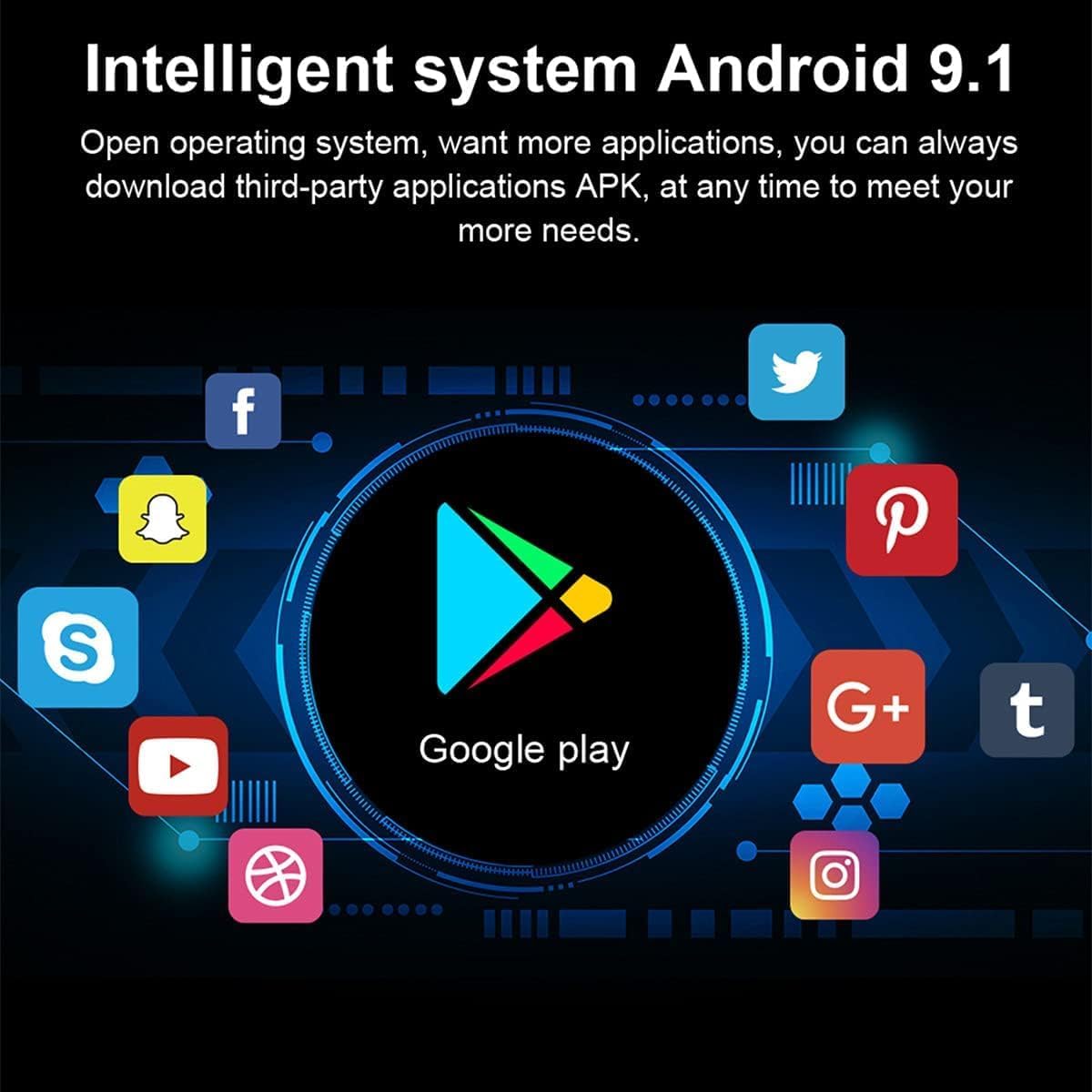
Image: The smartwatch demonstrating its HD dual camera capability, capturing clear images.
3. Facial Recognition Security
To enhance security, the smartwatch includes a facial recognition feature. You can set up facial recognition as a lock method to protect your personal information. This ensures that only authorized users can access the device, preventing data leakage if the watch is misplaced.

Image: The smartwatch's facial recognition feature in action, providing secure access.
4. Fitness Tracking and Sports Modes
The smartwatch is equipped with sensors to track your physical activity. It supports 9 sports modes, allowing you to monitor calories burned, heart rate, and other relevant data during workouts. This comprehensive recording and analysis help improve your exercise level.

Image: The smartwatch actively tracking a user's sport activities, displaying real-time data.
5. Application Management (Android 9.1)
Running on Android 9.1, the smartwatch allows you to download and install third-party applications (APKs) from the Google Play Store. This expands the functionality of your watch, enabling access to various apps for communication, entertainment, and productivity.
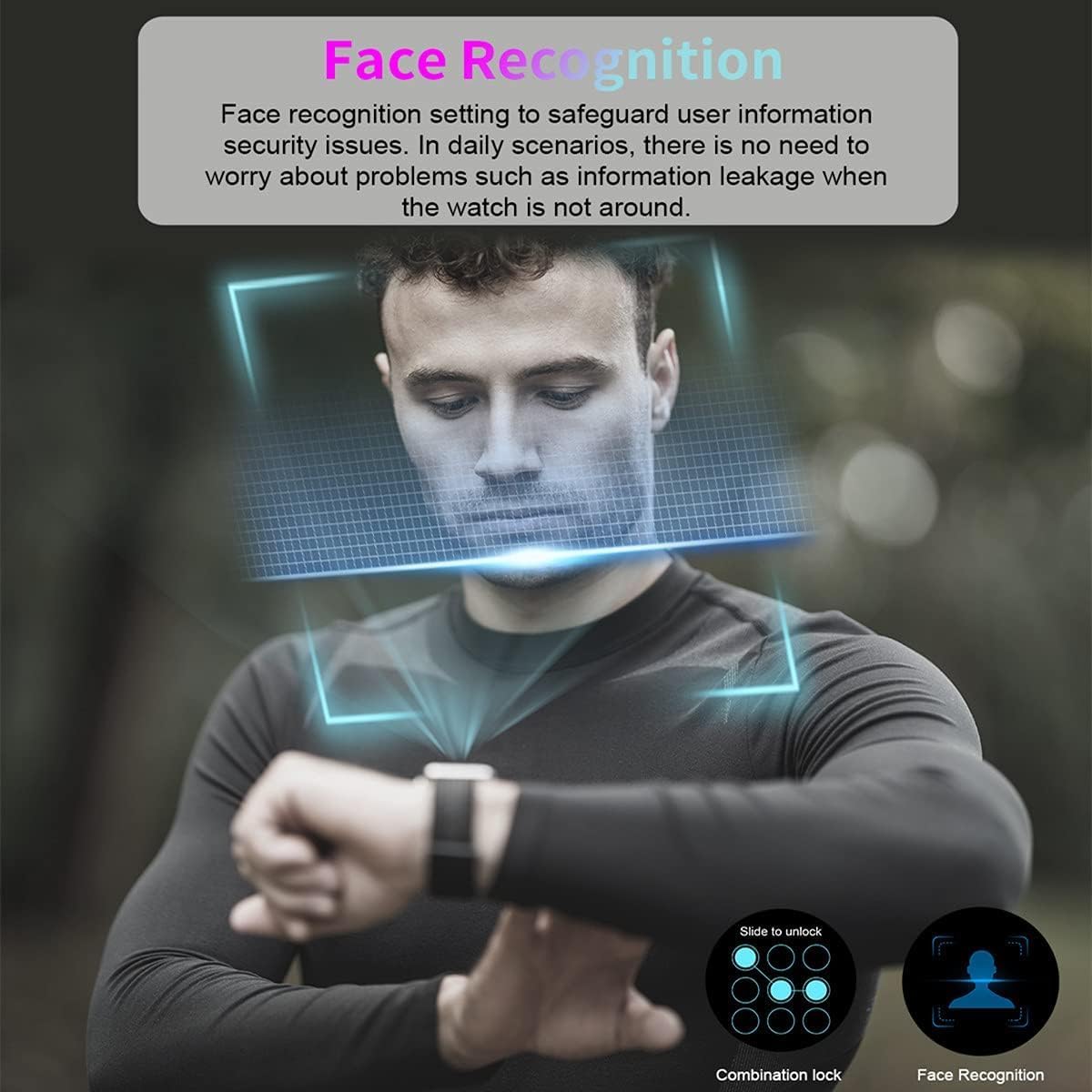
Image: The smartwatch's Android 9.1 interface, showing access to Google Play and various applications.
6. Communication and Information View
With a SIM card inserted, the smartwatch can independently make and receive calls, replacing the need for your mobile phone in many situations. The large IPS screen allows for comfortable viewing of messages, notifications, and web contente.

Image: The smartwatch displaying a news feed, illustrating its capability for information viewing and wireless internet access.
Manutenção
Limpeza e Cuidados
To maintain your smartwatch's appearance and functionality, regularly wipe the screen and body with a soft, lint-free cloth. Avoid using harsh chemicals or abrasive materials. Ensure the charging contacts are clean and dry before charging.
Gerenciamento de bateria
The 1050mAh battery provides significant usage time. For optimal battery life, avoid extreme temperatures and fully discharge and recharge the watch periodically. In "bracelet mode," the watch can last 5-7 days.
Solução de problemas
| Problema | Possível causa/solução |
|---|---|
| O relógio não liga. | Battery may be depleted. Connect to charger and allow it to charge for at least 30 minutes before attempting to power on again. |
| Não foi possível conectar à rede 4G. |
|
| A bateria descarrega rapidamente. |
|
| Os aplicativos estão lentos ou travando. |
|
Especificações
| Recurso | Detalhe |
|---|---|
| Dimensões do produto | 2.1 x 1.7 x 0.6 polegadas |
| Peso do item | 8.4 onças |
| Número do modelo do item | SC9832E |
| Baterias | 1 bateria de polímero de lítio necessária (incluída) |
| Tamanho de exibição da tela em pé | 1.6 polegadas |
| Capacidade de armazenamento de memória | 64 GB |
| Tamanho da memória RAM instalada | 4 GB |
| Sistema operacional | Androide 9.1 |
| Características especiais | Alarm Clock, Activity Tracker, Dual Camera, GPS, Phone Call |
| Capacidade da bateria | 1050 mAh |
| Tecnologia de Conectividade | Wi-fi |
| Padrão de comunicação sem fio | 802.11n |
| Composição da célula da bateria | Polímero de lítio |
| GPS | GPS habilitado |
| Forma | Redondo |
| Fabricante | Rainbuvvy |
Apoiar
For further assistance, technical support, or inquiries regarding replacement parts such as the charger or watch band (e.g., B0D8VKC9S4), please refer to the contact information provided with your product packaging or visit the official Rainbuvvy support website.