
1. Introdução
Thank you for choosing the Rettru XDWIFI Pro Wireless WiFi Camera. This compact camera is designed for versatile security monitoring, offering HD 1080P video recording, night vision, and motion detection capabilities. It is suitable for various applications including home security, baby monitoring, and pet monitoring. This manual provides detailed instructions for setting up, operating, and maintaining your camera to ensure optimal performance.
2. Conteúdo da embalagem
Verifique se todos os itens listados abaixo estão incluídos no seu pacote:
- 1 x Rettru XDWIFI Pro Camera
- 1 x base magnética
- 1 x Micro SD Card Reader
- 1 x Manual do Usuário
- 1 x Cabo de alimentação

Image: The package contents include the camera, magnetic base, Micro SD card reader, user manual, and power cable.
3. Recursos do Produto
- Design compacto: The camera features a small form factor, measuring approximately 1.57 x 1.18 x 0.5 inches, making it easy to conceal and place discreetly.
- Vídeo HD 1080P: Records clear video at 1080p resolution.
- Visão noturna aprimorada: Equipped with two 940nm infrared lights, providing up to 26ft night vision range without visible glow.
- Detecção de movimento: Intelligent motion detection with customizable monitoring areas and times. Sends alarm notifications with images to your phone upon detection.
- Modo de energia dupla: Features a built-in lithium battery for approximately 1.5 hours of continuous operation, and can be connected to a USB power source for extended use.
- Gravação em loop: Sobrescreve automaticamente as versões mais antigas. files when the memory card is full, ensuring continuous recording.
- Remoto Viewing: Access live video feed from anywhere via the companion mobile application (V380 Pro).
- Montagem Magnética: Includes a magnetic base for flexible installation on various surfaces.

Image: The camera's compact dimensions are illustrated, emphasizing its small size.

Image: The camera's small size allows for discreet placement, such as within a plant pot.

Image: The camera can be mounted on a desk, bookshelf, or wall using its 360-degree rotating stand.
4. Guia de configuração
4.1 Carregando a câmera
Before first use, fully charge the camera. Connect the camera to a USB power source (e.g., wall charger, power bank, computer USB port) using the provided USB cable. The charging indicator light will show the charging status.

Image: The camera supports dual power modes, allowing it to be powered by its built-in battery or an external USB source like a power bank or wall charger.
4.2 Inserindo um cartão Micro SD (Opcional)
For local video storage, insert a Micro SD card (up to 128GB, purchased separately) into the camera's SD card slot. Ensure the card is inserted correctly with the contacts facing the camera's interior. The camera supports loop recording, overwriting older files quando o cartão está cheio.

Image: Illustration of Micro SD card insertion and the corresponding recording durations for various card capacities.
4.3 Download e instalação do aplicativo
The Rettru XDWIFI Pro camera uses the V380 Pro application for remote viewing and control. Download the app from your device's app store (iOS App Store or Google Play Store).
- Procurar "V380 Pro" in your app store.
- Baixe e instale o aplicativo.
- Crie uma conta ou faça login se já tiver uma.

Image: Visual steps for downloading the V380 Pro app, connecting the device, and establishing a WiFi connection.
4.4 Conectando a câmera ao Wi-Fi
Follow these steps to connect your camera to your home WiFi network:
- Ligue a câmera.
- Open the V380 Pro app on your smartphone.
- Toque no ícone "+" para adicionar um novo dispositivo.
- Select the appropriate connection method (e.g., "Add device by WiFi Smart Config" or "Add device by AP Hotspot").
- Follow the on-screen instructions to connect the camera to your 2.4GHz WiFi network. Note: This camera only supports 2.4GHz WiFi networks. It is not compatible with 5GHz networks.
- Once connected, you can name your device and begin viewacessando a transmissão ao vivo.
5. Instruções de operação
5.1 Ao vivo Viewing
After successful setup, open the V380 Pro app and select your camera from the device list to access the live video feed. You can view the feed remotely from anywhere with an internet connection.
5.2 Detecção de movimento
The camera features intelligent motion detection. When motion is detected, the camera will send an alarm notification with images to your phone. You can customize motion detection settings within the V380 Pro app:
- Sensibilidade: Ajuste a sensibilidade da detecção de movimento.
- Área de detecção: Defina áreas específicas dentro da câmera. view para detecção de movimento.
- Agendar: Defina horários específicos para que a detecção de movimento esteja ativa.
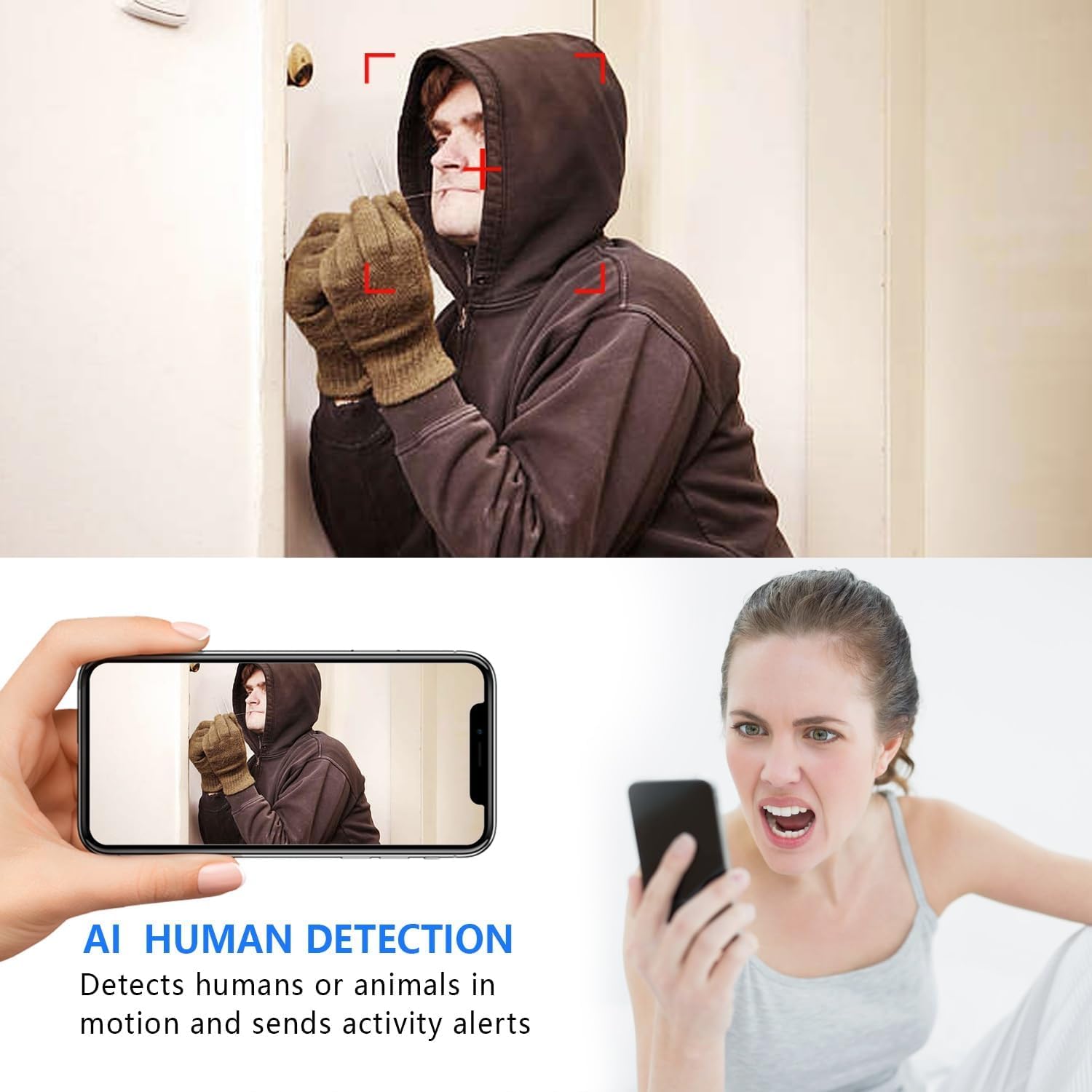
Image: The AI Human Detection feature identifies human movement and sends alerts to your mobile device.
5.3 Visão noturna
The camera automatically switches to night vision mode in low-light conditions. The infrared lights are non-glowing, ensuring discreet monitoring in complete darkness up to 26 feet.

Image: Comparison of day and night vision, demonstrating the camera's ability to provide clear images in darkness.
5.4 Gravação e Armazenamento
A câmera suporta dois métodos principais de gravação:
- Gravação em cartão Micro SD: If an SD card is inserted, the camera will record video directly to it. Loop recording ensures continuous operation by overwriting the oldest footage.
- Armazenamento em nuvem: The V380 Pro app may offer optional cloud storage services for your recordings. Refer to the app for details on subscription plans and features.
6. Manutenção
- Limpeza: Use um pano macio e seco para limpar a lente e o corpo da câmera. Evite usar produtos de limpeza líquidos ou materiais abrasivos.
- Cuidados com a bateria: For optimal battery life, avoid extreme temperatures. Recharge the camera regularly, especially if it will be stored for an extended period.
- Atualizações de firmware: Periodically check the V380 Pro app for any available firmware updates for your camera. Keeping the firmware updated ensures the best performance and security.
7. Solução De Problemas
| Problema | Possível causa | Solução |
|---|---|---|
| Camera fails to connect to WiFi. | Incorrect WiFi password; Camera too far from router; Router is 5GHz only; Network interference. |
|
| Sem transmissão de vídeo ao vivo. | Camera is offline; Poor internet connection; App issue. |
|
| Não recebi alertas de detecção de movimento. | App notifications disabled; Motion detection settings incorrect; Camera offline. |
|
| Bateria de curta duração. | Continuous recording; Frequent motion detection; Low ambient temperature. |
|
8. Especificações
| Recurso | Detalhe |
|---|---|
| Número do modelo | USA-Heima-XDWIFI New-JIAN-00005 |
| Resolução de captura de vídeo | 1080p |
| Viewângulo de engate | 160 graus |
| Alcance de visão noturna | Até 26 pés |
| Protocolo de conectividade | Wi-Fi (somente 2.4 GHz) |
| Dispositivos compatíveis | iOS/Android Phone |
| Fonte de energia | Alimentado por bateria (1 bateria de íon de lítio incluída) |
| Duração da bateria | Aproximadamente 1.5 horas (operação contínua) |
| Armazenar | Cartão Micro SD (até 128 GB, não incluído), armazenamento em nuvem (opcional) |
| Dimensões do item (C x L x A) | 1.7 x 1.3 x 0.4 polegadas |
| Peso do item | 0.64 onças (18.14 g) |
| Aplicativo em funcionamento | V380 Pro |
| Tipo de instalação | Wall-Mounted & Surface-Mounted (with magnetic base) |
| Avaliação de proteção internacional | IP65 |
9. Garantia e Suporte
For warranty information and technical support, please refer to the contact details provided with your purchase or visit the official Rettru website. Se você encontrar algum problema não abordado neste manual, entre em contato com o serviço de atendimento ao cliente para obter assistência.