
1. Introdução
Thank you for choosing the Jectse Digital Voice Recorder Watch. This portable wristband device is designed for convenient audio recording in various settings, including lectures, meetings, and personal notes. It features advanced noise reduction, voice-activated recording, and a timestamp function for precise record-keeping. Its sleek design and long battery life make it an ideal companion for students, professionals, and anyone needing reliable audio capture.

The Jectse Digital Voice Recorder Watch is discreet and portable, suitable for various recording needs.
2. Conteúdo da embalagem
Por favor, verifique se a embalagem contém os seguintes itens:
- Digital Voice Recorder Watch
- Cabo de carregamento USB
- Fones de ouvido (conector de 3.5 mm)
- Manual do usuário

The package includes the Digital Voice Recorder Watch, USB charging cables, and earbuds for playback.
3. Produto acabadoview
Familiarize yourself with the components of your Jectse Digital Voice Recorder Watch:
- Botão de gravação: Inicia e interrompe a gravação.
- Interruptor de alimentação: Liga ou desliga o dispositivo.
- Porta USB: Para carregamento e transferência de dados.
- Microfone: Captura de áudio integrada.
- Plug do fone de ouvido: For connecting earbuds for private playback.
- Luz indicadora: Displays device status (recording, charging, low battery).
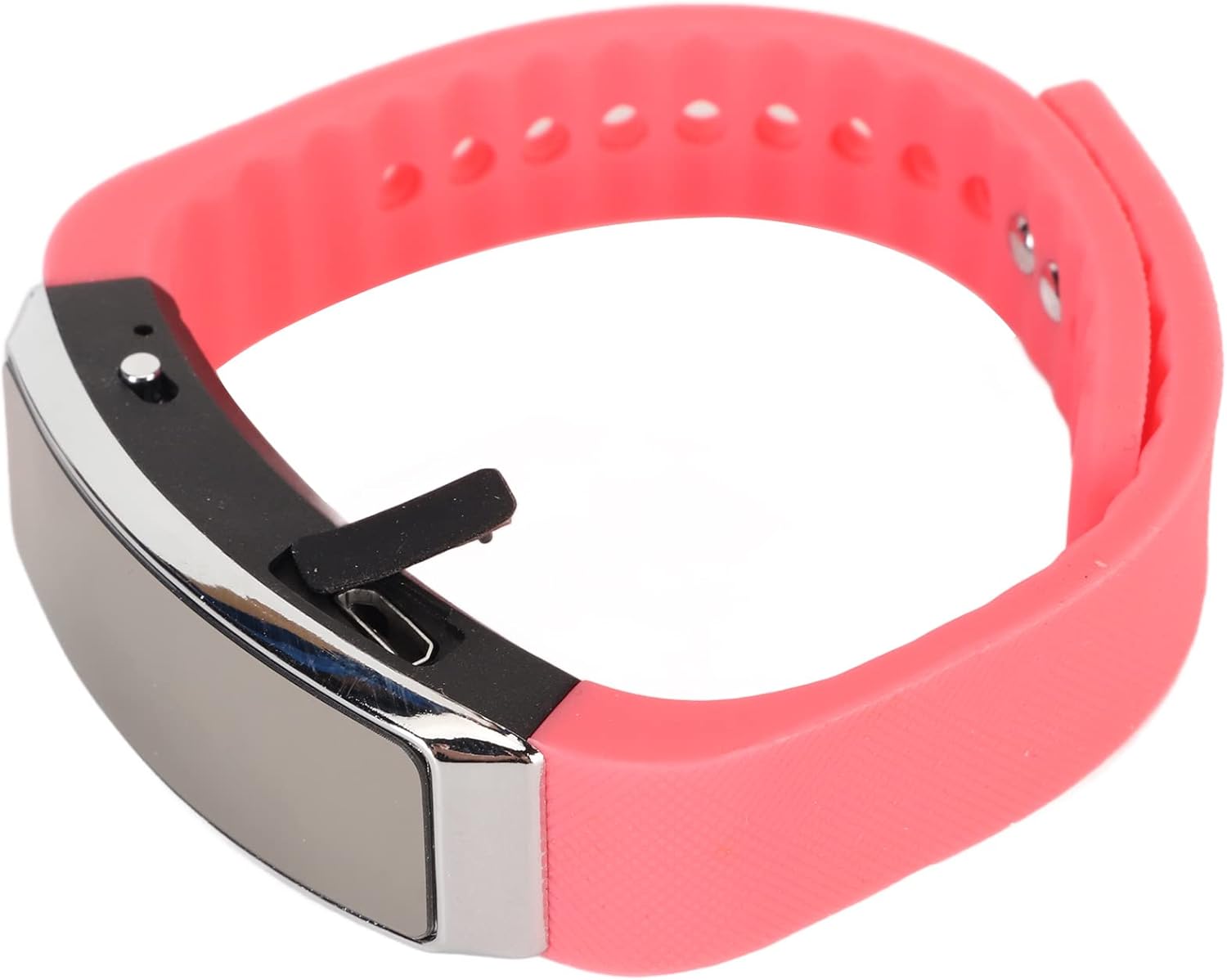
Lado view of the recorder watch, highlighting its compact design and accessible controls.

Principal view of the recorder watch, showcasinsua estética moderna.
4. Configuração
4.1. Carregando o dispositivo
- Connect the small end of the USB charging cable to the USB port on the recorder watch.
- Connect the larger end of the USB cable to a USB power adapter (not included), computer USB port, or other compatible charging device.
- The indicator light will show the charging status. A full charge typically takes a few hours.

The USB port for charging and data transfer is located on the side of the device, protected by a small flap.
4.2. Setting Time and Date (Timestamp)
Para garantir a precisão do tempoamps on your recordings, connect the device to a computer. The device will automatically synchronize its time and date with your computer's system time. No manual adjustment is typically required.
5. Instruções de operação
5.1. Ligar/desligar
- To power on: Slide the power switch to the 'ON' position. The indicator light will briefly illuminate.
- To power off: Slide the power switch to the 'OFF' position. The device will save any active recording before shutting down.
5.2. Voice Activated Recording
The device supports voice-activated recording, which means it will automatically start recording when sound is detected and pause when there is silence, conserving battery and memory.
- Certifique-se de que o dispositivo está ligado.
- The recorder will automatically enter voice-activated recording mode. The indicator light may flash or change color to indicate active recording.
- To stop recording, slide the power switch to the 'OFF' position. The recording will be saved automatically.
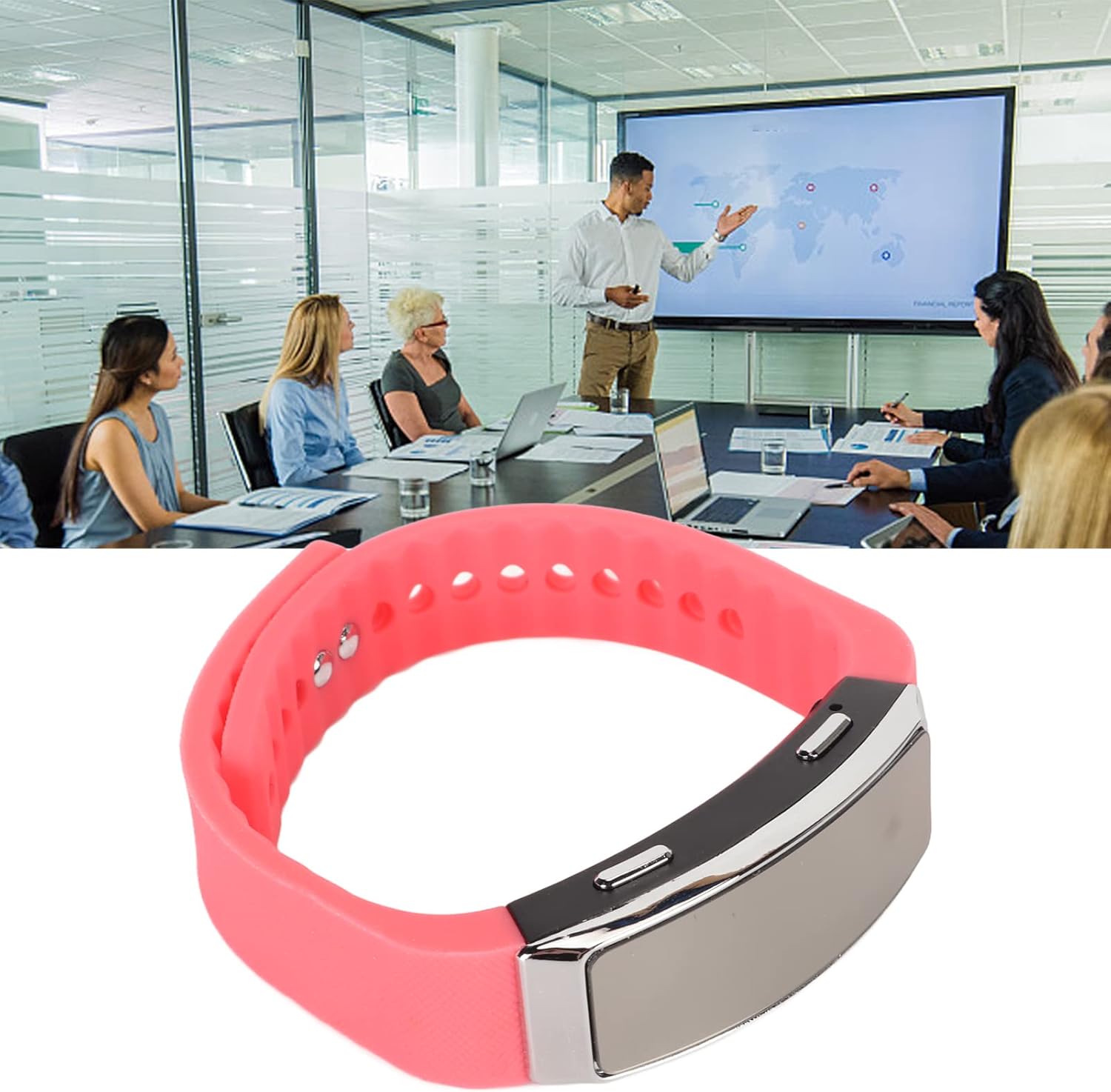
The voice recorder watch is ideal for capturing important discussions in meetings.
5.3. Reprodução
To listen to your recordings:
- Certifique-se de que o dispositivo esteja desligado.
- Plug the included earbuds into the headphone jack on the recorder watch.
- Slide the power switch to the 'ON' position. The device will automatically enter playback mode.
- Use the control buttons (if available on the earbuds or device, refer to specific model instructions) to navigate through recordings, adjust volume, or pause/play.
5.4. Connecting to PC/Transferring Files
- Certifique-se de que o dispositivo esteja desligado.
- Connect the recorder watch to your computer using the USB charging cable.
- The computer should recognize the device as a removable disk.
- Open the device folder to access your recorded audio files (typically in WAV format).
- Você pode copiar, mover ou excluir files conforme necessário.
6. Manutenção
- Limpeza: Use um pano macio e seco para limpar o dispositivo. Evite usar produtos químicos agressivos ou materiais abrasivos.
- Armazenar: Guarde o dispositivo em local fresco e seco, longe da luz solar direta e de temperaturas extremas.
- Cuidados com a bateria: Para prolongar a vida útil da bateria, evite descarregá-la completamente com frequência. Carregue o dispositivo regularmente, mesmo que não o utilize por longos períodos.
7. Solução De Problemas
- Dispositivo não liga: Verifique se a bateria está carregada. Conecte a uma fonte de energia e tente novamente.
- Não foi possível gravar: Check if the device has sufficient memory. Transfer files to a computer to free up space.
- Baixa qualidade de áudio: Ensure the microphone is not obstructed. Record in a quieter environment or closer to the sound source. The built-in noise reduction feature helps, but extreme noise can still affect quality.
- Não foi possível conectar ao computador: Try a different USB port or cable. Ensure the device is powered off before connecting.
8. Especificações
| Recurso | Detalhe |
|---|---|
| Marca | Jectse-se |
| Número do modelo | Jectsetqeg4s2wir-11 |
| Capacidade de armazenamento de memória | 8 GB |
| Battery Life (Continuous Recording) | 20 horas |
| Tempo de espera | Até 30 dias |
| Fator de forma do microfone | Construído em |
| Formato de áudio | WAV |
| interface de hardware | USB |
| Entrada para fones de ouvido | 3.5 milímetros |
| Dispositivos compatíveis | Computador pessoal |
| Características especiais | Voice Activated, Noise Reduction, Timestamp |
9. Garantia e Suporte
The Jectse Digital Voice Recorder Watch comes with a standard manufacturer's warranty. For specific warranty details, returns, or technical support, please refer to the product packaging or contact your retailer. Keep your purchase receipt as proof of purchase.
10. Informações importantes de segurança
- Não exponha o dispositivo a temperaturas extremas, luz solar direta ou alta umidade.
- Evite deixar cair ou submeter o dispositivo a impactos fortes.
- Mantenha fora do alcance de crianças.
- Não tente desmontar ou reparar o dispositivo por conta própria. Isso anulará a garantia.
- Descarte o dispositivo e sua bateria de forma responsável, de acordo com as normas locais.