
Hewlett Packard Enterprise IAP-305-US
Manual do Usuário do Ponto de Acesso Instantâneo HP Aruba Série 300 Wave 2 (IAP-305-US)
Model: IAP-305-US (B01MS8VIX6)
1. Introdução e maisview
The HP Aruba 300 Series Wave 2 Instant Access Point (IAP-305-US) is an entry-level wireless access point designed to deliver high performance and a superb user experience in medium-density environments. This device supports the latest 802.11ac Wave 2 standard, featuring 3x3:3SS MU-MIMO capability for efficient simultaneous data transmission to multiple devices. It integrates Aruba's advanced Client Match radio management and built-in Aruba Beacons, enabling a robust and cost-effective wireless digital work environment.
This manual provides essential information for the proper setup, operation, maintenance, and troubleshooting of your Aruba 300 Series Instant Access Point. Please read it thoroughly before installation and use.
2. Conteúdo da embalagem
Carefully unpack the box and verify that all items are present and in good condition. If any items are missing or damaged, please contact your vendor.
- HP Aruba 300 Series Wave 2 Instant Access Point (IAP-305-US)
- Guia de Instalação / Documentação
- 2 x Ceiling Mounting Clips

Figure 2.1: Contents of the HP Aruba 300 Series Access Point package, showing the access point unit, an installation guide, and mounting clips.
3. Configuração
3.1 Configuração inicial
Before powering on the access point, ensure you have a network connection (Ethernet cable) and a power source (PoE or external power adapter, sold separately if not PoE).
- Conecte o cabo de rede: Plug an Ethernet cable from your network switch (preferably PoE-enabled) into the RJ-45 port on the access point.
- Conecte a energia: If not using PoE, connect a compatible 12V DC power adapter (not included) to the power input jack.
- Ligar: The access point will automatically power on once connected to a power source. Observe the status indicators for boot-up sequence.
- Acesso à configuração: Access the access point's web interface or use Aruba's management tools for initial configuration, including setting up SSIDs, security, and network parameters. Refer to the detailed installation guide for specific IP address and login information.
3.2 Montagem
The Aruba 300 Series Access Point is designed for indoor deployment and can be mounted on ceilings or walls using the included mounting clips.
- Montagem no teto: Use the two ceiling mounting clips to attach the access point to a standard ceiling tile rail. Ensure the clips are securely fastened.
- Montagem na parede: For wall mounting, use appropriate screws and anchors (not included) to secure the mounting bracket (if applicable, or directly using the unit's mounting points) to the wall.
- Posicionamento ideal: For best wireless coverage, position the access point centrally within the desired coverage area, away from obstructions and sources of interference.
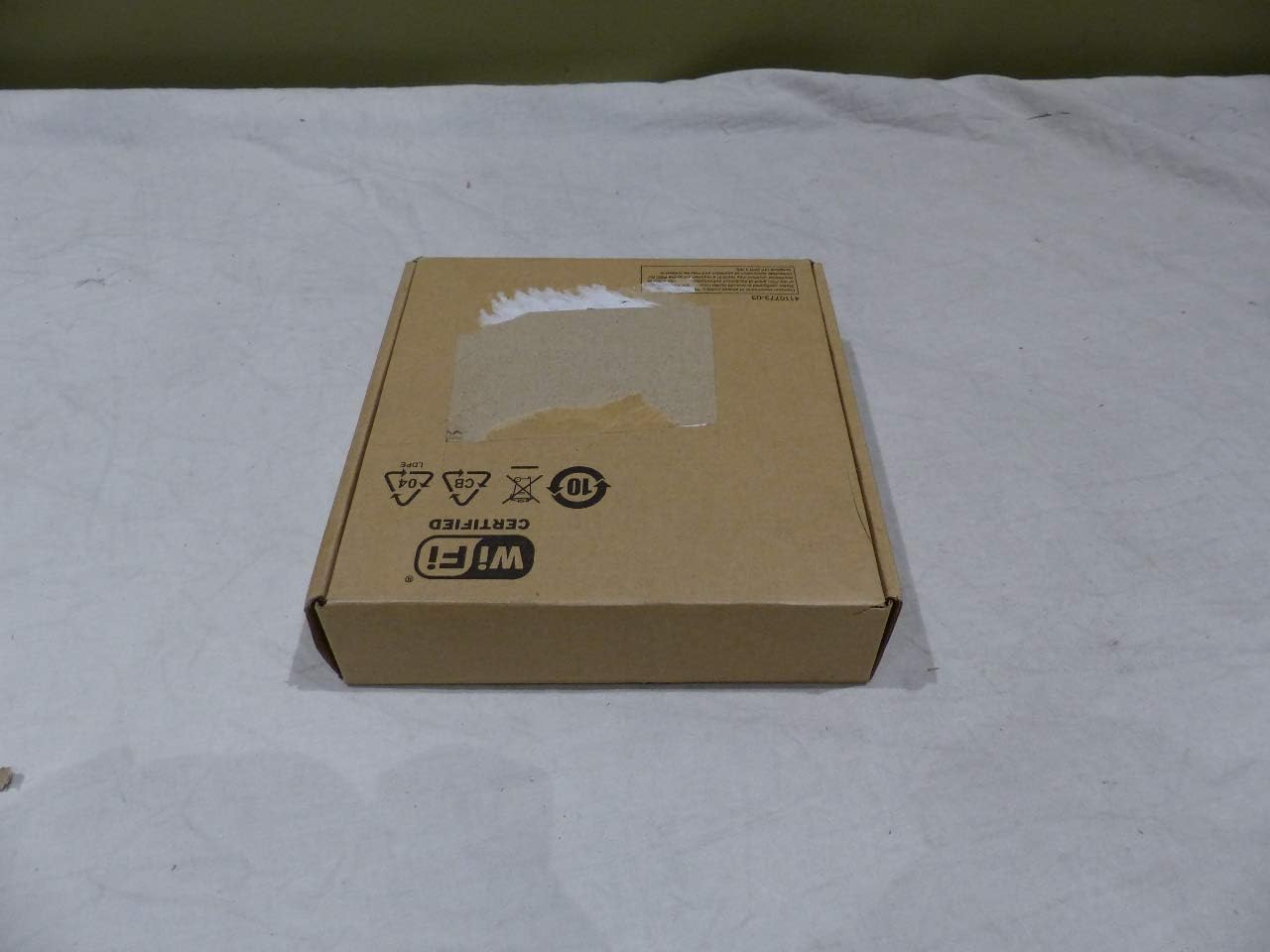
Figure 3.1: The HP Aruba 300 Series Access Point packaging, indicating its Wi-Fi certification.
4. Instruções de operação
4.1 Operação básica
Once powered on and configured, the Aruba 300 Series Access Point will broadcast wireless networks (SSIDs) as defined in its configuration. Client devices (laptops, smartphones, tablets) can then connect to these networks.
- Operação de banda dupla: The access point operates on both 2.4 GHz and 5 GHz frequency bands, providing flexibility for various client devices and network demands. The 5 GHz band offers higher speeds and less interference, ideal for bandwidth-intensive applications.
- Indicadores de status: The device features system and wireless status indicators. Refer to the detailed product documentation for the meaning of different LED states (e.g., solid green for normal operation, blinking for activity).
4.2 Recursos avançados
The Aruba 300 Series incorporates advanced technologies to optimize wireless performance and user experience.
- MU-MIMO (Multi-User, Multiple-Input, Multiple-Output): This technology allows the access point to communicate with multiple compatible client devices simultaneously, significantly increasing network efficiency and throughput, especially in high-density environments.
- Client Match: Aruba's Client Match technology intelligently steers clients to the best possible access point and radio band, ensuring optimal performance and seamless roaming. It also has MU-MIMO client awareness, directing capable devices to MU-MIMO enabled APs.
- Integrated Bluetooth Aruba Beacon: The built-in Bluetooth beacon simplifies remote management of large-scale battery-powered Aruba Beacons and enables advanced location services, indoor way-finding, and proximity-based push notifications for enhanced user engagement.
- Qualidade de Serviço (QoS): Supports QoS to prioritize critical network traffic, ensuring consistent performance for applications like voice and video.
5. Manutenção
5.1 atualizações de firmware
Regularly updating the access point's firmware is crucial for security, performance improvements, and access to new features.
- Verifique se há atualizações: Periodically visit the Hewlett Packard Enterprise (HPE) or Aruba support website for the latest firmware versions for your IAP-305-US model.
- Procedimento de atualização: Follow the instructions provided with the firmware update package. Typically, this involves downloading the firmware file and uploading it through the access point's web management interface. Ensure a stable power supply during the update process to prevent interruption.
5.2 Limpeza
To ensure optimal performance and longevity, keep the access point clean.
- Limpeza externa: Use um pano macio, seco e sem fiapos para limpar as superfícies externas.
- Evite líquidos: Do not use liquid cleaners, aerosol sprays, or solvents directly on the device.
- Ventilação: Ensure that ventilation openings are not blocked by dust or debris to prevent overheating.
6. Solução De Problemas
6.1 Problemas e soluções comuns
| Emitir | Possível causa | Solução |
|---|---|---|
| No Power / No Indicator Lights | Power cable disconnected, faulty power adapter/PoE switch, power outlet issue. | Check power connections. Ensure PoE is active on the switch port. Try a different power outlet. |
| Não consigo conectar à rede Wi-Fi. | Incorrect Wi-Fi password, SSID not broadcasting, access point not configured, client device issue. | Verify Wi-Fi password. Check access point configuration. Restart client device. Ensure AP is powered on and configured. |
| Slow Wi-Fi Speed / Intermittent Connection | Interference, poor signal strength, network congestion, outdated firmware. | Relocate AP to reduce interference. Check signal strength on client devices. Update firmware. Reduce number of connected devices if overloaded. |
| Access Point Not Accessible via Web Interface | Endereço IP incorreto, problema de conectividade de rede, firewall bloqueando o acesso. | Verify AP's IP address. Ensure your device is on the same network segment. Temporarily disable client firewall for testing. |
6.2 Indicadores de Erro
The HP Aruba 300 Series Access Point features LED indicators that provide visual cues about its operational status.
- LED do sistema: Indicates the overall status of the access point (e.g., boot-up, normal operation, error states).
- LEDs de rádio: Indicate the status of the wireless radios (e.g., active, disabled, transmitting data).
For a detailed explanation of LED behavior and corresponding troubleshooting steps, please refer to the comprehensive Aruba 300 Series documentation available on the official Hewlett Packard Enterprise support website.
7. Especificações
| Recurso | Detalhe |
|---|---|
| Tipo de dispositivo | Ponto de acesso sem fio |
| Número do modelo | IAP-305-US |
| Tipo sem fio | 802.11ac onda 2 |
| Banda de frequência | 2.4 GHz, 5 GHz (Banda Dupla) |
| Concurrent Data Rate (5 GHz) | 1300 Mbps |
| Concurrent Data Rate (2.4 GHz) | 400 Mbps |
| Taxa de dados máxima | 1.7 Gbps (Aggregate) |
| Tecnologia MIMO | 3x3:3SS MU-MIMO |
| Interfaces | 1 x 1000Base-T (RJ-45), 1 x USB 2.0 (Type A) |
| Antena | Internal, Omni-directional (3 antennas) |
| Dimensões (CxLxA) | 8.25 x 8 x 2.25 polegadas (20.96 x 20.32 x 5.72 cm) |
| Peso | 16.22 onças (0.46 kg) |
| Consumo de energia | 13 Watt (Operational) |
| Temperatura de operação | 32°F a 122°F (0°C a 50°C) |
| Faixa de umidade operacional | 5 - 95% (non-condensing) |
| Tempo médio de produção (MTBF) | 1,116,000 horas |
8. Garantia e Suporte
8.1 Informações de garantia
The HP Aruba 300 Series Wave 2 Instant Access Point comes with a limited lifetime manufacturer's warranty. This warranty covers defects in materials and workmanship under normal use. For specific terms, conditions, and limitations of the warranty, please refer to the official warranty statement provided with your product or visit the Hewlett Packard Enterprise (HPE) / Aruba official website.
Damage to the product must be reported within 3 days of delivery time. All products are selected and shipped by manufacturer part numbers. Please refer to the manufacturer's website for accurate descriptions of each manufacturer part number.
8.2 Suporte Técnico
For technical assistance, product inquiries, or warranty claims, please contact Hewlett Packard Enterprise (HPE) / Aruba technical support.
- Suporte online: Visit the official HPE / Aruba support portal for documentation, FAQs, and support resources.
- Suporte por telefone: Contact numbers for technical support are typically available on the HPE / Aruba website nas seções 'Suporte' ou 'Fale Conosco'.
- Fóruns da comunidade: Engage with other users and experts on official Aruba community forums for peer-to-peer support and solutions.
When contacting support, please have your product model number (IAP-305-US) and serial number ready.