
1. پیژندنه
The TP-Link UB600 is a compact Bluetooth 6.0 USB adapter designed for PCs. It enhances connection security and stability compared to previous Bluetooth generations, providing reliable wireless connectivity for various Bluetooth-enabled devices. Its ultra-small nano design allows it to remain discreetly plugged into a USB port, making it ideal for mobile use or permanent connection.
This adapter supports Windows 11, 10, 8.1, and 7. For Windows 11, 10, and 8.1, it offers Plug & Play functionality. For Windows 7, driver installation is required.
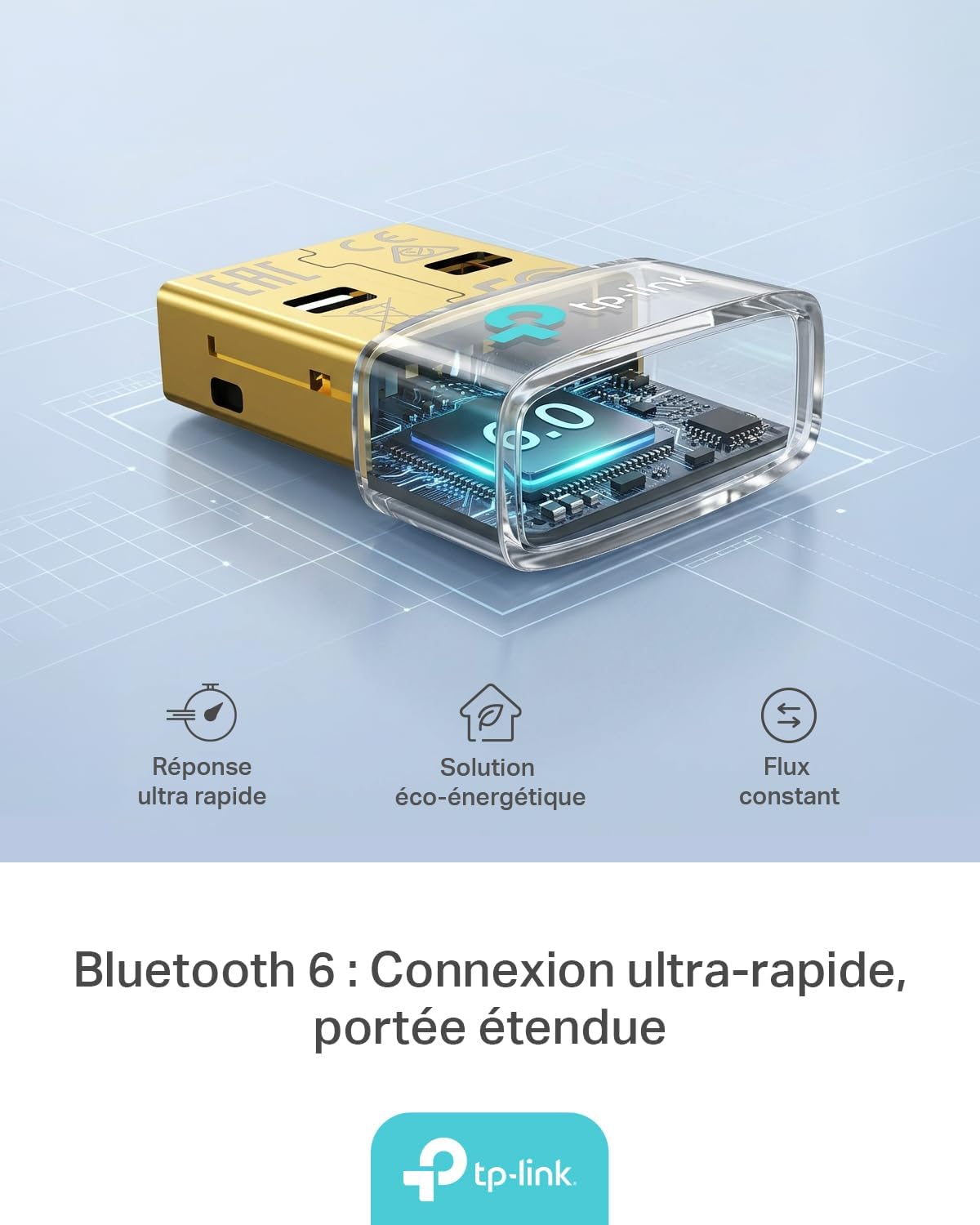
Figure 1: TP-Link UB600 Bluetooth 6.0 USB Adapter showcasing its key features: ultra-fast response, energy-saving solution, and constant data flow.
۴. د تنظیم لارښوونې
2.1 د سیسټم اړتیاوې
- Operating System: Windows 11, Windows 10, Windows 8.1, Windows 7.
- شته USB پورټ.
2.2 نصب کول
- اډاپټر داخل کړئ: Plug the TP-Link UB600 Bluetooth USB adapter into an available USB port on your computer.

Figure 2: The UB600 adapter discreetly plugged into a laptop's USB port, demonstrating its compact design.
- د ډرایور نصب کول:
- For Windows 11, 10, 8.1: The adapter is Plug & Play. Your operating system should automatically detect and install the necessary drivers. No manual installation is typically required.
- د وینډوز 7 لپاره: Driver installation is required. Please visit the official TP-Link webسایټ (www.tp-link.com) to download the latest drivers for the UB600 model. Follow the on-screen instructions to complete the installation.

Figure 3: Visual representation of the UB600's compatibility with different Windows versions and various Bluetooth peripherals like smartphones, headphones, controllers, and keyboards.
- تایید: After installation, check your computer's Device Manager to ensure the Bluetooth adapter is recognized and functioning correctly.
3. عملیاتي لارښوونې
۴.۱ د بلوتوث وسیلو جوړه کول
Once the UB600 adapter is installed, you can pair it with your Bluetooth-enabled devices:
- بلوتوث فعال کړئ: Ensure Bluetooth is enabled on your computer. You can usually find this in the Windows Settings (Settings > Devices > Bluetooth & other devices).
- وسیله د جوړې کولو حالت کې واچوئ: Place your Bluetooth device (e.g., headphones, mouse, keyboard) into pairing mode. Refer to your device's manual for specific instructions.
- وسیله اضافه کړئ: په خپل کمپیوټر کې، "بلوتوث یا بل وسیله اضافه کړئ" کلیک وکړئ او "بلوتوث" غوره کړئ.
- وسیله غوره کړئ: ستاسو کمپیوټر به د نږدې بلوتوث وسیلو لپاره سکین وکړي. خپل وسیله له لیست څخه غوره کړئ او د جوړې پروسې بشپړولو لپاره په سکرین کې هر ډول لارښوونې تعقیب کړئ.
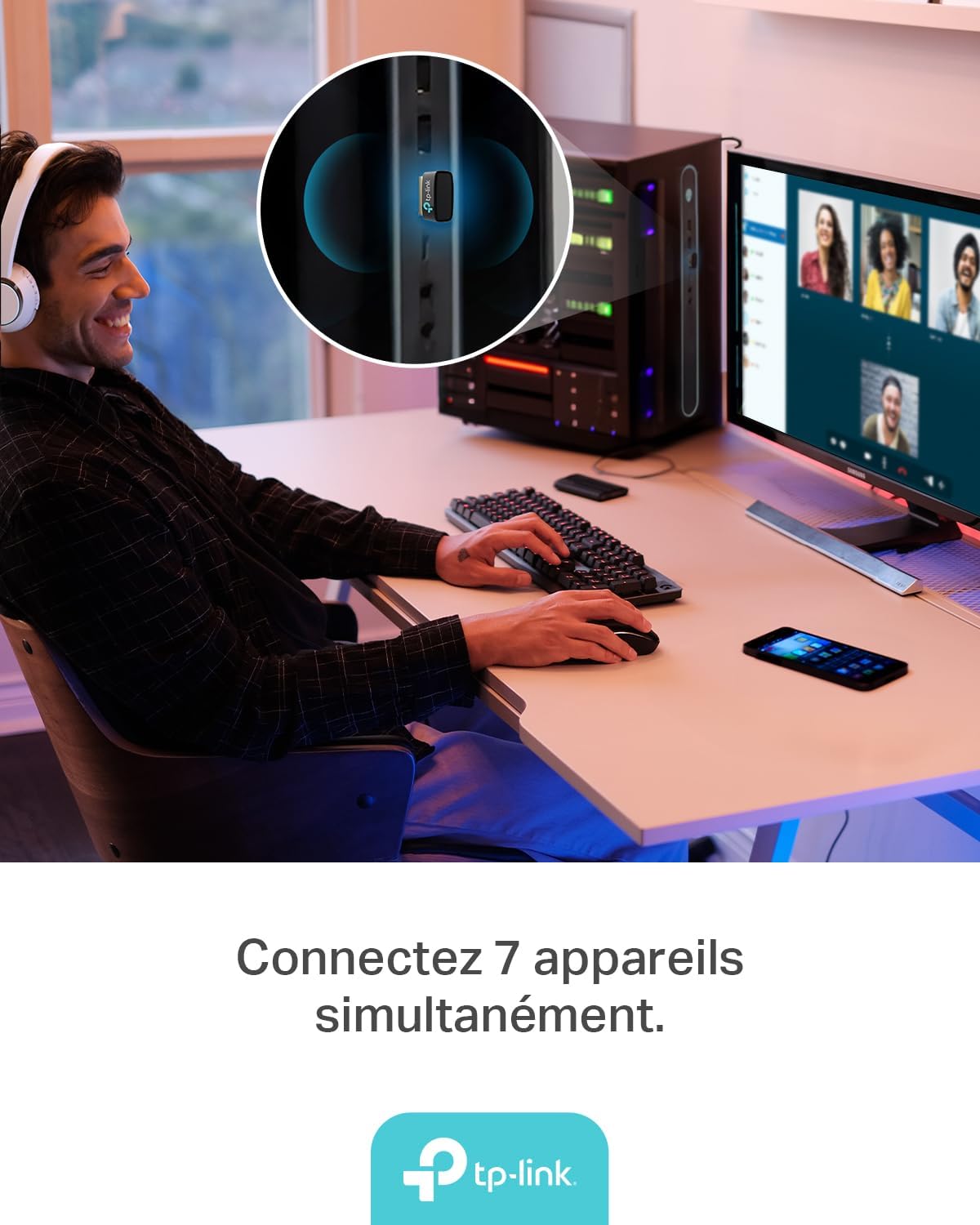
Figure 4: The UB600 adapter allows simultaneous connection of up to 7 Bluetooth devices, enhancing productivity and convenience.
۵.۲ بلوتوث ۵.۱ اډوانtages
The UB600 utilizes Bluetooth 6.0 technology, offering several improvements:
- ښه امنیت: Provides improved security features for your wireless connections.
- د ثبات زیاتوالی: Offers a more stable and reliable connection compared to older Bluetooth versions.
- Faster Speeds (EDR): Supports Enhanced Data Rate (EDR) for quicker data transfer.
- Reduced Power Consumption (BLE): Utilizes Bluetooth Low Energy (BLE) for energy-efficient operation, especially beneficial for battery-powered devices.

Figure 5: The UB600 adapter contributes to daily efficiency with faster speeds (EDR) and reduced power consumption (BLE).
4. ساتنه
The TP-Link UB600 is designed for durability and requires minimal maintenance. To ensure optimal performance and longevity:
- پاک ساتل: د اډاپټر بهرنۍ برخه په دوره یي ډول د نرم او وچ ټوکر سره پاکه کړئ. د مایع پاکوونکو یا محلولونو کارولو څخه ډډه وکړئ.
- د زیانونو څخه ساتنه: While compact, avoid subjecting the adapter to physical shocks, extreme temperatures, or moisture.
- قوي اړیکه: Ensure the adapter is securely plugged into the USB port to prevent intermittent connections.
5. ستونزه حل کول
If you encounter issues with your TP-Link UB600 adapter, consider the following steps:
- اډاپټر ونه موندل شو:
- هڅه وکړئ چې اډاپټر په بل USB پورټ کې ولګوئ.
- خپل کمپیوټر بیا پیل کړئ.
- For Windows 7, ensure drivers are correctly installed from the TP-Link webسایټ
- وسایل نشي جوړېدای:
- Ensure Bluetooth is enabled on your computer and the device you are trying to pair.
- Make sure your device is in pairing mode.
- Check if the device is already paired with another computer or adapter.
- Move the device closer to the computer to rule out range issues.
- موقتي اړیکه:
- Ensure there are no major obstructions between the adapter and the Bluetooth device.
- Avoid placing the adapter near sources of strong electromagnetic interference (e.g., Wi-Fi routers, microwaves).
- Update your computer's operating system and Bluetooth drivers to the latest versions.
د نورو مرستو لپاره، مهرباني وکړئ د TP-Link رسمي ملاتړ ته مراجعه وکړئ. webسایټ
6. مشخصات
| فیچر | تفصیل |
|---|---|
| د ماډل شمیره | UB600 |
| انٹرفیس | USB |
| بلوتوث نسخه | بلوتوث 6.0 |
| د معلوماتو د لیږد کچه | 2 Mbps |
| مطابقت لرونکي عملیاتي سیسټمونه | وینډوز 11، وینډوز 10، وینډوز 8.1، وینډوز 7 |
| مطابقت لرونکې وسیلې | Computer, Laptop (for connecting mouse, keyboard, headset, smartphone, controller, etc.) |
| ابعاد (L x W x H) | 0.68 x 1.89 x 1.48 سانتي متره |
| وزن | 10 ګرامه |
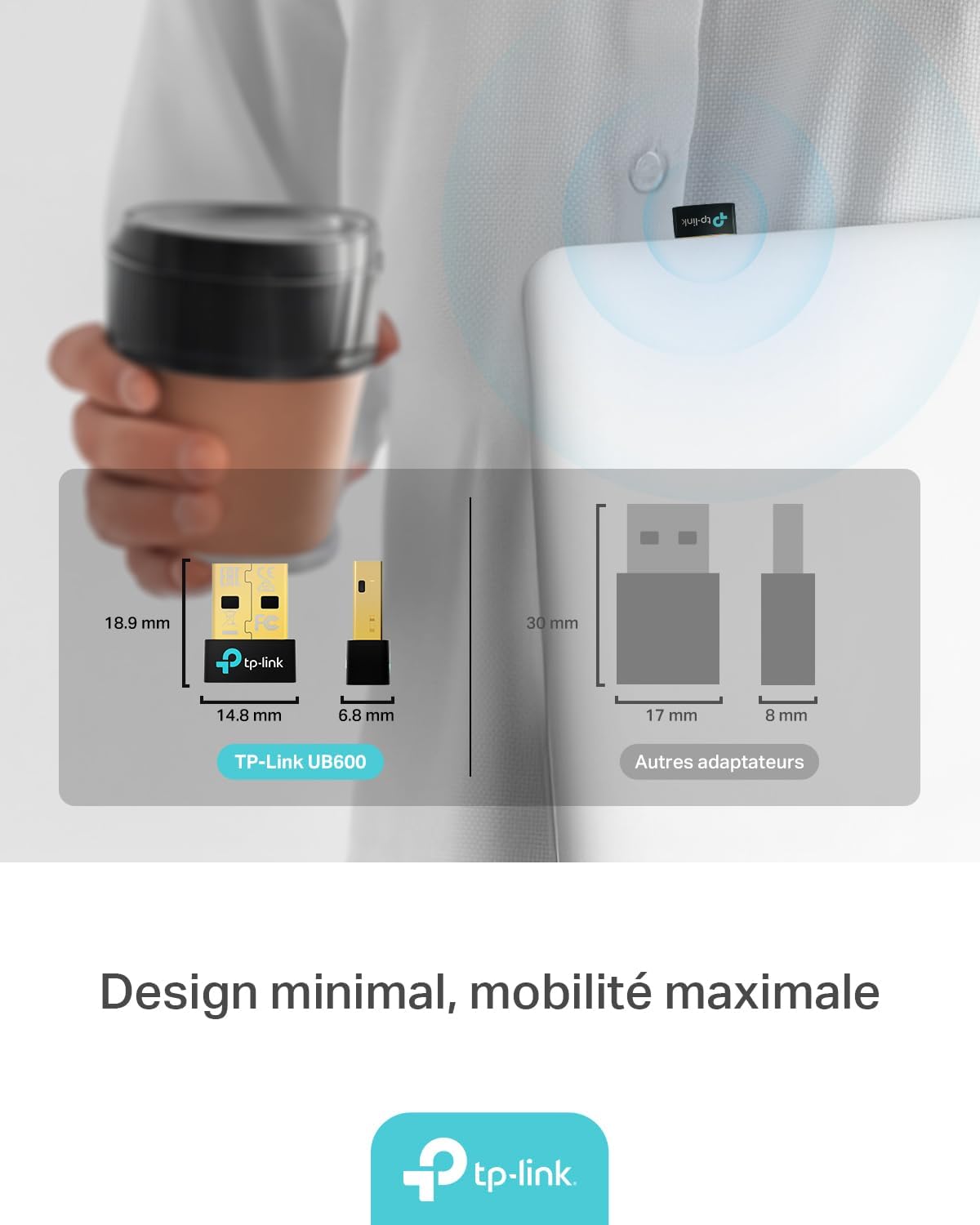
Figure 6: The UB600's minimal design ensures maximum mobility and discreet integration with your device.
7. د تضمین معلومات
د تضمین په اړه د تفصيلي معلوماتو لپاره، مهرباني وکړئ د خپل محصول سره شامل شوي تضمین کارت ته مراجعه وکړئ یا رسمي TP-Link ته مراجعه وکړئ. webسایټ. د تضمین شرایط او مقررات ممکن د سیمې له مخې توپیر ولري.
8. تخنیکي ملاتړ
If you require technical assistance or have questions regarding your TP-Link UB600 Bluetooth USB Adapter, please visit the TP-Link support webسایټ:
تاسو کولی شئ د دوی په ویب پاڼه کې د پیرودونکو خدماتو لپاره FAQs، د موټر چلوونکي ډاونلوډونه، او د اړیکو معلومات ومومئ. webسایټ