
amazon basics AB-IBT-82ANC
Amazon Basics Pro Series Wireless Noise Cancelling ANC Over Ear Headphone
Model: AB-IBT-82ANC
پیژندنه
This manual provides detailed instructions for the setup, operation, maintenance, and troubleshooting of your Amazon Basics Pro Series Wireless Noise Cancelling ANC Over Ear Headphones. Please read this manual thoroughly before using the product to ensure proper function and longevity.

Image: The Amazon Basics Pro Series Wireless Noise Cancelling ANC Over Ear Headphone in black, showcasing د هغې ښکلی ډیزاین.
د بسته محتويات
ډاډ ترلاسه کړئ چې ټول توکي په کڅوړه کې شتون لري:
- Amazon Basics Pro Series Wireless Noise Cancelling ANC Over Ear Headphone
- د USB ډول - سي چارج کیبل
- د 3.5 ملي مکس کیبل
- د کارونکي لارښود (دا لاسوند)
چمتو کول
۱. ابتدايي چارج کول
Before first use, fully charge the headphones. Connect the supplied USB Type-C charging cable to the headphone's charging port and the other end to a USB power source (e.g., computer USB port or wall adapter). The LED indicator will show charging status and turn off or change color when fully charged.
A full charge provides up to 74 hours of playback at 50% volume with ANC off, or 34 hours with ANC on.
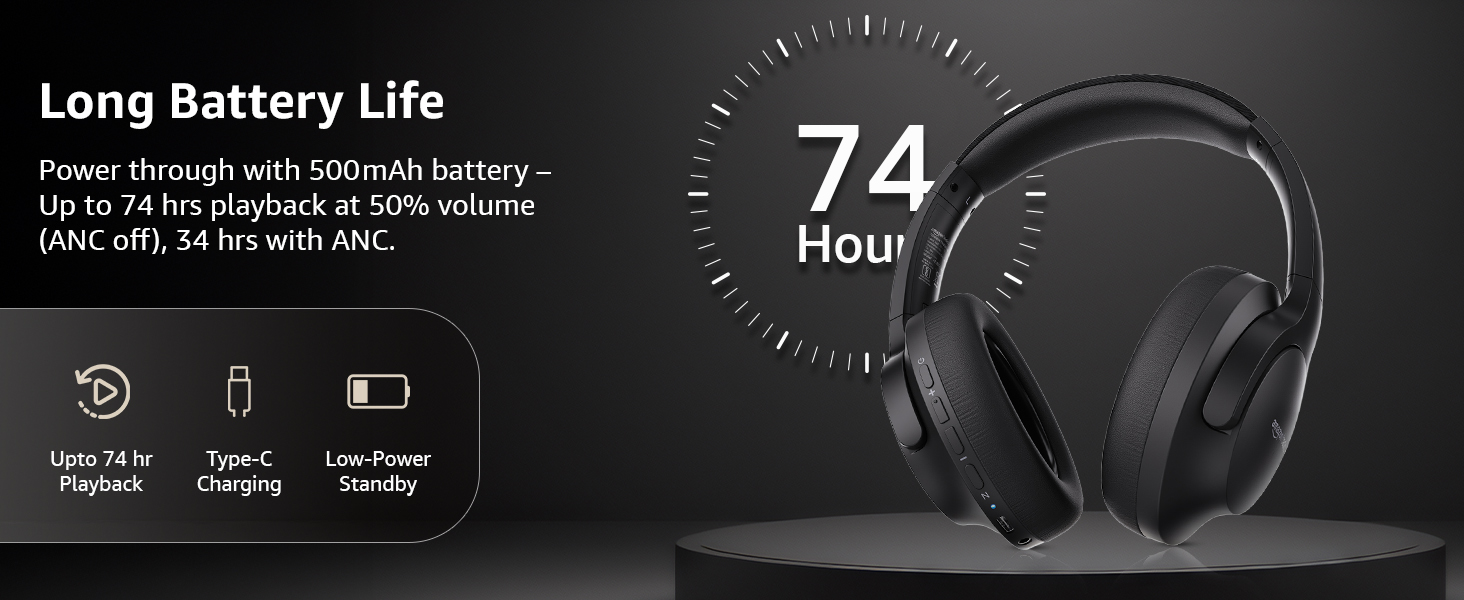
Image: An illustration highlighting the long battery life of the headphones, indicating up to 74 hours of playback.
2. د بلوتوث جوړه کول
- ډاډ ترلاسه کړئ چې هیډفونونه چارج شوي او بند شوي دي.
- د بریښنا تڼۍ فشار ورکړئ او ونیسئ تر هغه چې د LED شاخص نیلي او سور روښانه شي، د جوړه کولو حالت په ګوته کوي.
- په خپل وسیله (سمارټ فون، ټابلیټ، لیپ ټاپ) کې، بلوتوث فعال کړئ او د شته وسایلو لټون وکړئ.
- Select "AB-IBT-82ANC" from the list of found devices.
- یوځل چې وصل شي، د LED شاخص به په کلکه نیلي شي یا ورو ورو فلش شي.
The headphones support dual pairing, allowing connection to two devices simultaneously for seamless switching.

Image: The headphones shown connected to both a smartphone and a laptop, illustrating the multi-pairing capability.
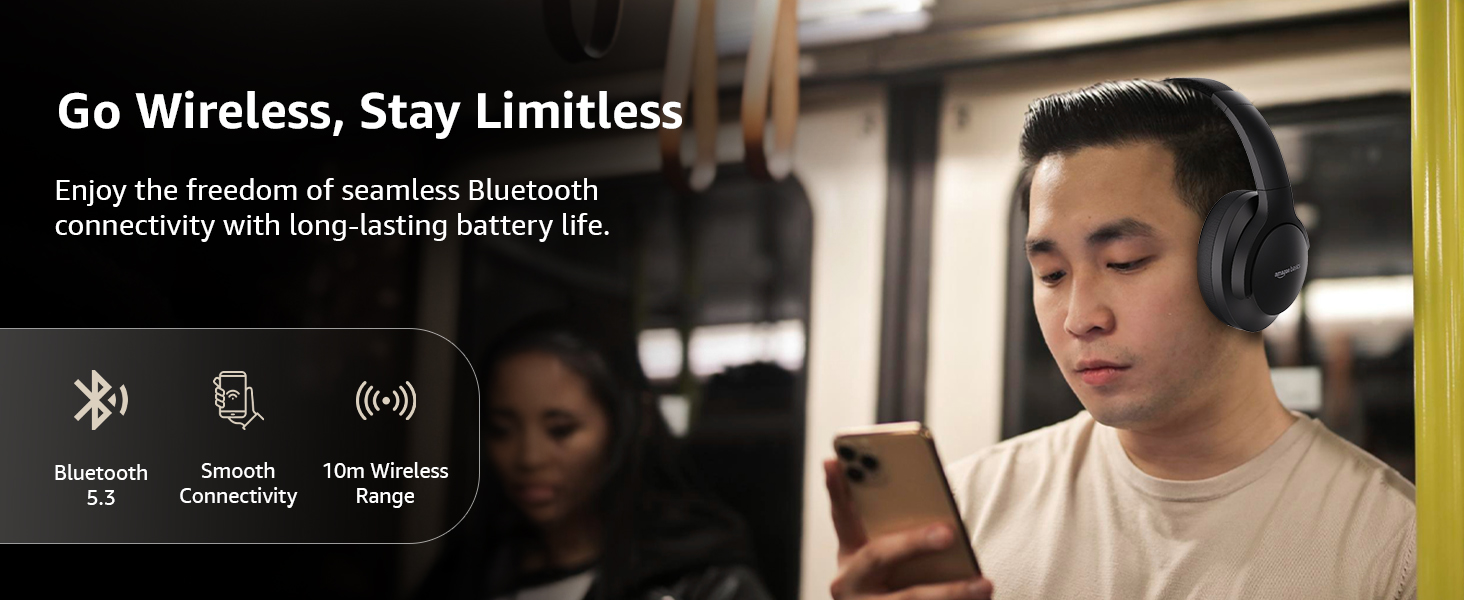
Image: A visual representation of the wireless capabilities, including Bluetooth 5.3 and a 10-meter wireless range.
3. وائرډ پیوستون (AUX حالت)
For a wired connection, plug the 3.5mm AUX cable into the headphone's AUX port and the other end into your audio device's 3.5mm jack. This mode does not require battery power.
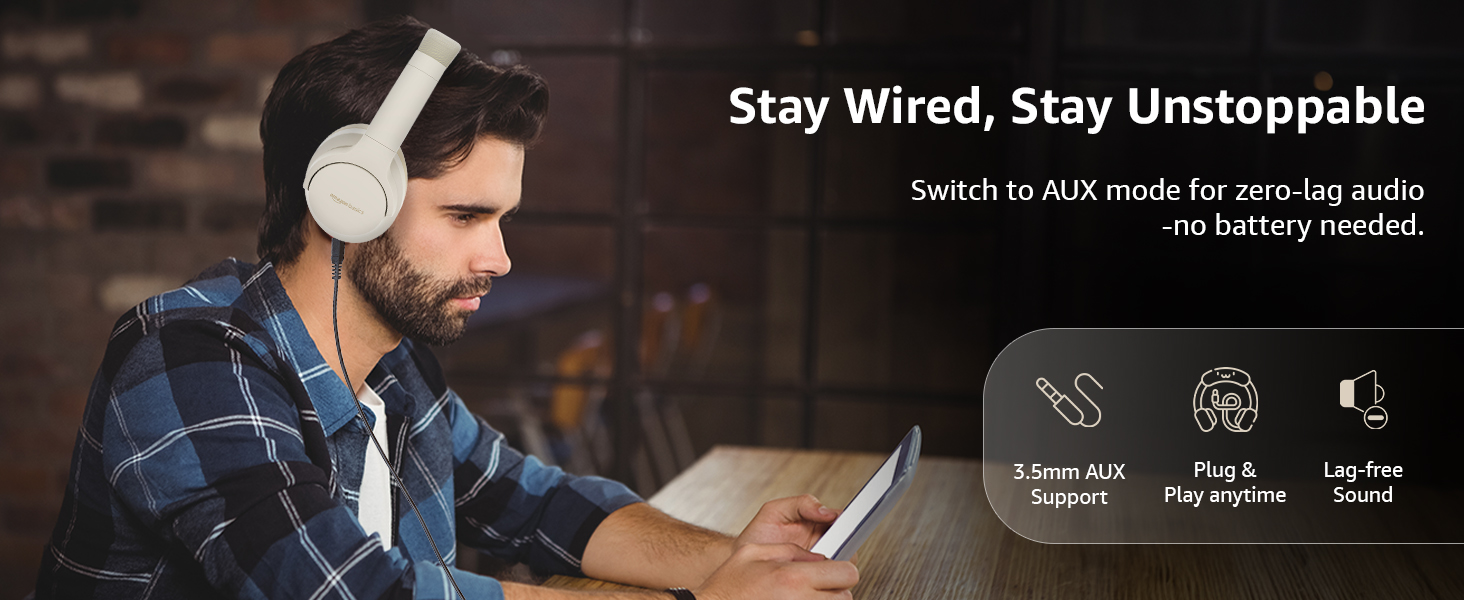
Image: A user demonstrating the wired AUX connection, emphasizing lag-free audio without needing battery power.
عملیاتي لارښوونې
1. بریښنا فعال/بند
- پاور آن: د نږدې 3 ثانیو لپاره د بریښنا تڼۍ فشار ورکړئ او ونیسئ.
- بندول: د نږدې 5 ثانیو لپاره د بریښنا تڼۍ فشار ورکړئ او ونیسئ.
2. Accessible Controls
هیډفونونه په غوږونو کې موقعیت لرونکي رواني کنټرولونه لري:
- حجم پورته/بل ټریک: د حجم لوړولو لپاره لنډ فشار، د راتلونکي ټریک لپاره اوږد فشار.
- حجم ښکته/مخکینی لار: د حجم کمولو لپاره لنډ فشار، د پخوانۍ ټریک لپاره اوږد فشار.
- غږ وکړئ / بند کړئ / ځواب ورکړئ: د څو فعالیت تڼۍ یو ځل فشار ورکړئ.
- ټلیفون پای: Single press the multi-function button during a call.
- زنګ رد کړئ: د راتلوونکي زنګ په جریان کې د څو فعالیت تڼۍ اوږد فشار ورکړئ.
- د غږ معاون (سري/ګوګل معاون) فعال کړئ: د څو فعالیت تڼۍ دوه ځله فشار ورکړئ.
- ANC آن/آف: Dedicated ANC button to toggle Active Noise Cancellation.
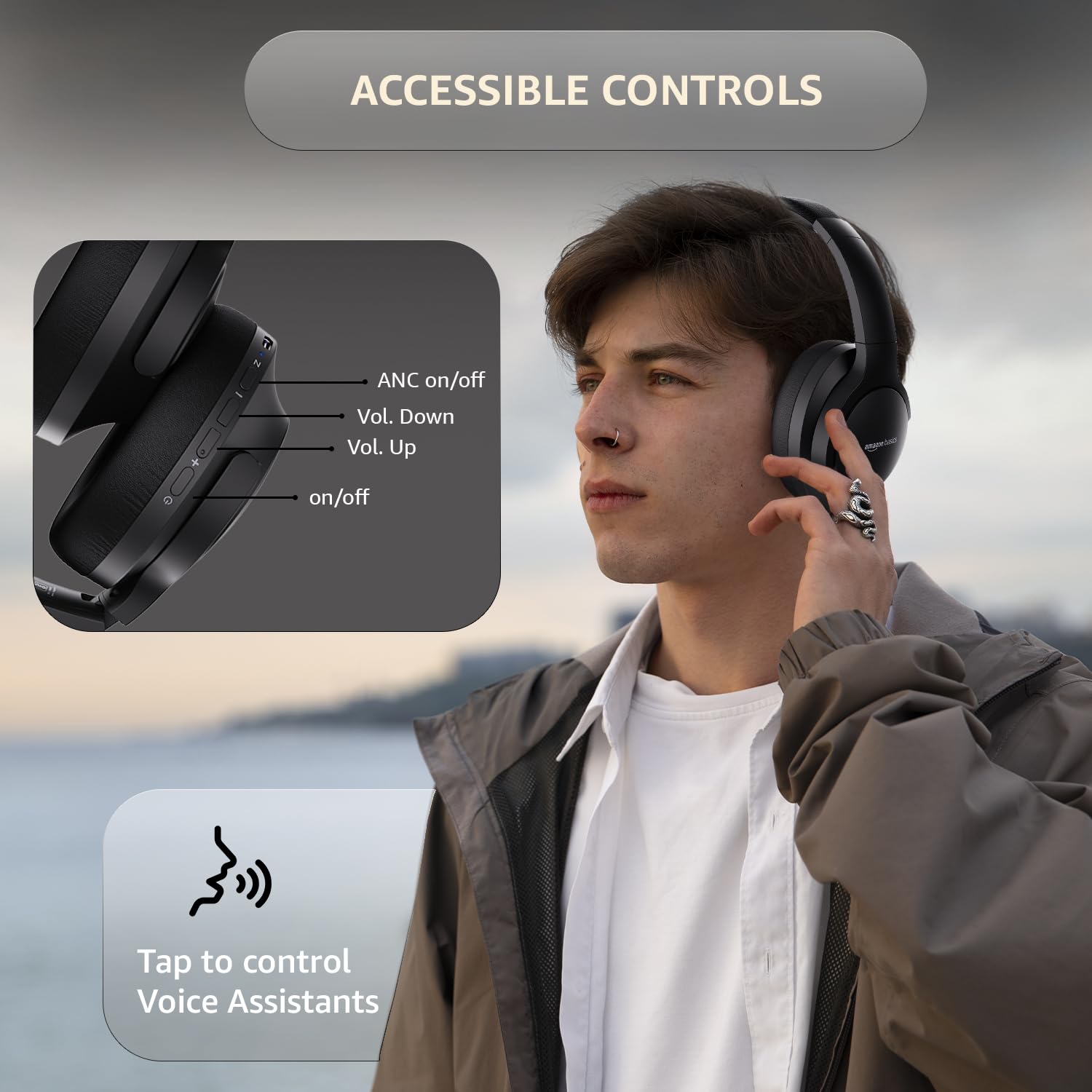
Image: A detailed diagram illustrating the location and function of the accessible controls on the headphone earcup.
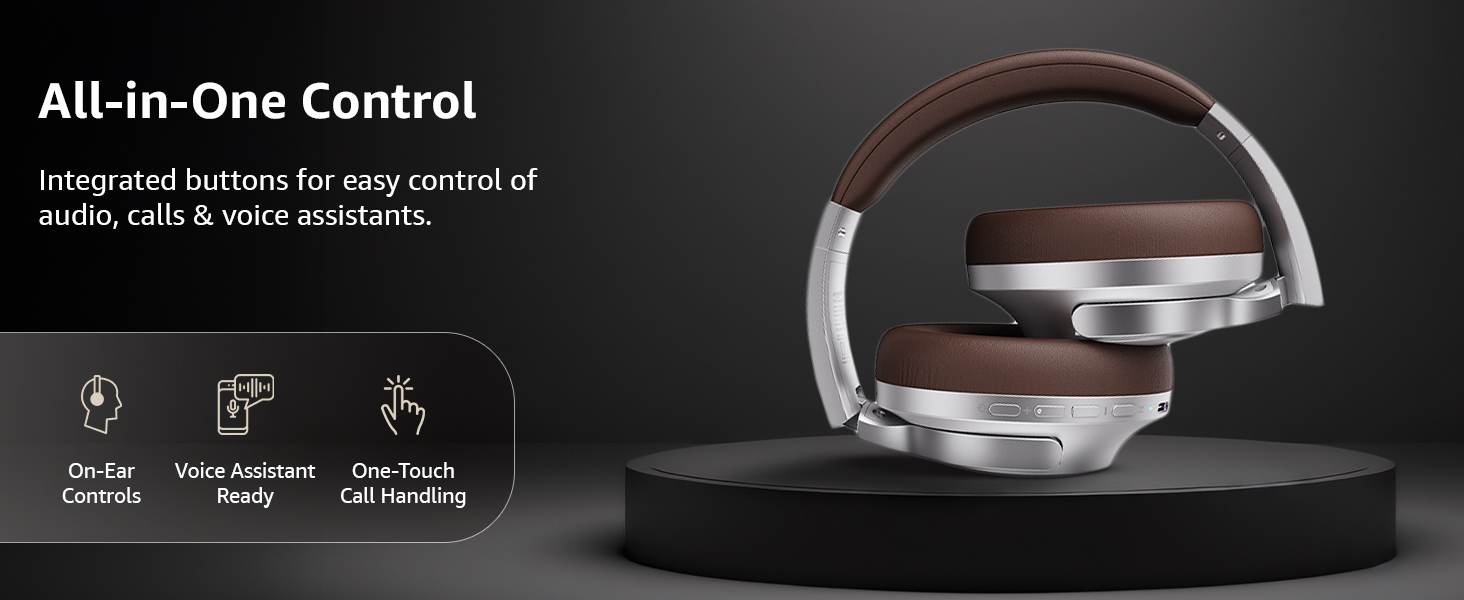
انځور: یو اوورview of the integrated controls, highlighting ease of use for audio, calls, and voice assistants.
۵.۴. د فعال شور لغوه کول (ANC)
The Active Noise Cancellation feature reduces ambient noise, providing a more immersive listening experience. Press the dedicated ANC button to activate or deactivate this feature. Note that ANC functionality may slightly reduce overall battery life.

Image: A person wearing the headphones in a public setting, illustrating the effectiveness of Active Noise Cancellation in reducing distractions.
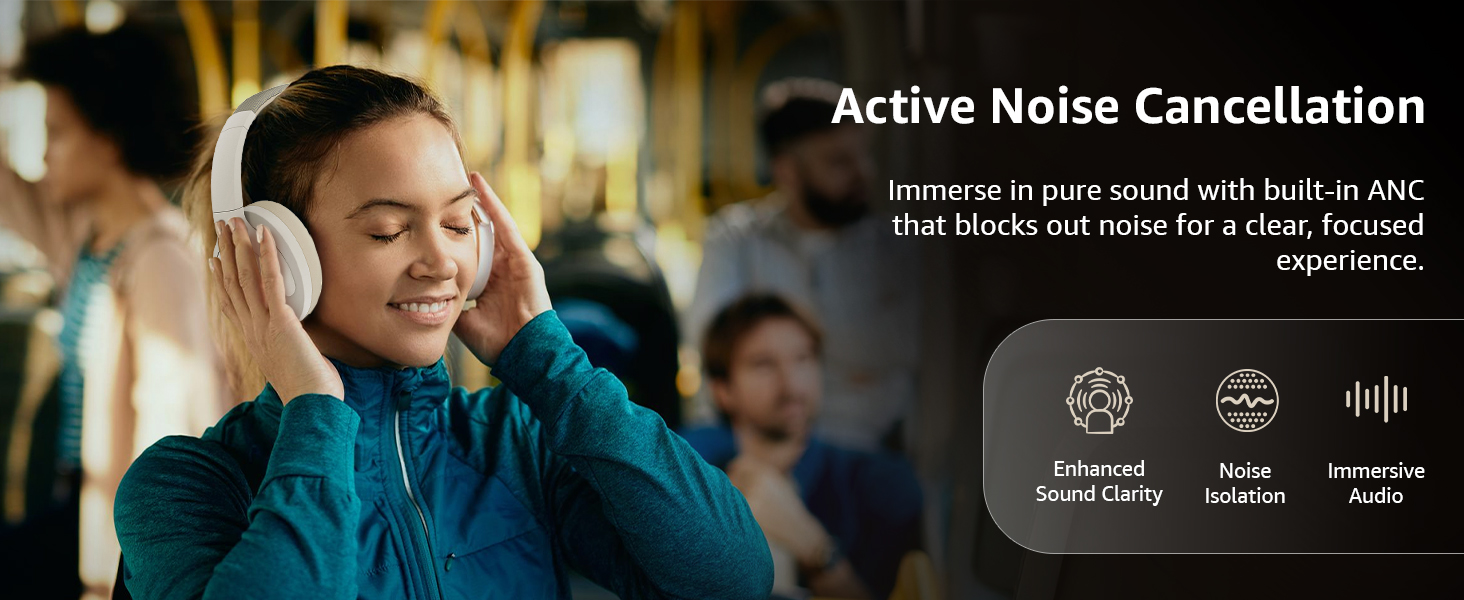
Image: A graphic emphasizing the benefits of Active Noise Cancellation, including enhanced sound clarity and immersive audio.
4. Audio Quality and Drivers
The headphones are equipped with 40mm drivers, designed to deliver rich bass, clear mids, and precise highs for a balanced audio experience.
انځور: یوه چاودنه شوې view diagram illustrating the 40mm drivers, which are responsible for the headphone's sound output.
ساتنه
1. پاکول
- هیډفونونه د نرم، وچ، لینټ پاک ټوکر سره پاک کړئ.
- Do not use abrasive cleaners, solvents, or spray cleaners directly on the headphones.
- Clean the ear cushions gently with a damp که اړتیا وي، ټوکر یې ومینځئ، او پریږدئ چې د کارولو دمخه په بشپړه توګه په هوا کې وچ شي.
2. ذخیره کول
When not in use, store the headphones in a cool, dry place, away from direct sunlight and extreme temperatures. The headphones feature a sleek and foldable design for convenient storage and portability.
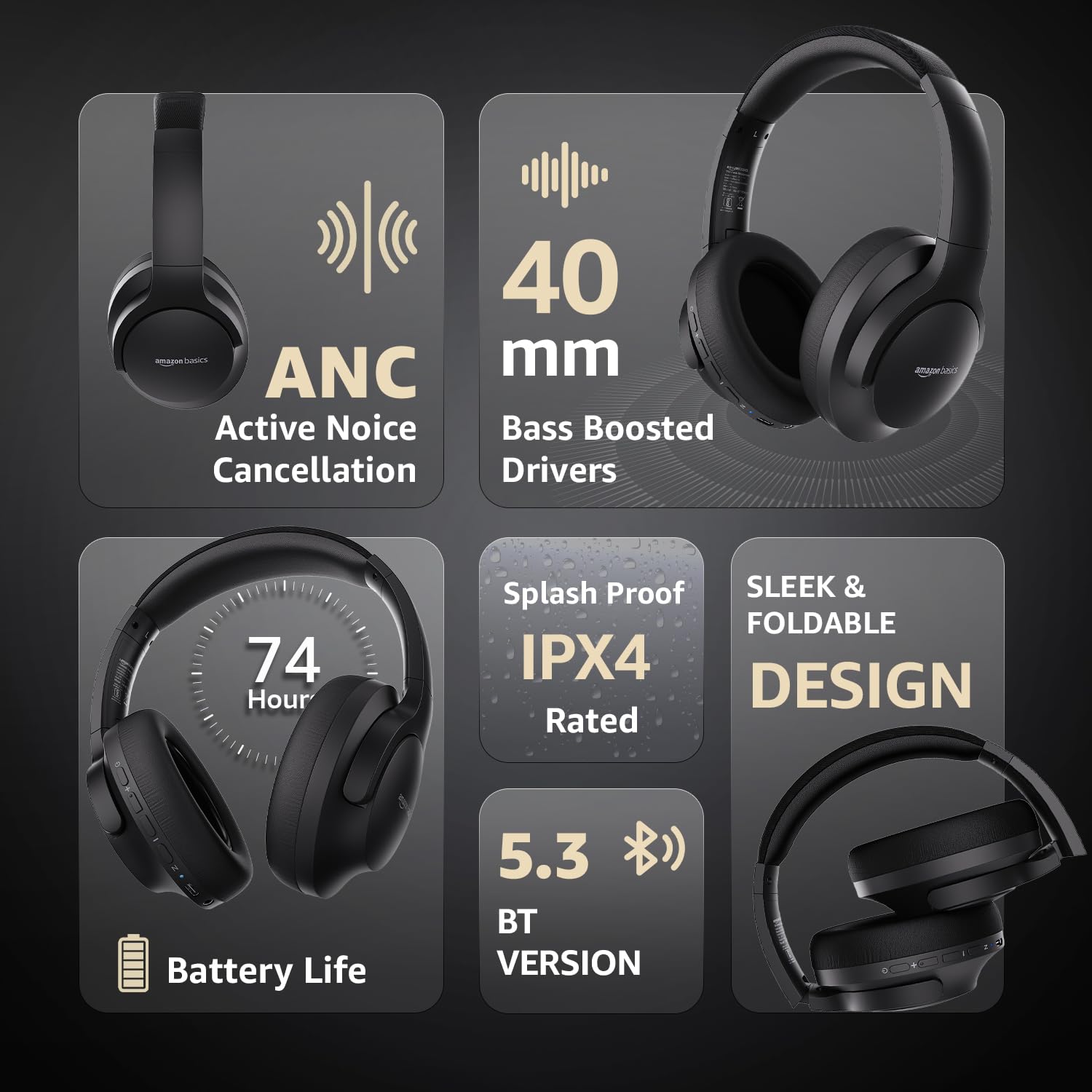
Image: An infographic highlighting key features, including the sleek and foldable design of the headphones for easy storage.
3. د بیټرۍ پاملرنه
- د بیټرۍ په مکرر ډول د بشپړ چارج کولو څخه ډډه وکړئ.
- هیډفونونه په منظم ډول چارج کړئ، حتی که د اوږدې مودې لپاره نه کارول کیږي، د بیټرۍ روغتیا ساتلو لپاره.
- بیټرۍ د لوړې تودوخې سره مه اخلئ.
د ستونزو حل کول
| ستونزه | احتمالي لامل | د حل لاره |
|---|---|---|
| هیډفونونه نه چالانیږي. | ټیټ بیټرۍ. | Charge the headphones fully using the supplied USB Type-C cable. |
| د بلوتوث له لارې جوړه نشي کیدی. | هیډفونونه د جوړې کولو په حالت کې ندي؛ د وسیلې بلوتوټ بند دی؛ د وسیلې څخه ډیر لرې دی. | Ensure headphones are in pairing mode (flashing blue/red). Turn Bluetooth on your device. Move headphones closer to the device (within 10m). |
| غږ نشته. | غږ ډېر ټیټ دی؛ د غږ ناسم سرچینه؛ هیډفونونه نه دي وصل شوي. | Increase volume on headphones and device. Verify correct audio output on device. Re-pair Bluetooth or check AUX cable connection. |
| ANC په اغیزمنه توګه کار نه کوي. | ANC فعال نه دی؛ د چاپیریال شور ډیر لوړ دی. | Press the ANC button to activate. ANC is most effective against low-frequency, constant noise. |
مشخصات
| فیچر | تفصیل |
|---|---|
| د ماډل شمیره | AB-IBT-82ANC |
| د ارتباط ټیکنالوژي | بېسیم (بلوتوث ۵.۰)، تار لرونکی (۳.۵ ملي متره AUX) |
| د موټر چلوونکي اندازه | 40 ملي متره |
| د بیټرۍ ظرفیت | 500 mAh لیتیم پولیمر |
| د بیټرۍ ژوند (ANC بند) | تر 74 ساعتونو پورې (په 50٪ حجم کې) |
| د بیټرۍ ژوند (ANC فعال) | Up to 34 hours (at 100% volume), 62 hours (at 50% volume) |
| د چارج کولو بندر | د USB ډول-C |
| د بیسیم رینج | تر 10 مترو پورې |
| د اوبو د مقاومت درجه | IPX4 (سپلاش پروف) |
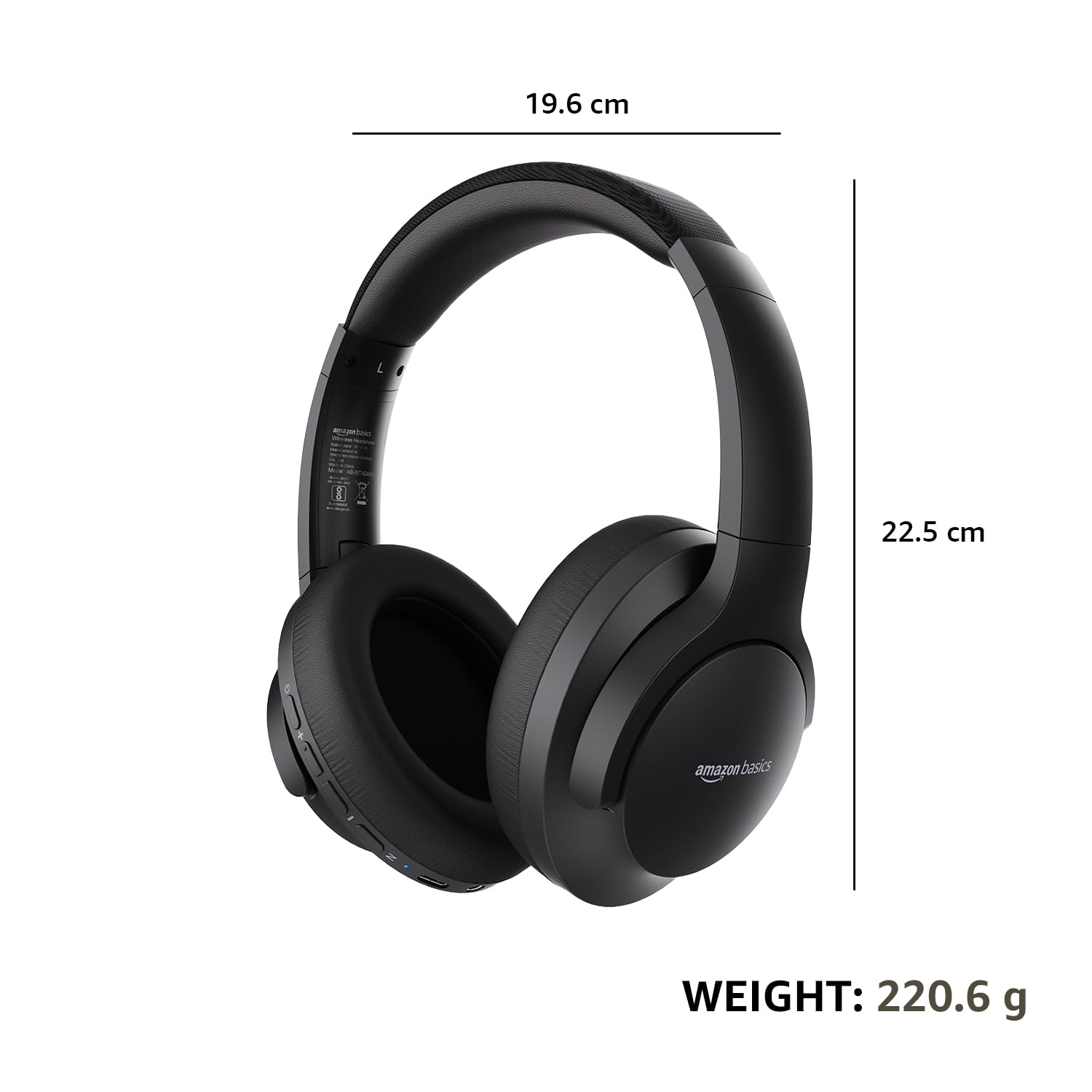
| Dimensions (Headphone) | 19.61 x 22.5 x 8.72 سانتي متره |
| وزن (هیډفون) | 220.6 ګرامه |
| مواد | پلاستیک، پولیوریتان (PU) |
| مطابقت لرونکې وسیلې | ګرځنده تلیفونونه، د لوبو کنسولونه، لیپټاپونه، ټابلیټونه |

Image: A visual representation of the headphone's dimensions and weight for reference.
آرامۍ او ډیزاین
The headphones are designed for extended wear with an over-ear fit, soft ear cushions, and an adjustable headband, ensuring comfort during long listening sessions.

Image: A person wearing the headphones, demonstrating the comfortable over-ear fit.
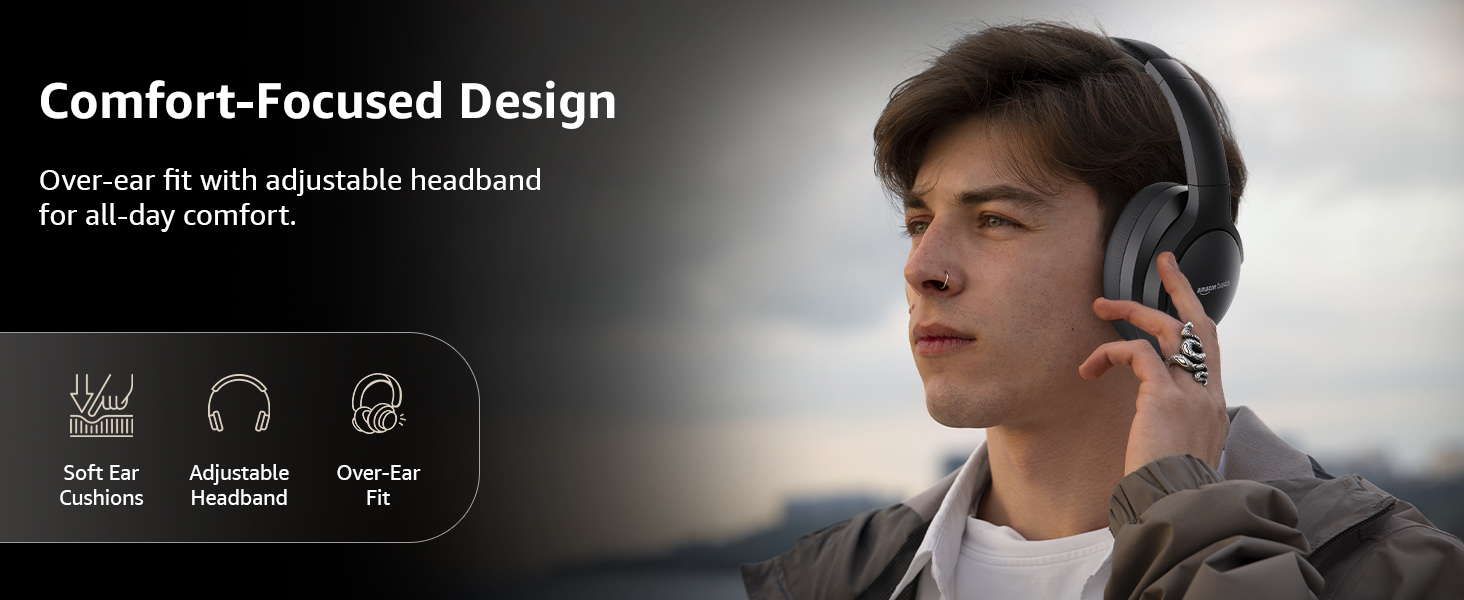
Image: A graphic detailing the comfort-focused design elements, including soft ear cushions and an adjustable headband.
تضمین او ملاتړ
Warranty information for your Amazon Basics Pro Series Wireless Noise Cancelling ANC Over Ear Headphones is typically provided with the product packaging or can be found on the Amazon Basics official website. For technical support or warranty claims, please refer to the contact information provided with your purchase or visit the Amazon Basics support page.
مهرباني وکړئ د تضمین پورې اړوند پوښتنو لپاره د پیرود ثبوت وساتئ.