
Nitho MLT-EXAG-K
NiTHO HEXAGON Wireless RGB Controller User Manual
Model: MLT-EXAG-K
1. پیژندنه
The NiTHO HEXAGON Wireless RGB Controller is designed for an enhanced gaming experience across multiple platforms. This manual provides detailed instructions for setting up, operating, customizing, and maintaining your controller. Please read this manual thoroughly before use to ensure optimal performance and longevity of your device.

Figure 1: NiTHO HEXAGON Wireless RGB Controller showcasinد هغې ایرګونومیک ډیزاین.
۲. په بکس کې څه دي؟
ډاډ ترلاسه کړئ چې ټولې برخې په بسته کې شتون لري:
- NiTHO HEXAGON Wireless RGB Controller (Gamepad)
- د USB چارج کیبل
- د لارښوونې لارښود
- Customizable Parts (D-pads, Thumbsticks, Triggers)
3. مطابقت
The NiTHO HEXAGON Wireless RGB Controller offers broad compatibility:
- پلې سټېشن ۳ (PS4): Fully compatible.
- پلې سټېشن ۳ (PS5): Compatible only when playing PlayStation 4 games.
- کمپیوټر (وینډوز): Compatible via wireless connection.
- د اندروید وسایل: Compatible via wireless connection.
- iOS وسایل: Compatible via wireless connection.
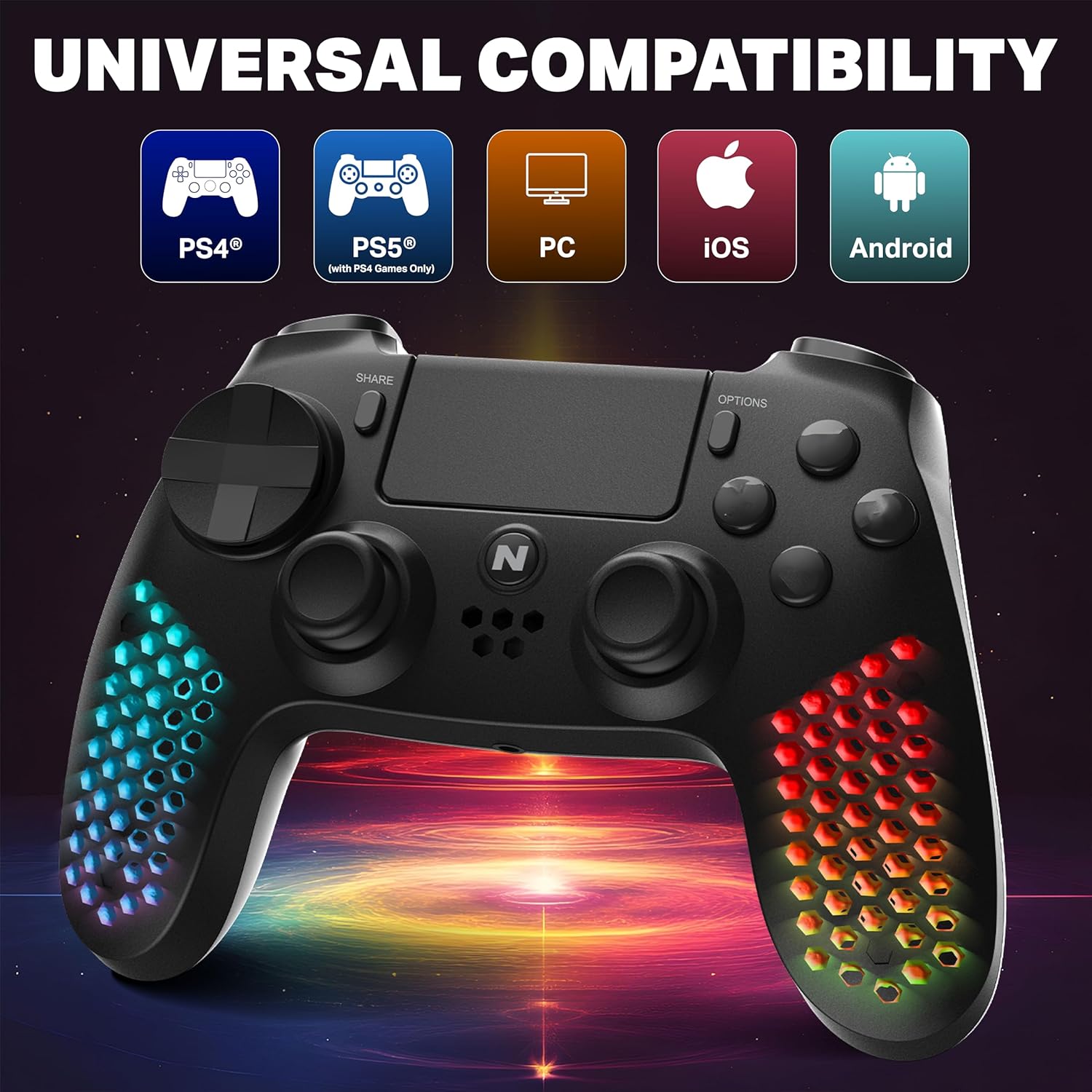
Figure 2: Visual representation of the controller's multi-platform compatibility.
4. تنظیم او پیوستون
4.1 Initial Pairing (Wireless)
- ډاډ ترلاسه کړئ چې کنټرولر په کافي اندازه چارج شوی دی.
- For PS4/PS5 (PS4 games): Connect the controller to the console using the provided USB cable. Press the PS button on the controller. Once paired, you can disconnect the cable for wireless use.
- For PC/Android/iOS: Activate Bluetooth on your device. Put the controller into pairing mode (refer to device-specific instructions, usually holding a combination of buttons like PS + Share). Select "NiTHO HEXAGON Controller" from the available Bluetooth devices.
د بریښنا پيوستون
Connect the controller directly to your console or PC using the USB charging cable. The controller will function as a wired device and charge simultaneously.
۳. د کنټرولر چلول
5.1 بنسټیز کنټرولونه
The controller features standard gamepad buttons, analog sticks, and triggers. Refer to your game's instructions for specific button mappings.
5.2 Touchpad Functionality
The integrated multi-touch and clickable touchpad functions as a navigation and input device in compatible PS4 games.

Figure 3: Demonstrating the use of the controller's multi-touch pad.
5.3 Motion Sensing and Vibration
The built-in 6-axis motion sensor (accelerometer and gyroscope) detects the controller's movement, tilt, and rotation, providing immersive gameplay. The lightweight vibration system offers realistic feedback during gameplay.

Figure 4: Illustration of the controller's 6-axis motion sensing capability.

Figure 5: Controller in use, highlighting the vibration mode for realistic feedback.
5.4 آډیو ځانګړتیاوې
The controller includes a built-in speaker for in-game audio cues and a stereo headset jack for connecting headphones or a headset for private audio and voice chat.
6. اصلاح کول
The NiTHO HEXAGON controller offers customizable components to suit your gaming style:
- Detachable L2/R2 Trigger Sets: Swap out the triggers for different tactile feedback.
- Two Types of D-pads: Choose the D-pad that best fits your preference for directional input.
- Three Styles of Thumbsticks: Select from various thumbstick shapes for optimal grip and control.
To change a component, gently pull the existing part off and align the new part with the slot, then push it firmly into place until it clicks.

شکل 6: پایview of the customizable parts for the controller, including analog sticks, triggers, and D-pad.
۶.۲. د RGB رڼا اغیزې
The hexagonal grip features integrated RGB lighting with multiple modes and colors:
- 4 د رڼا طریقې: Rainbow, Carousel, Breathe, Fixed.
- 8 د رنګ اختیارونه: Cycle through various colors to match your preference.
Press the dedicated RGB button (location may vary, refer to controller diagram if available) to cycle through the lighting modes and colors.
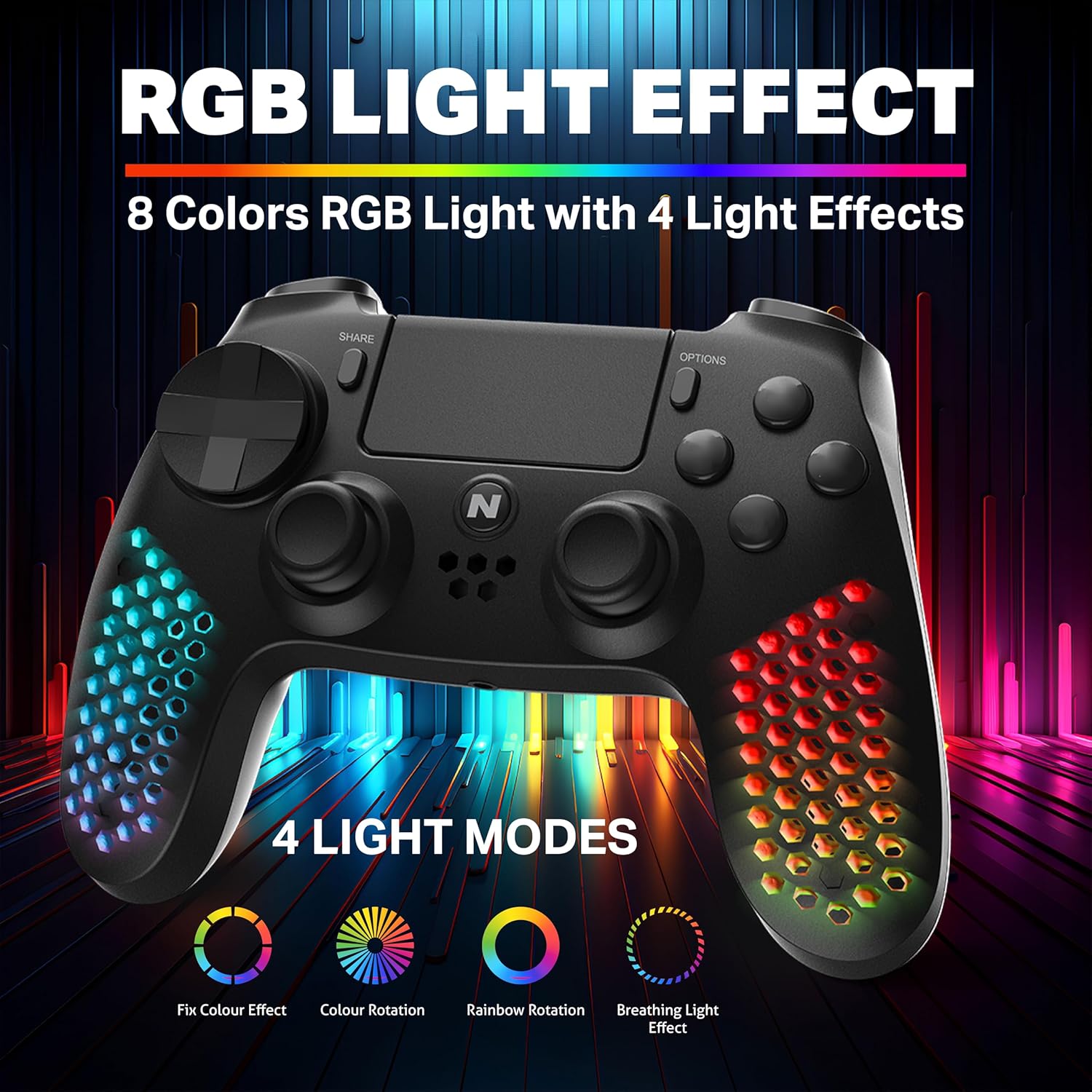
Figure 7: The controller showcasing its RGB light effects with different modes and colors.
8. د کنټرولر چارج کول
The controller is equipped with a high-capacity built-in rechargeable battery, providing up to 9 hours of playtime on a single charge.
8.1 د چارج کولو طرزالعمل
- Connect the provided USB charging cable to the USB-C port on the controller.
- Plug the other end of the USB cable into your console, PC, or any standard USB charger.
- The front LED indicator on the controller will show the charging status. It will typically change color or pattern to indicate charging and full charge.

Figure 8: The controller connected for charging, highlighting its large battery capacity.
9. ساتنه
- کنټرولر د نرم او وچ ټوکر سره پاک وساتئ.
- کنټرولر د سختې تودوخې، رطوبت، یا مستقیم لمر وړانګو سره مخ کیدو څخه ډډه وکړئ.
- د کنټرولر د جلا کولو هڅه مه کوئ، ځکه چې دا ممکن تضمین باطل کړي.
- کنټرولر په خوندي ځای کې وساتئ کله چې کارول نه وي ترڅو د زیان مخه ونیول شي.
10. ستونزه حل کول
| ستونزه | احتمالي حل |
|---|---|
| کنټرولر نه چالانېږي. | Ensure the controller is fully charged. Connect it to a power source using the USB cable. |
| Controller does not pair wirelessly. | Ensure the controller is in pairing mode. Check your device's Bluetooth settings. Try re-pairing by connecting with a USB cable first. |
| Input lag or unresponsive buttons. | Ensure the controller is fully charged. Move closer to the console/device to reduce interference. Try a wired connection to rule out wireless issues. |
| د RGB څراغونه کار نه کوي. | Press the RGB button to cycle through modes. Ensure the controller is powered on. |
11. مشخصات
| فیچر | تفصیل |
|---|---|
| د ماډل شمیره | MLT-EXAG-K |
| د محصول ابعاد (LxWxH) | 17.5 x 7.5 x 12 سانتي متره |
| د توکي وزن | 270 ګرامه |
| د بیټرۍ ډول | ۱ سانتي ګراد بیټرۍ (شامله ده) |
| د اصلي هیواد | چین |
| جوړونکی | د MTM صنعتي لمیټډ |
| ارتباط | Wireless (Bluetooth), USB-C Wired |
| ځانګړي ځانګړتیاوې | RGB LED Lights, Vibration, 6-Axis Motion Sensor, Touchpad, Detachable Triggers, Interchangeable D-Pad & Thumbsticks, Built-in Speaker, Stereo Headset Jack |
12. د تضمین معلومات
The NiTHO HEXAGON Wireless RGB Controller is covered by a د 1 کلن محدود تضمین from the date of purchase. This warranty protects against defects in materials and workmanship.
د تضمین پوښ نه کوي زیانونه چې پایله یې:
- ناوړه ګټه اخیستنه
- حادثې
- غیر مجاز تعدیلات
د ټولو تضمین ادعاګانو لپاره د پیرود ثبوت ته اړتیا ده.
13. ملاتړ
If you encounter any issues or have questions regarding your NiTHO HEXAGON Wireless RGB Controller, please contact our customer support team:
- بریښنالیک: support@nitho.com
We are committed to providing excellent customer service and will assist you in resolving any product-related concerns.
Ask a question about this manual
Ask about setup, troubleshooting, compatibility, parts, safety, or missing instructions. Manuals+ will review the question and use this page’s manual context to help answer it.