
د خوندیتوب مهم معلومات
مهرباني وکړئ د نصبولو دمخه ټولې لارښوونې په دقت سره ولولئ. که تاسو دا لارښوونې نه پوهیږئ یا د نصبولو خوندیتوب په اړه شک لرئ، نو د وړ نصب کونکي سره مشوره وکړئ. ناسم نصب کول ممکن د جدي ټپي کیدو یا زیان لامل شي.
- This product is designed for installation on wood stud walls or solid concrete/brick walls. Do not install on drywall alone.
- ډاډ ترلاسه کړئ چې د دیوال جوړښت کولی شي د ماونټ او تلویزیون ګډ وزن په خوندي ډول ملاتړ وکړي.
- Do not exceed the maximum weight capacity of 80 pounds (36.3 kg) or the specified TV size range (22-55 inches).
- د نصبولو پرمهال د خوندیتوب ګیر او مناسب وسایل وکاروئ.
- د نصب کولو پرمهال ماشومان او څاروي لرې وساتئ.
د بسته محتويات
د نصبولو پیل کولو دمخه ډاډ ترلاسه کړئ چې ټولې برخې شتون لري او زیانمن شوي ندي.
- د تلویزیون دیوال ماونټ څرګندول
- High-Speed HDMI Cable (6 Feet)
- د نصبولو هارډویر کټ (مختلف پیچونه، لنگرونه، واشیرونه)

Image: The complete package contents, including the articulating TV wall mount and the 6-foot HDMI cable.
مشخصات
| برانډ | د ایمیزون اساسات |
| ماډل | B071VTNJ3Y |
| د نصب کولو ډول | د غږولو، خښتو |
| د حرکت ډول | بیانول |
| مواد | فلزي |
| مطابقت لرونکې وسیلې | ټلویزیون |
| اعظمي ټيټ زاویه | 15 Degrees (+10 to -5 degrees) |
| د تلویزیون اندازې مطابقت | له ۳ انچه څخه تر ۱۰ انچه پورې |
| د وزن ظرفیت | تر 80 پونډه (36.3 کیلو ګرامه) |
| HDMI Cable Features | Supports Ethernet, 3D, 4K video, Audio Return Channel (ARC) |
چمتو کول
1. TV Wall Mount Installation
- د نصب کولو دمخه چک: Identify the wall type (wood stud or concrete/brick). Use a stud finder to locate the center of wood studs. For concrete/brick, ensure the wall is solid. Mark the desired mounting height.
- Mounting the Wall Plate: Position the wall plate at the marked location. Use a level to ensure it is straight. Mark the drilling points. Drill pilot holes according to the instructions provided with the mounting hardware. Secure the wall plate to the wall using the appropriate screws and anchors.
- Attaching TV Brackets: Carefully place your TV face down on a soft, clean surface. Attach the two vertical brackets to the back of your TV using the screws and spacers that fit your TV's VESA pattern. Ensure the brackets are centered and securely fastened.
- Mounting the TV to the Wall Plate: With assistance, carefully lift the TV and hook the attached brackets onto the wall plate. Ensure the TV is securely seated on the mount. Tighten any safety screws or locking mechanisms as per the mount's design to prevent accidental dislodgement.
- سمونونه: The mount allows for tilt and swivel adjustments. Loosen the adjustment knobs or screws, position the TV to your desired viewing angle, and then securely tighten them.

Image: The articulating TV wall mount with its arms extended, showing the TV mounting plate.
2. HDMI Cable Connection
- د بندرونو پیژندنه: Locate the HDMI output port on your source device (e.g., Blu-ray player, game console, streaming device) and the HDMI input port on your TV.
- کیبل نښلول: Insert one end of the Amazon Basics High-Speed HDMI Cable into the HDMI output port of your source device. Insert the other end into an available HDMI input port on your TV.
- ان پټ غوره کړئ: Turn on your TV and source device. Use your TV remote to select the corresponding HDMI input channel.
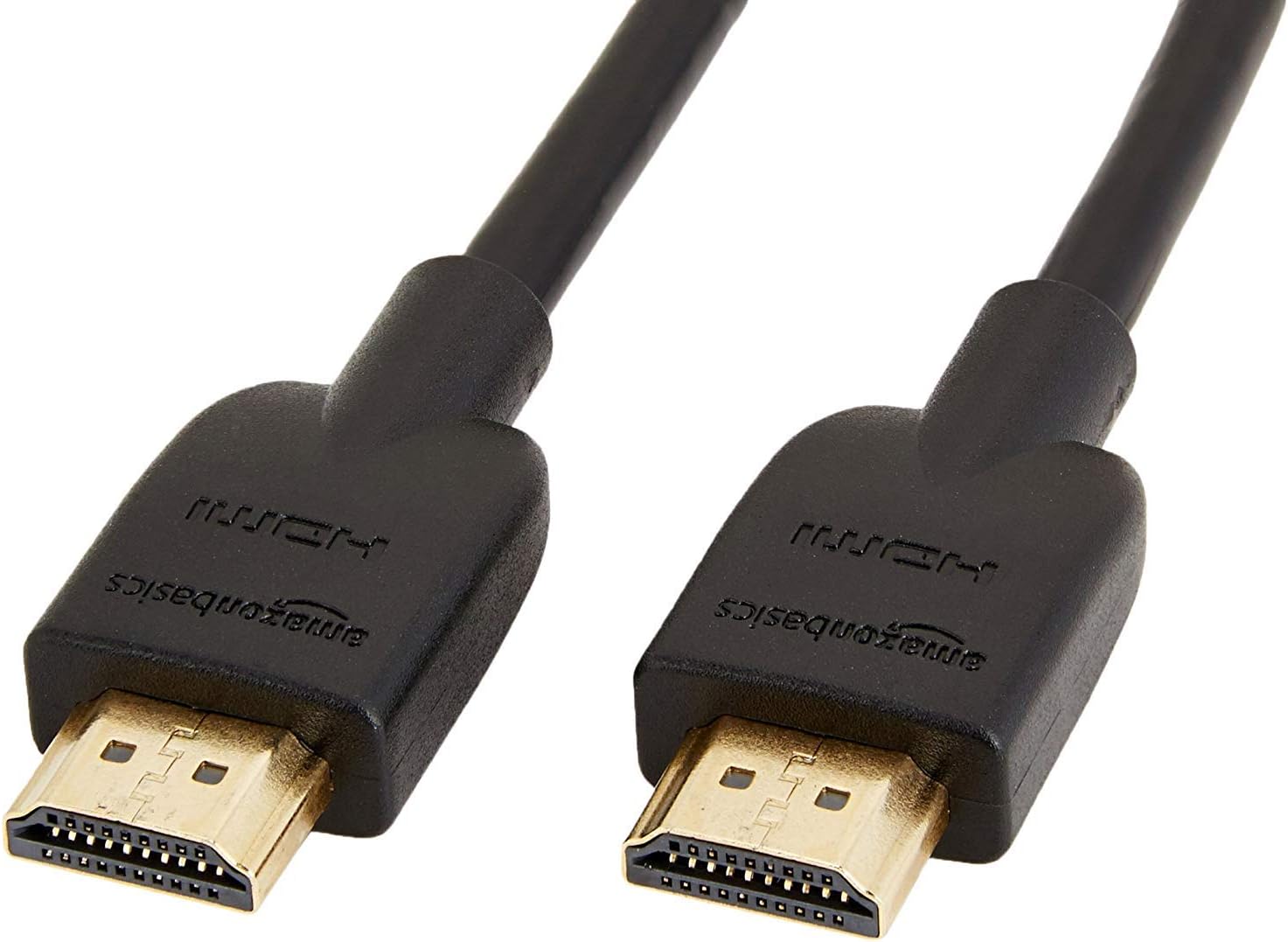
Image: The 6-foot Amazon Basics High-Speed HDMI cable, ready for connection.
عملیات
TV Wall Mount Adjustments
- ټیلټ: The mount allows for a tilt range of +10 to -5 degrees. Gently push or pull the top or bottom of the TV to achieve the desired vertical angle. Some mounts may require loosening and re-tightening adjustment screws.
- Swivel/Articulation: The articulating arm allows the TV to swivel left or right and extend away from the wall. Carefully push or pull the TV to adjust its horizontal position.
- د کیبل مدیریت: Utilize any integrated cable management clips or channels on the mount arms to keep cables tidy and prevent them from being pinched or damaged during adjustments.
د HDMI کیبل کارول
The High-Speed HDMI Cable supports various features for optimal audio and video performance:
- 4K ویډیو: Enjoy high-resolution video content up to 4K.
- 3D: Compatible with 3D content when connected to 3D-enabled devices and displays.
- د آډیو بیرته ستنیدو چینل (ARC): Allows audio to be sent from your TV back to an AV receiver or soundbar through the HDMI cable, reducing the need for a separate audio cable.
- ایترنیټ: Provides a dedicated data channel for network connectivity between compatible devices.
ساتنه
- پاکول: Clean the mount and cable with a soft, dry cloth. Avoid using abrasive cleaners or solvents that could damage the finish.
- وختي معاینات: په دوره یي ډول ټول پیچونه او اتصالونه وګورئ ترڅو ډاډ ترلاسه شي چې دوی کلک او خوندي پاتې کیږي. د وخت په تیریدو سره، وایبریشنونه یا پرله پسې تنظیمات کولی شي د فاسټینرونو د نرمیدو لامل شي.
- د کیبل معاینه: Inspect the HDMI cable for any signs of wear, fraying, or damage. Replace if necessary to maintain optimal performance and safety.
د ستونزو حل کول
- تلویزیون په کچه نه دی: Ensure the wall plate is level during installation. Some mounts offer post-installation leveling adjustments on the TV brackets.
- TV not securely attached: Double-check that the TV brackets are correctly hooked onto the wall plate and any safety screws or locking mechanisms are engaged.
- No picture/sound via HDMI:
- Ensure the HDMI cable is firmly connected to both the source device and the TV.
- Verify that the correct HDMI input is selected on your TV.
- Try a different HDMI port on your TV or a different HDMI cable to rule out a faulty port or cable.
- Restart both the source device and the TV.
- غره خلاص احساس کوي: Re-tighten all mounting screws on the wall plate and TV brackets. If the issue persists, consult a professional installer.
تضمین او ملاتړ
This Amazon Basics product is covered by a limited warranty. For detailed warranty information, please refer to the documentation included with your purchase or visit the Amazon Basics official webسایټ
For technical support, troubleshooting assistance, or to inquire about replacement parts, please contact Amazon Basics Customer Service through the Amazon webسایټ یا ستاسو د پیرود پلیټ فارم.
آنلاین ملاتړ: د ایمیزون پیرودونکي خدمت