
ARRIS NVG589
د فرنټیر اریس NVG 589 کارن لارښود
Model: NVG589
پیژندنه
The Arris NVG589 is a versatile DSL Modem and Wireless Router designed to provide high-speed internet access and home networking capabilities. This device integrates modem, router, and voice capabilities into a single unit, supporting DSL connections, wireless networking (802.11a/b/g/n), and multiple Ethernet ports. It is equipped to handle various home networking needs, including data over coaxial (HPNA) and Voice over IP (VoIP) lines.
This manual provides detailed instructions for setting up, operating, and maintaining your NVG589 device, along with troubleshooting tips for common issues.
د خوندیتوب معلومات
Please read all safety instructions before using this product. Failure to follow these instructions could result in injury or damage to the device.
- وسیله د اوبو یا رطوبت سره مه ښکاره کوئ.
- وسیله د تودوخې سرچینو ته نږدې مه کېږئ لکه ریډیټرونه ، د تودوخې راجسترونه ، بخارۍ یا نور وسایل (په شمول ampلایفیر) چې تودوخه تولیدوي.
- یوازې د وسیلې سره چمتو شوي بریښنا اډاپټر وکاروئ.
- د هوا مناسبه هوا ورکول ډاډمن کړئ؛ د هوا د بهېدو هیڅ لاره مه بندوئ.
- This device may include a backup battery slot (battery not included). Maintaining the battery is the customer's responsibility. Failure to replace a worn-out battery may lead to a loss of voice service during power outages and may damage the device. For replacement battery specifications and disposal information, contact ARRIS support.
- دا محصول یوازې د داخلي کارونې لپاره دی.
Legal Disclaimer: This device is in good working condition but may require specific configuration or compatibility adjustments for certain telecommunication systems. The seller cannot guarantee universal compatibility with all telco systems.
د بسته محتويات
ډاډ ترلاسه کړئ چې ټول توکي ستاسو په بسته کې شامل دي:
- Arris NVG589 DSL Modem/Wireless Router
- د بریښنا اډاپټر
- ایترنیټ کیبل
- RJ11 Cable (for DSL connection)
- Vertical Stand (optional, for upright placement)

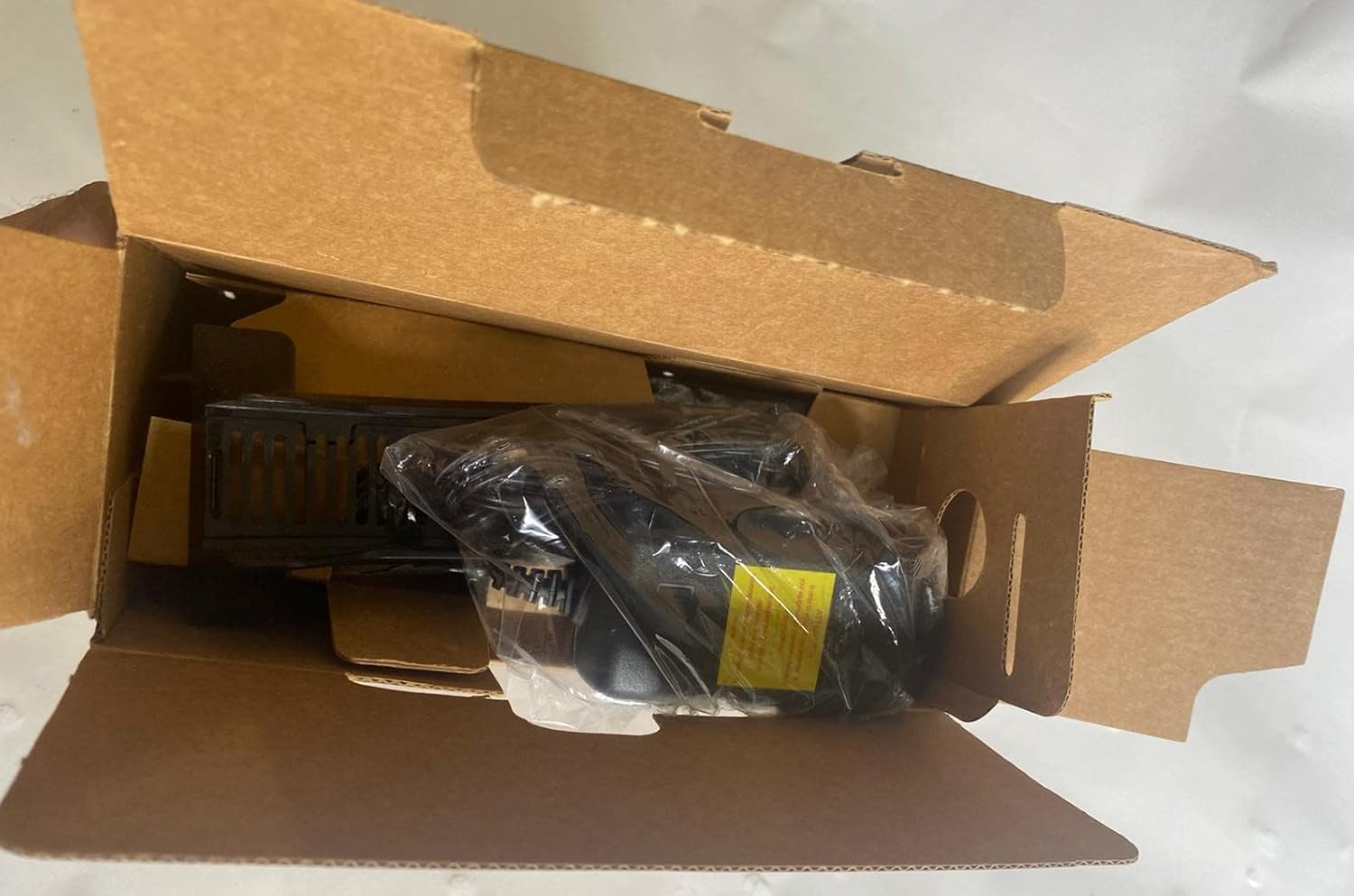
Image: Contents of the Arris NVG589 package, showing the modem, power adapter, and included cables.

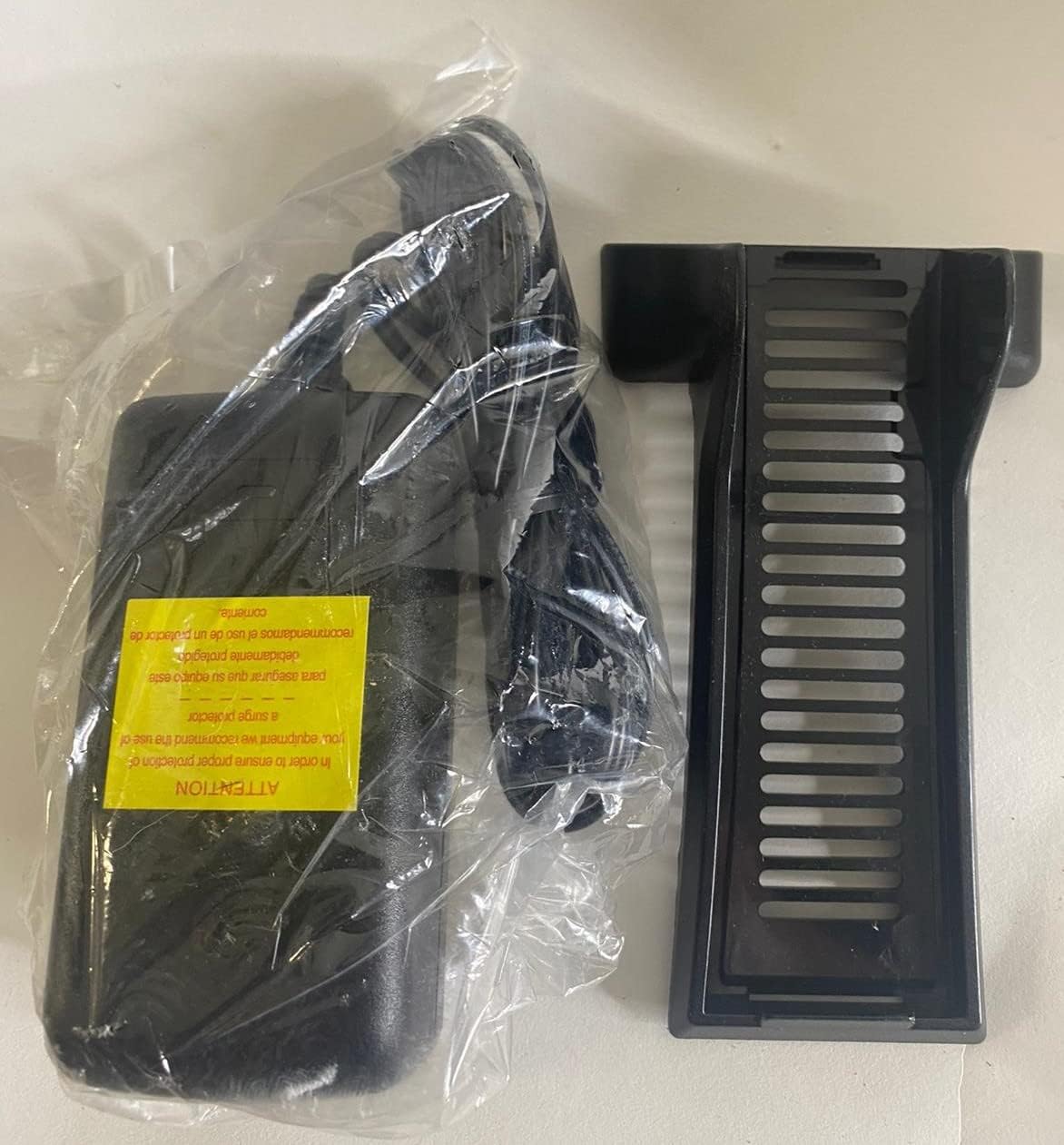
Image: The power adapter and the optional vertical stand for the Arris NVG589.
محصول پای ته ورسیدview
Familiarize yourself with the various components and indicators of your Arris NVG589.
د مخکینۍ پینل شاخصونه
انځور: اړخ view of the Arris NVG589, highlighting the status indicator lights.
- ځواک: د آلې د بریښنا حالت په ګوته کوي.
- بیټرۍ: (If battery installed) Indicates battery status (charging, low, etc.).
- ایترنیټ: Indicates activity on the Ethernet LAN ports.
- بې سیم: د وای فای شبکې حالت په ګوته کوي.
- HomePNA: Indicates activity on the HomePNA (coaxial) port.
- Broadband 1 & 2: Indicate the status of the DSL broadband connection(s).
- خدمت: Indicates the status of the internet service connection.
- Phone 1 & 2: Indicate the status of the VoIP phone lines.
- USB: په USB پورټ کې فعالیت په ګوته کوي.
د شا پینل بندرونه
انځور: شاته view of the Arris NVG589, displaying all connectivity ports.
- ځواک: د بریښنا اډاپټر سره نښلوي.
- بیا تنظیمول: Small button to reset the device (use a paperclip).
- Phone Lines (1 & 2): RJ-11 ports for connecting analog telephones for VoIP service.
- د کیبل کرښه: F-connector for HomePNA (coaxial) data devices.
- ایترنیټ (۱-۴): RJ-45 ports for connecting wired devices (computers, gaming consoles, etc.).
- DSL: RJ-11 port for connecting to the DSL line from your wall jack.
- USB: USB port for future use or connecting compatible devices.
- ONT: Optical Network Terminal port (typically for fiber connections, may not be used for DSL).
لاندې پینل

انځور: ښکته view of the Arris NVG589, displaying product information and warnings.
The bottom panel contains important information such as the default Wi-Fi Network Name (SSID), Wi-Fi Password, and Device Access Code. It also includes a warning regarding the optional backup battery.
د تنظیم کولو لارښود
Follow these steps to set up your Arris NVG589 modem/router:
- وسیله ځای په ځای کړئ: Place the NVG589 in a central location in your home, away from obstructions and heat sources, to ensure optimal Wi-Fi coverage.
- د DSL لاین سره وصل کړئ: Connect one end of the RJ11 cable (phone cable) to the DSL port on the rear of the NVG589 and the other end to your wall's DSL jack.
- بریښنا وصل کړئ: Plug the power adapter into the Power port on the rear of the NVG589, then plug the other end into an electrical outlet. The Power indicator on the front panel should light up.
- د پیل لپاره انتظار وکړئ: Allow several minutes for the device to power on and establish a connection. The Broadband 1, Broadband 2, and Service indicators should eventually turn solid green, indicating a successful internet connection.
- د تار لرونکي وسایل وصل کړئ (اختیاري): For wired connections, connect an Ethernet cable from one of the yellow Ethernet ports (1-4) on the rear of the NVG589 to the Ethernet port on your computer or other network device.
- Connect Wireless Devices: On your wireless device (smartphone, laptop, tablet), search for available Wi-Fi networks. Select the network name (SSID) found on the bottom label of your NVG589. Enter the Wi-Fi Password (also on the bottom label) when prompted.
- د تلیفون لاینونه وصل کړئ (اختیاري): If you have VoIP service, connect your analog telephone(s) to the Phone Lines 1 & 2 ports using standard phone cables.
عملیات
Once your Arris NVG589 is set up, it will automatically manage your internet connection and local network. Here are some basic operational aspects:
- انټرنیټ لاسرسی: The device provides internet access to all connected wired and wireless devices.
- د Wi-Fi شبکه: The NVG589 broadcasts a Wi-Fi network. You can find the default network name (SSID) and password on the label on the bottom of the device. For security, it is recommended to change the default Wi-Fi password via the device's web انٹرفیس
- VoIP Service: If configured, the device supports two VoIP lines for phone service.
- Web انٹرفیس: You can access the modem's configuration settings by typing its IP address (usually 192.168.1.254) into a web browser. You will need the Device Access Code from the bottom label to log in.
ساتنه
Regular maintenance helps ensure the longevity and optimal performance of your NVG589.
- پاکول: Dust the device regularly with a soft, dry cloth. Do not use liquid cleaners or aerosols.
- وینټیلیشن: Ensure the ventilation holes are not blocked. Proper airflow prevents overheating.
- د فرم ویئر تازه معلومات: په دوره یي ډول د تولید کونکي معاینه وکړئ website for firmware updates. Firmware updates can improve performance, add features, and fix bugs.
- بیا پیل کول: If you experience slow performance or connectivity issues, try restarting the device by unplugging the power cord for 10 seconds and then plugging it back in.
د ستونزو حل کول
دلته د هغو عامو ستونزو حلونه دي چې تاسو ورسره مخ کیدی شئ:
| ستونزه | احتمالي لامل | د حل لاره |
|---|---|---|
| د بریښنا شاخص څراغ نشته | د بریښنا اډاپټر وصل شوی نه دی یا خراب آوټ لیټ دی. | Ensure power adapter is securely plugged into the device and a working electrical outlet. Try a different outlet. |
| Broadband/Service Lights Not Solid Green | DSL line not connected, service issue, or modem not synced. | Check RJ11 cable connection to DSL port and wall jack. Restart the modem. If issue persists, contact your internet service provider. |
| انټرنیټ ته لاسرسی نشته (سیم لرونکی) | Ethernet cable loose, network adapter issue, or modem not providing internet. | Ensure Ethernet cable is securely connected to both the modem and your device. Check modem's internet status lights. Restart both modem and computer. |
| No Internet Access (Wireless) | د وای فای غلط پټنوم، د وای فای غیر فعال، یا د سیګنال مداخله. | Verify Wi-Fi password. Check if Wireless indicator is on. Move closer to the modem. Restart the modem. |
| Phone Service Not Working | Phone cable loose, VoIP service not active, or modem issue. | Ensure phone cables are securely connected to the Phone Lines ports. Check Phone 1/2 indicators. Restart the modem. Contact your service provider if VoIP service is not active. |
| د انټرنیټ سرعت ورو | د شبکې ګڼه ګوڼه، د وای فای مداخله، یا د خدماتو پلان محدودیتونه. | Reduce number of active devices. Optimize Wi-Fi channel. Consider upgrading your internet plan. Restart the modem. |
تخنیکي مشخصات
| فیچر | مشخصات |
|---|---|
| د ماډل نوم | Arris NVG589 |
| بې سیم ډول | 802.11a/b/g/n |
| د فریکونسی بانډ ټولګی | واحد-بنډ |
| د ارتباط ټیکنالوژي | Ethernet, USB, HPNA, WiFi, Optical Network Port |
| د توکي وزن | ۲.۴۵ پونډه |
| د محصول ابعاد (LxWxH) | 10.2 x 7.7 x 3.5 انچه |
| رنګ | تور |
| والیtage | 12 ولټه |
| عملیاتي سیسټم | Arris proprietary firmware |
| شاملې برخې | Ethernet cable, RJ11 cable, power cord |
تضمین او ملاتړ
This Arris NVG589 device typically comes with a limited manufacturer's warranty. Please refer to the original purchase documentation or contact your service provider for specific warranty terms and conditions.
For technical support, troubleshooting assistance beyond this manual, or warranty claims, please contact your internet service provider or visit the official ARRIS support website. You can often find additional resources, FAQs, and contact information on their support pages.
د ARRIS ملاتړ: www.arris.com/consumer
Ask a question about this manual
Ask about setup, troubleshooting, compatibility, parts, safety, or missing instructions. Manuals+ will review the question and use this page’s manual context to help answer it.