
Rossetta BL-3D02
Rossetta BL-3D02 3D Galaxy Projector User Manual
Model: BL-3D02 | Brand: Rossetta
Ważne informacje dotyczące bezpieczeństwa
- Przed użyciem należy przeczytać wszystkie instrukcje.
- Trzymaj urządzenie z dala od wody i wilgoci.
- Nie próbuj samodzielnie demontować ani naprawiać urządzenia. Skontaktuj się z wykwalifikowanym personelem serwisowym.
- Używaj wyłącznie dołączonego zasilacza.
- Avoid direct eye exposure to the projection lens.
- Aby zapobiec przegrzaniu, należy zapewnić odpowiednią wentylację.
- Przechowywać w miejscu niedostępnym dla małych dzieci.
Zawartość opakowania
Sprawdź, czy w opakowaniu znajdują się wszystkie elementy:
- Rossetta 3D Projector (Model: BL-3D02)
- Zdalne sterowanie
- Zasilacz
- Instrukcja obsługi (ten dokument)
Produkt ponadview
The Rossetta BL-3D02 is a versatile 3D galaxy projector featuring a built-in Bluetooth speaker, timer functions, and adjustable projection capabilities. It is designed to create immersive visual and auditory experiences.
Jednostka główna i komponenty

Image: The Rossetta 3D Projector, its remote control, and a smartphone displaying music playback, illustrating the device's features.
- Soczewka projekcyjna: Emits the 3D visual effects.
- Koło ostrości: Located around the lens, used to adjust image clarity.
- Przyciski sterujące: On the device for basic functions (power, mode, volume).
- Głośnik Bluetooth: Zintegrowane odtwarzanie dźwięku.
- Port zasilania: Do podłączenia zasilacza.
Zdalne sterowanie
The included remote control provides convenient access to all projector functions, including power, theme selection, brightness, volume, and timer settings.
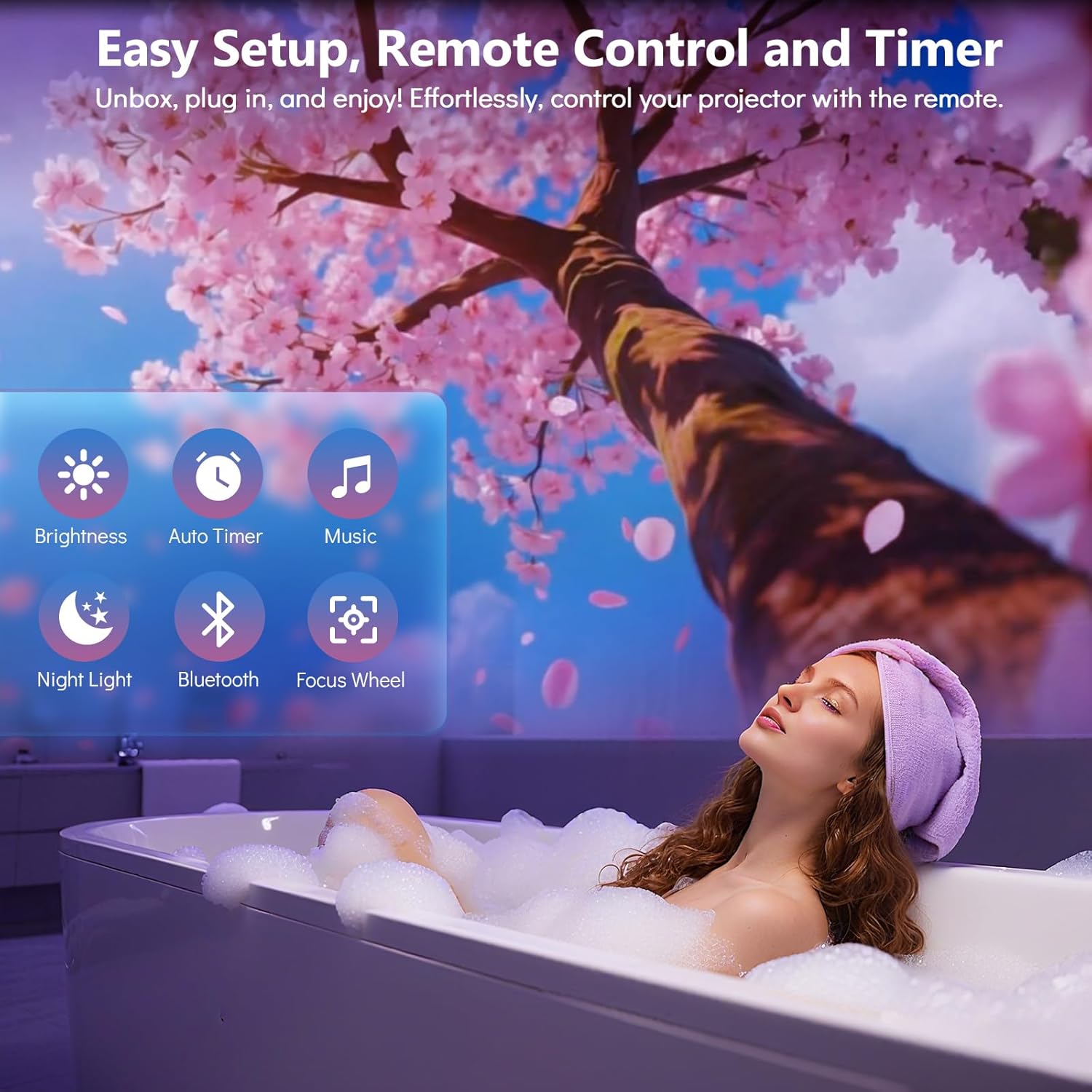
Image: A woman relaxing in a bath with a cherry blossom projection on the wall, highlighting the remote control's ease of use for various functions like brightness, timer, music, night light, Bluetooth, and focus wheel.
Przewodnik po konfiguracji
- Umieszczenie: Position the projector on a stable, flat surface. For optimal projection, place the device 10 to 20 feet away from the desired projection surface (wall or ceiling). This distance covers an area of approximately 130-385 sq. ft.
- Podłączenie zasilania: Connect the provided power adapter to the projector's power port and then plug it into a standard electrical outlet.
- Pierwsze włączenie: Naciśnij przycisk zasilania na projektorze lub pilocie, aby włączyć urządzenie.
- Dostosuj kąt projekcji: The projector features a 220-degree adjustable angle. Tilt the projector to direct the projection onto your desired surface.
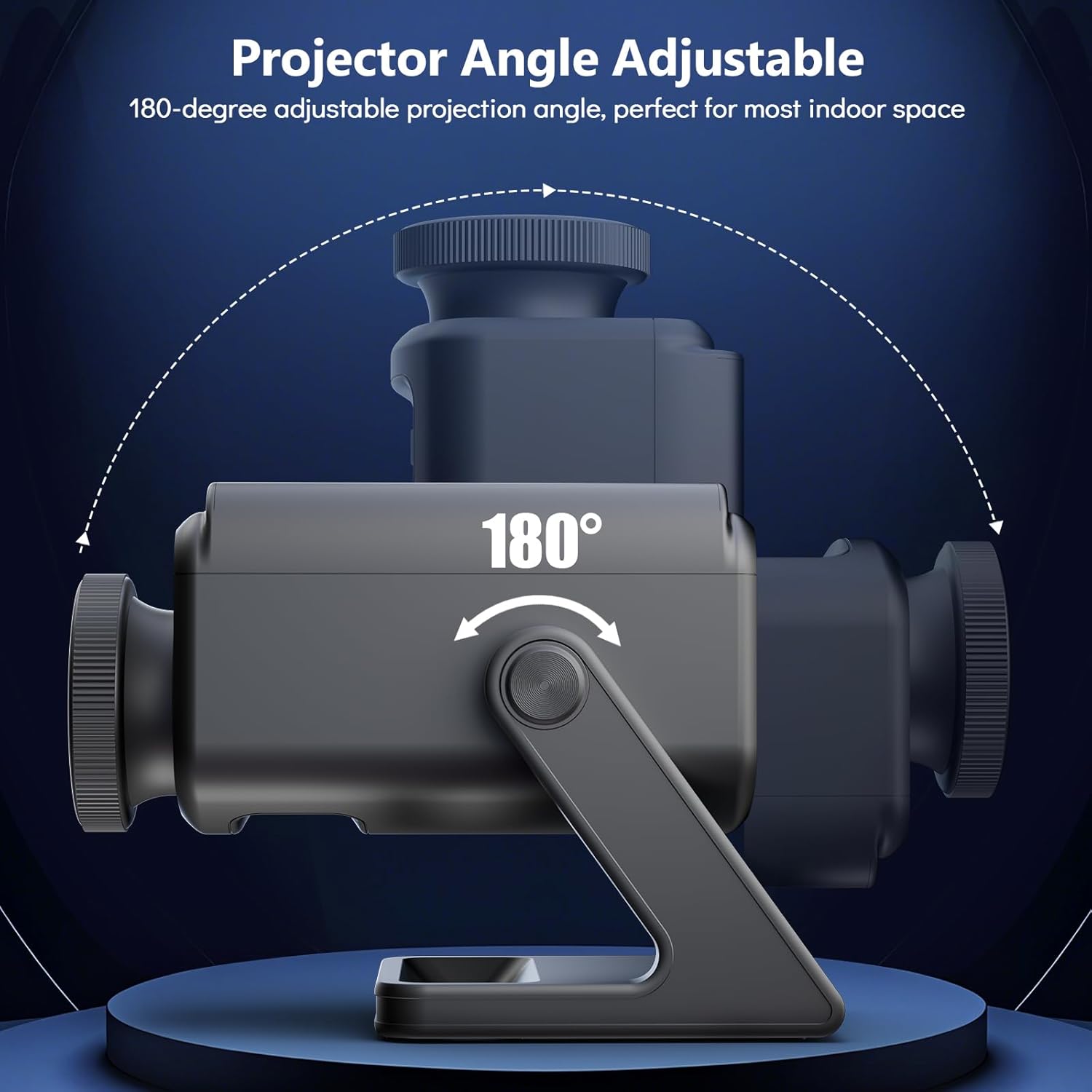
Image: A diagram showing the Rossetta 3D Projector's base and main body, with arrows indicating a 220-degree range of motion for adjusting the projection angle.
- Dostosuj ostrość: Rotate the focus wheel around the projection lens until the image appears clear and sharp on the surface.

Obraz: szczegółowy view of the projector's HD lens assembly, with an inset showing the focus wheel and its adjustment directions for clarity.
Instrukcja obsługi
Włączanie/wyłączanie zasilania
Naciśnij Moc button on the remote control or the device to turn the projector on or off.
Selecting Projection Themes
The projector comes with 60 dynamic 3D projections across 12 captivating themes. Use the Wybór motywu buttons on the remote to cycle through the available themes. Themes include oceans, wildlife, cosmic wonders, and festive scenes.

Image: A man and a child observing a projected galaxy scene on a ceiling, surrounded by thumbnails of various available themes such as planets, astronauts, jellyfish, and seasonal scenes.
Funkcjonalność głośnika Bluetooth
- Aktywuj Bluetooth: Naciśnij Bluetooth button on the remote or device. The projector will enter pairing mode.
- Paruj urządzenie: On your smartphone or other Bluetooth-enabled device, search for "Rossetta Projector" (or similar name) in the Bluetooth settings and select it to pair.
- Odtwórz dźwięk: Once paired, you can stream music or other audio through the projector's built-in speaker.
- Wbudowane dźwięki: The projector also features theme-matched background tracks that sync with the projections. You can switch between Bluetooth audio and built-in sounds using the remote.
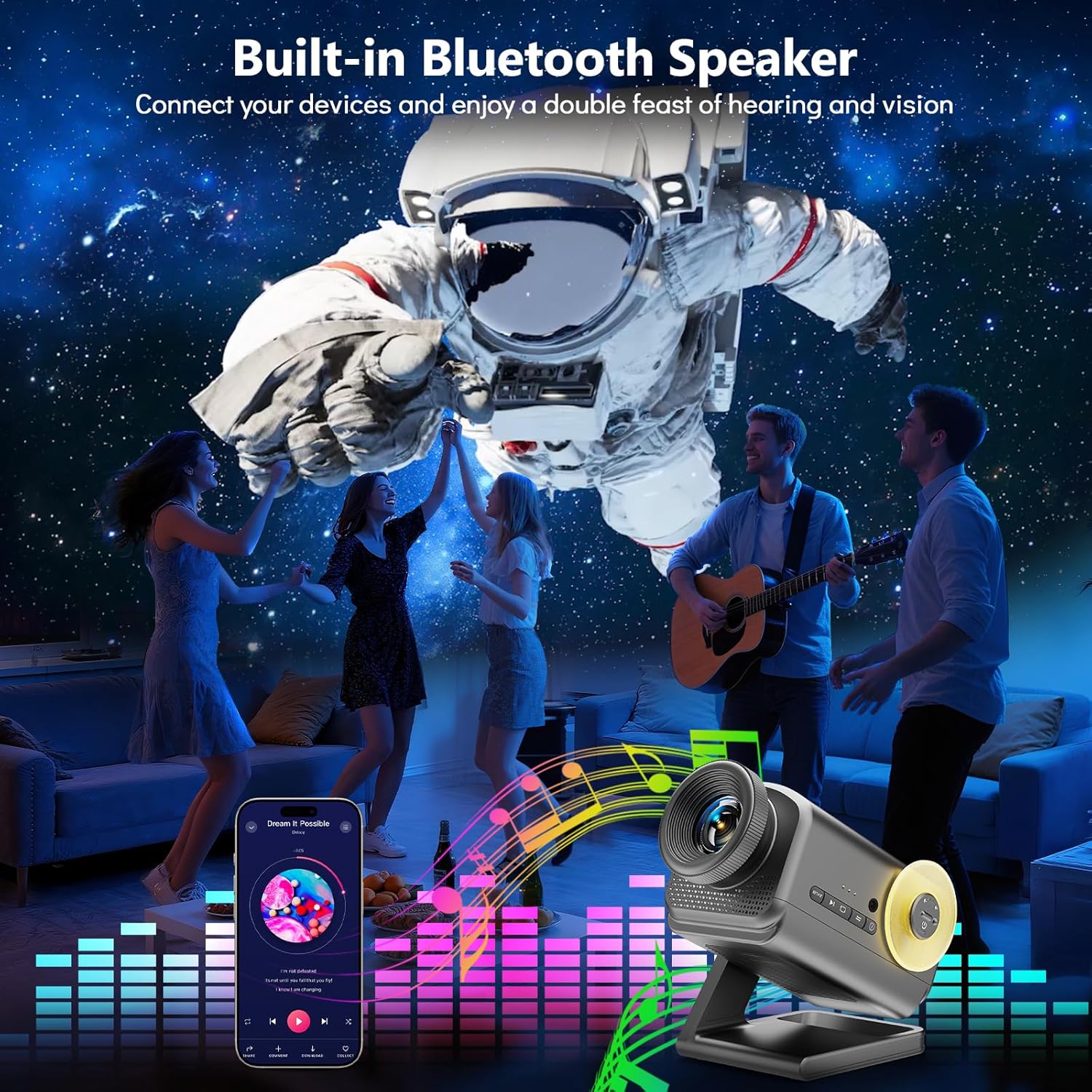
Image: A group of people dancing in a room with an astronaut projection on the wall, accompanied by a graphic equalizer, demonstrating the projector's Bluetooth speaker capability.
Funkcja timera
The projector includes a 1-hour (1H) and 2-hour (2H) timer function. Press the corresponding timer button on the remote control to set the projector to automatically turn off after the selected duration.
Regulacja jasności
Adjust the projection brightness using the Jasność buttons on the remote control to suit your environment and preference.
Creating Ambiance
The Rossetta 3D Projector can create various atmospheres for relaxation, sleep, or themed parties. Experiment with different themes and audio settings to find your preferred ambiance.

Image: A woman in a yoga pose in a dimly lit room, with a serene, glowing tree-like projection on the wall, illustrating the projector's ability to create a tranquil atmosphere.

Image: A family (father, mother, and child) sitting on the floor opening gifts, with a festive Christmas-themed projection on the wall, demonstrating its use for holiday decor.
Konserwacja
- Czyszczenie obiektywu: Use a soft, dry, lint-free cloth to gently wipe the projection lens. Do not use liquid cleaners or abrasive materials.
- Czyszczenie urządzenia: Wipe the exterior of the projector with a soft, slightly damp płótno. Przed czyszczeniem upewnij się, że urządzenie jest odłączone od zasilania.
- Składowanie: Jeśli projektor nie będzie używany przez dłuższy czas, należy go przechowywać w chłodnym i suchym miejscu, z dala od bezpośredniego światła słonecznego i ekstremalnych temperatur.
Rozwiązywanie problemów
| Problem | Możliwa przyczyna | Rozwiązanie |
|---|---|---|
| Projektor się nie włącza. | Brak zasilania; luźne połączenie. | Ensure the power adapter is securely connected to both the projector and the power outlet. Verify the outlet is functional. |
| Obraz jest rozmazany. | Focus not adjusted; projector too far/close. | Rotate the focus wheel on the lens until the image is clear. Adjust the distance of the projector from the projection surface. |
| No sound from Bluetooth speaker. | Bluetooth not paired; volume too low; incorrect audio source. | Ensure your device is correctly paired with the projector. Increase volume on both the projector and your device. Check if the projector is set to Bluetooth audio mode. |
| Pilot nie działa. | Batteries depleted; obstruction; out of range. | Replace remote control batteries. Ensure there are no obstructions between the remote and the projector. Operate within effective range. |
Specyfikacje
| Funkcja | Szczegół |
|---|---|
| Numer modelu | BL-3D02 |
| Marka | Rozeta |
| Kolor | Ciemnoszary |
| Tworzywo | Plastikowy |
| Typ źródła światła | Dioda elektroluminescencyjna (LED) |
| Źródło zasilania | Elektryczny przewodowy |
| Tomtage | 19 V (prąd stały) |
| Jasność | 160 lumenów |
| Źródło światłatage | 28 watów |
| Cotage (Razem) | 38 watów |
| Wymiary produktu | 7.76" dł. x 5" szer. x 5.59" wys. |
| Waga przedmiotu | 3.08 funta |
| Średnie życie | 20000 godzin |
| Cechy specjalne | 3D Projection Effects, Bluetooth Speaker, HD Projection Lens, Adjustable Focus, Adjustable Projection Angle (220°), Remote Control, Auto Timer (1H/2H), Night Light Mode |
| Certyfikaty | CE, FCC, RoHS |
Oficjalny film o produkcie
Video: An official product video from Rossetta demonstrating the 3D Projector Planetarium Projector in action, showcasing various projection effects and features.
Gwarancja i wsparcie
For warranty information and technical support, please refer to the contact details provided on the product packaging or visit the official Rossetta webstrona.
Zachowaj paragon zakupu na wypadek reklamacji.