Wstęp
This manual provides detailed instructions for the safe and effective use of your Rossetta 3D Galaxy Projector. Please read this manual thoroughly before operation and retain it for future reference.

Image: The Rossetta 3D Galaxy Projector and its remote control, projecting a nebula scene.
Informacje dotyczące bezpieczeństwa
Aby zapewnić bezpieczną pracę, należy przestrzegać następujących środków ostrożności:
- Nie rozmontowuj i nie modyfikuj urządzenia.
- Trzymaj urządzenie z dala od wody i dużej wilgotności.
- Avoid direct eye exposure to the projector light.
- Używaj wyłącznie dołączonego zasilacza.
- Aby zapobiec przegrzaniu, należy zapewnić odpowiednią wentylację.
Zawartość opakowania
Sprawdź, czy w opakowaniu znajdują się wszystkie elementy:
- 1 x Rossetta 3D Projector
- 1 x Pilot zdalnego sterowania
- 1 x zasilacz
- 1 x Instrukcja obsługi (ten dokument)
Produkt ponadview
Familiarize yourself with the main components of your projector:

Obraz: Szczegółowy view of the projector's HD lens and focus wheel.
- Soczewka projekcyjna: Emits the visual themes.
- Koło ostrości: Dostosowuje klarowność wyświetlanego obrazu.
- Przyciski sterujące: Located on the device for basic functions (Power, Volume, Bluetooth, Timer).
- Regulowany stojak: Allows for angle adjustment of the projection.
- Głośnik Bluetooth: Zintegrowany głośnik do odtwarzania dźwięku.
- Zdalne sterowanie: Provides full control over all projector functions.
Organizować coś
- Umieszczenie: Ustaw projektor na stabilnej, płaskiej powierzchni. Aby uzyskać optymalną viewing, place it 10 to 20 feet away from the projection surface (wall or ceiling). The projector covers an area of 130-385 sq. ft.
- Podłączenie zasilania: Connect the provided power adapter to the projector's power input and then to a standard electrical outlet.
- Dostosuj kąt projekcji: Utilize the 220-degree adjustable stand to direct the projection to your desired surface.
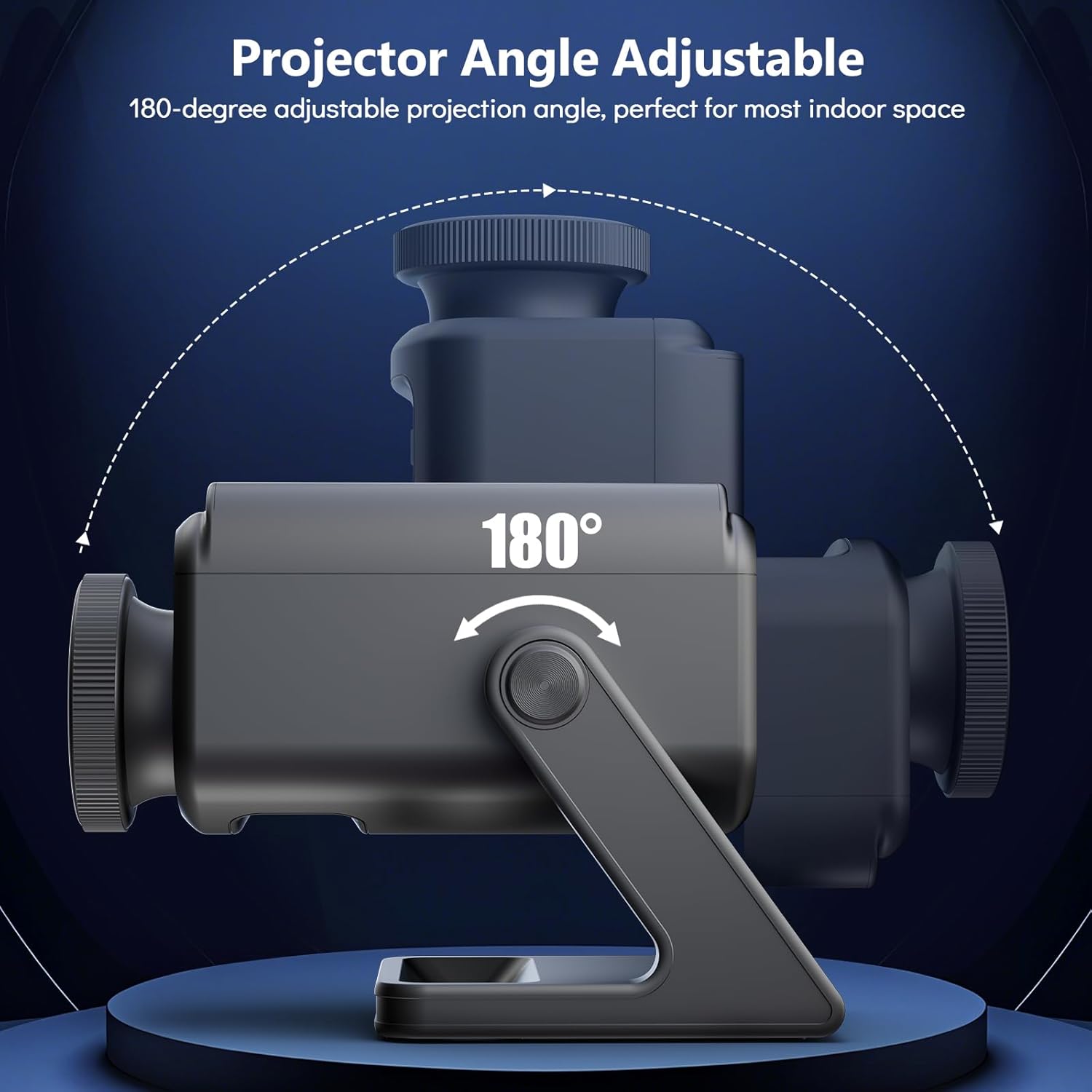
Image: Illustration of the projector's adjustable angle for versatile placement.
- Regulacja ostrości: Turn the focus wheel on the projector lens to achieve a clear and sharp image.
Instrukcja obsługi
Włączanie/wyłączanie zasilania
- Naciśnij przycisk zasilania na projektorze lub pilocie, aby włączyć lub wyłączyć urządzenie.
Wybór motywu
The projector features 60 dynamic 3D scenes across 12 captivating themes.

Image: A selection of the 60 dynamic 3D themes available with the projector.
- Use the remote control to browse and select desired themes.
- Themes include oceans, wildlife, cosmic wonders, and festivals.
Regulacja jasności
- Adjust the projection brightness using the dedicated buttons on the remote control.
Funkcja timera
Set an automatic shut-off timer for convenience and energy saving.
- Press the "1H" or "2H" button on the remote control to set the projector to turn off after 1 or 2 hours, respectively.
Głośnik Bluetooth
The integrated Bluetooth speaker allows for audio playback.
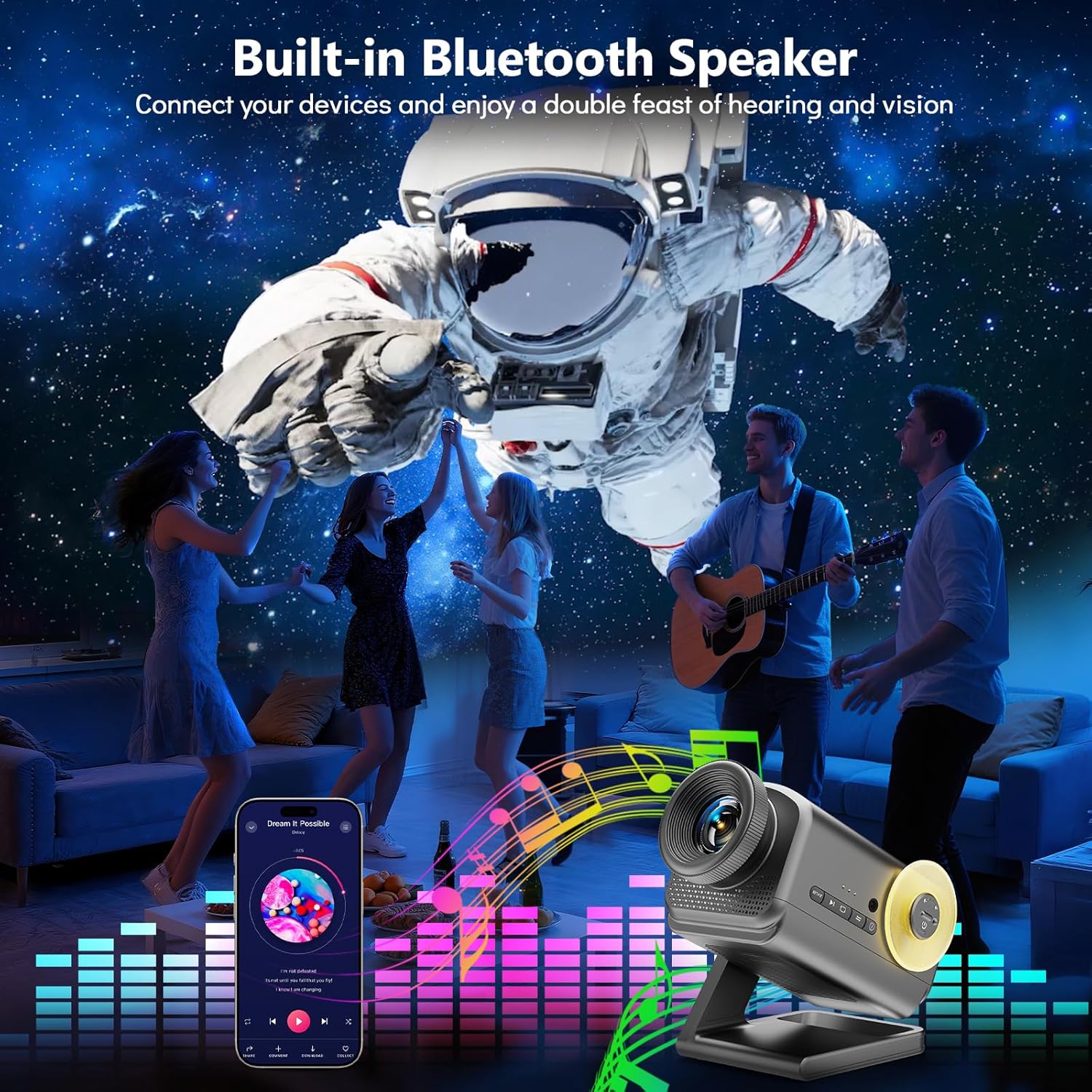
Image: The projector in use, highlighting its Bluetooth speaker capability during a social gathering.
- Aktywuj Bluetooth na swoim urządzeniu mobilnym.
- Szukaj "Rossetta Projector" in your device's Bluetooth settings and pair.
- You can now stream audio from your device or use the projector's built-in theme-matched background sounds.
Użycie pilota zdalnego sterowania
The remote control provides comprehensive access to all features.
- Przycisk zasilania: Włącz/Wyłącz.
- Theme Selection Buttons: Navigate through the 60 themes.
- Przyciski jasności: Increase or decrease projection brightness.
- Timer Buttons (1H/2H): Set automatic shut-off.
- Przyciski głośności: Dostosuj głośność głośnika.
- Przycisk Bluetooth: Toggle Bluetooth mode.
Integracja mediów
Oficjalny film o produkcie
Watch this video for a visual demonstration of the Rossetta 3D Galaxy Projector's features and capabilities.
Wideo: Oficjalny film prezentujący produktasing the Rossetta 3D Theme Projector and its various projections.
Konserwacja
- Czyszczenie: Use a soft, dry cloth to clean the exterior of the projector. Do not use liquid cleaners or abrasive materials.
- Pielęgnacja soczewek: Gently wipe the projector lens with a microfiber cloth designed for optics. Avoid touching the lens with bare hands.
- Składowanie: Gdy projektor nie jest używany, należy go przechowywać w chłodnym i suchym miejscu, z dala od bezpośredniego światła słonecznego i ekstremalnych temperatur.
Rozwiązywanie problemów
| Problem | Możliwa przyczyna | Rozwiązanie |
|---|---|---|
| Projektor się nie włącza. | Brak zasilania. | Upewnij się, że zasilacz jest prawidłowo podłączony do projektora i do sprawnego gniazdka elektrycznego. |
| Obraz jest rozmazany. | Ostrość nie jest prawidłowo ustawiona. | Obróć pokrętło ostrości na obiektywie projektora, aż obraz będzie wyraźny. |
| Głośnik Bluetooth nie łączy się. | Bluetooth is not enabled or device is out of range. | Ensure Bluetooth is enabled on your device and the projector, and that they are within pairing range. Restart both devices if necessary. |
| Pilot nie działa. | Niski poziom naładowania baterii lub przeszkoda. | Replace the remote control batteries. Ensure there are no obstructions between the remote and the projector. |
Specyfikacje
| Funkcja | Szczegół |
|---|---|
| Kolor | Szary |
| Tworzywo | Plastikowy |
| Typ źródła światła | Dioda elektroluminescencyjna (LED) |
| Źródło zasilania | Elektryczny przewodowy |
| Tomtage | 19 V (prąd stały) |
| Źródło światłatage | 28 watów |
| Wymiary produktu | 7.76" dł. x 5" szer. x 5.59" wys. |
| Waga przedmiotu | 3.06 funta |
| Kąt wiązki | 220 stopni |
| Cechy | Dimmable, Bluetooth Speaker, 60 Themes, 1H/2H Timer |
| Certyfikaty | CE, FCC, RoHS |
Gwarancja i wsparcie
Rossetta is committed to providing quality products and customer satisfaction.
- Zwroty/wymiany: Easy return and replacement options are available. Please refer to your purchase platform's return policy for details.
- Wsparcie profesjonalne: Rossetta offers lifetime professional support for its products. For assistance, please contact customer service through the vendor's contact information provided at the point of purchase.