
PNZEO W8
PNZEO W8 Compact Indoor Smart Home Security Camera User Manual
Model: W8
Brand: PNZEO
1. Wprowadzenie
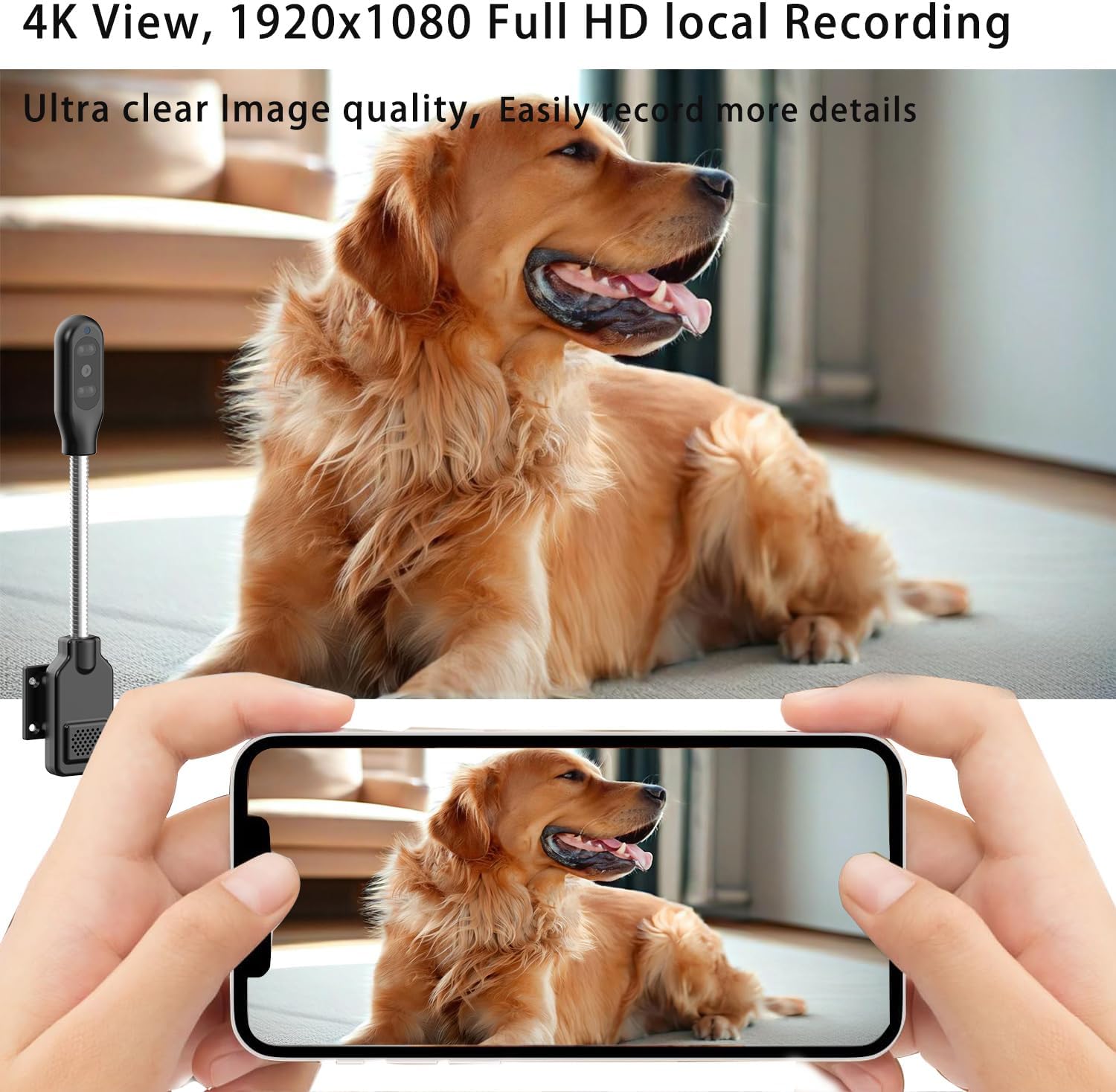
Thank you for choosing the PNZEO W8 Compact Indoor Smart Home Security Camera. This manual provides detailed instructions for setting up, operating, and maintaining your camera to ensure optimal performance and security for your home, pets, or loved ones. The W8 camera features 4K Ultra HD resolution, enhanced night vision, two-way audio, smart motion detection, and supports both 5GHz and 2.4GHz dual-band Wi-Fi connectivity.
2. Informacje dotyczące bezpieczeństwa
Przed użyciem produktu należy przeczytać i zrozumieć wszystkie instrukcje bezpieczeństwa. Nieprzestrzeganie tych instrukcji może spowodować porażenie prądem, pożar lub inne zagrożenia.
- This device is designed for indoor use only. Avoid exposure to water, moisture, or extreme temperatures.
- Ensure the power source is stable and within the specified voltage (DC=5V/1A).
- Do not attempt to disassemble, repair, or modify the camera. Refer all servicing to qualified personnel.
- Przechowuj kamerę i jej akcesoria poza zasięgiem dzieci i zwierząt domowych.
- Unplug the camera during lightning storms or when unused for long periods.
- The camera requires continuous power via a USB-C cable. It does not have an internal battery.
3. Koniec produktuview
The PNZEO W8 camera is designed for discreet and flexible placement. Its unique gooseneck design allows for easy adjustment and positioning.

Rysunek 3.1: Product Parameter Diagram showing Light sensitive LED, IR LED, HD lens, Micro SD card slot, Reset button, Fixed base, Loudspeaker, and Power interface.

Rysunek 3.2: Dimensions of the PNZEO W8 camera and its flexible gooseneck, illustrating its compact size and bendable design.
Zawartość opakowania:
- PNZEO W8 Camera Body
- Stały stół
- Kabel zasilający USB-C
- Instrukcja obsługi
Notatka: A Micro SD card (up to 256GB) and a power adapter are not included and must be purchased separately.
4. Konfiguracja
4.1 Instalacja aplikacji
To control and monitor your PNZEO W8 camera, you need to download the companion application.
- Scan the QR code provided in the included user manual or search for "MTCam" or "iWFcam" in your mobile device's app store (available on iOS and Android).
- Pobierz i zainstaluj aplikację.
- Zarejestruj nowe konto lub zaloguj się, jeśli już je posiadasz.
4.2 Włączanie kamery
- Connect the provided USB-C power cable to the camera's power interface.
- Plug the other end of the USB-C cable into a 5V/1A USB power adapter (not included) and then into a wall outlet.
- The camera will power on and indicate its status via an LED light.
4.3 Połączenie Wi-Fi
The PNZEO W8 supports both 5GHz and 2.4GHz Wi-Fi networks for flexible connectivity.

Rysunek 4.1: The PNZEO W8 camera supports both 5GHz and 2.4GHz Wi-Fi bands, offering faster transmission speeds and wider range.
- Otwórz zainstalowaną aplikację na swoim smartfonie.
- Follow the in-app instructions to add a new device. This typically involves selecting your Wi-Fi network and entering the password.
- Ensure your phone is connected to the same Wi-Fi network you intend to connect the camera to during the setup process.
- The camera's LED indicator will change once successfully connected to Wi-Fi.
4.4 Instalacja karty Micro SD (opcjonalnie)
For local storage and continuous recording, insert a Micro SD card (up to 256GB, not included).

Rysunek 4.2: The camera supports local loop storage via a Micro SD card (up to 256GB, not included) for 24/7 continuous recording or motion detection recording.
- Locate the Micro SD card slot on the camera body (refer to Figure 3.1).
- Gently insert the Micro SD card into the slot until it clicks into place. Ensure the correct orientation.
- The app will prompt you to format the SD card if it's new or not formatted for the camera. Follow the instructions to format it within the app.
5. Instrukcja obsługi
5.1 Zdalne monitorowanie
Po połączeniu możesz view żyćtage from your camera anytime, anywhere via the app.
Rysunek 5.1: The camera's app interface showing live view, sound, talkback, record video, and snapshot options.

Rysunek 5.2: Illustrates remote viewing capabilities for various scenarios such as home, baby and pet monitoring, and office surveillance.
5.2 Dźwięk dwukierunkowy
Kamera posiada wbudowany mikrofon i głośnik, co umożliwia dwustronną komunikację.
- Na żywo view interfejsu, dotknij ikony mikrofonu, aby mówić przez głośnik kamery.
- Kliknij ikonę głośnika, aby słuchać dźwięku z otoczenia kamery.
5.3 Detekcja ruchu i alerty
The camera utilizes smart perceive technology to detect motion and send real-time alerts to your phone.

Rysunek 5.3: Example of a motion detection alarm notification received on a smartphone.
- Włącz wykrywanie ruchu w ustawieniach aplikacji.
- W razie potrzeby dostosuj poziom czułości, aby zminimalizować liczbę fałszywych alarmów.
- When motion is detected, you will receive an instant notification on your phone, and the camera can automatically record video to the Micro SD card.
5.4 Widzenie nocne
Equipped with infrared lights and smart light sensors, the camera provides clear night vision.

Rysunek 5.4: Comparison of day and night vision, showing the camera's ability to capture clear images in low light conditions using IR night vision.
- Widzenie nocne włącza się automatycznie w warunkach słabego oświetlenia.
- The camera provides a night vision range of up to 8 meters.
5.5 Nagrywanie i odtwarzanie
The camera supports 24/7 continuous recording and motion-triggered recording to a Micro SD card.
- Ensure a Micro SD card is properly installed and formatted.
- Uzyskaj dostęp do nagranych filmów za pomocą funkcji odtwarzania w aplikacji.
- Videos are encrypted for privacy and security.
6. Konserwacja
- Czyszczenie: Do czyszczenia obiektywu i korpusu aparatu używaj miękkiej, suchej ściereczki. Nie używaj płynów ani aerozoli.
- Umieszczenie: Place the camera in a location where it is protected from direct sunlight, rain, and extreme temperatures.
- Aktualizacje oprogramowania układowego: Regularnie sprawdzaj dostępność aktualizacji oprogramowania układowego aplikacji, aby zapewnić optymalną wydajność i bezpieczeństwo.
- Zarządzanie kartami SD: Okresowo ponownieview and back up important recordings from your Micro SD card. The card will loop record, overwriting older footage gdy jest pełny.
7. Rozwiązywanie Problemów
| Problem | Możliwa przyczyna | Rozwiązanie |
|---|---|---|
| Kamera się nie włącza. | No power supply or faulty cable/adapter. | Ensure the USB-C cable is securely connected to a 5V/1A power adapter and a working outlet. Try a different power adapter or USB port. |
| Nie można połączyć się z siecią Wi-Fi. | Nieprawidłowe hasło Wi-Fi, kamera znajduje się za daleko od routera lub występują zakłócenia sieci. | Double-check Wi-Fi password. Move camera closer to the router. Ensure your router supports 2.4GHz or 5GHz and that the camera is connecting to the correct band. Reset the camera and try again. |
| Poor audio quality (muffled/tinny). | Environmental noise, microphone/speaker obstruction, or software issue. | Ensure no obstructions near the microphone/speaker. Reduce background noise. Check for app updates. |
| Camera gets hot during operation. | Normal operation for compact electronics, but excessive heat can indicate an issue. | Ensure adequate ventilation around the camera. If it becomes excessively hot to touch or malfunctions, discontinue use and contact support. |
| SD card not recognized or recording. | SD card not inserted correctly, not formatted, or faulty. | Reinsert the SD card. Format the SD card via the app. Try a different, compatible Micro SD card (up to 256GB). |
| Motion alerts are too sensitive/frequent. | Sensitivity settings are too high, or environmental factors (e.g., shadows, moving curtains). | Adjust motion detection sensitivity in the app settings. Reposition the camera to avoid areas with frequent non-threatening movement. |
8. Specyfikacje
| Funkcja | Szczegół |
|---|---|
| Nazwa modelu | W8 |
| Marka | PNZEO |
| Technologia łączności | Bezprzewodowy (Wi-Fi) |
| Obsługa Wi-Fi | 5GHz & 2.4GHz Dual-Band |
| Rozdzielczość przechwytywania wideo | 1080p, 4K |
| Szybkość klatek | 30 klatek na sekundę |
| Zakres noktowizora | 8 metrów |
| Cechy specjalne | Local Recording, HD Resolution, Night Vision, 2-Way Audio, Motion Sensor |
| Składowanie | Karta Micro SD (do 256 GB, nie jest dołączona) |
| Źródło zasilania | Corded Electric (DC=5V/1A) |
| Typ kontrolera | IOS, Android (via App) |
| Wymiary (dł. x szer. x wys.) | 9.25 x 1.18 x 0.59 cala |
| Waga przedmiotu | 6.7 uncji |
| Tworzywo | Akrylonitryl-butadien-styren (ABS) |
| Zastosowanie wewnątrz/na zewnątrz | Na zewnątrz, Wewnątrz |
9. Gwarancja i wsparcie
For warranty information and technical support, please refer to the contact details provided with your product packaging or visit the official PNZEO webZachowaj paragon jako dowód zakupu na wypadek reklamacji.