
Wstęp
This manual provides essential information for the safe and efficient operation of your Panasonic 1 Ton 5 Star Wi-Fi Inverter Smart Split AC, Model CS/CU-NU12ZKY5W. Please read these instructions thoroughly before installation and use, and retain for future reference.
Informacje dotyczące bezpieczeństwa
Adhere to the following safety guidelines to prevent injury or damage to the unit:
- Ensure the AC is installed by qualified personnel according to local regulations and this manual.
- Nie próbuj samodzielnie naprawiać ani modyfikować urządzenia. Skontaktuj się z autoryzowanym serwisem.
- Keep the indoor and outdoor units clear of obstructions to ensure proper airflow.
- Nie wkładaj palców ani żadnych przedmiotów do wlotu/wylotu powietrza.
- Ensure the power supply is correctly rated for the unit and has a proper ground connection.
- In case of abnormal operation, strange smells, or smoke, immediately turn off the power supply and contact service.
- Urządzenie to nie jest przeznaczone do użytku przez osoby (w tym dzieci) o ograniczonej sprawności fizycznej, sensorycznej lub umysłowej, a także osoby nieposiadające odpowiedniego doświadczenia lub wiedzy, chyba że znajdują się one pod nadzorem osoby odpowiedzialnej za ich bezpieczeństwo lub otrzymały od niej instrukcje dotyczące korzystania z urządzenia.
Zawartość opakowania
The following items are included with your Panasonic AC unit:
- 1 jednostka wewnętrzna
- 1 Jednostka zewnętrzna
- Pilot zdalnego sterowania
- Uchwyt na pilota
- 2 baterie AAA
- Instrukcja obsługi (ten dokument)
- Karta gwarancyjna
- Rura miedziana (długość: 3.0 m)
Konfiguracja i instalacja
Proper installation is crucial for optimal performance and safety. It is recommended that installation be performed by a certified technician.
Instalacja jednostki wewnętrznej
The indoor unit should be mounted on a wall, ensuring sufficient space around it for proper airflow and maintenance. Refer to the installation diagram provided with the physical product for exact measurements and mounting procedures.

Instalacja jednostki zewnętrznej
The outdoor unit must be placed on a stable, level surface, away from direct sunlight and sources of heat. Ensure there is adequate ventilation around the unit. The copper tubing connects the indoor and outdoor units, facilitating refrigerant flow.

Połączenie elektryczne
Connect the AC unit to a dedicated power circuit as specified in the electrical requirements section of the physical manual. Ensure all wiring is secure and grounded. This model supports stabilizer-free operation within a voltagZakres 100 V-290 V.
Instrukcja obsługi
Your Panasonic Smart AC offers multiple ways to control and optimize your comfort.
Obsługa za pomocą pilota
The included remote control allows direct access to all AC functions.
- Włączanie/wyłączanie: Naciśnij przycisk zasilania, aby włączyć lub wyłączyć urządzenie.
- Wybór trybu: Cycle through cooling, dry, fan, and other modes.
- Regulacja temperatury: Użyj strzałek w górę/w dół, aby ustawić żądaną temperaturę.
- Prędkość wentylatora: Dostosuj prędkość wentylatora (automatyczna, niska, średnia, wysoka).
- Funkcja huśtawki: Activate 4-way swing for uniform air distribution.
- Regulator czasowy: Set on/off timers for automated operation.
- Tryb wydajny: Engages maximum cooling for rapid temperature reduction.
- Tryb suszenia: Zmniejsza wilgotność w pomieszczeniu.

Smart Features (Wi-Fi and MirAIe App)
Connect your AC to your home Wi-Fi network to enable smart control via the MirAIe app.
- Kontrola aplikacji: Download the MirAIe app from your smartphone's app store. Follow the in-app instructions to pair your AC. This allows remote control, mode changes, and status monitoring.
- True AI Mode (converti7): This mode intelligently adjusts cooling capacity and fan speed based on room temperature and forecast data, optimizing comfort and energy efficiency. Select modes ranging from 40% to 90% capacity, Full capacity, and High capacity.
- Sterowanie głosowe: Integrate your AC with Alexa or Hey Google for hands-free operation. Use voice commands to adjust settings (e.g., "Alexa, set AC to 24 degrees").
- Spersonalizowany Sleep Profiles: Create personalized sleep schedules through the MirAIe app to automatically adjust temperature throughout the night, preventing discomfort.
- Samodiagnoza: The MirAIe app can provide diagnostic information, aiding in troubleshooting.


Konserwacja
Regular maintenance ensures the longevity and efficiency of your AC unit.
PM 0.1 Air Purification Filter Cleaning
The PM 0.1 filter helps remove fine particulate matter from the air. Clean the filter regularly (e.g., every two weeks or as needed) by removing it from the indoor unit and gently washing it with water. Allow it to dry completely before reinserting.

Crystal Clean Function
Activate the "Crystal Clean" function via the remote control or MirAIe app. This feature helps to clean the indoor unit's evaporator coil, preventing mold and bacteria growth and maintaining air quality.

Ogólne sprzątanie
Przetrzyj zewnętrzną część jednostki wewnętrznej miękką szmatką.amp cloth. Do not use harsh chemicals or abrasive cleaners. Ensure the outdoor unit's coils are free from dust and debris. For detailed cleaning of internal components, contact a qualified service technician.
Rozwiązywanie problemów
Przed skontaktowaniem się z serwisem,view Oto najczęstsze problemy i ich rozwiązania.
| Problem | Możliwa przyczyna | Rozwiązanie |
|---|---|---|
| Klimatyzacja się nie włącza. | No power supply; circuit breaker tripped; remote control batteries depleted. | Sprawdź podłączenie zasilania i wyłącznik. Wymień baterie w pilocie. |
| Niewystarczające chłodzenie. | Dirty air filter; blocked outdoor unit; wrong mode selected; room size exceeds capacity. | Clean air filter. Clear obstructions from outdoor unit. Ensure cooling mode is selected. Verify AC capacity is suitable for the room. |
| Problemy z łącznością Wi-Fi. | Incorrect Wi-Fi password; router too far; temporary network issue; AC Wi-Fi module fault. | Verify Wi-Fi password. Move router closer or use a Wi-Fi extender. Restart router and AC. If issues persist, contact customer support. |
| Nietypowy hałas z jednostki. | Luźne części, zablokowany wentylator, normalne dźwięki pracy (np. przepływ czynnika chłodniczego). | Check for loose parts or obstructions. If noise is excessive or unusual, contact service. |
| Wyciek wody z jednostki wewnętrznej. | Zablokowana rura spustowa; nieprawidłowa instalacja. | Check and clear the drain pipe. If leakage continues, contact installation service. |
Specyfikacje
| Funkcja | Szczegół |
|---|---|
| Marka | Panasonic |
| Numer modelu | CS/CU-NU12ZKY5W |
| Pojemność | 1 tona |
| Ocena Energy Star | 5 Star (as per new BEE guidelines) |
| Roczne zużycie energii | 524.08 kWh |
| ISEER | 5.10 |
| Moc chłodzenia | 11772 brytyjskich jednostek termicznych |
| Chłodziwo | R-32 (Environmental friendly) |
| Typ kompresora | Twin Cool Inverter (Rotary Scroll) |
| Wężownica skraplacza | 100% Copper Tubing with Anti Corrosion Shield Blu Technology |
| Filtr oczyszczający powietrze | Filtr PM 0.1 |
| Poziom hałasu (w pomieszczeniu) | 36 decybeli |
| Air Circulation (Indoor) | 424 stopy sześcienne na minutę |
| Zakres temperatur otoczenia | 16 do 52 stopni Celsjusza |
| Wymiary jednostki wewnętrznej (szer. x wys. x gł.) | Wymiary 87 x 29 x 20.4 cm |
| Wymiary jednostki zewnętrznej (szer. x wys. x gł.) | Wymiary 78.1 x 55.5 x 28.1 cm |
| Waga jednostki wewnętrznej | 9.5 kg |
| Masa jednostki zewnętrznej | 23.5 kg |
| Metody kontroli | App Control, Remote Control, Voice Control (Alexa, Hey Google) |
| Cechy specjalne | 7-in-1 Convertible with True AI Mode, 4 Way Swing, Hidden Display, Wi-Fi Enabled, MirAIe App Enabled, Stabilizer Free Operation (100V-290V) |
Informacje o gwarancji
Your Panasonic AC unit comes with the following warranty coverage:
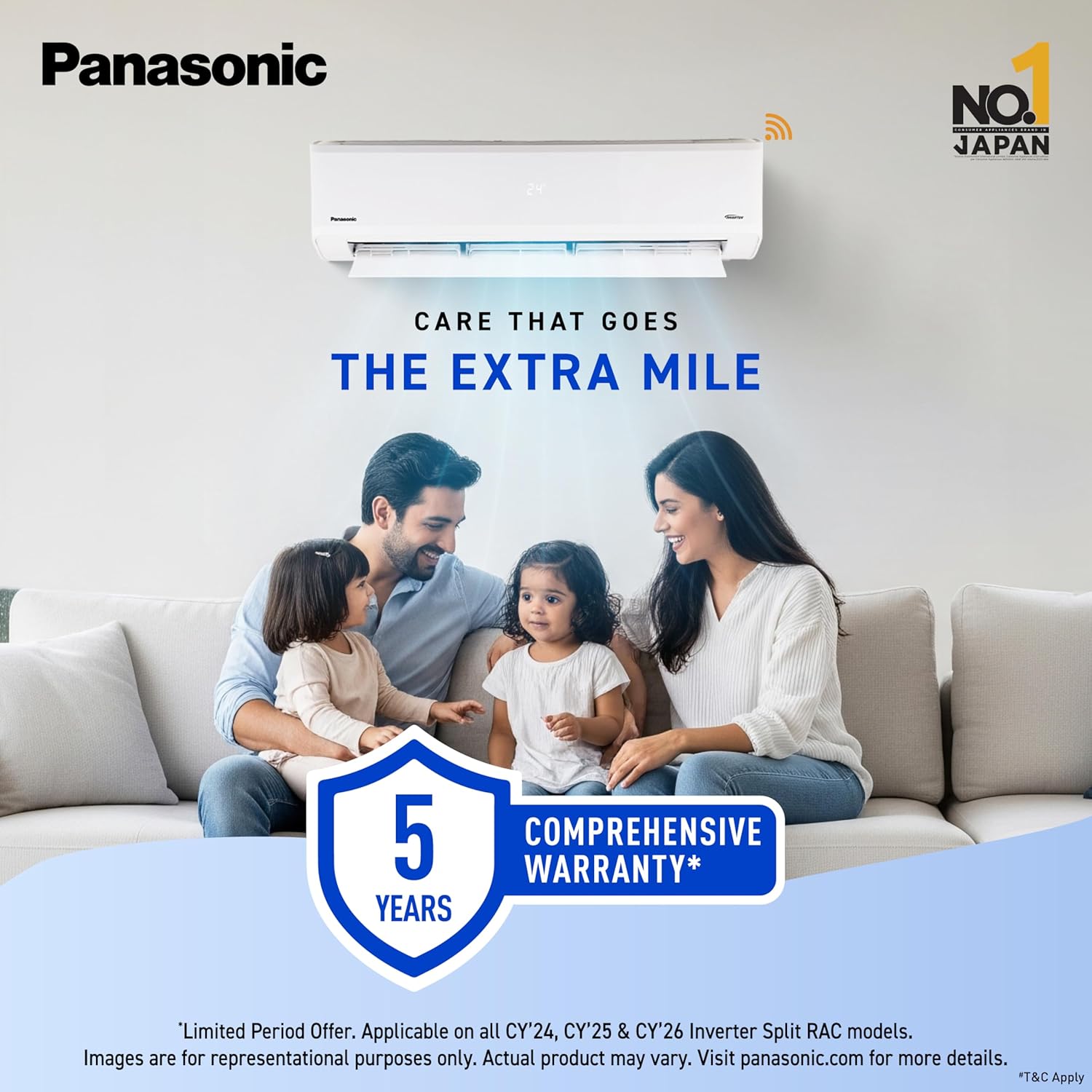
- Comprehensive Product Warranty: 1 rok
- PCB (Printed Circuit Board) Warranty: 5 lat
- Gwarancja na sprężarkę: 10 lat
Additional extended warranty options may be available. Refer to the warranty card included in your package or contact Panasonic customer service for details on terms and conditions.
Obsługa klienta
For any queries, service requests, or technical assistance, please contact Panasonic customer support.
- Dane kontaktowe producenta: Marketed By: Panasonic Life Solutions India Pvt. Ltd. Intellion Park, 12th Floor, Tower 3, Sector 59, Golf Course Extension Road, Gurugram – 122011, Haryana, India.
- Refer to your warranty card or the Panasonic India webstrona z aktualnymi numerami kontaktowymi i lokalizacjami punktów serwisowych.