
EPOMAKER AKP153
EPOMAKER Ajazz AKP153 Studio Controller
Instrukcja obsługi
Wstęp
The EPOMAKER Ajazz AKP153 is a versatile studio controller designed to enhance productivity for various digital tasks, including video editing, music production, gaming, and live streaming. It features 15 customizable LCD macro keys and an integrated LCD screen, providing real-time insights and quick access to essential functions.
This manual provides detailed instructions on setting up, operating, and maintaining your AKP153 controller to ensure optimal performance and longevity.
Co jest w pudełku
- 1 x Ajazz AKP153 Studio Controller
- 1 x kabel USB typu C
Specyfikacje
| Model | Ajazz AKP153 |
| Klawiatura | 15 Konfigurowalne klawisze makr LCD |
| Ekran | 1 x LCD Screen |
| Połączenie | USB-C Wired Only |
| Zgodność systemu | Windows (Windows 7 and above), macOS (macOS 10.13 and above) |
| Waga przedmiotu | 11.7 uncji (około 331 g) |
| Wymiary opakowania | 7.48 x 5.28 x 3.03 cala |
Organizować coś
1. Podłączenie Urządzenia
Connect the Ajazz AKP153 to your computer using the provided Type-C USB cable. Insert one end into the USB-C port on the controller and the other end into an available USB port on your Windows or macOS computer.
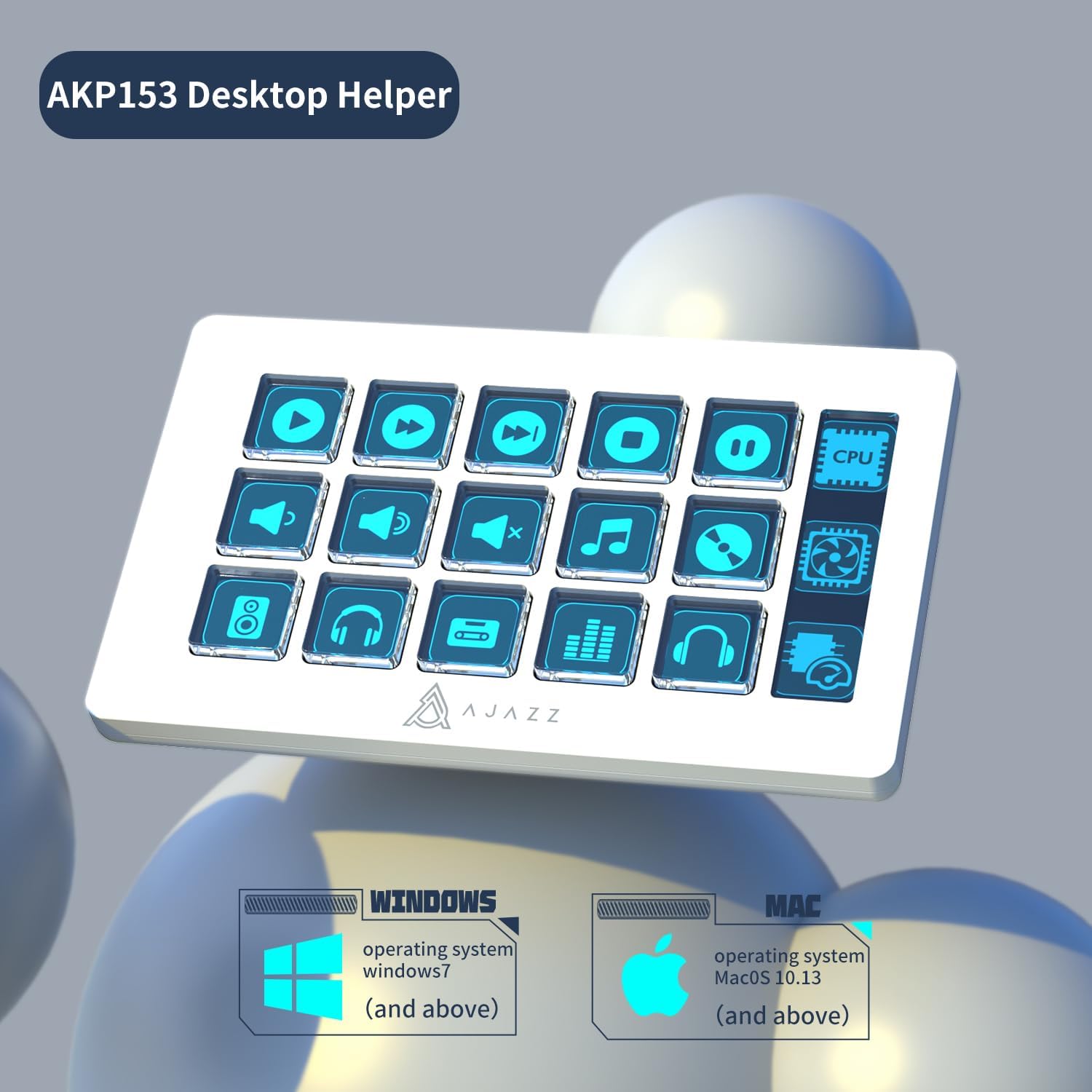
The Ajazz AKP153 is compatible with Windows 7 and above, and macOS 10.13 and above, ensuring broad system integration.
2. Instalacja oprogramowania
For full customization of the LCD macro keys and screen, download and install the dedicated software (often referred to as 'Desktop Helper' or similar) from the official EPOMAKER webwitrynę. Postępuj zgodnie z instrukcjami wyświetlanymi na ekranie, aby przeprowadzić instalację.
This software allows you to assign functions, macros, and custom icons to each of the 15 LCD keys and configure the integrated LCD screen.
Operating the AKP153
1. Konfigurowalne klawisze makr LCD
The 15 LCD keys can be programmed to perform a wide range of actions, including launching applications, executing complex macros, controlling media playback, and managing streaming functions. Use the companion software to:
- Assign single keypresses or multi-step macros.
- Upload custom icons or images to display on each key.
- Stwórz inny profesjonalistafiles for various applications (e.g., one for video editing, one for gaming, one for streaming).
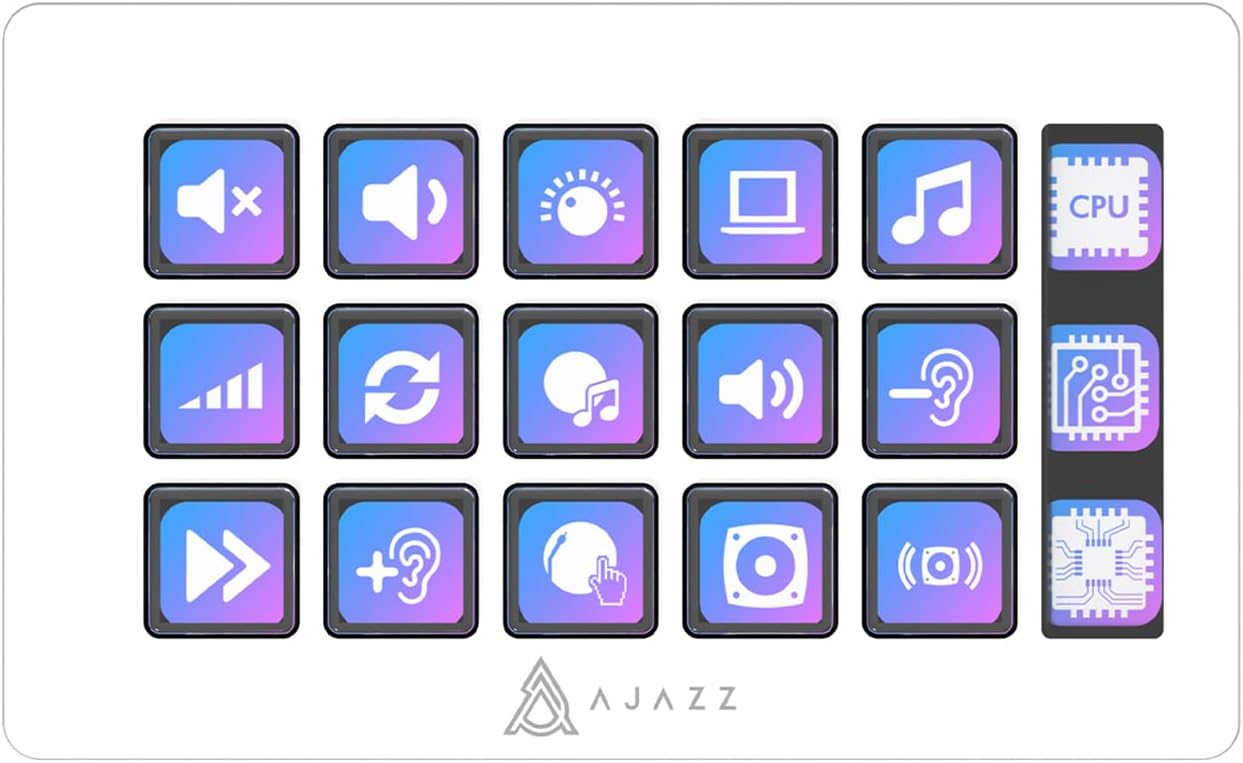
The 15 LCD keys can be customized with various functions and visual indicators for efficient workflow.
2. Integrated LCD Screen
The dedicated LCD screen provides real-time information, which can be configured through the software. This may include system performance metrics (CPU usage), time, or other relevant data depending on your setup and software capabilities.
3. Application-Specific Use
The AKP153 is highly effective for:
- Edycja wideo: Assign shortcuts for cutting, pasting, applying effects, or navigating timelines.
- Produkcja muzyczna: Control DAW functions, trigger samples, or manage audio tracks.
- Hazard: Execute complex combos, switch weapons, or activate abilities with a single press.
- Live Streaming (YouTube/Twitch/OBS): Manage scenes, mute microphones, start/stop streams, or trigger alerts.
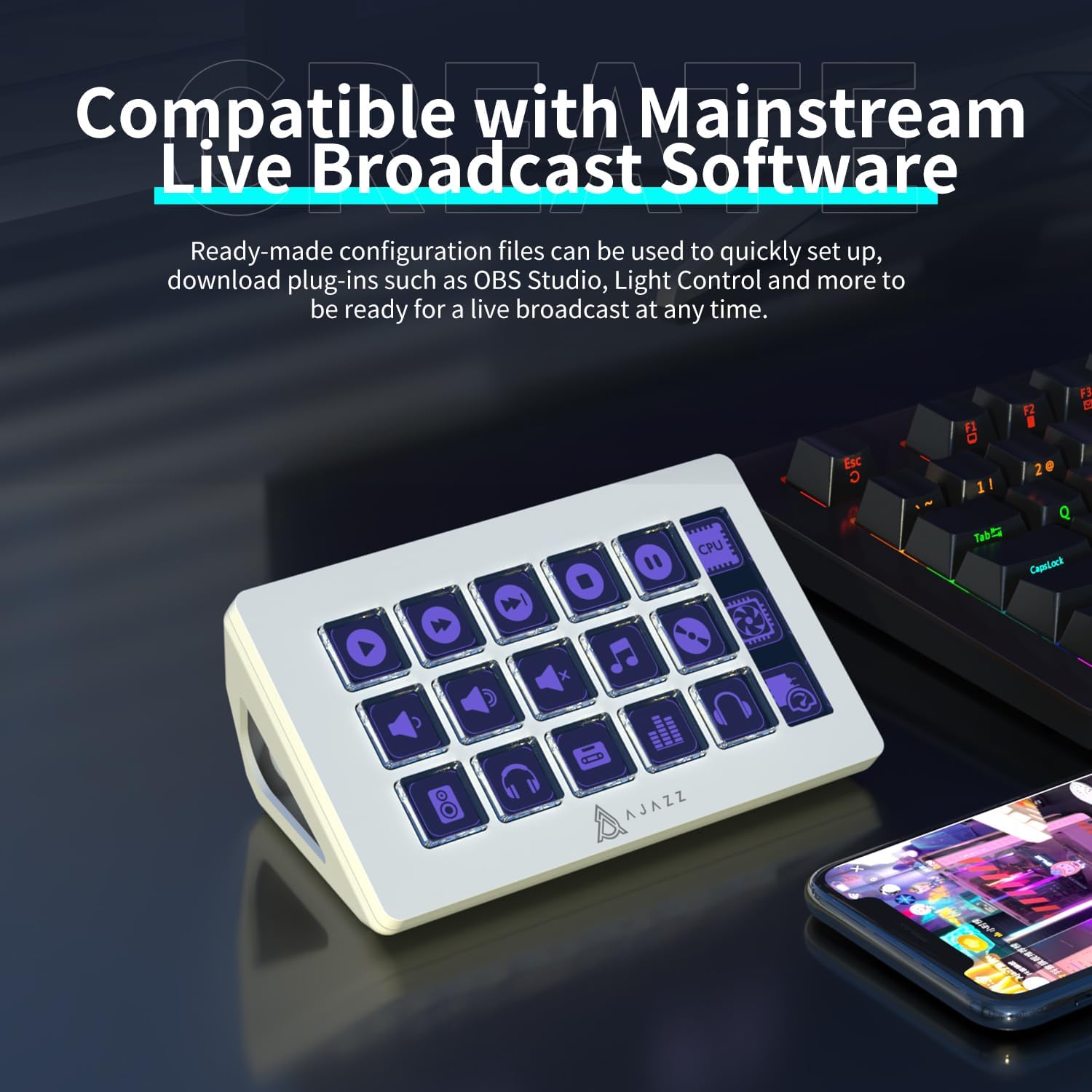
The AKP153 integrates seamlessly with popular live broadcast software, allowing for quick setup and control.
Ready-made configuration files lub plugins may be available for popular software like OBS Studio, Light Control, and others, allowing for quick setup and immediate use.
Konserwacja
To ensure the longevity and proper functioning of your Ajazz AKP153, follow these maintenance guidelines:
- Czyszczenie: Use a soft, dry, lint-free cloth to wipe the surface of the controller and the LCD screen. For stubborn smudges, slightly dampPrzetrzyj szmatkę wodą lub delikatnym, nieściernym środkiem czyszczącym. Unikaj nadmiernej wilgoci.
- Unikaj płynów: Do not spill liquids directly onto the device. If liquid enters the device, disconnect it immediately and allow it to dry completely before reconnecting.
- Składowanie: Przechowuj kontroler w chłodnym, suchym miejscu, z dala od bezpośredniego światła słonecznego i ekstremalnych temperatur.
- Pielęgnacja kabli: Handle the USB-C cable gently. Avoid sharp bends or kinks that could damage the cable.
Rozwiązywanie problemów
If you encounter issues with your Ajazz AKP153, refer to the following common troubleshooting steps:
- Urządzenie nierozpoznane:
- Ensure the USB-C cable is securely connected to both the controller and your computer.
- Spróbuj podłączyć do innego portu USB w komputerze.
- Jeśli to możliwe, przetestuj przy użyciu innego kabla USB-C.
- Uruchom ponownie komputer.
- Keys Not Responding/Incorrect Function:
- Verify that the companion software is running and updated to the latest version.
- Check the key assignments within the software to ensure they are correctly configured.
- Zapewnij sobie właściwego fachowcafile jest aktywny dla używanej przez Ciebie aplikacji.
- Jeśli problem nadal występuje, zainstaluj oprogramowanie ponownie.
- Nie wyświetla się ekran LCD:
- Ensure the device is properly connected and powered.
- Check software settings related to the LCD screen display.
- Uruchom ponownie oprogramowanie i/lub komputer.
Jeśli powyższe kroki nie rozwiążą problemu, zapoznaj się z sekcją pomocy, aby uzyskać dalszą pomoc.
Gwarancja i wsparcie
Warranty information for the EPOMAKER Ajazz AKP153 Studio Controller is typically provided with your purchase documentation or can be found on the official EPOMAKER webStrona. Zachowaj dowód zakupu na wypadek roszczeń gwarancyjnych.
For technical support, software updates, or additional resources, please visit the official EPOMAKER webwitryna lub sklep ich marki: