
Wstęp
Thank you for choosing the Volkano X VXT200S True Wireless Earphones. These earphones are designed to provide a cable-free audio experience with Active Noise Cancelling (ANC) technology, ensuring clear sound and comfort. This manual provides essential information for the proper setup, operation, and maintenance of your device.
Zawartość opakowania
- 1 x Volkano X VXT200S True Wireless Earphones (Left and Right)
- 1 x etui ładujące
- 1 x kabel do ładowania USB (typ C)
- Instrukcja obsługi
Produkt ponadview
The Volkano X VXT200S earphones consist of two independent earbuds and a portable charging case. The earbuds feature touch controls for various functions and are designed for an in-ear fit.

Image: The Volkano X VXT200S True Wireless Earphones, with one earbud removed and the charging case open, displaying the other earbud inside. Both are black.

Obraz: Zbliżenie view of the Volkano X VXT200S True Wireless Earphones resting inside their open charging case, showcasing elegancki czarny design.
Organizować coś
1. Ładowanie słuchawek i etui
- Ładowanie obudowy: Connect the provided USB charging cable to the charging port on the case and to a compatible USB power source. The indicator light on the case will show charging status.
- Ładowanie słuchawek: Place the earphones into their respective slots in the charging case. Ensure they are properly seated. The earphones will begin charging automatically. The case can charge the earphones multiple times on the go without needing to be recharged itself.
2. Parowanie Bluetooth
- Włączanie: Open the charging case and remove both earphones. They will automatically power on and enter pairing mode.
- Aktywuj Bluetooth: Włącz Bluetooth na swoim urządzeniu (smartfonie, tablecie itp.).
- Wybierz urządzenie: Szukaj "VXT200S" in the list of available Bluetooth devices and select it to connect.
- Potwierdzenie: Once connected, you will hear an audio prompt, and the earphones will be ready for use. They will automatically reconnect to the last paired device when removed from the case.
Obsługa słuchawek
Basic Controls (Touch Sensitive)
- Odtwórz/Pauza: Pojedyncze dotknięcie dowolnej słuchawki.
- Następny utwór: Kliknij dwukrotnie prawą słuchawkę.
- Poprzedni utwór: Kliknij dwukrotnie lewą słuchawkę.
- Odbieranie/kończenie połączeń: Pojedyncze dotknięcie dowolnej słuchawki podczas połączenia przychodzącego.
- Odrzuć połączenie: Naciśnij i przytrzymaj jedną ze słuchawek przez 2 sekundy podczas połączenia przychodzącego.
- Aktywuj Asystenta głosowego (Siri/Asystent Google): Naciśnij trzykrotnie dowolną słuchawkę.
Active Noise Cancelling (ANC) Modes
The VXT200S earphones feature multiple noise control modes:
- ANC WŁĄCZONE: Redukuje hałas otoczenia, zapewniając wciągające wrażenia słuchowe.
- Tryb przezroczystości: Umożliwia słyszenie otoczenia podczas słuchania dźwięku, co jest przydatne do rozwijania świadomości.
- ANC WYŁ: Standardowy tryb słuchania bez aktywnej redukcji szumów.
To cycle through these modes, press and hold the touch sensor on the lewy earbud for approximately 2 seconds. An audio prompt will indicate the current mode.
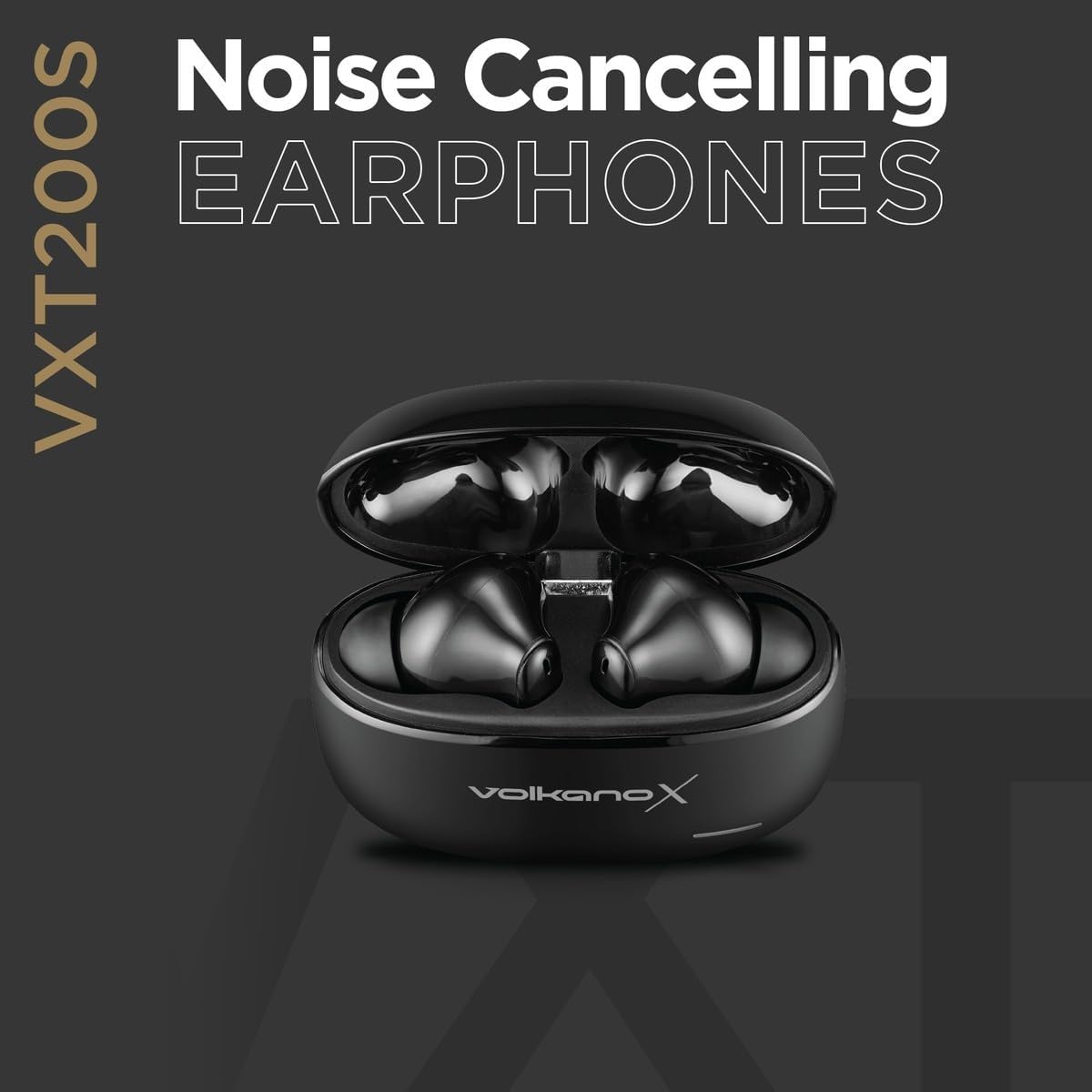
Image: A graphic promoting the Noise Cancelling feature of the VXT200S earphones, showing the earbuds in their charging case.
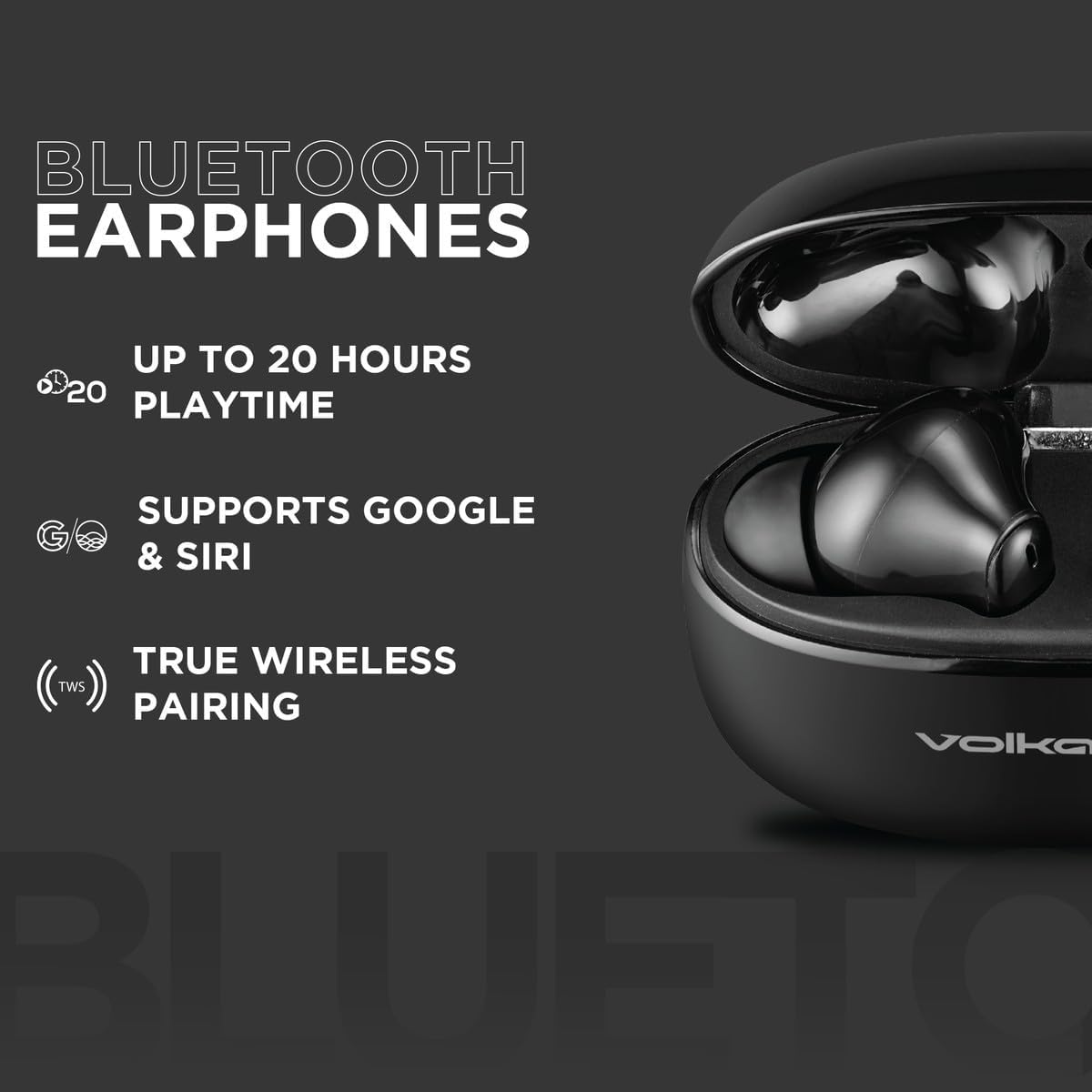
Image: A graphic illustrating key Bluetooth features of the VXT200S earphones, including up to 20 hours playtime, Google & Siri support, and True Wireless Pairing.
Konserwacja
- Czyszczenie: Regularnie czyść słuchawki douszne i etui ładujące miękką, suchą ściereczką. Unikaj stosowania materiałów ściernych i silnych środków chemicznych.
- Składowanie: Gdy nie używasz słuchawek, przechowuj je w etui ładującym, aby chronić je przed kurzem i uszkodzeniami.
- Pielęgnacja baterii: To prolong battery life, avoid fully discharging the earphones and case frequently. Charge them regularly, even if not in constant use.
- Narażenie na działanie wody: These earphones are not waterproof. Avoid exposure to water or excessive moisture.
Rozwiązywanie problemów
| Problem | Możliwe rozwiązanie |
|---|---|
| Słuchawki nie łączą się | Ensure earphones are charged. Turn off and on your device's Bluetooth. Forget "VXT200S" from your device's Bluetooth list and re-pair. |
| Brak dźwięku ze słuchawek | Check volume levels on both earphones and your device. Ensure earphones are properly connected to your device. |
| Jedna słuchawka nie działa | Place both earbuds back in the charging case, close the lid, then remove them again to reset the connection. Ensure both are charged. |
| Etui ładujące nie ładuje się | Verify the USB cable is securely connected to both the case and the power source. Try a different USB cable or power adapter. |
| Unintended touch control activation | Ensure proper fit in the ear to avoid accidental touches. Be mindful of how you handle the earbuds. |
Specyfikacje
- Marka:
- Wulkan
- Numer modelu:
- VKX-1119-BK (VXT200S)
- Umieszczenie ucha:
- W uchu
- Współczynnik kształtu:
- W uchu
- Impedancja:
- 32 omy
- Kontrola hałasu:
- Aktywna redukcja szumów
- Pasmo przenoszenia:
- 20 kHz
- Wrażliwość:
- 98dB
- Skład ogniwa baterii:
- Litowo-jonowy
- Waga przedmiotu:
- 0.1 kilograma
- Pauza w szkole:
- Do 20 godzin (z etui ładującym)
Gwarancja i wsparcie
Gwarancja producenta
Ten produkt Volkano jest objęty 1-roczna ograniczona gwarancja from the date of purchase. For additional peace of mind, you can register your product to receive an additional 12-Month extension, totaling 24 months of coverage.
Obsługa klienta
For any questions, assistance, or support regarding your Volkano X VXT200S earphones, please message us via the official Volkano Page. Your satisfaction is important to us.
Odwiedź Volkano Store on Amazon Aby uzyskać więcej informacji.