
R2G R2G MATE PRO
R2G Mate PRO Golf Laser Rangefinder User Manual
Your comprehensive guide to setting up, operating, and maintaining your R2G Mate PRO Golf Laser Rangefinder.
1. Wprowadzenie
The R2G Mate PRO Golf Laser Rangefinder is a high-precision device designed to assist golfers in accurately measuring distances on the course. Featuring a 2-color OLED display and rapid measurement capabilities, it provides essential information for improving your game. Its compact and durable metal body ensures reliability and ease of use.
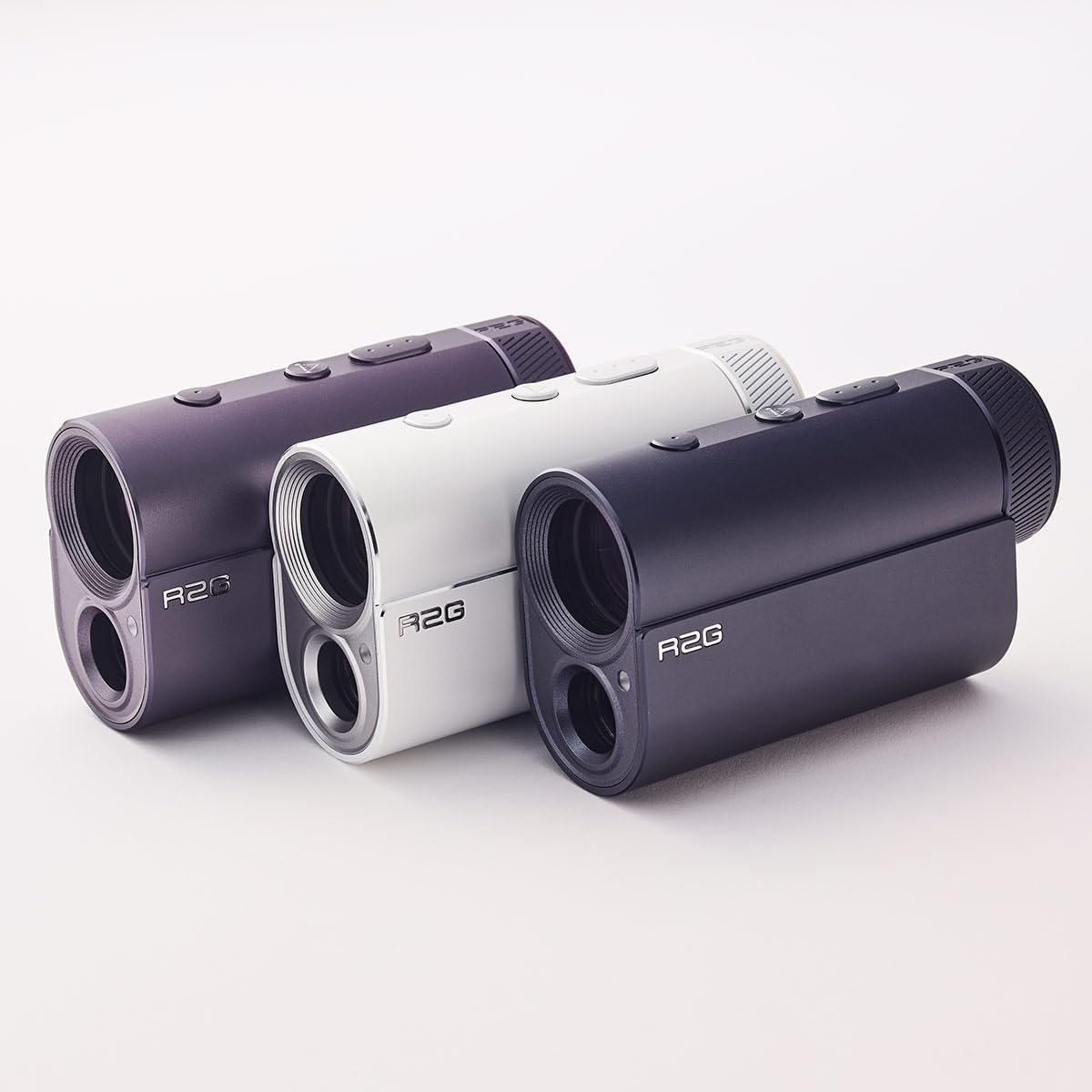
Image 1.1: The R2G Mate PRO Golf Laser Rangefinder, available in various colors.
2. Zawartość opakowania
Upewnij się, że w przesyłce znajdują się wszystkie poniższe elementy:
- R2G Mate PRO Golf Laser Rangefinder Unit
- Leather Carry Case
- USB Charging Cable (USB-C type)
- Ściereczka do czyszczenia
- Instrukcja obsługi Książka
- Carabiners (may vary by package)
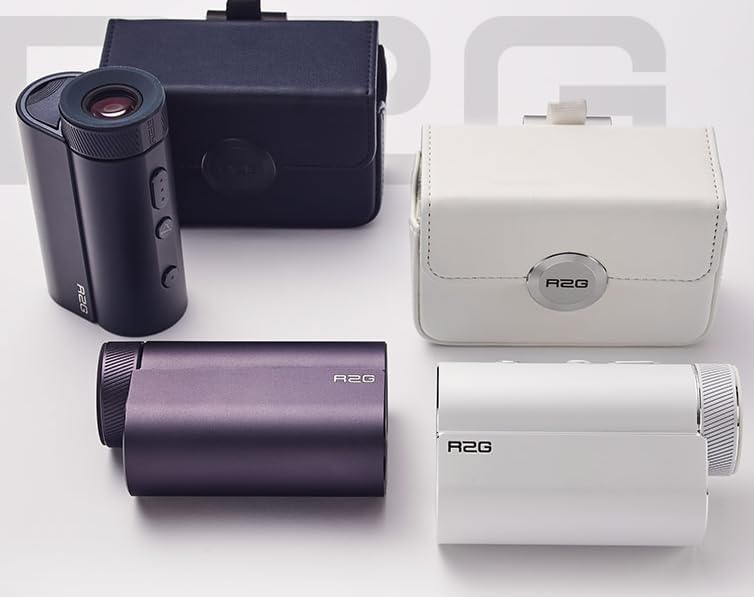
Image 2.1: R2G Mate PRO Rangefinder units shown with their respective leather carry cases.
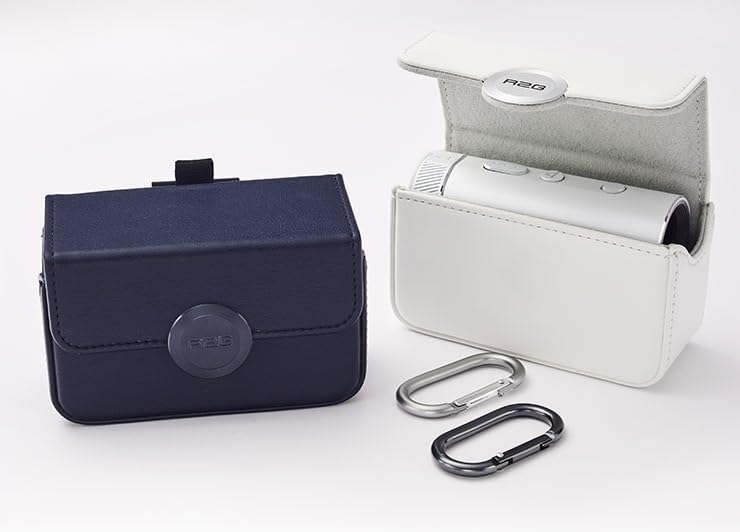
Image 2.2: Close-up of the R2G Mate PRO carry cases, demonstrating the included carabiners for attachment.
3. Konfiguracja
3.1 Pierwsze ładowanie
Before first use, fully charge your R2G Mate PRO. The device features a rechargeable battery designed for extended use (up to 13,000 measurements on a full charge).
- Znajdź port ładowania USB-C na urządzeniu.
- Podłącz dołączony kabel USB-C do dalmierza i kompatybilnego źródła zasilania USB (np. portu USB komputera, zasilacza sieciowego).
- The charging indicator will illuminate. Charging is complete when the indicator changes color or turns off (refer to device display for specific charging status).
3.2 Włączanie/wyłączanie
To power on the device, press and hold the Power button (usually located on the top of the unit) for a few seconds until the display activates. To power off, press and hold the Power button again, or the device may automatically power off after a period of inactivity to conserve battery.

Obraz 3.1: Bok view of the R2G Mate PRO, highlighting the power and mode buttons.
4. Instrukcja obsługi
4.1 Pomiar podstawowy
The R2G Mate PRO offers ultra-high-speed measurement, providing readings within 0.05 seconds for targets within 120 yards.
- Spójrz przez okular.
- Skieruj celownik na wybrany cel.
- Press the Measurement button (often the same as the Power button, or a dedicated button).
- The distance will be displayed on the 2-color OLED screen.
4.2 tryby pracy
The rangefinder includes several modes to enhance your golfing experience:
- PIN Catcher Mode: Designed to easily lock onto the flagstick, even with background objects.
- Approach Mode: Provides accurate distances for approach shots.
- Slope/Non-Slope Mode: Allows you to toggle between modes that account for elevation changes (slope) or provide direct line-of-sight distance (non-slope). Check local rules for tournament play regarding slope functionality.
To switch between modes, press the Mode button (typically located near the Power button). The current mode will be indicated on the OLED display.
4.3 Display and Brightness
The 2-color OLED display provides clear readings. The device features a 5-level automatic brightness adjustment to ensure optimal visibility in various lighting conditions.
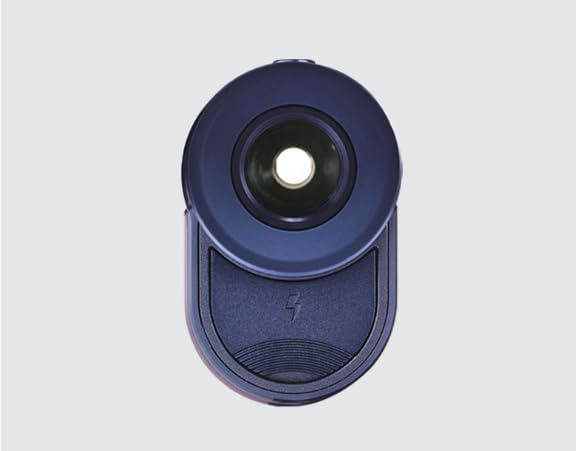
Obraz 4.1: Przód view of the R2G Mate PRO, showing the objective lens and laser aperture.
5. Konserwacja
Proper care will extend the life and performance of your rangefinder:
- Czyszczenie: Use the provided cleaning cloth to gently wipe the lenses and body. Do not use abrasive materials or chemical cleaners.
- Składowanie: Store the rangefinder in its leather carry case when not in use. Keep it in a cool, dry place, away from direct sunlight and extreme temperatures.
- Pielęgnacja baterii: For optimal battery life, avoid fully discharging the battery frequently. Recharge as needed. If storing for an extended period, charge the battery to about 50% every few months.
- Wodoodporność: While designed for outdoor use, avoid submerging the device in water. It is resistant to light rain and splashes, but not waterproof.
6. Rozwiązywanie Problemów
If you encounter issues with your R2G Mate PRO, refer to the table below for common problems and solutions:
| Problem | Możliwa przyczyna | Rozwiązanie |
|---|---|---|
| Urządzenie nie włącza się. | Niski poziom naładowania baterii lub jej rozładowanie. | Naładuj urządzenie do pełna za pomocą dołączonego kabla USB-C. |
| Niedokładne odczyty odległości. | Lens is dirty; target is too far or too close; unstable aiming. | Clean the lenses with the cleaning cloth. Ensure target is within range (up to 13000 times measurement). Hold the device steady. |
| Wyświetlacz jest słaby lub nieczytelny. | Low battery; extreme lighting conditions. | Recharge the battery. The automatic brightness adjustment should adapt, but ensure no direct glare on the display. |
| Nie można zmienić trybu. | Incorrect button press; temporary software glitch. | Ensure you are pressing the correct Mode button. Try powering the device off and on again. |
Jeśli po wypróbowaniu tych rozwiązań problem nadal występuje, skontaktuj się z obsługą klienta.
7. Specyfikacje
| Funkcja | Szczegół |
|---|---|
| Nazwa modelu | R2G MATE PRO |
| Typ wyświetlacza | Dwukolorowy wyświetlacz OLED |
| Powiększenie | 6 XNUMX XNUMX razy |
| Prędkość pomiaru | 0.05 seconds (within 120 yards) |
| Żywotność baterii | Approx. 13,000 measurements per full charge (1 year usage) |
| Port ładowania | Typ USB-C |
| Regulacja jasności | 5-Level Automatic |
| Wymiary (dł. x szer. x wys.) | 3.67 x 1.38 x 2.24 cala |
| Waga | 153 gram |
| Kolor | NAVY (as per model) |
| Tworzywo | Metal |
| Typ sportu | Golf |
| Producent | R2G PEOPLE CO., LTD. |
8. Informacje o gwarancji
The R2G Mate PRO Golf Laser Rangefinder comes with a 1-letnia gwarancja from the date of purchase. This warranty covers manufacturing defects and malfunctions under normal use. It does not cover damage caused by misuse, accidents, unauthorized modifications, or improper maintenance. Please retain your proof of purchase for warranty claims.
9. Obsługa klienta
For further assistance, technical support, or warranty inquiries, please contact R2G customer service. Refer to the product packaging or the official R2G webna tej stronie znajdziesz najbardziej aktualne dane kontaktowe.
Uwaga: W niniejszej instrukcji nie podano szczegółowych danych kontaktowych.
Ask a question about this manual
Ask about setup, troubleshooting, compatibility, parts, safety, or missing instructions. Manuals+ will review the question and use this page’s manual context to help answer it.