
1. Wprowadzenie
Thank you for choosing the Trust Halyx 5-in-1 USB-C Hub. This manual provides essential information for the proper setup, operation, and maintenance of your device. This hub is designed to expand the connectivity of your PC, laptop, or MacBook Pro by adding four USB-C data ports and one USB-C Power Delivery (PD) port.
2. Koniec produktuview
The Trust Halyx 5-in-1 USB-C Hub (Model 25136) features a durable aluminum housing and a compact design. It connects to your host device via an integrated 10cm USB-C cable.
2.1 Główne cechy
- Łączność 5-portowa: Adds 4 USB-C data ports and 1 USB-C Power Delivery port.
- 100W USB-C PD Power Port: Allows pass-through charging for your laptop (additional charger required).
- Szybki transfer danych: Supports data transfer speeds up to 5 Gbps.
- Trwała konstrukcja: Constructed with an aluminum housing for enhanced durability.
- Podłącz i graj: Większość systemów operacyjnych nie wymaga sterowników.
2.2 Zawartość opakowania
- Trust Halyx 5-in-1 USB-C Hub
- Instrukcja obsługi (ten dokument)

Image: The Trust Halyx 5-in-1 USB-C Hub showing its five convenient ports and integrated USB-C cable.

Obraz: szczegółowy view of the five USB-C ports on the Trust Halyx hub, including the Power Delivery port.
3. Instrukcje konfiguracji
Follow these steps to set up your Trust Halyx 5-in-1 USB-C Hub:
- Połącz z urządzeniem hosta: Plug the integrated USB-C cable of the hub into an available USB-C port on your PC, laptop, or MacBook Pro.
- Podłączenie zasilania (opcjonalnie): If you wish to charge your laptop through the hub, connect your laptop's USB-C power adapter to the dedicated 100W USB-C PD port on the hub. Note: An additional charger is required for pass-through charging.
- Podłącz urządzenia peryferyjne: Plug your USB-C devices (e.g., external drives, keyboards, mice, other USB-C accessories) into the four USB-C data ports on the hub.
- Sprawdź połączenie: Your operating system should automatically detect the hub and connected devices. No additional drivers are typically needed.

Image: The Trust Halyx hub connected to a laptop, demonstrating how to plug in additional USB-C devices.

Image: The 100W USB-C Power Delivery port on the Trust Halyx hub, with a power cable connected for laptop charging.
4. Instrukcja obsługi
Once connected, the Trust Halyx hub operates as a direct extension of your computer's USB-C capabilities.
4.1 Podłączanie urządzeń
- Simply plug your USB-C peripherals into any of the four available USB-C data ports.
- The hub supports data transfer speeds of up to 5 Gbps, suitable for most external storage devices, keyboards, mice, and other accessories.
4.2 Power Delivery Functionality
- The dedicated USB-C PD port allows you to charge your laptop while using the hub. Connect your laptop's original USB-C power adapter to this port.
- The hub supports up to 100W pass-through power delivery. Ensure your power adapter is compatible with your laptop's charging requirements.

Image: A complete workstation setup utilizing the Trust Halyx hub to connect various peripherals to a laptop and external monitor.
5. Konserwacja i pielęgnacja
To ensure the longevity and optimal performance of your Trust Halyx USB-C Hub, follow these guidelines:
- Czyszczenie: Do czyszczenia piasty używaj miękkiej, suchej ściereczki. Unikaj płynnych środków czyszczących i materiałów ściernych.
- Składowanie: Przechowuj piastę w chłodnym i suchym miejscu, gdy nie jest używana. Jej kompaktowe rozmiary sprawiają, że nadaje się do podróży.
- Obsługiwanie: Avoid dropping the hub or subjecting it to strong impacts. Do not bend the integrated cable excessively.
- Temperatura: Operate the hub within normal room temperatures. Avoid extreme heat or cold.
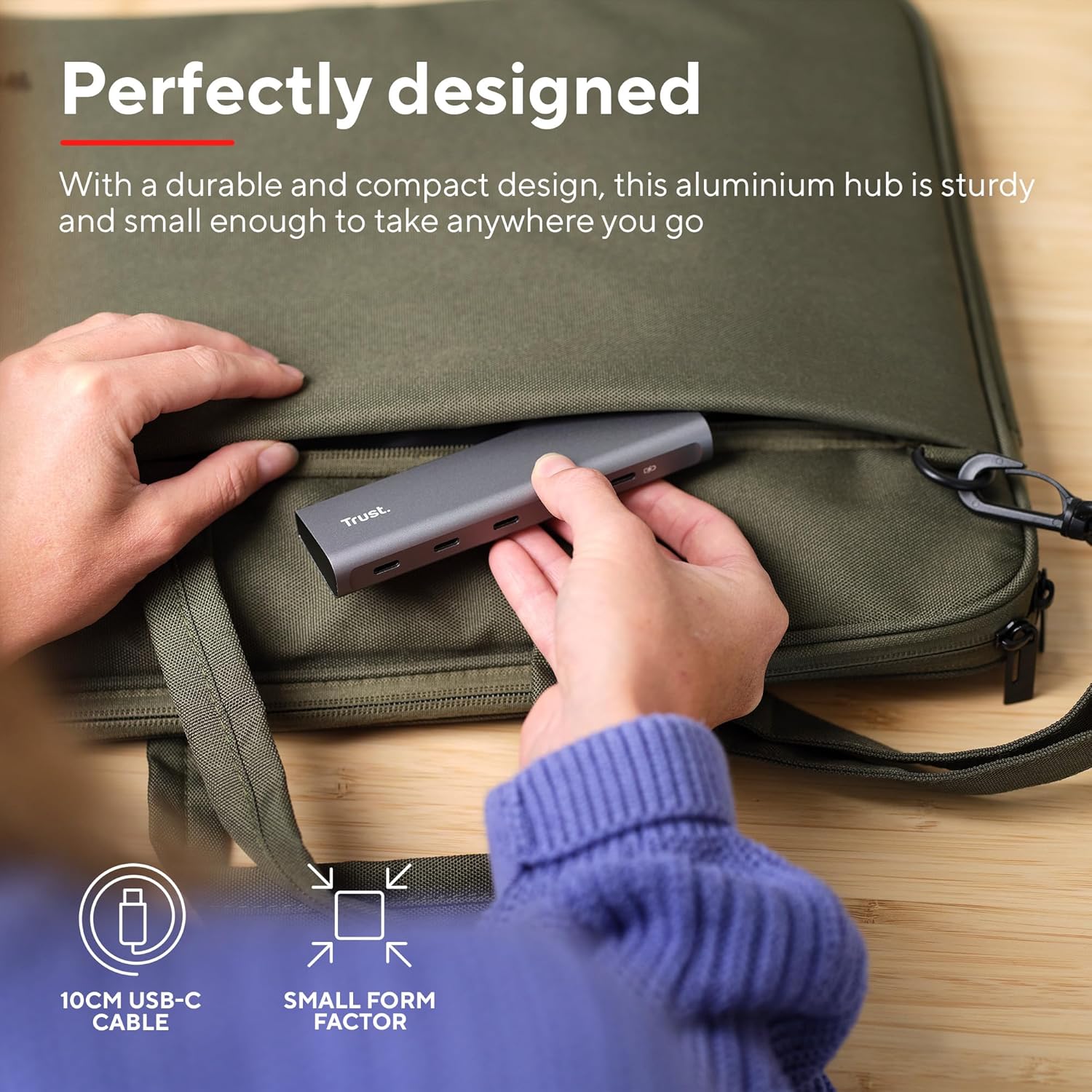
Image: The compact and durable design of the Trust Halyx hub, shown being placed into a laptop bag for portability.
6. Rozwiązywanie Problemów
If you encounter issues with your Trust Halyx USB-C Hub, refer to the following common solutions:
6.1 Devices Not Detected
- Sprawdź połączenia: Ensure the hub's USB-C cable is securely plugged into your host device and that peripherals are firmly connected to the hub.
- Restart Host Device: Sometimes, a simple restart of your computer can resolve detection issues.
- Test Peripherals Directly: Connect the peripheral directly to your computer's USB-C port (if available) to confirm it is functioning correctly.
- Wypróbuj inny port: If your computer has multiple USB-C ports, try connecting the hub to a different one.
6.2 Charging Not Working
- Sprawdź zasilacz: Ensure your USB-C power adapter is correctly connected to the hub's PD port and is capable of providing sufficient power for your laptop.
- Check Laptop Compatibility: Confirm your laptop supports USB-C Power Delivery for charging.
- Integralność kabla: Ensure the USB-C cable from your power adapter to the hub is not damaged.
6.3 Powolny transfer danych
- Zgodność urządzenia: Ensure the connected peripheral supports USB 3.0 (5 Gbps) speeds. Older USB 2.0 devices will operate at their native slower speeds.
- Host Port Speed: Verify that the USB-C port on your computer supports USB 3.0 or higher data transfer rates.
- Unikaj przeciążania: While the hub provides multiple ports, extremely demanding devices might perform better when connected directly to the host device if possible.
7. Specyfikacje
| Funkcja | Szczegół |
|---|---|
| Numer modelu | 25136 |
| Marka | Zaufanie |
| Łączność | 1x USB-C Host Connector (integrated cable), 4x USB-C Data Ports, 1x USB-C Power Delivery Port |
| Prędkość przesyłu danych | Do 5 Gb/s (USB 3.0) |
| Dostarczanie mocy | Up to 100W pass-through charging |
| Materiał obudowy | Aluminium |
| Długość kabla | 10 cm |
| Wymiary (dł. x szer. x wys.) | 1.26 x 5 x 0.63 cala (32 x 127 x 16 mm) |
| Waga | 2.86 uncji (81 grama) |
| Kompatybilne systemy operacyjne | Chrome OS, Windows 10 or 11, macOS 11, 12 or 13 |
8. Gwarancja i wsparcie
Aby uzyskać informacje dotyczące gwarancji i pomocy technicznej, zapoznaj się z oficjalną stroną Trust webOdwiedź stronę internetową lub skontaktuj się bezpośrednio z działem obsługi klienta. Zachowaj dowód zakupu na wypadek reklamacji.
Wsparcie online: www.trust.com/support


