
Wstęp
The PPLEE CR1021 Portable White Noise Machine is designed to create a peaceful and soothing environment, aiding in sleep, relaxation, and focus. It features 42 non-looping sounds, a rechargeable battery, night light, and timer functions, making it suitable for home, office, and travel use.
This manual provides detailed instructions for the safe and effective use of your device. Please read it thoroughly before operation and retain it for future reference.
Informacje dotyczące bezpieczeństwa
Aby zapobiec uszkodzeniu urządzenia lub obrażeniom ciała u siebie lub innych osób, należy przestrzegać poniższych środków ostrożności:
- Nie wystawiaj urządzenia na działanie wody ani nadmiernej wilgoci.
- Trzymaj urządzenie z dala od źródeł ciepła i bezpośredniego światła słonecznego.
- Nie próbuj samodzielnie demontować ani naprawiać urządzenia. Skontaktuj się z wykwalifikowanym personelem serwisowym.
- Use only the provided Type-C charging cable and a compatible power adapter (DC 5V/1A).
- Keep out of reach of small children when not in use, especially the charging cable.
- Ensure proper ventilation; do not cover the speaker grille during operation.
Zawartość opakowania
Sprawdź, czy w opakowaniu znajdują się wszystkie elementy:
- 1x PPLEE CR1021 Portable White Noise Machine
- 1x kabel zasilający typu C
- 1x Hanging Loop
- 1x Instrukcja obsługi (ten dokument)
Organizować coś
Ładowanie urządzenia
Before first use, fully charge the white noise machine. The device features a built-in 2200mAh rechargeable battery.
- Podłącz dołączony kabel ładujący typu C do portu ładowania w urządzeniu.
- Connect the other end of the cable to a compatible USB power adapter (DC 5V/1A) or a computer's USB port.
- Podczas ładowania kontrolka ładowania będzie się świecić, a po pełnym naładowaniu zgaśnie.
A full charge provides approximately 33-58 hours of playtime, depending on volume level and night light usage.
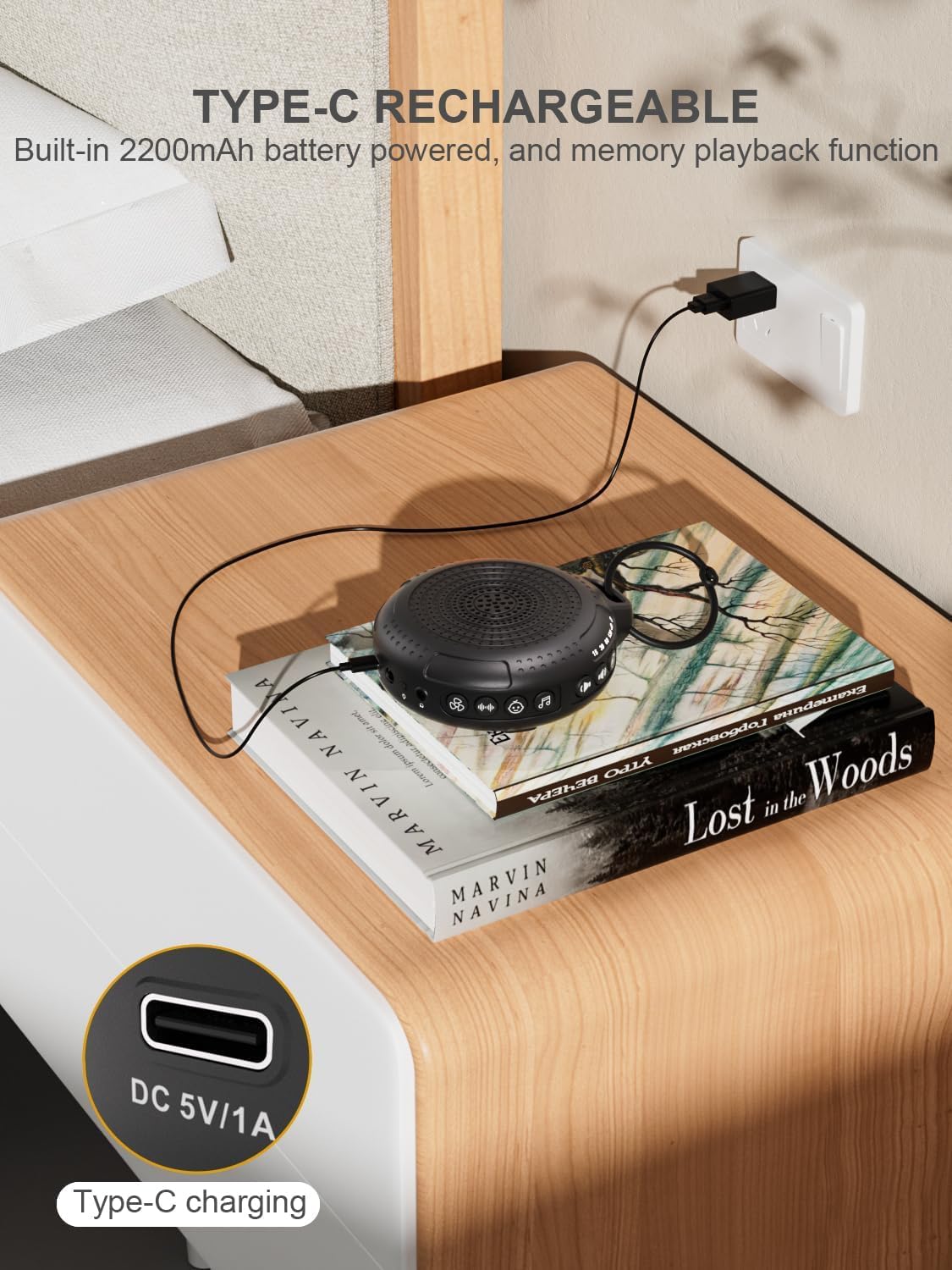
Image: The PPLEE CR1021 White Noise Machine connected to a Type-C charger, demonstrating how to charge the device.
Umieszczenie
Place the device on a stable, flat surface or use the included hanging loop to attach it to a stroller, car seat, or crib. Ensure the speaker is not obstructed for optimal sound projection.

Image: The PPLEE CR1021 White Noise Machine hanging from a stroller, highlighting its compact and portable design for travel.
Instrukcja obsługi
Kontrola nadview

Obraz: szczegółowy view of the PPLEE CR1021 White Noise Machine, illustrating the location of its various control buttons and features.
Włączanie/wyłączanie zasilania
- Naciśnij i przytrzymaj przycisk zasilania (⏻) for 2 seconds to turn the device ON or OFF.
- The device will remember your last sound, volume, and timer settings upon powering on.
Wybór dźwięku
The device offers 42 non-looping soothing sounds across four categories:
- Białe szumy: 5 dźwięków
- Dźwięki wentylatora: 6 dźwięków
- Kołysanki: 15 dźwięków
- Naturalne dźwięki: 16 dźwięków
- Press the Sound Category buttons (e.g., White Noise, Fan, Lullaby, Nature) to switch between sound categories.
- Once a category is selected, press the Sound Selection button (♫) to cycle through the sounds within that category.
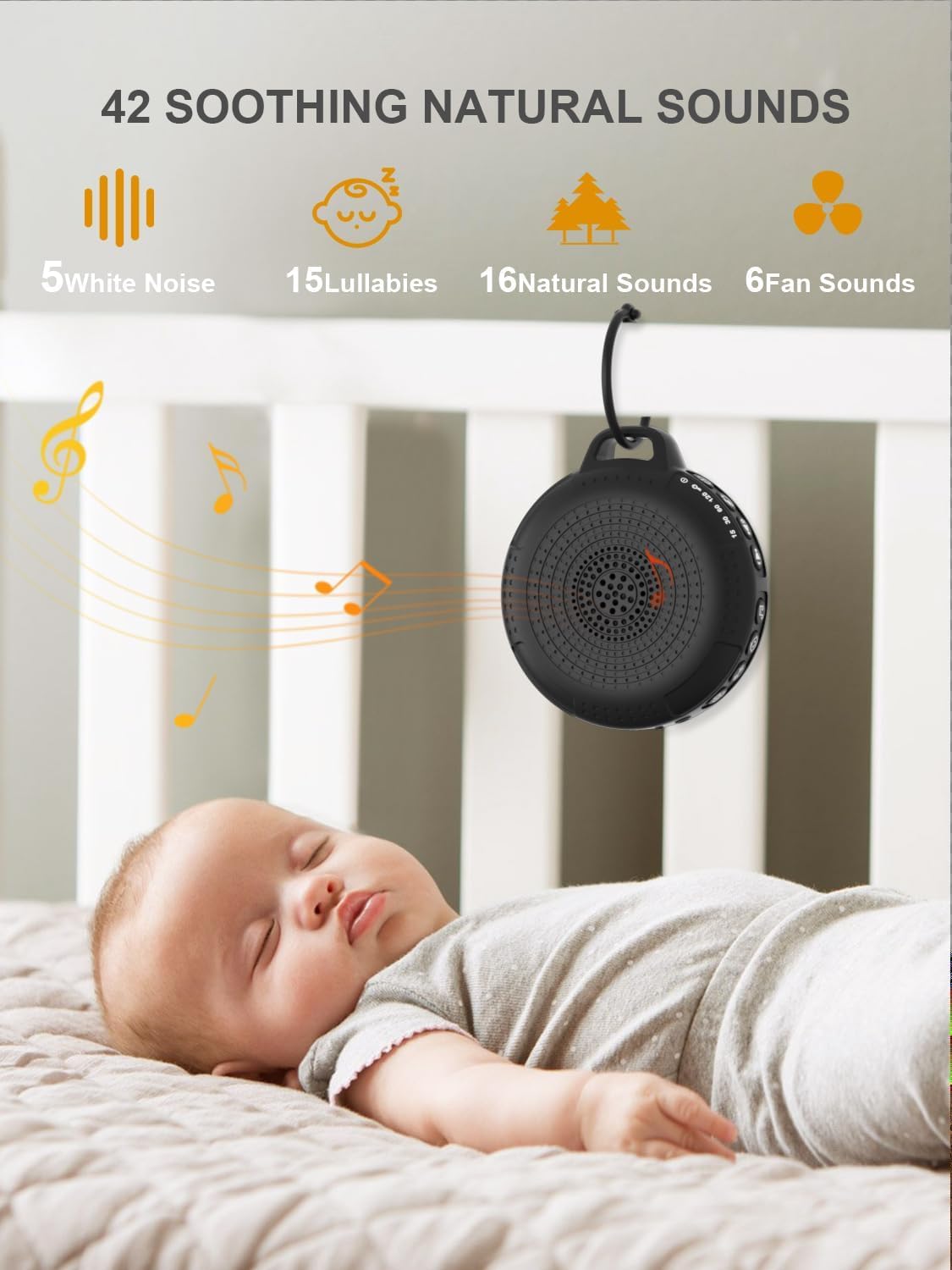
Image: The PPLEE CR1021 White Noise Machine displaying the variety of 42 soothing sounds available, categorized for easy selection.
Kontrola głośności
Adjust the sound volume using the dedicated volume buttons:
- Naciśnij przycisk zwiększania głośności (+) aby zwiększyć głośność.
- Naciśnij przycisk zmniejszania głośności (-) aby zmniejszyć głośność.
- There are 8 distinct volume levels.

Image: The PPLEE CR1021 White Noise Machine highlighting its volume adjustment and timer functions, showing options for 15, 30, 60, and 120 minutes.
Funkcja timera
The device can play continuously or automatically turn off after a set period:
- Naciśnij przycisk timera (⏱) to cycle through the available timer settings: 15 minutes, 30 minutes, 60 minutes, 120 minutes, or continuous play.
- An indicator light will show the selected timer duration.
Światło nocne
The integrated night light offers two brightness levels:
- Naciśnij przycisk Lampka nocna (💡) once for the first brightness level.
- Press it again for the second, brighter level.
- Press a third time to turn the night light off.
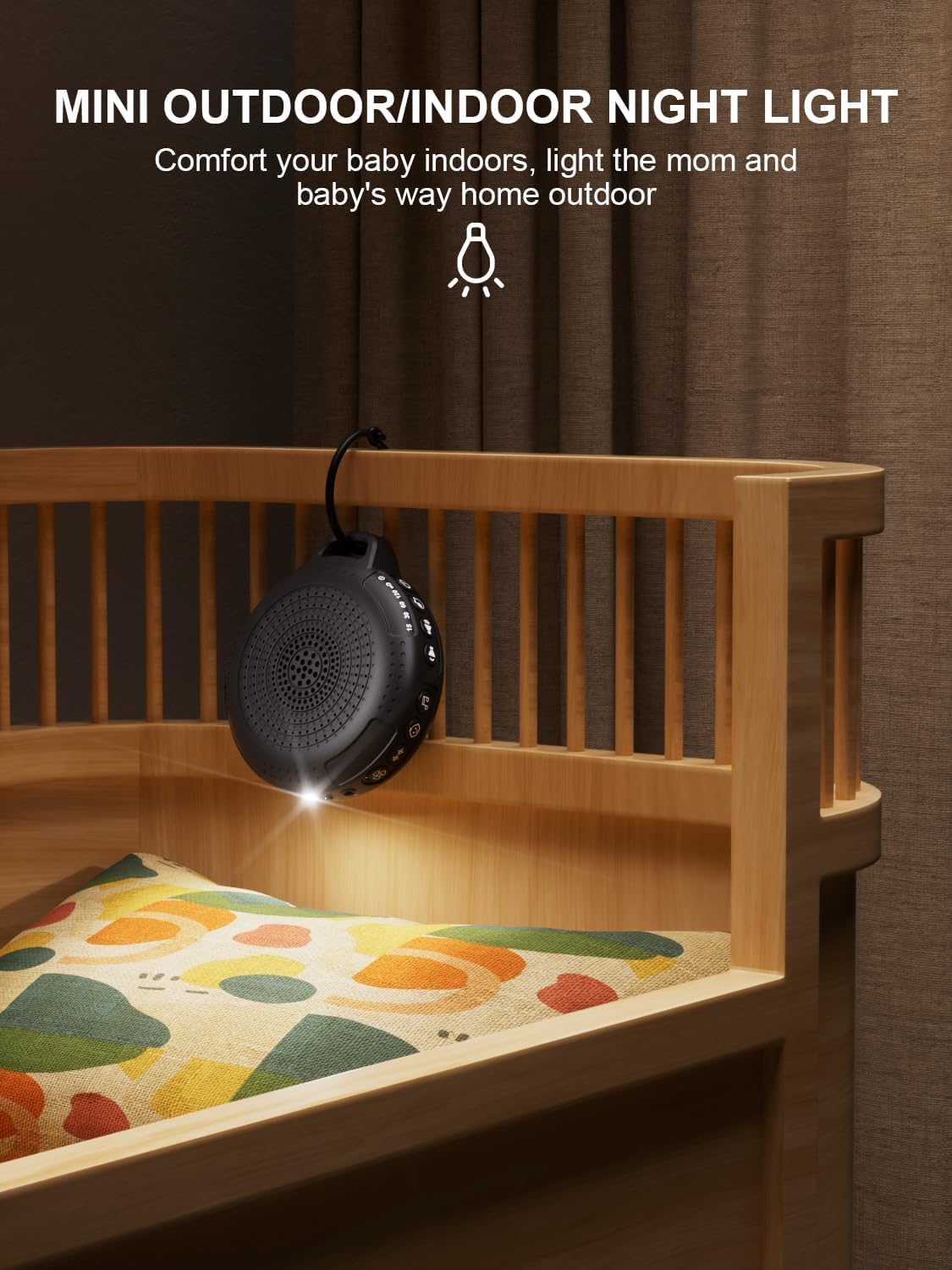
Image: The PPLEE CR1021 White Noise Machine with its night light illuminated, shown hanging on a crib, providing gentle illumination.
Funkcja blokady dziecięcej
To prevent accidental changes to settings, activate the child lock:
- Naciśnij i przytrzymaj przycisk blokady dziecięcej (🔒) for 2 seconds to activate or deactivate the child lock.
- When activated, all other buttons will be unresponsive until the child lock is deactivated.
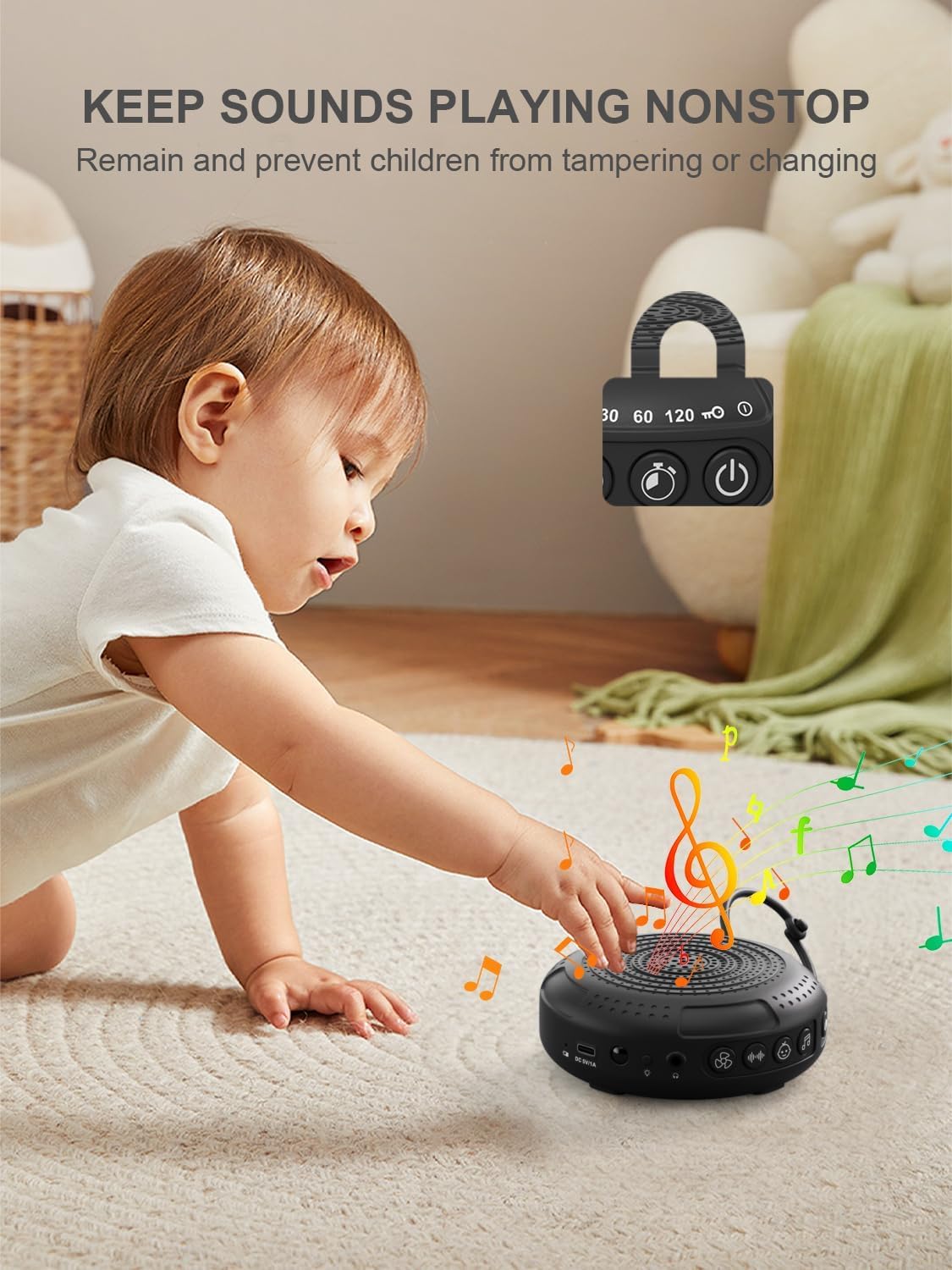
Image: The PPLEE CR1021 White Noise Machine with a visual representation of its child lock feature, designed to maintain settings and prevent tamping.
Gniazdo słuchawkowe
For private listening, connect standard 3.5mm headphones to the headphone jack located on the side of the device. The speaker will automatically mute when headphones are connected.
Konserwacja
Czyszczenie
- Przed czyszczeniem upewnij się, że urządzenie jest wyłączone i odłączone od zasilania.
- Wipe the exterior with a soft, dry, or slightly damp płótno.
- Nie należy używać środków czyszczących o działaniu ściernym, rozpuszczalników ani silnych środków chemicznych.
Składowanie
- Przechowywać urządzenie w chłodnym i suchym miejscu, z dala od bezpośredniego światła słonecznego i ekstremalnych temperatur.
- Jeśli akumulator będzie przechowywany przez dłuższy czas, należy go okresowo ładować, aby wydłużyć jego żywotność.
Rozwiązywanie problemów
| Problem | Możliwa przyczyna | Rozwiązanie |
|---|---|---|
| Urządzenie się nie włącza. | Bateria jest rozładowana. | Naładuj urządzenie za pomocą dołączonego kabla typu C. |
| Brak dźwięku. | Głośność jest zbyt niska lub wyciszona. Słuchawki są podłączone. | Increase the volume. Disconnect headphones if not needed. |
| Przyciski nie reagują. | Blokada rodzicielska jest włączona. | Deactivate the Child Lock by pressing and holding the Child Lock button for 2 seconds. |
| Żywotność baterii jest krótsza niż oczekiwano. | High volume level or continuous night light use. Battery degradation over time. | Reduce volume or night light usage. Ensure full charge. |
| Ładowanie jest powolne lub nie działa. | Faulty cable or power adapter. Charging port issue. | Try a different Type-C cable and a known working 5V/1A USB power adapter. |
Specyfikacje
| Funkcja | Szczegół |
|---|---|
| Nazwa modelu | CR1021 |
| Marka | OSOBY |
| Źródło zasilania | Zasilany bateryjnie (akumulator 2200mAh) |
| Port ładowania | Typ C (DC 5 V/1 A) |
| Liczba dźwięków | 42 (5 White Noise, 6 Fan, 15 Lullabies, 16 Natural) |
| Poziomy głośności | 8 |
| Opcje timera | 15, 30, 60, 120 minutes, Continuous |
| Światło nocne | 2 poziomy jasności |
| Wymiary (dł. x szer. x wys.) | 12.5 x 11 x 4.3 cm (4.92 x 4.3 x 1.69 cala) |
| Waga | 177 g (0.39 funta) |
| Zawarte komponenty | Device, Type-C Cable, Hanging Loop, User Manual |
Gwarancja i wsparcie
Aby uzyskać informacje o gwarancji lub pomocy technicznej, zapoznaj się z danymi kontaktowymi podanymi przy zakupie lub odwiedź oficjalną stronę internetową PPLEE webZachowaj paragon jako dowód zakupu.