
1. Wprowadzenie
The Rossetta Star Projector is designed to transform any room into a captivating celestial experience, featuring stunning northern lights and a starry sky. It serves multiple functions, including a night light, a white noise machine, and a Bluetooth speaker. With its intuitive remote control, users can easily adjust lighting modes, colors, brightness, and set timers for a personalized ambiance. This device is ideal for creating a relaxing atmosphere, enhancing room decor, or providing a soothing environment for sleep.
2. Zawartość opakowania
Proszę dokładnie sprawdzić przesyłkę, aby mieć pewność, że wszystkie przedmioty znajdują się w niej i są w dobrym stanie.
- Rossetta Star Projector
- Zdalne sterowanie
- Kabel zasilający (USB)
- Instrukcja obsługi
Note: An adapter is not included and must be supplied by the user (e.g., a standard 5V USB power adapter).
3. Koniec produktuview
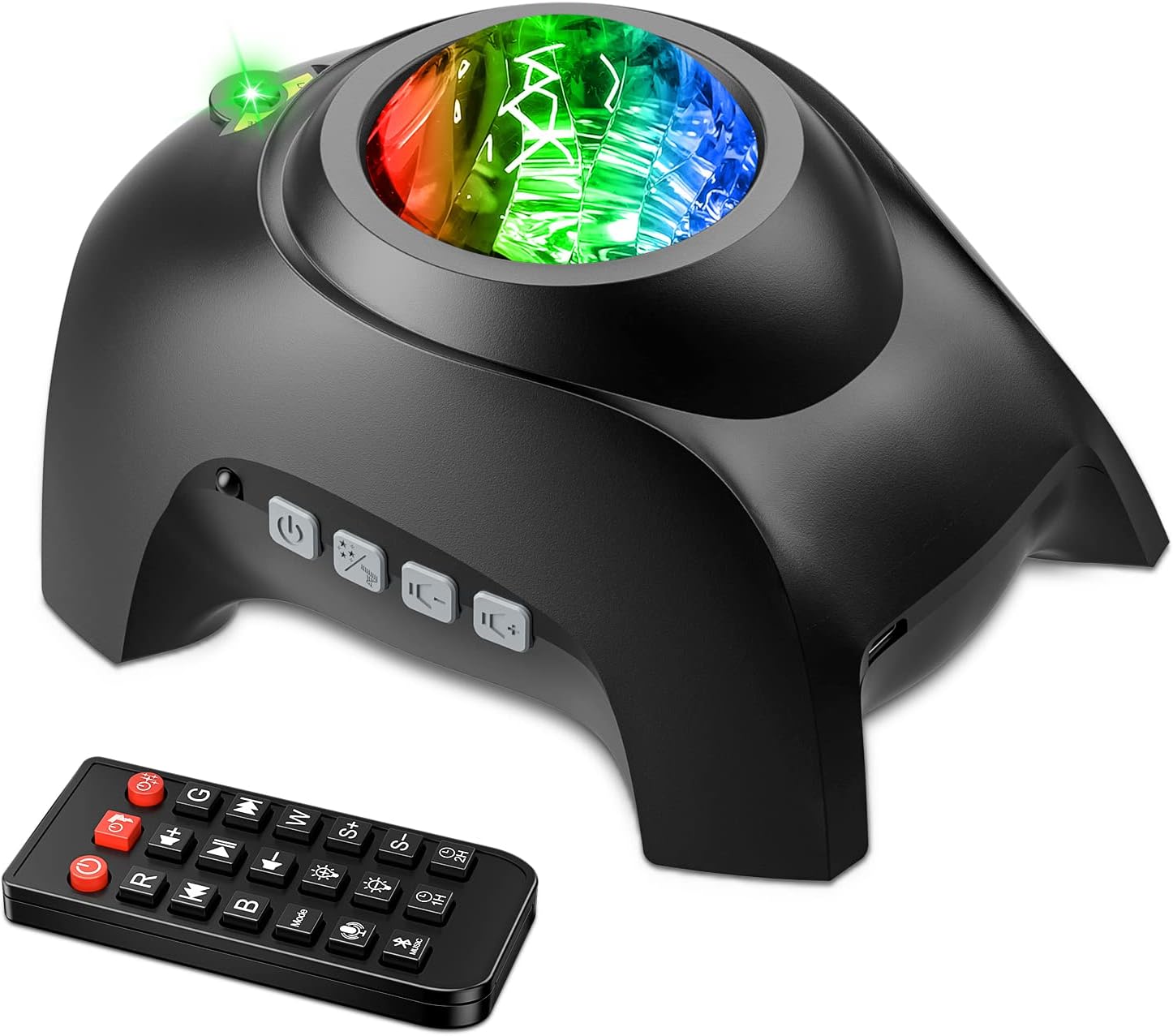
The Rossetta Star Projector and its accompanying remote control, showing the device's buttons and light output.

A room illuminated by the Rossetta Star Projector, showcasing the vibrant galaxy and star display on the ceiling and walls.
Sterowanie urządzeniem:
- Przycisk zasilania: Włącza lub wyłącza projektor.
- Przycisk trybu światła: Cycles through different light effects and colors.
- Przycisk Bluetooth: Aktywuje tryb parowania Bluetooth.
- Przyciski głośności: Adjusts the volume for white noise or Bluetooth audio.
- Port USB: Do podłączenia zasilania.
Funkcje pilota zdalnego sterowania:
The remote control provides comprehensive control over all projector functions, including power, light modes, colors, brightness, white noise selection, volume, and timer settings.
4. Konfiguracja
- Rozpakuj projektor: Carefully remove the Rossetta Star Projector and all accessories from the packaging.
- Podłączenie zasilania: Connect the provided USB power cable to the projector's USB port. Plug the other end of the USB cable into a compatible 5V USB power adapter (not included) and then into a power outlet.
- Konfiguracja pilota zdalnego sterowania: Open the battery compartment on the back of the remote control and insert 2 x AAA batteries (not included), ensuring correct polarity. Close the compartment securely.
- Umieszczenie: Place the projector on a stable, flat surface. For optimal projection, position it in the center of the room or facing the desired projection surface (ceiling or wall).
5. Instrukcja obsługi
5.1 Włączanie/wyłączanie zasilania
- Naciśnij Przycisk zasilania on the projector or the remote control to turn the device on or off.
5.2 Tryby i efekty oświetlenia
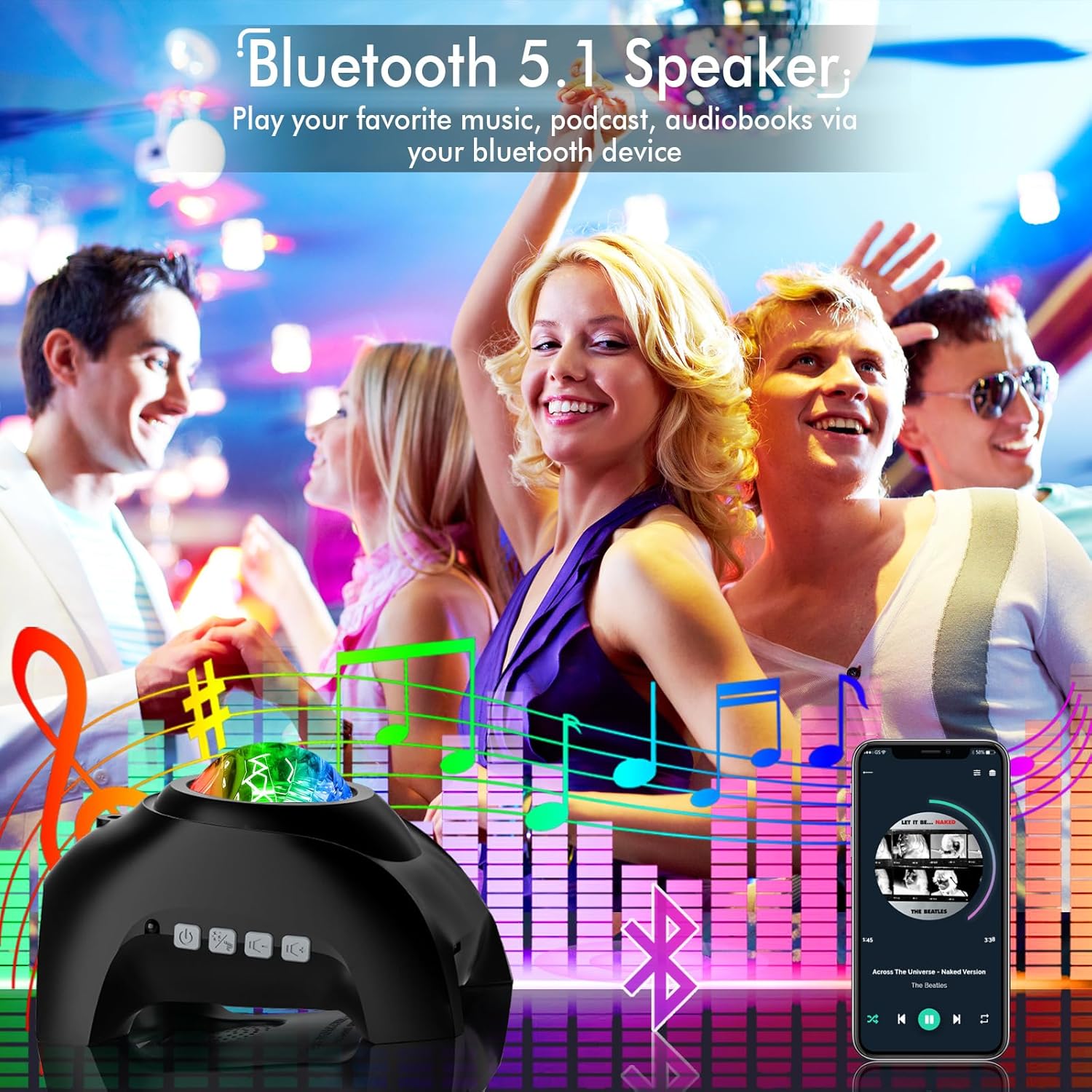
The Rossetta Star Projector creating a dynamic light show synchronized with music, ideal for social gatherings.
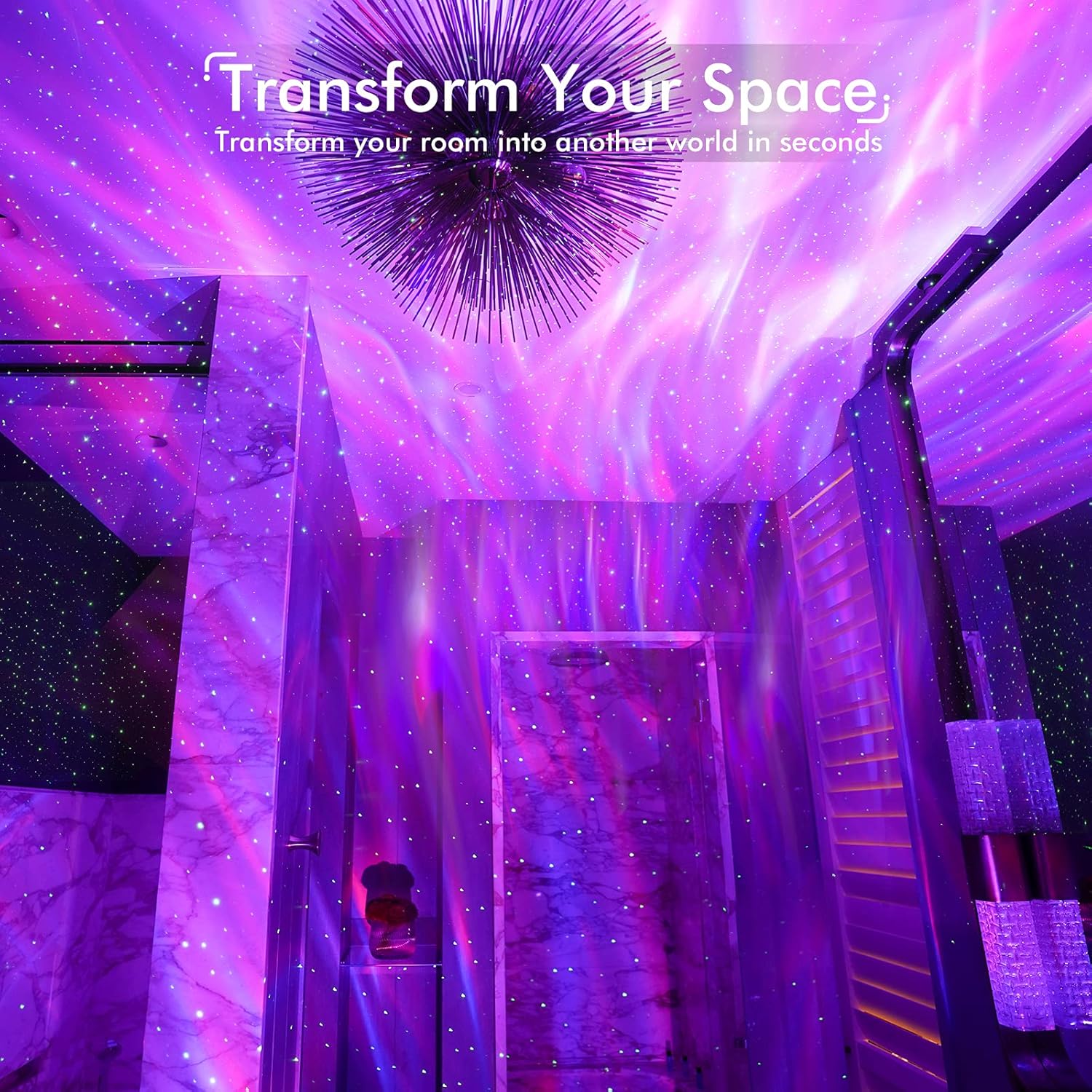
A room transformed by the Rossetta Star Projector, showcasing its immersive lighting effects.
- Aurora/Nebula Effect: Use the remote control to select various aurora colors (Red, Green, Blue, White) and combinations.
- Star Effect: Activate or deactivate the green star projection.
- Regulacja jasności: Use the brightness buttons on the remote to increase or decrease the intensity of the projection.
- Kontrola prędkości: Adjust the movement speed of the aurora effect using the remote control.
5.3 Funkcja głośnika Bluetooth
- Łączenie w pary: Turn on the projector. The device will automatically enter Bluetooth pairing mode (a voice prompt may indicate this). On your mobile device, search for Bluetooth devices and select "Rossetta" (or similar name).
- Odtwarzanie dźwięku: Once paired, you can play music, podcasts, or audiobooks from your device through the projector's speaker.
- Regulacja głośności: Adjust volume using the projector's buttons or the remote control.
- Tryb aktywacji dźwiękiem: The projector can synchronize its light effects with the rhythm of the music when this mode is activated via the remote.
5.4 maszyna białego szumu
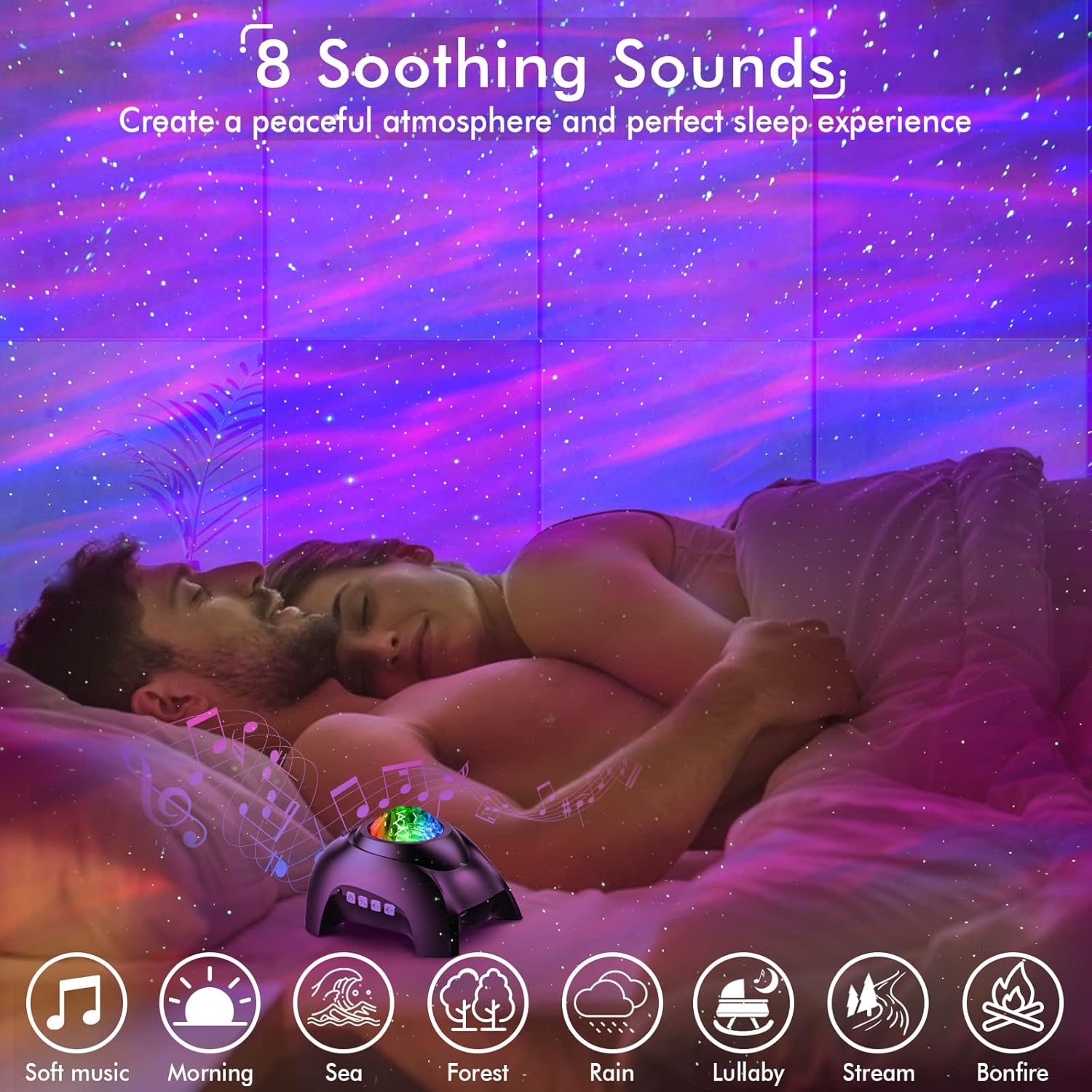
The Rossetta Star Projector providing a calming ambiance with white noise and aurora projection for relaxation and sleep.
- The projector includes 8 calming white noise options (e.g., soft music, morning, sea, forest, rain, lullaby, stream, bonfire).
- Use the remote control to cycle through and select your preferred white noise sound.
5.5 Funkcja timera
- Set the automatic shut-off timer for 1 or 2 hours using the remote control.
- The projector will automatically turn off after the selected time, or after 4 hours if no timer is set.
6. Konserwacja
- Czyszczenie: Use a soft, dry cloth to wipe the surface of the projector. Do not use liquid cleaners or abrasive materials.
- Składowanie: When not in use for extended periods, store the projector in a cool, dry place away from direct sunlight and extreme temperatures.
- Pielęgnacja soczewek: Avoid touching the projection lens directly to prevent smudges or scratches. If necessary, gently clean with a lens cleaning cloth.
7. Rozwiązywanie Problemów
| Problem | Możliwa przyczyna | Rozwiązanie |
|---|---|---|
| Projektor się nie włącza. | Brak połączenia z zasilaniem lub uszkodzony adapter. | Ensure the power cable is securely connected and the adapter is working. Try a different USB adapter. |
| Pilot nie działa. | Baterie są rozładowane lub nieprawidłowo włożone. Przeszkoda między pilotem a projektorem. | Replace batteries, check polarity. Ensure no obstructions and point remote directly at the projector. |
| No projection or dim projection. | Brightness set too low. Lens obstructed. | Increase brightness using the remote. Clean the projection lens. Ensure the room is dark enough. |
| Problemy z połączeniem Bluetooth. | Not in pairing mode. Device too far. Already connected to another device. | Ensure projector is in Bluetooth pairing mode. Move device closer. Disconnect from other Bluetooth devices. |
| Jakość dźwięku jest niska. | Volume too high/low. Source audio quality. | Adjust volume. Check audio source quality. |
8. Specyfikacje
| Funkcja | Szczegół |
|---|---|
| Numer modelu | Projektor gwiazdowy-RT009 |
| Kolor | Onyks |
| Tworzywo | Plastik (akrylonitryl-butadien-styren) |
| Typ źródła światła | Dioda elektroluminescencyjna (LED) |
| Źródło zasilania | Elektryczny przewodowy |
| Tomtage | 5 V (prąd stały) |
| Waga przedmiotu | 1.08 funta |
| Wymiary produktu | 6.71" dł. x 4.94" szer. x 4.26" wys. |
| Funkcje żarówki | Możliwość ściemniania |
| Certyfikaty | CE, FCC, RoHS |
| Liczba źródeł światła | 2 |
9. Gwarancja i wsparcie
The Rossetta Star Projector comes with a 1-year limited warranty and service included. Use of the Rossetta Star Projector night light is subject to the terms of this warranty.
For any questions, technical support, or warranty claims, please refer to the contact information provided in your product packaging or visit the official Rossetta webstrona zawierająca szczegóły dotyczące obsługi klienta.
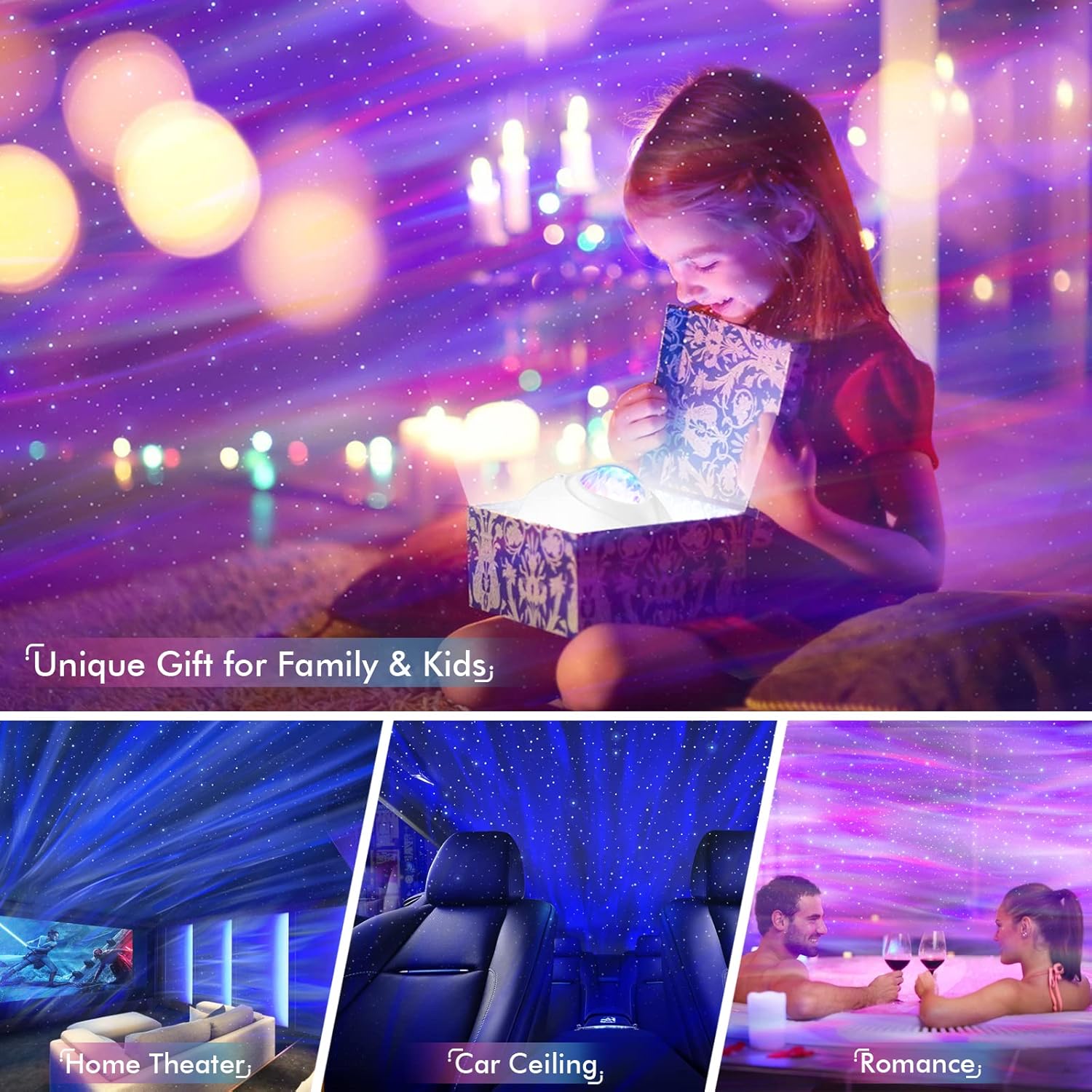
The Rossetta Star Projector as a versatile gift, suitable for home theaters, car ceilings, and romantic settings.
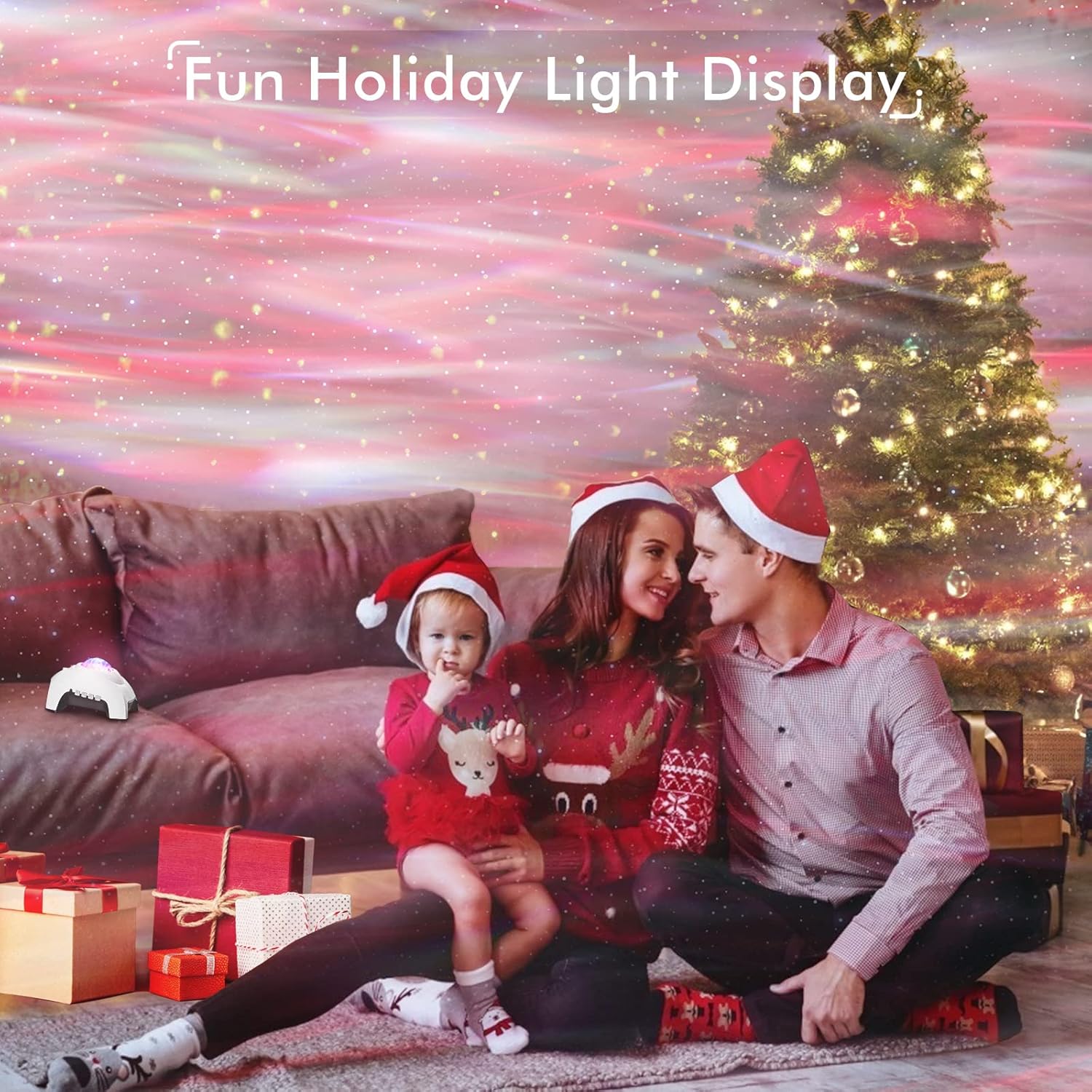
The Rossetta Star Projector enhancing holiday decor with festive lighting.

Children delighted by the Rossetta Star Projector, highlighting its appeal as a gift.