
1. Koniec produktuview
The Dzees 360° PTZ Security Camera is a versatile wireless outdoor WiFi camera designed to provide comprehensive surveillance for your home. Featuring 2K resolution, pan-tilt-zoom capabilities, color night vision, two-way audio, and AI motion detection, it offers robust security features. This manual provides detailed instructions for setting up, operating, and maintaining your camera.

Figure 1.1: Dzees 360° PTZ Security Camera (Front View)
1.1 Główne cechy
- Wideo 2K HD: Captures clear 2048 x 1536 resolution footage.
- Sterowanie PTZ 360°: 355° pan and 95° tilt for wide area monitoring.
- Kolorowe widzenie nocne: Provides full-color video even in low-light conditions up to 100ft.
- Dwukierunkowy dźwięk: Wbudowany mikrofon i głośnik umożliwiające komunikację w czasie rzeczywistym.
- Wykrywanie ruchu AI: Reduces false alerts and identifies people, pets, and vehicles (paid feature for AI recognition and customizable motion area).
- Bezprzewodowy i zasilany bateryjnie: 9000mAh rechargeable battery, compatible with USB-C solar panels.
- Odporność na warunki atmosferyczne IP66: Przeznaczone do stosowania na zewnątrz w różnych warunkach pogodowych.
- Wiele opcji przechowywania: Obsługuje karty Micro SD (do 128 GB, brak w zestawie) i przechowywanie danych w chmurze.
1.2 Zawartość opakowania
Sprawdź, czy w opakowaniu znajdują się wszystkie elementy:
- Dzees 360° PTZ Security Camera
- Uchwyt montażowy
- Kabel ładujący typu C.
- Zestaw śrub
- Odblokuj PIN
- Instrukcja obsługi

Figure 1.2: Included Accessories and Camera Dimensions
2. Przewodnik konfiguracji
2.1 Pierwsze ładowanie
Before first use, fully charge the camera using the provided Type-C charging cable. A full charge typically takes approximately 8 hours. The camera's 9000mAh battery provides 3-8 months of use depending on activity.
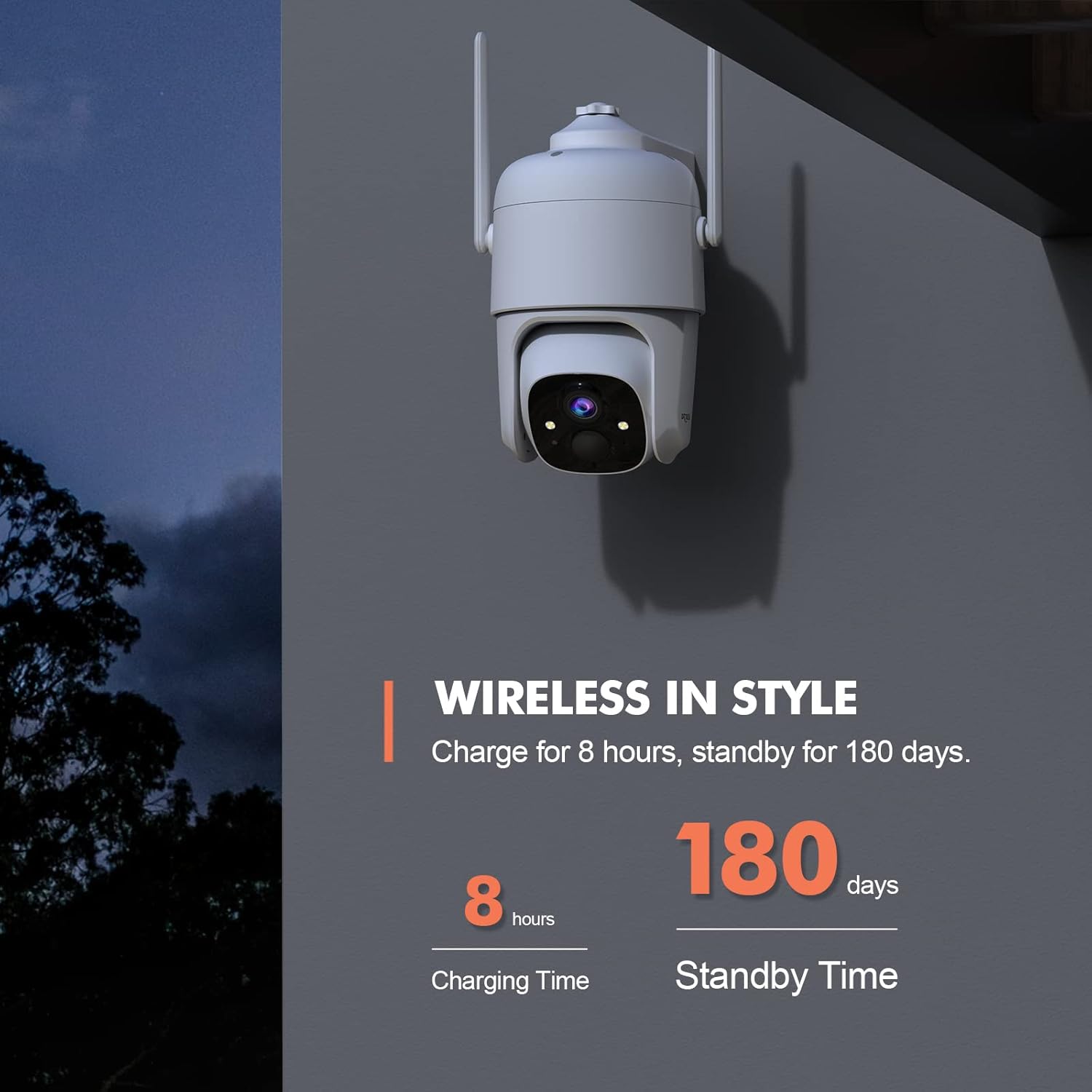
Figure 2.1: Charging and Standby Time Information
For continuous power, the camera is compatible with USB-C port solar panels (sold separately). Szukaj B0CT2LHQRD to purchase a compatible solar panel.

Figure 2.2: Solar Panel Charging Option
2.2 Instalacja aplikacji i konfiguracja konta
Download the "Dzees" or "Vicohome" app from your device's app store (iOS/Android). Follow the in-app instructions to create an account and add your camera. Ensure your mobile device is connected to a 2.4GHz Wi-Fi network during setup, as the camera does not support 5GHz Wi-Fi.

Figure 2.3: Camera Features and App Compatibility
2.3 Montaż kamery
Select a suitable location for mounting the camera, ensuring it has a clear view of the area you wish to monitor and is within range of your 2.4GHz Wi-Fi network. Use the provided mounting bracket and screws to securely attach the camera to a wall or other stable surface. The camera is designed for both indoor and outdoor use.
3. Instrukcja obsługi
3.1 Sterowanie panoramowaniem, pochylaniem i zoomem cyfrowym
Utilize the Dzees or Vicohome app to remotely control the camera's pan (355°) and tilt (95°) movements, allowing you to monitor a wide area. The camera also supports 4x digital zoom to view details. You can set up to 5 preset points within the app for quick access to specific viewkąty.

Figure 3.1: Pan, Tilt, and Digital Zoom Capabilities

Figure 3.2: Setting Preset ViewPozycje
3.2 Widzenie nocne i jakość obrazu
The camera provides 2K HD (2048 x 1536) resolution for clear images. It features advanced color night vision, capturing full-color footage up to 100ft even in complete darkness, unlike traditional black and white night vision.

Figure 3.3: Color Night Vision Performance
3.3 Dźwięk dwukierunkowy
The integrated microphone and speaker enable two-way communication. You can listen to audio from the camera's location and speak through the camera using the app, allowing you to interact with visitors or deter intruders.

Rysunek 3.4: Funkcjonalność dwukierunkowego dźwięku
3.4 Detekcja ruchu i alerty
The camera features AI motion detection to identify people, pets, and vehicles, reducing false alarms. You can customize motion detection areas and adjust sensitivity settings within the app (AI recognition and customizable motion area are paid features). When motion is detected, the camera can trigger a siren, flashlight warning, and send real-time push notifications to your phone.

Figure 3.5: Multi-Alarm System for Property Protection

Figure 3.6: Instant Security Alerts via App

Figure 3.7: AI Motion Recording Capabilities
3.5 Przechowywanie wideo
Recordings can be stored locally on a Micro SD card (up to 128GB, not included) or via cloud storage. Cloud storage offers a 3-day loop and 0.5GB space for free, with subscription options for extended storage and features.
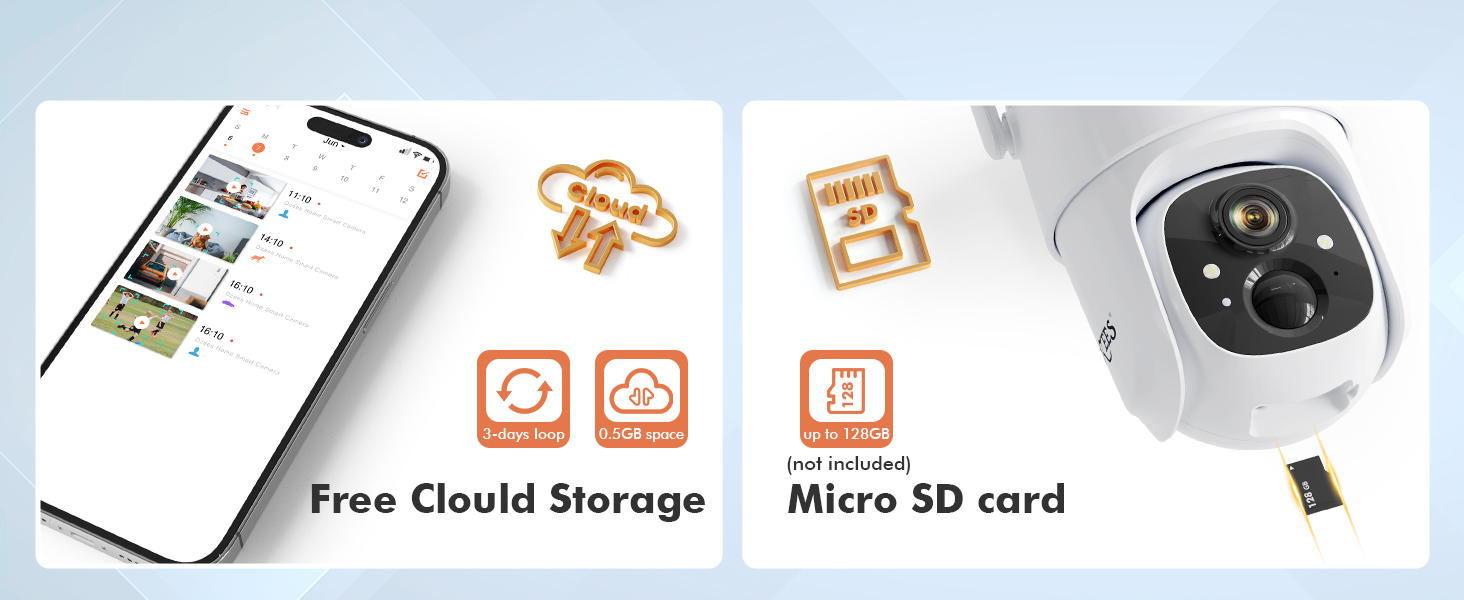
Rysunek 3.8: Opcje przechowywania
3.6 Udostępnianie rodzinne
The Dzees app allows you to share camera access with up to 5 accounts, enabling multiple family members to live view, control, and receive alerts from the camera. You can manage limitless Dzees cameras within a single app.

Figure 3.9: All-in-one Dzees App Controls
4. Konserwacja
4.1 Zarządzanie baterią
The camera's 9000mAh rechargeable battery provides extended usage. Monitor the battery level through the Dzees app and recharge as needed. For optimal performance and longevity, consider connecting a compatible USB-C solar panel for continuous charging, especially for outdoor installations.
4.2 Odporność na warunki atmosferyczne
The Dzees camera is rated IP66 weatherproof, meaning it is protected against dust and powerful water jets. This makes it suitable for outdoor use in various weather conditions. Periodically inspect the camera and its mounting for any signs of wear or damage, and clean the lens gently with a soft cloth to ensure clear image quality.

Rysunek 4.1: Konstrukcja odporna na warunki atmosferyczne IP66
5. Rozwiązywanie Problemów
This section addresses common issues you might encounter with your Dzees security camera.
| Problem | Możliwa przyczyna | Rozwiązanie |
|---|---|---|
| Kamera nie łączy się z siecią Wi-Fi | Nieprawidłowe hasło Wi-Fi; Kamera znajduje się zbyt daleko od routera; Używana jest sieć Wi-Fi 5 GHz. | Sprawdź, czy hasło Wi-Fi 2.4 GHz jest poprawne. Przybliż kamerę do routera. Sprawdź, czy router nadaje sygnał 2.4 GHz. |
| Częste fałszywe alerty ruchu | High sensitivity setting; Unwanted motion areas included. | Adjust motion detection sensitivity in the app. Define custom activity zones to exclude irrelevant areas (paid feature). |
| Krótki czas pracy baterii | Częste wykrywanie ruchu; Na żywo view usage; Cold weather. | Zmniejsz czułość wykrywania ruchu. Ogranicz transmisję na żywo. view time. Consider solar panel charging. Battery performance may decrease in extreme cold. |
| Brak nagrywania wideo | SD card full/corrupted; Cloud storage subscription expired; Motion detection not enabled. | Check SD card status, format or replace if necessary. Verify cloud storage subscription. Ensure motion detection is active. |
| Problemy z dwukierunkową transmisją dźwięku | Zablokowany mikrofon/głośnik; Głośność aplikacji jest zbyt niska; Opóźnienie sieci. | Ensure no obstructions. Adjust volume in app. Check network connection stability. |
6. Specyfikacje
Detailed technical specifications for the Dzees 360° PTZ Security Camera (Model D3).
| Funkcja | Specyfikacja |
|---|---|
| Numer modelu | D3 |
| Rozdzielczość wideo | 2K (2048 x 1536), 3MP Effective Still Resolution |
| Pan Angle | 355 stopni |
| Kąt nachylenia | 95 stopni |
| Zoom cyfrowy | 4x |
| Zakres noktowizora | Up to 100ft (Color Night Vision) |
| Łączność | Wi-Fi 2.4 GHz (IEEE 802.11b/g/n) |
| Źródło zasilania | 9000mAh Rechargeable Battery / Solar Powered (USB-C) |
| Odporność na warunki atmosferyczne | IP66 |
| Opcje przechowywania | Karta Micro SD (do 128 GB), przechowywanie w chmurze |
| Audio | Dwukierunkowy dźwięk |
| Wykrywanie ruchu | AI Motion Detection (Person, Pet, Vehicle) |
| Temperatura pracy | Not specified in provided data, typical for outdoor cameras. |
| Wymiary (dł. x szer. x wys.) | 1 x 1 x 1 cala (w przybliżeniu, na podstawie danych produktu) |
| Waga | 1.76 uncji (w przybliżeniu, na podstawie danych produktu) |
7. Gwarancja i wsparcie
Dzees provides customer support for their products. For technical assistance, warranty claims, or general inquiries, please refer to the contact information provided in your product packaging or visit the official Dzees website. Dzees offers online email support and call service (9AM-5PM EST).

Figure 7.1: Dzees Customer Support Information