
Produkt ponadview
The Lightinginside E12 Smart Light Bulbs are 6W LED bulbs, equivalent to 60W incandescent bulbs, offering 500 lumens of brightness. They feature RGBCW (Red, Green, Blue, Cool White, Warm White) color options and tunable white light from 2700K to 6500K. These smart bulbs are designed for easy integration into your smart home system, compatible with Alexa and Google Assistant via the Smart Life app. They connect using 2.4GHz Wi-Fi and Bluetooth, requiring no additional hub.

Image: A 4-pack of Lightinginside E12 Smart Light Bulbs, showing the product packaging and four individual bulbs with colorful light.
Co jest w pudełku
- 4 x Lightinginside E12 Smart Light Bulbs
- 1 x Instrukcja obsługi
Instrukcje konfiguracji
These smart bulbs are designed for a quick and reliable setup process. Ensure you have a 2.4 GHz Wi-Fi network available.
- Zainstaluj żarówki: Screw the E12 smart light bulbs into any standard E12 socket light fixture. Ensure the power is turned off before installation.
- Pobierz aplikację Smart Life: Download the free "Smart Life - Smart Living" app from your smartphone's app store (available for iOS and Android).
- Zarejestruj się/Zaloguj: Otwórz aplikację Smart Life i zarejestruj nowe konto lub zaloguj się, jeśli już je posiadasz.
- Dodaj urządzenie:
- Open the Smart Life App and tap the '+' icon to add a new device.
- Select "Lighting" then "Light Source (Wi-Fi)".
- Follow the in-app instructions to put the bulb into pairing mode (usually by turning the light switch ON-OFF-ON-OFF-ON until the bulb blinks rapidly).
- Connect to your 2.4GHz Wi-Fi network and enter the password. The upgraded 2nd-generation Bluetooth + Wi-Fi dual-channel chip allows for faster and more reliable setup.
- The bulb will intelligently switch between Bluetooth and Wi-Fi as needed after initial pairing.
- Voice Control Integration (Optional):
- Once the bulbs are successfully added to the Smart Life app, tap the Alexa or Google Assistant icon within the app.
- Follow the prompts to link your Smart Life account with your Amazon Alexa or Google Home account.
- You can now control your lights using voice commands (e.g., "Alexa, turn on the light," "Hey Google, dim the lights").
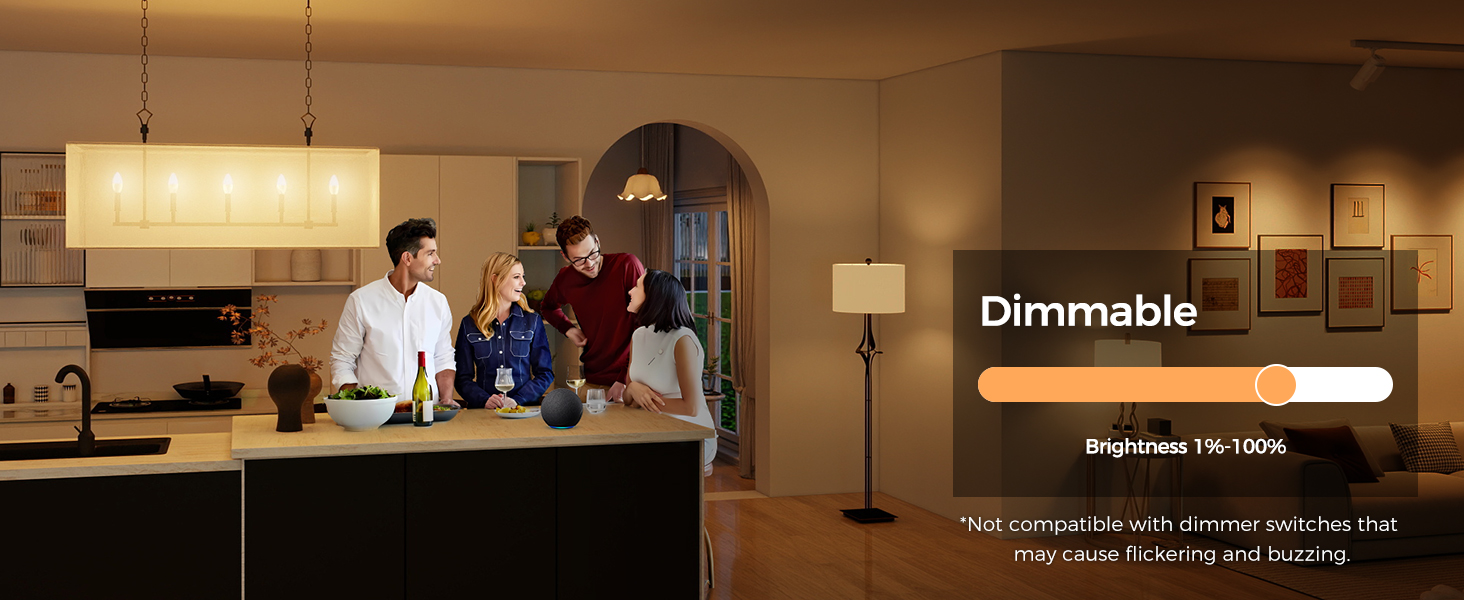
Image: Visual guide demonstrating the four steps for setting up the smart bulbs: opening the Smart Life app, adding the device, selecting voice assistant, and linking the account.
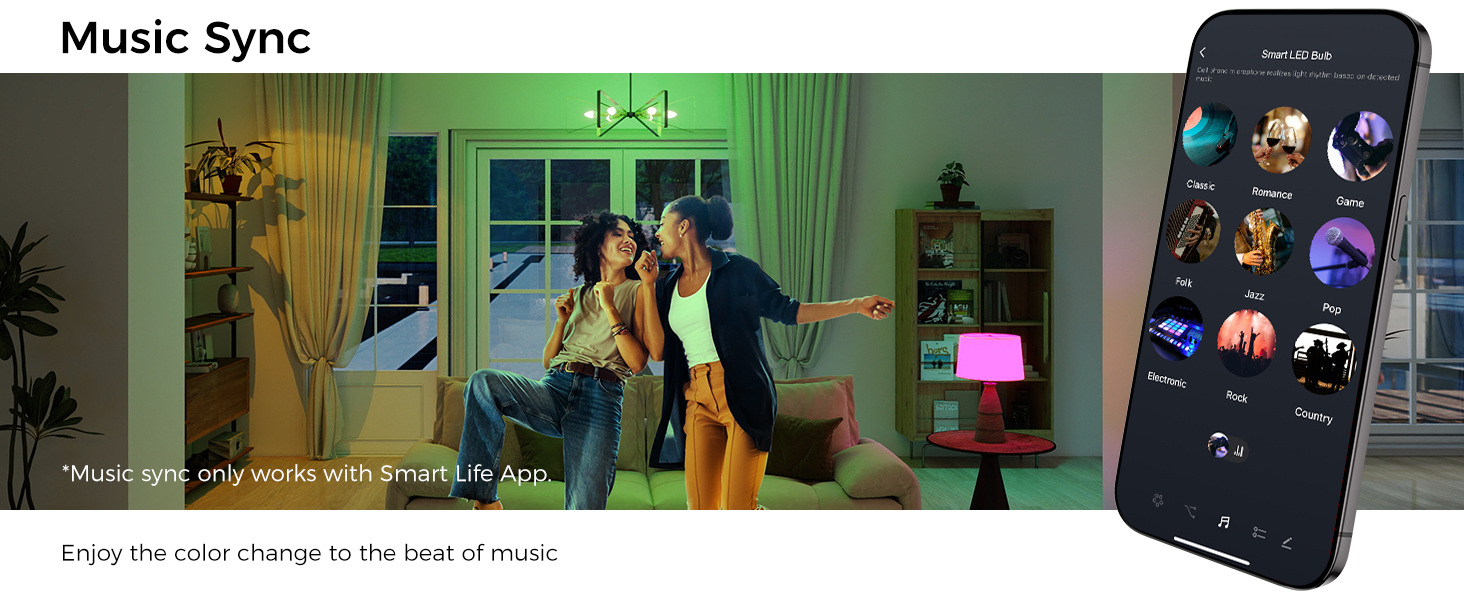
Image: Diagram illustrating the upgraded Wi-Fi and Bluetooth combo chips, showing flexible configuration options compared to older models.
Instrukcja obsługi
Control your Lightinginside Smart Light Bulbs using the Smart Life app or voice commands through Alexa/Google Assistant.
Funkcje kontroli aplikacji:
- On/Off & Dimming: Turn lights on/off and adjust brightness from 1% to 100% using the app.
- Zmiana koloru: Access over 16 million RGB colors to set the mood for any occasion.
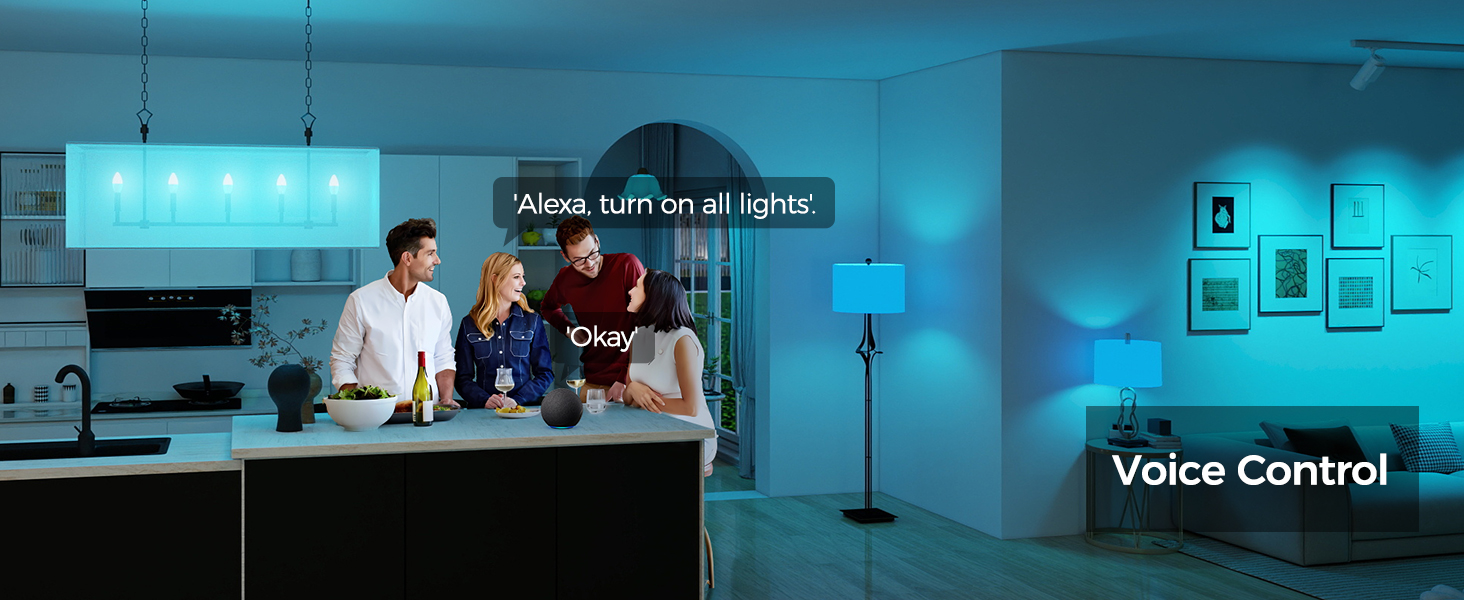
Image: A smartphone displaying the Smart Life app's color selection interface, showing a wide spectrum of 16 million colors.
- Przestrajalny biały: Dostosuj białe światło od 2700K (ciepła biel) do 6500K (zimna biel).
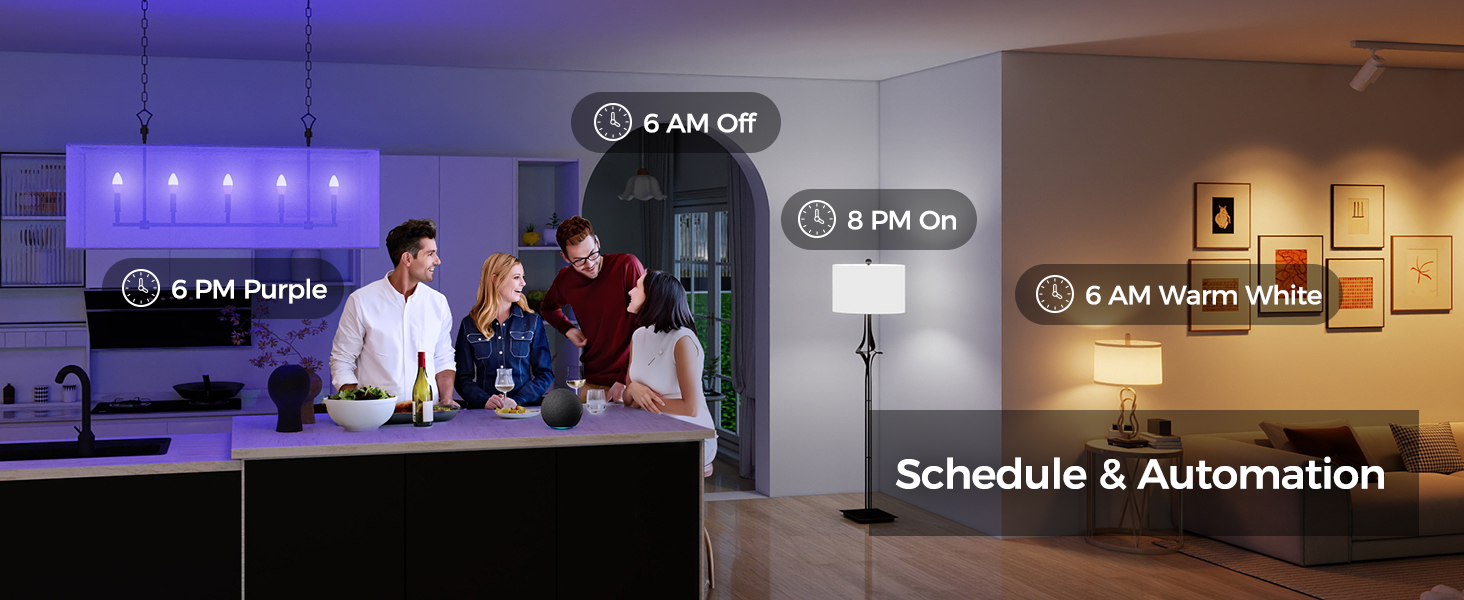
Image: A smartphone displaying the Smart Life app's tunable white light interface, allowing selection from warm to cool white temperatures.
- Preset & Custom Scenes: Choose from default scenes or create your own custom lighting scenes for different moods and activities.
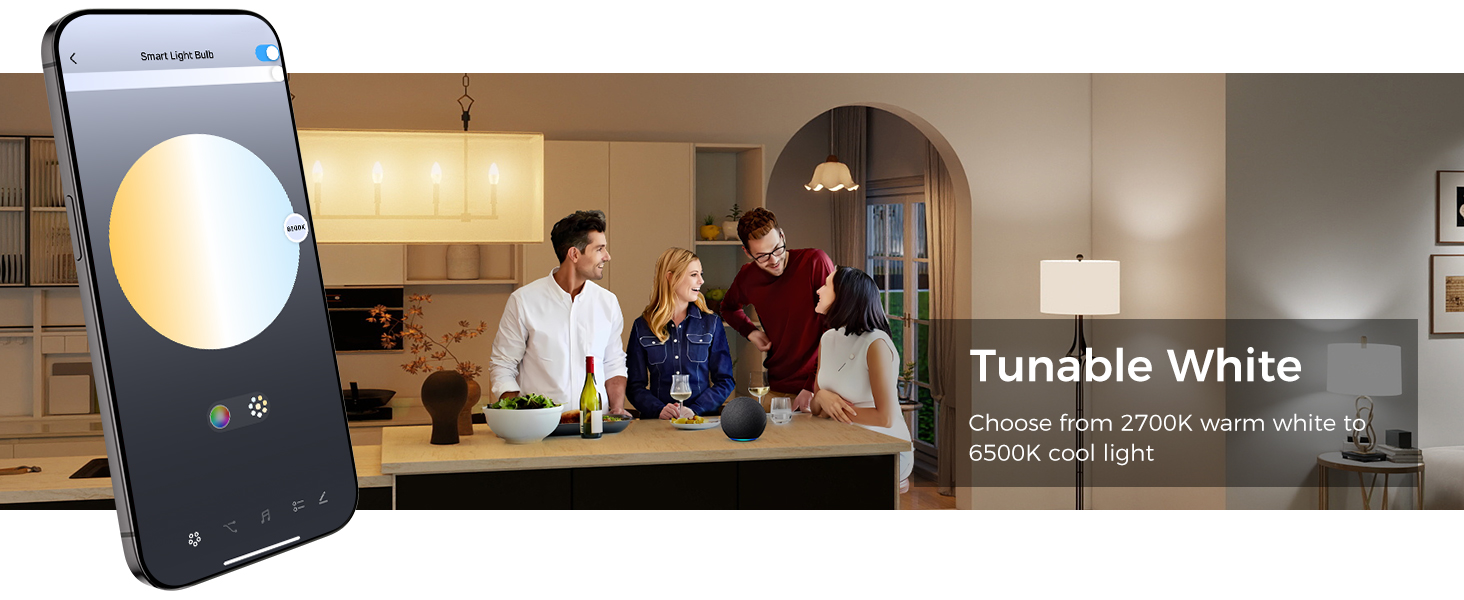
Image: A collage of images showing different lighting scenes, indicating the variety of preset and DIY options in the Smart Life app.
- Synchronizacja muzyki: Set the bulbs to music mode to synchronize light changes with the beat of your music (requires Smart Life App).
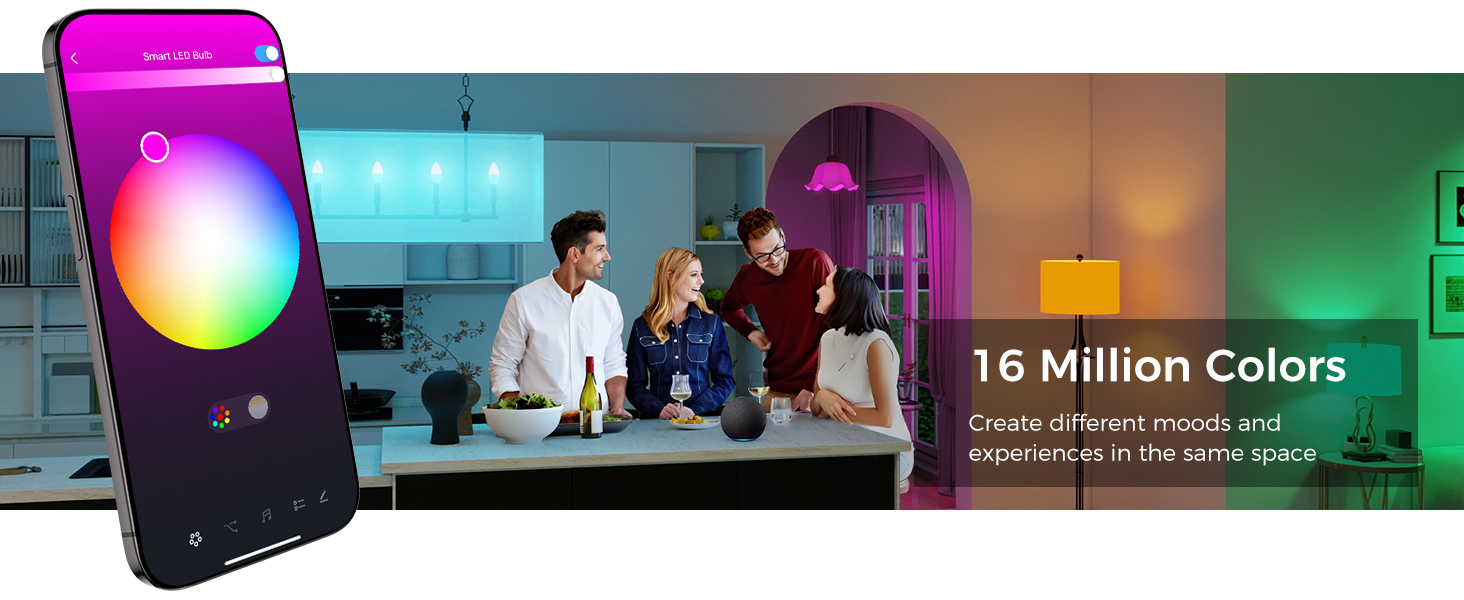
Image: A woman singing into a microphone with colorful lights in the background, demonstrating the music sync feature of the smart bulbs.
- Automated Lighting (Schedules & Timers): Use the app to set schedules, timers, plans, and biorhythm functions for automated lighting. Control individual bulbs or group them for synchronized control.
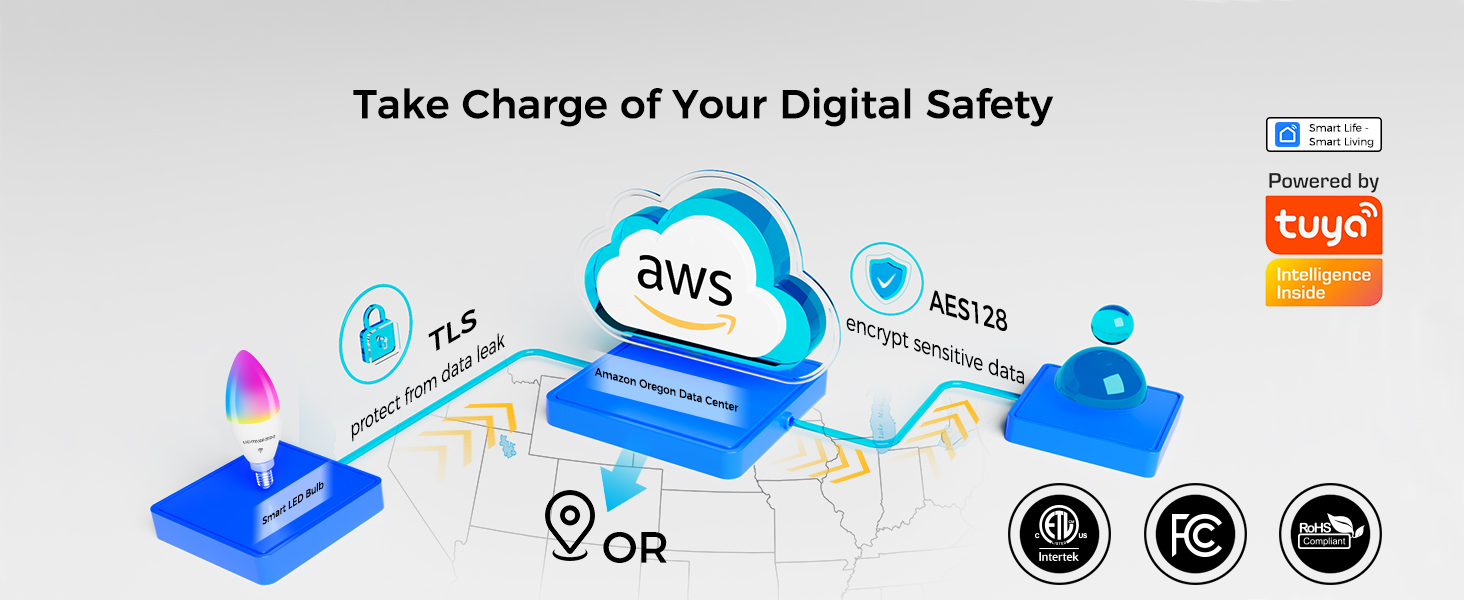
Image: A graphic illustrating the biorhythm feature, showing how light color and intensity can change throughout the day to align with natural circadian rhythms.
- Kontrola grupy: Control multiple bulbs simultaneously by grouping them in the Smart Life App.
Sterowanie głosowe:
- After linking with Alexa or Google Assistant, use voice commands to turn lights on/off, change colors, or dim them.
- Example commands: "Alexa, turn on the living room lights," "Hey Google, set the bedroom light to blue."

Image: A man interacting with a smart speaker, demonstrating hands-free voice control of the smart bulbs.
Konserwacja
- Czyszczenie: Ensure the bulb is off and cool before cleaning. Wipe with a soft, dry cloth. Do not use liquid cleaners or abrasive materials.
- Składowanie: Store bulbs in a cool, dry place when not in use for extended periods.
- Długowieczność: These LED bulbs have a lifetime rating of 25,000 hours, reducing the need for frequent replacement.
- Łączność: The bulbs maintain local control via Bluetooth even if Wi-Fi is temporarily unavailable.
Rozwiązywanie problemów
| Problem | Możliwa przyczyna | Rozwiązanie |
|---|---|---|
| Żarówka nie łączy się z siecią Wi-Fi. | Incorrect Wi-Fi band (only 2.4GHz supported), incorrect password, or too far from router. | Ensure your Wi-Fi is 2.4GHz. Double-check Wi-Fi password. Move bulb closer to the router. Try resetting the bulb (turn ON-OFF-ON-OFF-ON until it blinks rapidly) and re-pairing. |
| Sterowanie głosowe nie działa. | Not linked to Alexa/Google Assistant, or incorrect commands. | Verify Smart Life account is linked to your voice assistant. Use correct voice commands as specified in the app. Ensure your voice assistant device is online. |
| Żarówka migocze lub brzęczy. | Niekompatybilny przełącznik ściemniacza. | These bulbs are not compatible with traditional dimmer switches that may cause flickering and buzzing. Use the app or voice control for dimming. |
| Lights lose settings after power outage. | Temporary network disruption. | The bulbs are designed to reconnect automatically. If issues persist, try cycling the power to the bulb a few times or re-pairing through the app. |
Specyfikacje
| Funkcja | Szczegół |
|---|---|
| Marka | Lightinginside |
| Nazwa modelu | B11 (LYS-018) |
| Typ światła | PROWADZONY |
| Cotage | 6 watów |
| Odpowiednik żarowy | 60 watów |
| Jasność | 500 lumenów |
| Kształt żarówki Rozmiar | B11 (Świeca) |
| Podstawa żarówki | E12 |
| Kolor światła | Multicolor (RGBCW) |
| Temperatura barwowa | 2700-6500 Kelvin (Tunable White) |
| Tomtage | 120 V (AC) |
| Technologia łączności | Wi-Fi (2.4 GHz), Bluetooth |
| Metoda kontroli | Aplikacja, głos (Amazon Alexa, Asystent Google) |
| Średnie życie | 25,000 godzin |
| Certyfikaty | ETL, FCC, RoHS |
| Zastosowanie wewnątrz/na zewnątrz | Wnętrz |
| Tworzywo | Plastikowy |
| Waga przedmiotu | 5.29 uncji |
| Wymiary produktu | 1.49" szer. x 4.45" wys. |
Gwarancja i wsparcie
Lightinginside products come with a 2-letnia gwarancja. For technical support, troubleshooting assistance, or warranty claims, please contact Lightinginside customer service.
- Obsługa klienta na żywo: 877-522-8599 (Weekdays 8am-5pm PDT)
- For more information, visit the official Lightinginside store: Lightinginside Amazon Store

Image: Information about Lightinginside's 2-year warranty and live customer service contact details.