
Wstęp
This manual provides detailed instructions for the setup, operation, and maintenance of your Arducam 5MP Wide Angle USB Camera, Model UB0233. Please read this manual thoroughly before using the product to ensure proper functionality and longevity.
Produkt ponadview
The Arducam 5MP Wide Angle USB Camera (Model UB0233) is a compact, UVC-compliant camera featuring a 5MP OV5648 CMOS sensor and a 95-degree horizontal view angle M12 lens with an IR-cut filter. It is designed for various applications including video surveillance, live streaming, videoconferencing, and dashcams.

Image: The Arducam 5MP Wide Angle USB Camera, showing its compact design and lens.
Co jest w pudełku
- Arducam 5MP Wide Angle USB Camera (Model UB0233)
- USB Cable (3.3ft/1m)
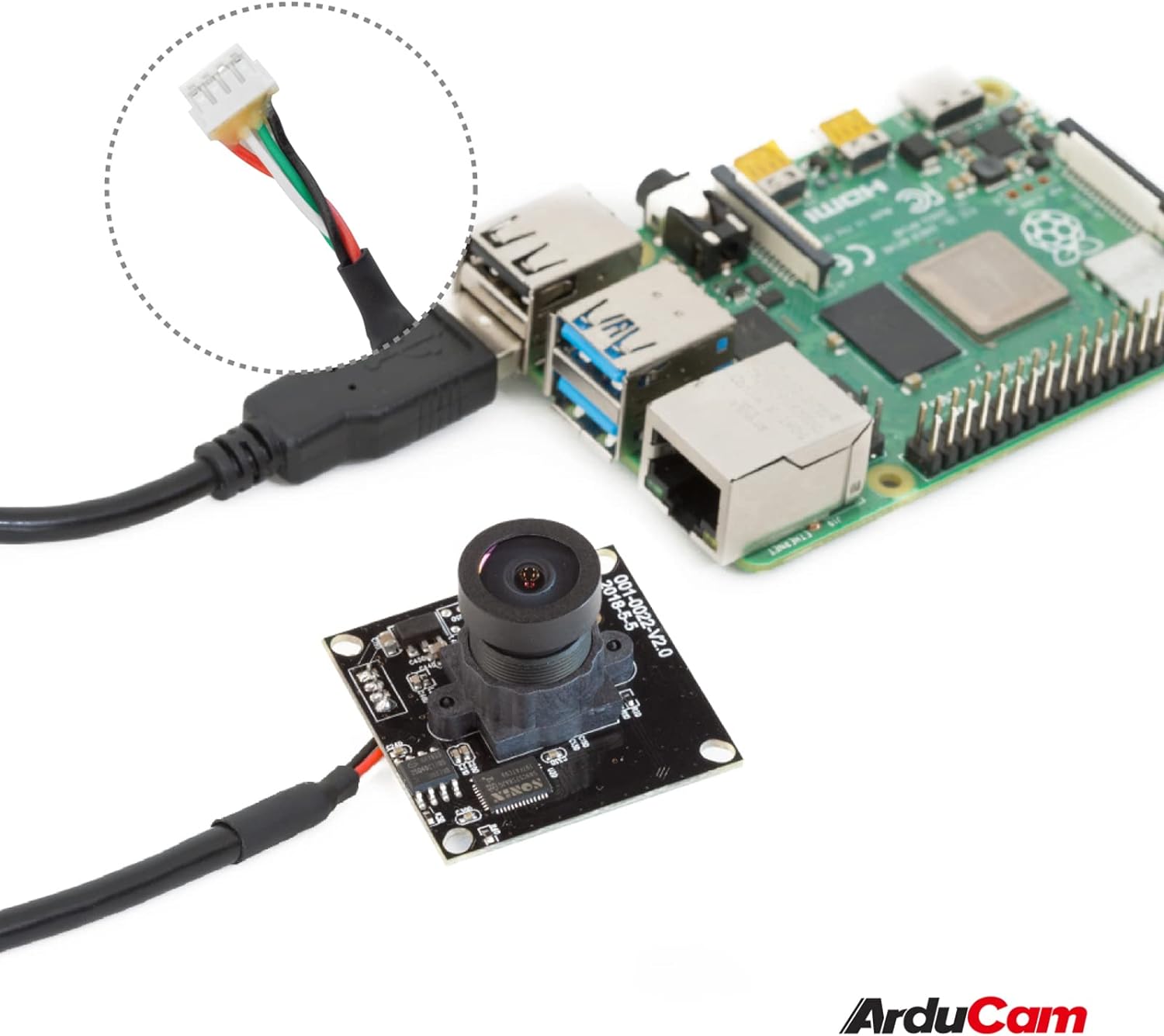
Image: The Arducam USB camera with its included USB cable, shown connected to a Raspberry Pi for illustration.
Instrukcje konfiguracji
- Podłącz kamerę: Insert the USB cable into the camera's USB port and then connect the other end to a compatible device (PC, laptop, Android device, or Raspberry Pi).
- Instalacja sterownika: The camera is UVC-compliant, meaning it is plug-and-play. No additional drivers are required for Windows, Linux, or Mac operating systems. The system should automatically detect and install the necessary drivers.
- Sprawdź połączenie: After connecting, check your device's system settings or camera application to ensure the camera is recognized and functioning.
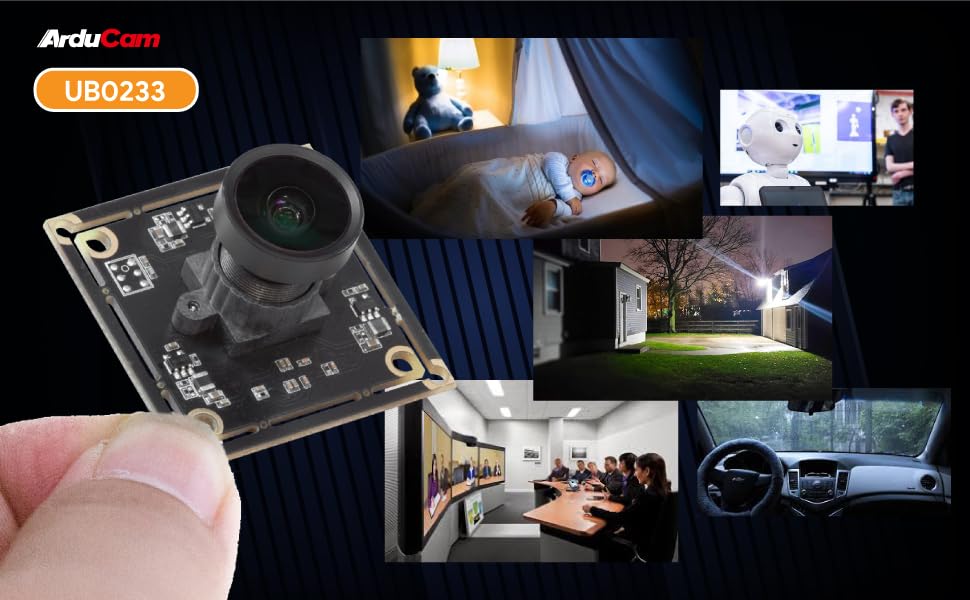
Image: Diagram illustrating the Arducam USB camera's compatibility with various operating systems including Windows, Mac, and Linux, and devices like PCs, laptops, and Raspberry Pi.
Instrukcja obsługi
Podstawowa obsługa
Once connected and recognized by your device, the Arducam 5MP USB Camera can be used with any standard camera application or software that supports UVC devices. This includes common video conferencing software, surveillance applications, and custom vision projects.
Regulacja ostrości
The camera features a manual focus lens. To adjust the focus, gently rotate the lens barrel until the image appears clear and sharp. This allows for precise focus depending on your application's distance requirements.
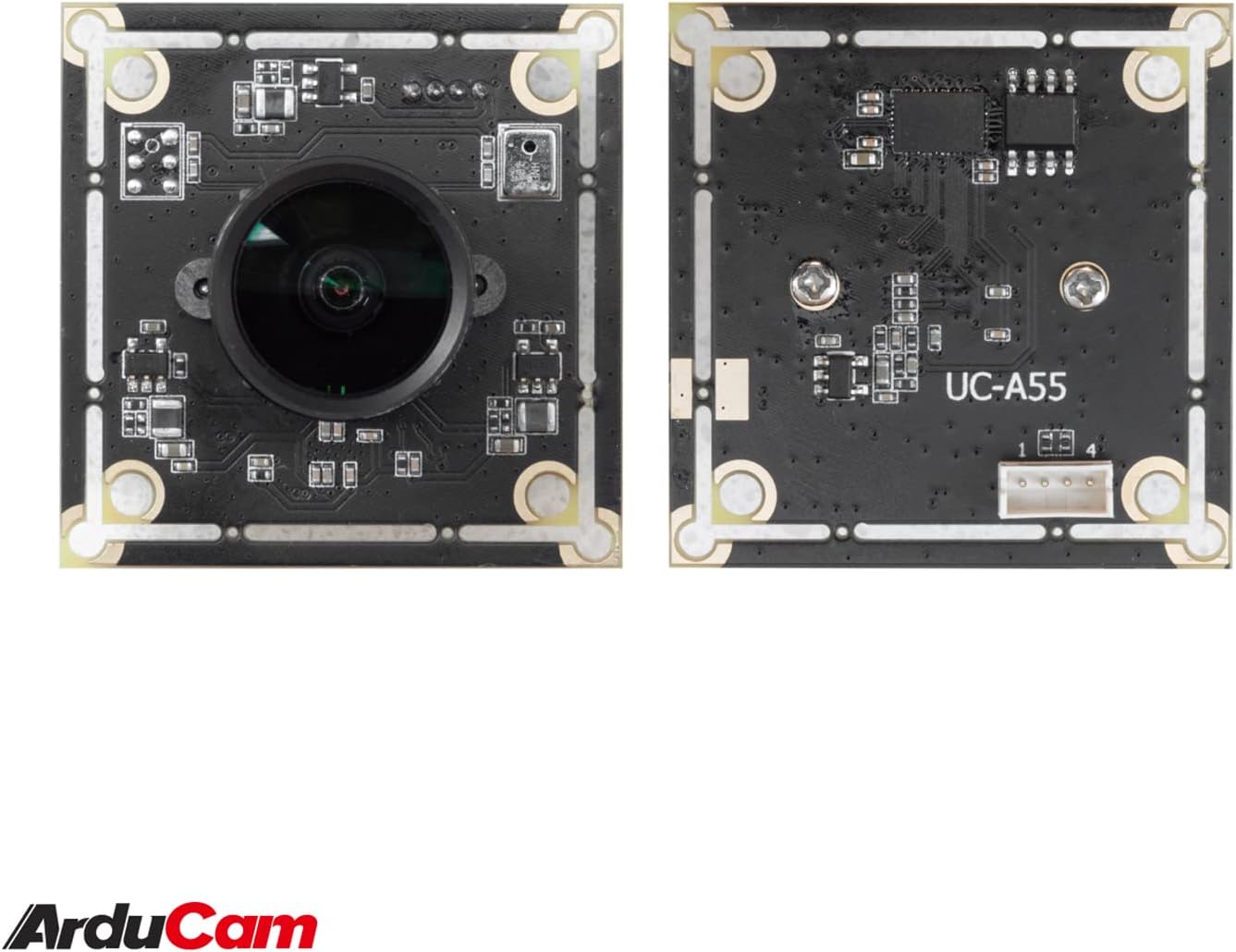
Image: The compact Arducam 5MP USB Camera being held, demonstrating its small form factor suitable for various integrations.
Frame Rates and Resolutions
The camera supports various frame rates and resolutions:
- MJPG:
- 15fps@2592*1944 / 2048*1536 / 1600*1200
- 30fps@1920*1080 / 1280*960 / 1280*720 / 1024*768 / 800*600 / 640*360 / 640*480
- YUY2:
- 2fps@2592*1944 / 2048*1536
- 5fps@1920*1080
- 7.5fps@1600*1200 / 1280*960
- 10fps@1280*720 / 1024*768
- 20fps@800*600
- 30fps@640*360 / 640*480
Aplikacje
This camera is suitable for a variety of applications, including:
- Video surveillance systems
- Transmisja na żywo
- Wideokonferencje
- Dashcam functionality
- Other vision applications requiring a wide field of view and high resolution
Video: An official video demonstrating the Arducam 5MP Wide Angle USB Camera's various applications, including live streaming, home surveillance, and meetings.
Konserwacja
- Czyszczenie: Do czyszczenia obiektywu i korpusu aparatu używaj miękkiej, suchej ściereczki. Unikaj stosowania silnych środków chemicznych i materiałów ściernych.
- Składowanie: Przechowuj aparat w chłodnym, suchym miejscu, z dala od bezpośredniego światła słonecznego i ekstremalnych temperatur, gdy nie używasz aparatu.
- Obsługiwanie: Handle the camera with care to prevent damage to the lens or circuit board.
Rozwiązywanie problemów
- Camera not detected by the device:
- Ensure the USB cable is securely connected to both the camera and the device.
- Try connecting the camera to a different USB port on your device.
- Test the camera on another computer or compatible device to rule out a device-specific issue.
- Uruchom ponownie komputer lub urządzenie.
- Obraz jest rozmazany lub nieostry:
- Gently rotate the lens barrel to adjust the manual focus until the image is clear.
- Upewnij się, że soczewka jest czysta i wolna od kurzu i smug.
- Low frame rate or video lag:
- Ensure your device meets the minimum system requirements for the desired resolution and frame rate.
- Zamknij inne aplikacje, które mogą zużywać zasoby systemowe.
- Try a different USB port, preferably a USB 2.0 port for optimal compatibility.
Specyfikacje
| Funkcja | Szczegół |
|---|---|
| Marka | Arducam |
| Numer modelu | UB0233 |
| Technologia czujnika fotograficznego | CMOS |
| Efektywna rozdzielczość obrazu nieruchomego | 5 MP |
| Rozdzielczość przechwytywania wideo | Up to 1944p (MJPG) |
| Typ soczewki | Szeroki kąt |
| Viewing kąt | 95 stopnia |
| Typ fokusu | Ręczne ustawianie ostrości |
| Technologia łączności | USB 2.0 |
| Zgodność z systemem operacyjnym | Windows 7/8/10, Linux, Mac |
| Funkcja specjalna | Wydajność przy słabym oświetleniu |
| Waga przedmiotu | 0.06 kilogramów |
| Wymiary przedmiotu (gł. x szer. x wys.) | 1.26" gł. x 1.26" szer. x 1.26" wys. |
| Wbudowane media | Kabel USB |
| Maksymalna ogniskowa | 32 milimetra |
| Minimalna ogniskowa | 6 milimetra |
| Maksymalna apertura | 4 f_stop |
| minimalna przysłona | 4 milimetra |
| Proporcje obrazu | 1.33:1 |
| Ustawienia balansu bieli | Automatyczny |
| Typ kontroli ekspozycji | Podręcznik |

Obraz: Szczegółowy view of the Arducam 5MP USB Camera with its physical dimensions (32mm x 28mm) indicated.
Informacje o gwarancji
The Arducam 5MP Wide Angle USB Camera (Model UB0233) comes with a 6-miesięczna gwarancja from the date of purchase. This warranty covers manufacturing defects and malfunctions under normal use. Please retain your proof of purchase for warranty claims. For detailed warranty terms and conditions, please refer to the official Arducam webodwiedź witrynę lub skontaktuj się z działem obsługi klienta.
Obsługa klienta
For technical assistance, troubleshooting, or further inquiries regarding your Arducam 5MP Wide Angle USB Camera, please visit the official Arducam webwitryny lub skontaktuj się z zespołem obsługi klienta.
- Zasoby internetowe: www.arducam.com
- Sklep firmowy: Arducam Amazon Store