
Wstęp
The Felix FL598 Smarta Digital Body Fat and Water Scale is designed to provide accurate measurements of your body weight, body fat percentage i zawartość wody w organizmietage. This manual will guide you through the proper use and care of your scale to ensure optimal performance and longevity. For best results, please read these instructions carefully before first use.

Obraz 1: Pełny view of the Felix FL598 Smarta Digital Body Fat and Water Scale.
Zawartość opakowania
Po rozpakowaniu upewnij się, że wszystkie wymienione poniżej przedmioty są obecne i w dobrym stanie:
- Felix FL598 Smarta Digital Body Fat and Water Scale
- Instrukcja obsługi
- Certyfikat Gwarancji
Informacje dotyczące bezpieczeństwa
To ensure safe and accurate use of your scale, please observe the following safety precautions:
- Always place the scale on a hard, flat, and stable surface. Avoid carpets or uneven floors, as this can significantly affect accuracy.
- Aby uniknąć upadku, nie należy używać wagi na mokrych lub śliskich powierzchniach.
- The scale is designed for personal use and should not be used for commercial purposes or medical diagnosis. Consult a healthcare professional for medical advice.
- Trzymaj wagę z dala od wody i ekstremalnych temperatur.
- Do not disassemble or attempt to repair the scale yourself. Contact authorized service personnel for assistance.
- Przechowuj baterie w miejscu niedostępnym dla dzieci.
- Individuals with pacemakers or other internal medical devices should not use the body fat/water measurement function. Consult your doctor if you have concerns.
- Nie wchodź na wagę.
Organizować coś
1. Instalacja baterii
- Otwórz pokrywę komory baterii, która znajduje się na spodzie wagi.
- Insert the required batteries (e.g., 2 x AAA, not included) according to the polarity indicators (+/-).
- Dokładnie zamknij pokrywę komory baterii.
2. Kalibracja wstępna
- After installing batteries, place the scale on a hard, flat surface.
- Briefly step on the scale, then step off. The display will show '0.0' or similar, indicating it is ready for use. This process calibrates the scale.
3. Wybór jednostki
Locate the unit switch (often on the underside of the scale or near the battery compartment). Toggle it to select your preferred unit of measurement between kilograms (kg) and pounds (lb).
4. Użytkownik Profile Setup (for Body Fat/Water Measurement)
To utilize the body fat and water measurement functions, you must set up a user profile. This typically involves entering your gender, height, and age. The scale can store multiple user profiles (e.g., P1-P10).
- Naciśnij 'USTAWIĆ' button. The display will show a user number (e.g., P1).
- Użyj 'W GÓRĘ' I 'W DÓŁ' arrow buttons to select your desired user number.
- Naciskać 'USTAWIĆ' again to confirm the user number.
- The display will prompt you to enter gender (e.g., Male/Female icon). Use arrow buttons to select and 'USTAWIĆ' aby potwierdzić.
- Repeat for height (cm/inch) and age (years). Confirm each setting with 'USTAWIĆ'.
- Gdy wszyscy będą profile details are entered, the scale is ready for body composition measurement for that user.
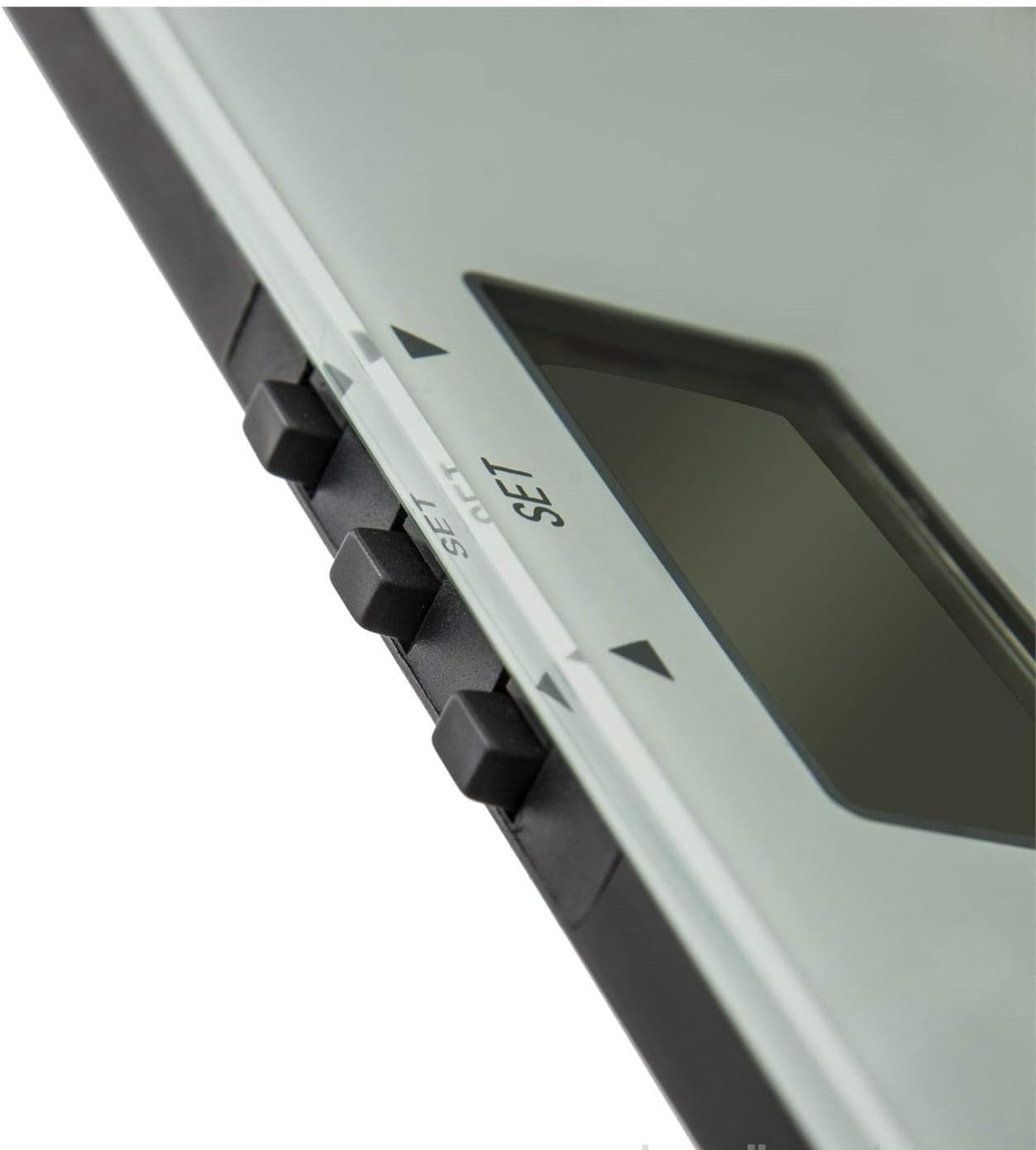
Obraz 2: Zbliżenie view of the scale's digital display and control buttons (SET, UP, DOWN).
Instrukcja obsługi
1. Podstawowy pomiar masy
- Ustaw wagę na twardej, płaskiej powierzchni.
- Gently step onto the scale with bare feet. Stand still and centered on the scale.
- Your weight will be displayed. Wait for the reading to stabilize.
- Step off the scale. The reading will hold briefly before the scale turns off automatically.
2. Body Composition Measurement (Body Fat & Water)
This function requires bare feet to make proper contact with the metal electrodes on the scale surface. Ensure your user profile is correctly set up before proceeding.
- Wybierz swojego użytkownika profile naciskając 'USTAWIĆ' button and using the arrow keys to navigate to your profile numer (np. P1).
- With bare feet, step onto the scale. Ensure your feet are positioned correctly on the metal electrodes.
- Waga najpierw wyświetli Twoją wagę, a następnie wyświetli procentową zawartość tkanki tłuszczowejtage and body water percentage. It may also display other metrics if available (e.g., muscle mass, bone mass).
- Wait for all measurements to be displayed. The scale will typically beep or flash when measurements are complete.
- Zejdź z wagi. Wyświetlacz wyłączy się automatycznie po kilku sekundach.

Image 3: The scale's display showing a weight reading and the Felix logo. Note the maximum capacity of 150kg.
Konserwacja i pielęgnacja
Czyszczenie
Przetrzyj powierzchnię wagi miękką, lekko wilgotną szmatką.amp cloth. Do not use abrasive cleaners, chemical solvents, or immerse the scale in water. Ensure the surface is dry before storage or next use.
Składowanie
Store the scale in a cool, dry place, away from direct sunlight, extreme temperatures, and high humidity. Avoid placing heavy objects on the scale when not in use.
Wymiana baterii
Gdy na wyświetlaczu pojawi się 'Lo' or becomes dim, it's time to replace the batteries. Follow the battery installation steps outlined in the 'Setup' section. Dispose of old batteries responsibly according to local regulations.
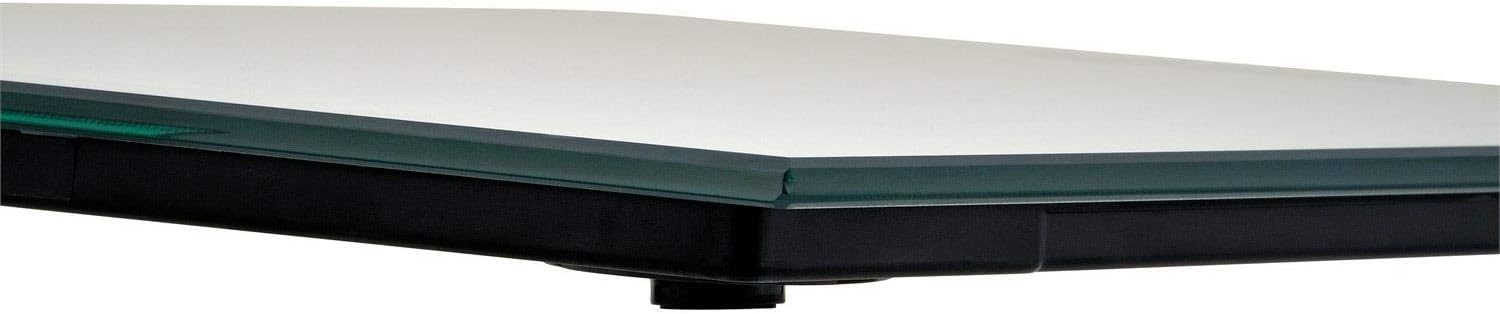
Obraz 4: Bok view of the Felix FL598 Smarta Digital Scale, highlighting its slim design.
Rozwiązywanie problemów
If you encounter any issues with your scale, please refer to the following table for common problems and solutions:
| Wydanie | Możliwa przyczyna / rozwiązanie |
|---|---|
| Wyświetlane są pokazy 'Lo' | Low battery. Replace the batteries as described in the 'Battery Installation' section. |
| Wyświetlane są pokazy 'Err' | Overload or measurement error. Step off the scale and try again. Ensure your weight does not exceed the maximum capacity of 150 kg (330 lb). |
| Niedokładne odczyty wagi | Ensure the scale is on a hard, flat, and stable surface. Recalibrate by briefly stepping on and off the scale. Avoid moving the scale between measurements. |
| Body fat/water measurement not working | Ensure bare feet are making good, direct contact with the metal electrodes. Check that your user profile settings (gender, height, age) are correct. Ensure your feet are clean and dry. This function is not suitable for individuals with pacemakers or other internal medical devices. |
| Waga się nie włącza | Check if batteries are inserted correctly with correct polarity. Replace batteries if they are old or depleted. |
Specyfikacje
- Nazwa produktu: Felix Smarta Digital Body Fat and Water Scale
- Numer modelu: FL598
- Marka: Feliks
- Producent: Arzum
- Maksymalna pojemność: 150 kg (330 funta)
- Przyrosty pomiaru: 100 g (0.2 funta)
- Jednostki: Kilogramy (kg), funty (funty)
- Waga: 1.74 kilogramów
- Wymiary opakowania: Wymiary 35 x 33 x 25 cm
- Data pierwszej dostępności: 11 stycznia 2018 r.
- Kraj pochodzenia: Chiny
Gwarancja i wsparcie
Your Felix FL598 Smarta Digital Body Fat and Water Scale comes with a warranty certificate. Please refer to the certificate for detailed information regarding warranty coverage, terms, and conditions.
For technical support, service, or any product-related inquiries, please contact your retailer or the manufacturer, Arzum, through their official customer service channels. Please have your model number (FL598) and purchase information ready when contacting support.