1. Introduksjon
This manual provides essential instructions for the safe operation, setup, and maintenance of your Generic M66 MAX Drone. Please read this manual thoroughly before operating the drone to ensure proper function and to prevent damage or injury. Keep this manual for future reference.
The M66 MAX Drone features a foldable design, a remote control with an integrated 4.5-inch HD display, a dual camera system with EIS stabilization and 50x intelligent zoom, advanced obstacle avoidance, and powerful brushless motors for stable flight.
2. Produktfunksjoner
- Foldable Display Remote Control: Features an integrated 4.5-inch HD display for real-time video transmission and direct aerial photography without requiring a smartphone.
- Adjustable Dual Camera System: Equipped with 50x intelligent zoom, Electronic Image Stabilization (EIS), and seamless switching between lenses for clear aerial images and multiple shooting angles.
- Advanced Obstacle Avoidance: Utilizes an intelligent perception system for multi-directional obstacle detection, ensuring safer and more stable flights in various environments.
- Kraftige børsteløse motorer: High-speed brushless power provides strong wind resistance and smoother flight stability, enhancing performance in diverse conditions.
- Bærbar design: Foldable drone design and included carrying case for convenient transport and storage.
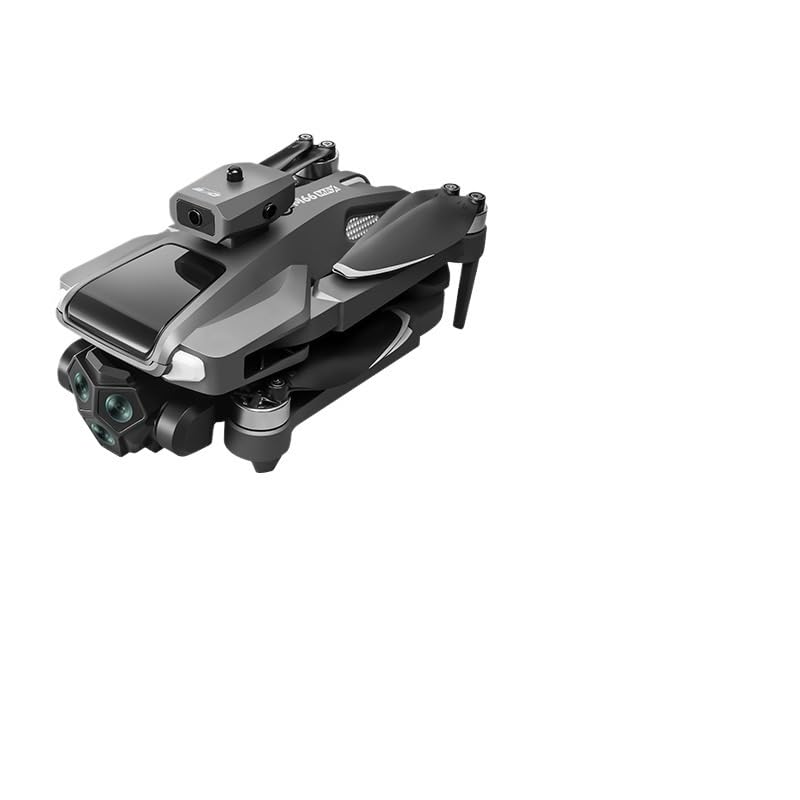
Figure 2.1: The M66 MAX Drone with its foldable remote control, showcasing dens kompakte design og integrerte skjerm.
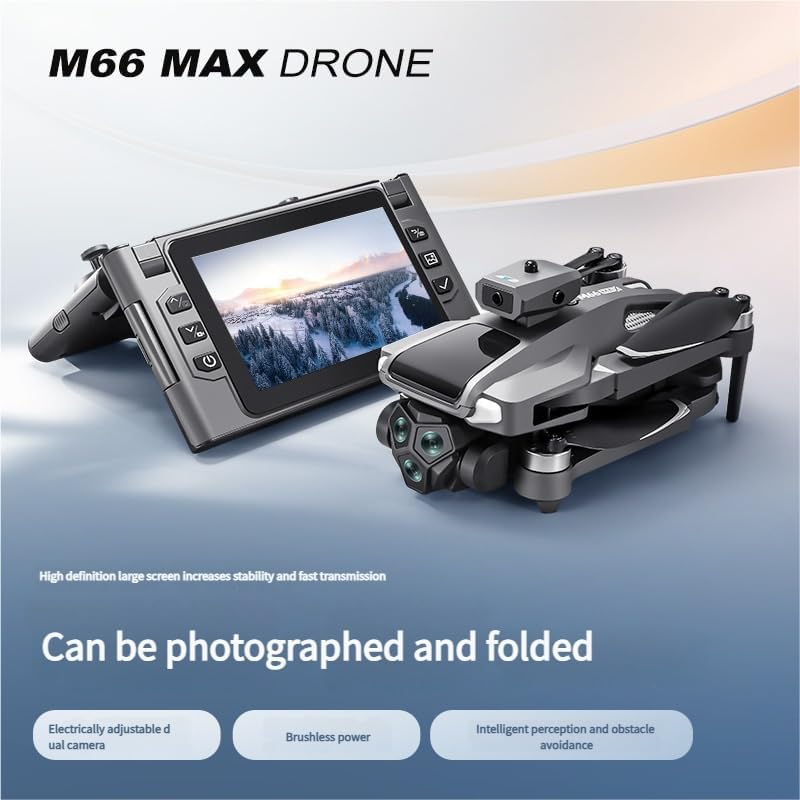
Figure 2.2: The M66 MAX Drone in both folded and unfolded states, highlighting its portability and readiness for flight.

Figur 2.3: Nærbilde view of the M66 MAX Drone's dual camera system, featuring EIS anti-shake technology and 50x smart zoom capabilities.
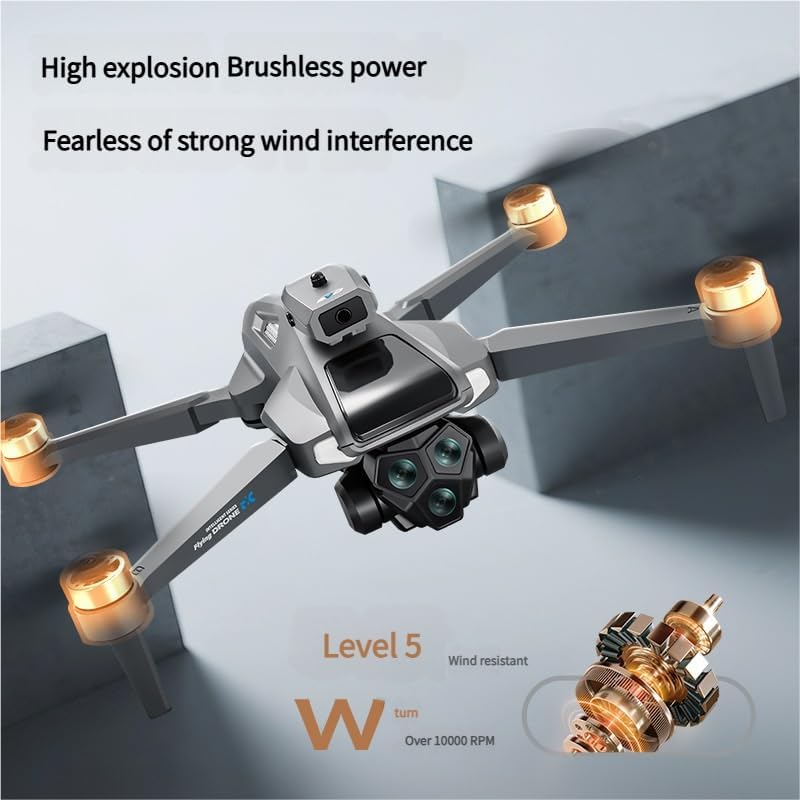
Figure 2.4: The M66 MAX Drone in flight, illustrating the powerful brushless motors and its Level 5 wind resistance for stable operation.
3. Oppsettveiledning
3.1 Utpakking og komponentsjekk
Carefully unpack all components from the carrying case. Verify that all items are present:
- M66 MAX Drone
- Foldable Display Remote Control
- Oppladbart batteri
- Spare Propeller Blades (set)
- USB ladekabel
- Skrujern
- Bæreveske
3.2 Batteriinstallasjon og lading
- Insert the rechargeable battery into the drone's battery compartment. Ensure it clicks securely into place.
- Connect the USB charging cable to the drone's charging port and to a compatible USB power adapter (not included).
- Allow the battery to fully charge before first use. The charging indicator light will change (refer to LED indicators section for details) when charging is complete.
- The remote control also has an internal battery. Charge it using its dedicated USB port if necessary.
3.3 Droneforberedelse
- Unfold the drone arms carefully until they lock into position.
- Inspect the propeller blades for any damage or obstructions. Replace any damaged blades using the provided screwdriver and spare blades. Ensure propellers are correctly installed according to their markings (A/B).
4. Bruksanvisning
4.1 Slå på/av
- Drone: Press and hold the power button on the drone for 2-3 seconds until the indicator lights illuminate.
- Fjernkontroll: Unfold the remote control and press the power button on the integrated display. The display will power on.
- To power off, repeat the process by pressing and holding the power buttons until the devices shut down.
4.2 Paring av dronen og fjernkontrollen
- Plasser dronen på et plant, plant underlag.
- Power on the drone, then power on the remote control.
- The drone's indicator lights will flash, indicating it is searching for a signal. The remote control display will show a pairing status.
- Push the left joystick on the remote control up and then down. The drone's lights will become solid, and the remote control display will show a connected status, indicating successful pairing.
4.3 Avgang og landing
- Automatisk start: After pairing, press the one-key takeoff button on the remote control. The drone will automatically ascend to a safe hovering altitude.
- Manuell start: Skyv begge joystickene ned og utover samtidig for å aktivere motorene. Skyv deretter venstre joystick sakte opp for å stige.
- Automatisk landing: Trykk på landingsknappen med én knapp. Dronen vil stige ned og lande automatisk.
- Manuell landing: Dra sakte ned venstre joystick for å gå ned. Når du har landet, skyver du begge joystickene ned og innover for å deaktivere motorene.
4.4 Flykontroller
The remote control uses a standard mode 2 configuration:
- Venstre styrespak:
- Up/Down: Ascend/Descend (Throttle)
- Venstre/høyre: Roter venstre/høyre (drei)
- Høyre styrespak:
- Opp/Ned: Fly fremover/bakover (Pitch)
- Venstre/høyre: Fly venstre/høyre (rull)
Refer to the remote control diagram in the packaging for specific button functions.
4.5 Kameradrift
- Foto/video: Use the dedicated photo/video buttons on the remote control to capture images or start/stop video recording.
- Dobbeltkamerabytte: The remote control display allows seamless switching between the front and bottom cameras.
- 50x Intelligent Zoom: Use the zoom controls on the remote to adjust the camera's magnification.
- EIS-stabilisering: The Electronic Image Stabilization system automatically reduces blur and shakiness in your footage.
4.6 Obstacle Avoidance System
The M66 MAX Drone is equipped with an intelligent obstacle avoidance system. When activated, the drone will detect obstacles in its path and automatically adjust its flight trajectory to prevent collisions. This system enhances flight safety, especially in complex environments. Always maintain visual line of sight and do not rely solely on the obstacle avoidance system.
5. Vedlikehold
5.1 Rengjøring
- Wipe the drone's body with a soft, dry cloth. Do not use harsh chemicals or solvents.
- Gently clean camera lenses with a microfiber cloth to ensure clear image quality.
5.2 Inspeksjon og utskifting av propell
- Regularly inspect propellers for cracks, bends, or chips. Damaged propellers can affect flight stability and safety.
- To replace a propeller, use the provided screwdriver to remove the screw holding the blade. Install a new blade, ensuring it matches the correct A/B marking, and secure it with the screw.
5.3 Batteripleie og oppbevaring
- Oppbevar batteriene på et kjølig, tørt sted vekk fra direkte sollys og ekstreme temperaturer.
- Ikke overlad eller overutlad batterier.
- Hvis batteriene oppbevares over lengre tid, må de lades opp til omtrent 50–60 % kapasitet.
6. Feilsøking
| Problem | Mulig årsak | Løsning |
|---|---|---|
| Dronen slår seg ikke på. | Lavt eller utladet batteri; feil installert batteri. | Sørg for at batteriet er fulladet og riktig satt inn. |
| Remote control does not connect to drone. | Not paired; interference; low remote battery. | Re-pair the drone and remote. Ensure both are fully charged. Avoid areas with strong signal interference. |
| Ustabil flyging eller drifting. | Drone not calibrated; damaged propellers; strong wind. | Perform gyroscope calibration (refer to remote control instructions). Check and replace damaged propellers. Fly in calm conditions. |
| Camera not recording or poor image quality. | SD card full/missing/corrupt; dirty lens; incorrect settings. | Ensure an SD card is inserted and has free space. Clean the camera lens. Check camera settings on the remote display. |
| Hindringsunngåelse fungerer ikke. | Sensors obstructed; system deactivated; specific lighting conditions. | Ensure sensors are clean and unobstructed. Verify obstacle avoidance is active in settings. Note that performance may vary in very bright or very dark conditions. |
7. Spesifikasjoner
| Trekk | Detalj |
|---|---|
| Merke | Generisk |
| Modellnavn | TGAACBDBB |
| Produktdimensjoner | 2.54 x 2.54 x 2.54 cm (ca. 1 x 1 x 1 tomme) |
| Kontroll Type | Remote Control with Integrated Display |
| Farge | En farge |
| Aldersgruppe (beskrivelse) | Voksen |
| Spesielle funksjoner | Advanced Obstacle Avoidance, EIS Stabilization, Dual Adjustable Camera, Intelligent Zoom, Brushless Motor |
| ASIN | B0FD3Y2WLL |
| Første tilgjengelige dato | 17. juni 2025 |
8. Garanti og støtte
Warranty information for the Generic M66 MAX Drone is not provided within this manual. For details regarding warranty coverage, technical support, or service inquiries, please contact the retailer or manufacturer directly using the contact information provided at the point of purchase.
Always refer to the official Generic website or customer service channels for the most up-to-date support resources.