
परिचय
The Zecamin WiFi Door Sensor DS-01 is a smart contact sensor designed to enhance your home security and automation. It detects the opening and closing status of doors, windows, and other entry points, providing real-time alerts and enabling smart routines through compatible applications.
This device operates on 2.4G WiFi and integrates seamlessly with Smart Life and Tuya Smart applications, as well as voice assistants like Amazon Alexa and Google Assistant. No additional hub is required for its operation.

Image: Zecamin WiFi Door Sensor DS-01, showing the main unit, the smaller magnetic component, and a smartphone displaying the sensor status.
प्याकेज सामग्री
- Zecamin WiFi Door Sensor (Main Unit)
- Magnetic Component
- २ x AAA ब्याट्रीहरू (पहिले नै स्थापित वा छुट्टै समावेश गरिएको)
- 3M Adhesive Pads (2 pieces)
- उपयोगकर्ता पुस्तिका (यो कागजात)
निर्दिष्टीकरणहरू
| मोडेल नम्बर | डी एस-01 |
| ब्रान्ड | जेकामिन |
| शक्ति स्रोत | ब्याट्री संचालित |
| ब्याट्री प्रकार | X x एएए क्षारीय ब्याट्रीहरू |
| भोल्युमtage | 3.3 भोल्ट (DC) |
| जडान | 2.4GHz WiFi (Note: Not compatible with 5G WiFi) |
| नियन्त्रण विधि | Application (Smart Life / Tuya Smart) |
| उपयुक्त आवाज सहायकहरू | अमेजन एलेक्सा, गुगल सहायक |
| सेन्सर टेक्नोलोजी | सम्पर्क सेन्सर |
| माउन्टिङ प्रकार | Adhesive (Window/Door Mount) |
| आयाम (L x W x H) | ३७ x १७ x १७ सेमी |
| वजन | 40 ग्राम |
| रङ | सेतो |
सेटअप गाइड
Install. ब्याट्री स्थापना गर्नुहोस्
Ensure two AAA alkaline batteries are correctly inserted into the main unit of the sensor. The batteries are typically included in the package.
१. एप डाउनलोड गरी दर्ता गर्नुहोस्
The Zecamin WiFi Door Sensor works with either the स्मार्ट जीवन or Tuya स्मार्ट application. Download one of these apps from your smartphone's app store (Google Play Store for Android or Apple App Store for iOS).
- खोज्नुहोस् "Smart Life" or "Tuya Smart" in your app store.
- डाउनलोड र अनुप्रयोग स्थापना गर्नुहोस्।
- एप खोल्नुहोस् र नयाँ खाताको लागि दर्ता गर्नुहोस् वा यदि तपाईंसँग पहिले नै खाता छ भने लग इन गर्नुहोस्।
३. एपमा उपकरण थप्नुहोस्
Follow these steps to pair your sensor with the application:
- तपाईंको स्मार्टफोन a मा जडान भएको सुनिश्चित गर्नुहोस् २.४GHz वाइफाइ नेटवर्क. The sensor does not support 5G WiFi.
- स्मार्ट लाइफ वा तुया स्मार्ट एप खोल्नुहोस्।
- "मा ट्याप गर्नुहोस्+" icon or "Add Device" button to begin the pairing process.
- Select "Security & Sensor" or "Door/Window Sensor" from the device list.
- Follow the on-screen instructions to put the sensor into pairing mode. This usually involves pressing and holding a button on the sensor until an indicator light flashes.
- संकेत गर्दा आफ्नो २.४GHz वाइफाइ नेटवर्क पासवर्ड प्रविष्ट गर्नुहोस्।
- The app will search for and connect to the sensor. Once connected, you can rename the device.
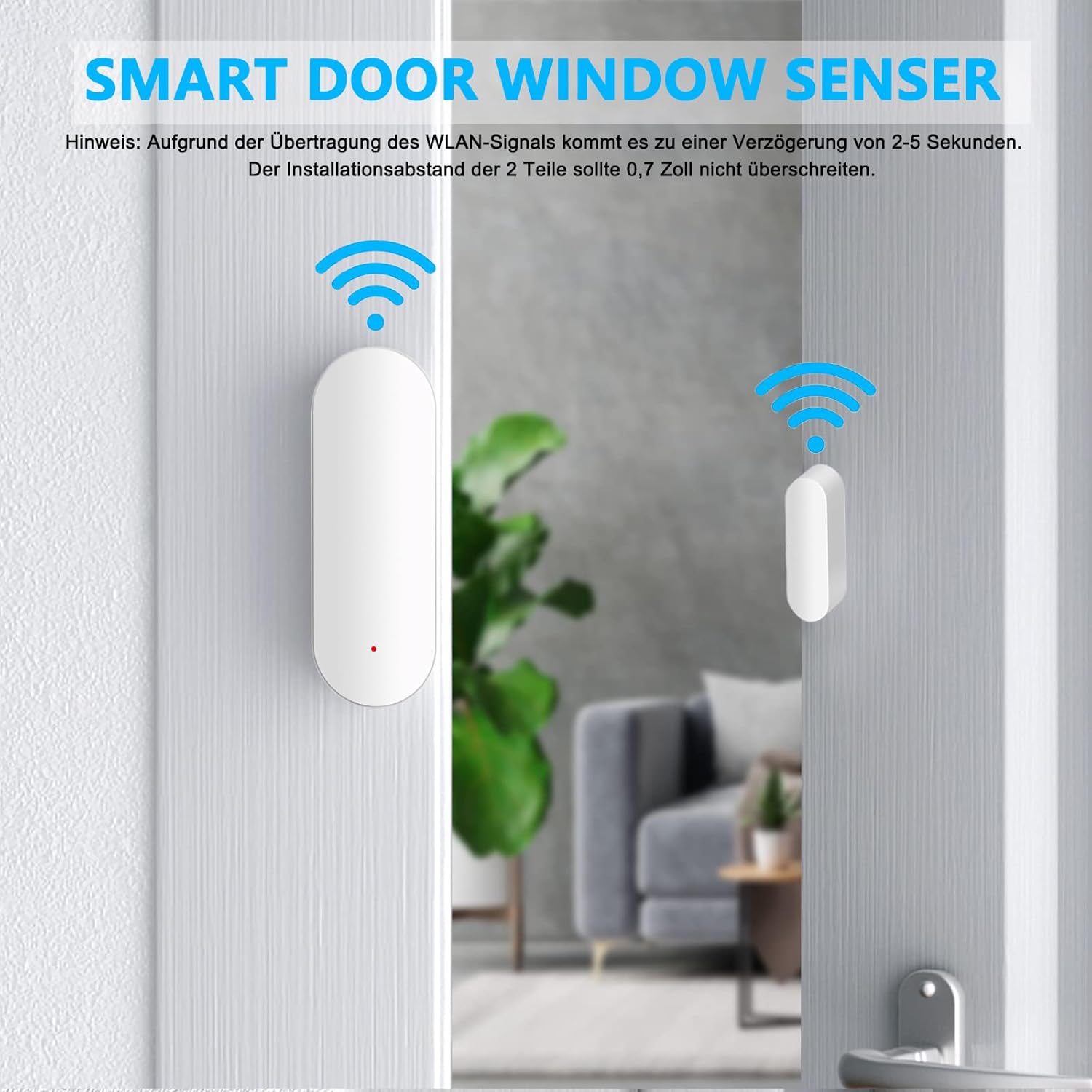
Image: Diagram illustrating the Zecamin WiFi Door Sensor installed on a door frame, showing the main unit and magnetic component with WiFi signal indicators. Note: Due to WLAN signal transmission, there may be a delay of 2-5 seconds. The installation distance between the two parts should not exceed 0.7 inches (approximately 1.78 cm).
4. भौतिक स्थापना
The sensor consists of two parts: a main unit and a smaller magnetic component. They must be installed in close proximity to each other on a door, window, or other movable object and its frame.
- Identify the desired installation location (e.g., door and door frame).
- Clean the surfaces where the sensor will be mounted to ensure good adhesion.
- Peel off the protective backing from one of the 3M adhesive pads and attach it to the back of the main sensor unit.
- Peel off the protective backing from the second 3M adhesive pad and attach it to the back of the magnetic component.
- Mount the main unit on the door/window frame and the magnetic component on the door/window itself. Ensure the notched sides of both components are aligned and facing each other.
- The gap between the two components when the door/window is closed should not exceed ३६ इन्च (लगभग ९१.४४ सेमी) उचित सञ्चालनको लागि।
सञ्चालन निर्देशनहरू
Remote Monitoring and Notifications
Once installed and connected, the sensor will send real-time alerts to your smartphone via the Smart Life or Tuya Smart app whenever the door or window it's attached to is opened or closed. This allows you to monitor your home's entry points from anywhere.

Image: A smartphone screen showing a real-time alert notification from the Zecamin WiFi Door Sensor, indicating a door has been opened.
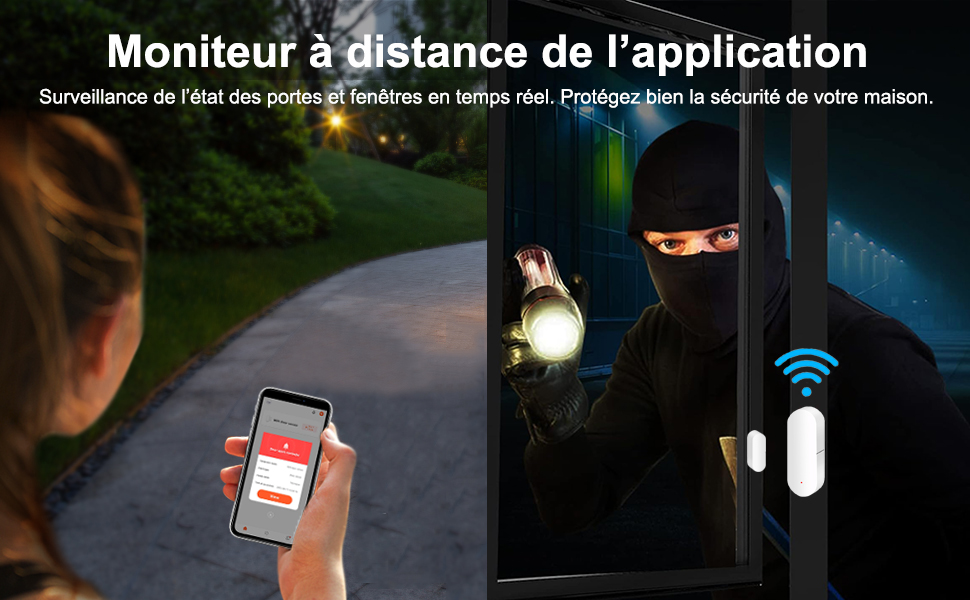
Image: Illustrates remote monitoring capability, showing a user checking their phone for alerts while an intruder attempts to enter a home, highlighting enhanced security.
Smart Automation and Linkage
Leverage the smart automation features within the Smart Life or Tuya Smart app to create routines that link your door sensor with other smart devices:
- स्वचालित प्रकाश: Configure lights to turn on automatically when a door is opened.
- जलवायु नियन्त्रण: Set your air conditioning to turn off if a window is opened, saving energy.
- Security Scenes: Integrate with smart sirens or cameras to trigger alarms or recordings upon unauthorized entry.

Image: Depicts the Zecamin WiFi Door Sensor enabling smart linkage, where opening a door automatically controls other smart devices like lights or air conditioning.
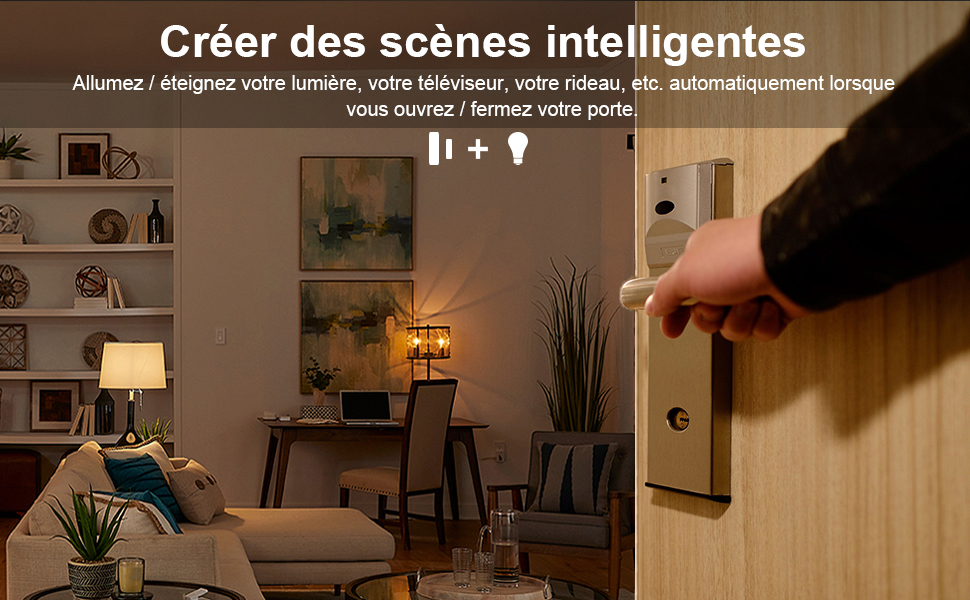
Image: A hand opening a door, illustrating how the sensor can trigger smart scenes, such as automatically turning on lights or other devices.
आवाज नियन्त्रण एकीकरण
The Zecamin WiFi Door Sensor is compatible with Amazon Alexa and Google Assistant. To enable voice control:
- आफ्नो स्मार्टफोनमा एलेक्सा वा गुगल होम एप खोल्नुहोस्।
- "Skills & Games" (Alexa) वा "Works with Google" (Google Home) खण्डमा नेभिगेट गर्नुहोस्।
- खोज्नुहोस् and enable the "Smart Life" or "Tuya Smart" skill/service.
- Link your Smart Life/Tuya Smart account with your Alexa/Google account.
- Once linked, discover devices. Your Zecamin Door Sensor should appear.
- You can now ask your voice assistant about the status of your door/window (e.g., "Alexa, is the front door open?").

Image: The Zecamin WiFi Door Sensor positioned alongside various Amazon Alexa and Google Assistant smart speakers, indicating its compatibility with voice control.
Child and Pet Safety Monitoring
The sensor can also be used to monitor the activity of children and pets, providing alerts if they open doors or windows that should remain closed.

Image: A child attempting to open a door equipped with the Zecamin WiFi Door Sensor, demonstrating its use for child safety monitoring.

Image: A dog passing through a pet door that has the Zecamin WiFi Door Sensor installed, illustrating its application for monitoring pet activity.
मर्मतसम्भार
ब्याट्री प्रतिस्थापन
The Zecamin WiFi Door Sensor is powered by two AAA alkaline batteries. When the battery level is low, the app will typically send a notification. To replace the batteries:
- सेन्सरको मुख्य एकाइ बिस्तारै खोल्नुहोस्।
- पुराना AAA ब्याट्रीहरू हटाउनुहोस्।
- सही ध्रुवता सुनिश्चित गर्दै दुई नयाँ AAA क्षारीय ब्याट्रीहरू घुसाउनुहोस्।
- Close the sensor unit securely.
Note: Dispose of used batteries responsibly according to local regulations.
सरसफाई
To maintain optimal performance, occasionally wipe the sensor units with a soft, dry cloth. Avoid using abrasive cleaners or solvents.
समस्या निवारण
| समस्या | सम्भावित कारण | समाधान |
|---|---|---|
| Sensor not connecting to WiFi / App |
|
|
| No alerts received when door/window opens |
|
|
| Voice control (Alexa/Google Assistant) not working |
|
|
| Sensor status updates are delayed |
|
|
वारेन्टी र समर्थन
वारेन्टी जानकारी: Specific warranty details for the Zecamin WiFi Door Sensor DS-01 are typically provided with your purchase documentation or can be found on the official Zecamin webसाइट। वारेन्टी दावीहरूको लागि कृपया आफ्नो खरिदको प्रमाण राख्नुहोस्।
ग्राहक समर्थन: For technical assistance, troubleshooting beyond this manual, or warranty inquiries, please contact Zecamin customer support through their official website or the contact information provided with your product packaging. You may also refer to the support sections within the Smart Life or Tuya Smart applications for common issues.