
1. Prodott Aktarview
The SGIN Y101 is a 15.6-inch laptop designed for everyday computing tasks, featuring a Core i3 processor, 16GB RAM, and a 1024GB SSD. It operates on Windows 11 Home and includes a backlit keyboard, WiFi 6 connectivity, and a 180-degree hinge for flexible use.

Image: SGIN Y101 Laptop highlighting its Core i3 processor, Windows 11, 7000mAh battery, backlit keyboard, WiFi 6, 180-degree hinge, 16GB RAM, and 1024GB SSD.
2. X'hemm fil-Kaxxa
- 1 x SGIN Y101 Laptop
- 1 x Adapter/Ċarġer tal-Enerġija
- 1 x Manwal tal-Utent (dan id-dokument)
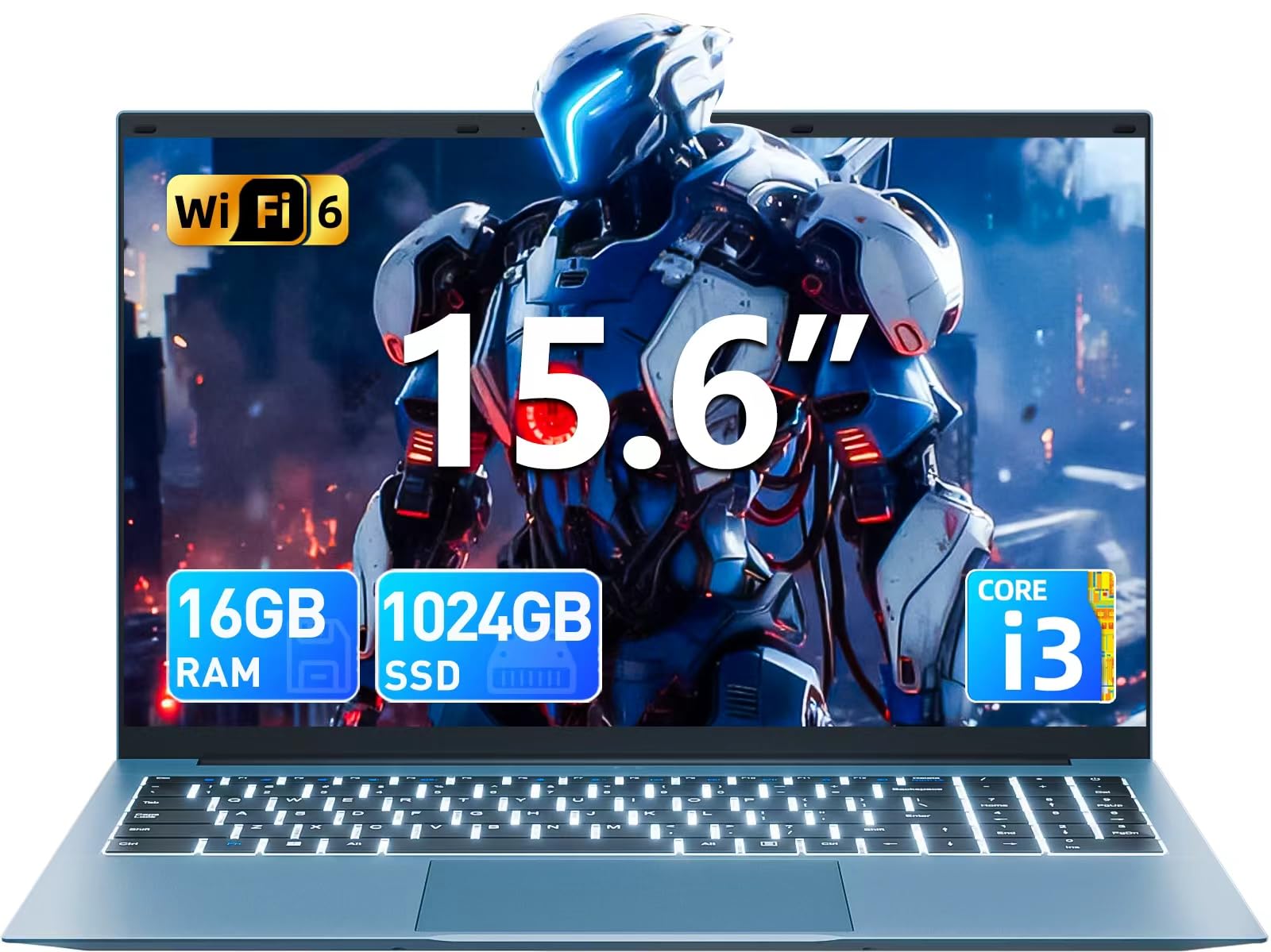
Image: The SGIN Y101 laptop, its power adapter, and the user manual as typically found in the product packaging.
3. Setup
3.1 Iċċarġjar Inizjali u Tixgħel
- Qabbad l-Adapter tal-Enerġija: Plug the power adapter into the DC jack on the side of the laptop and then into a power outlet.
- Iċċarġja l-batterija: Ħalli l-laptop jiċċarġja għal mill-inqas 30 minuta qabel l-ewwel użu, jew sakemm l-indikatur tal-batterija juri ċarġ suffiċjenti.
- Qawwa Mixgħul: Open the laptop lid and press the power button, usually located on the top right of the keyboard, to turn on the device.
3.2 Konfigurazzjoni tal-Windows 11
Segwi l-istruzzjonijiet fuq l-iskrin biex tlesti s-setup inizjali tal-Windows 11 Home. Dan tipikament jinkludi:
- L-għażla tar-reġjun u d-disinn tat-tastiera tiegħek.
- Connecting to a Wi-Fi network (WiFi 6 supported).
- Idħol b'kont tal-Microsoft jew toħloq kont wieħed.
- Issettjar ta' PIN jew password.
3.3 Konnessjoni tal-Periferali
The SGIN Y101 laptop offers various ports for connecting external devices:
Immaġni: Dettaljata view of the laptop's multiple interfaces, including DC jack, Type-C, HDMI, USB 3.2, Security lock, TF card slot, 3.5mm Headphone jack, and RJ45 Ethernet port.
- Portijiet USB 3.0/3.2: Għall-konnessjoni ta' apparati USB bħal ġurdien, tastieri, jew ħażna esterna.
- Port HDMI: Qabbad ma' monitor estern jew TV għal wiri estiż.
- Port tat-Tip-C: For data transfer and potentially charging compatible devices.
- Slott Mikro SD: Insert a TF card for expanded storage up to 1TB.
- Jack tal-headphones ta' 3.5mm: Qabbad headphones jew kelliema esterni.
- Port Ethernet RJ45: Għal konnessjoni tal-internet bil-fili.
- Slot Kensington Lock: Għas-sigurtà fiżika.
4. It-Tħaddim tal-Laptop
4.1 Tastiera u Touchpad
The laptop features a full-size keyboard with a numeric keypad and a large touchpad for navigation. The keyboard is backlit for use in low-light conditions.
- Tastiera backlit: Agħfas Fn + F5 to toggle the keyboard backlight on or off.
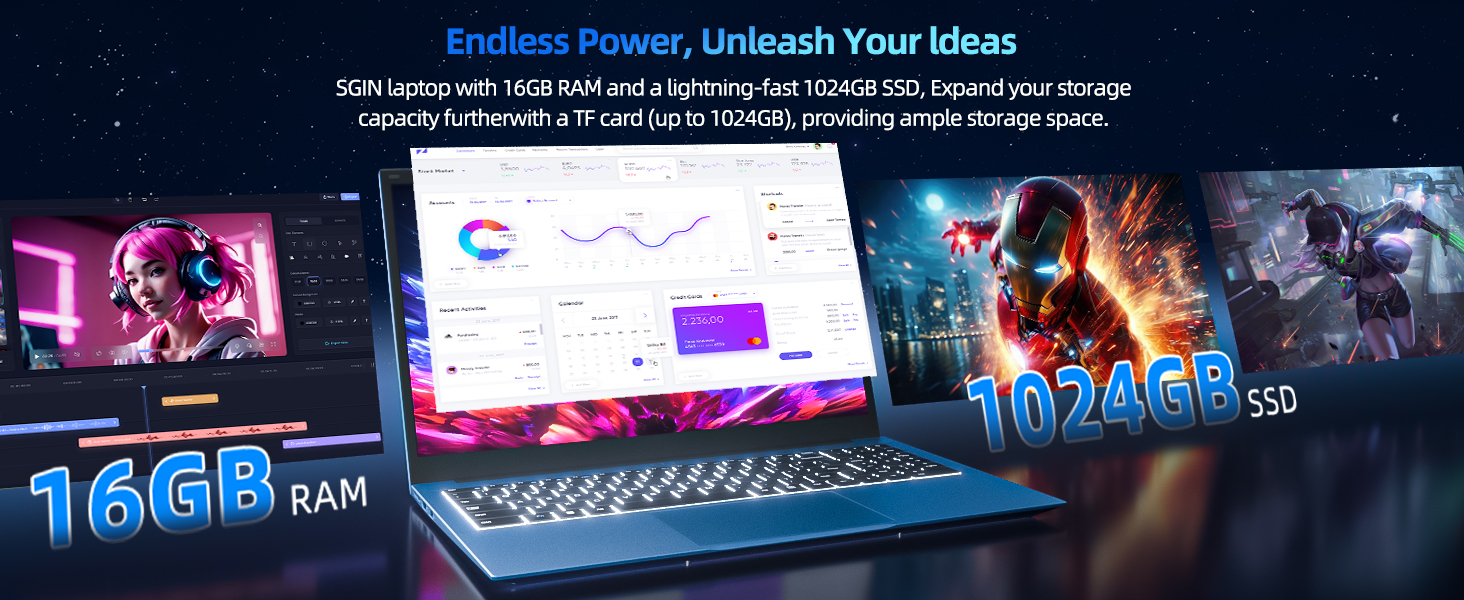
Image: Close-up of the SGIN Y101 laptop's backlit keyboard and numeric keypad, illustrating the Fn+F5 shortcut for backlight control.
4.2 Karatteristiċi tal-Wiri
The 15.6-inch Full HD (1920x1080) IPS screen provides clear visuals and wide viewing angles. The laptop also features a 180-degree hinge, allowing the screen to lay flat for easy sharing and collaboration.
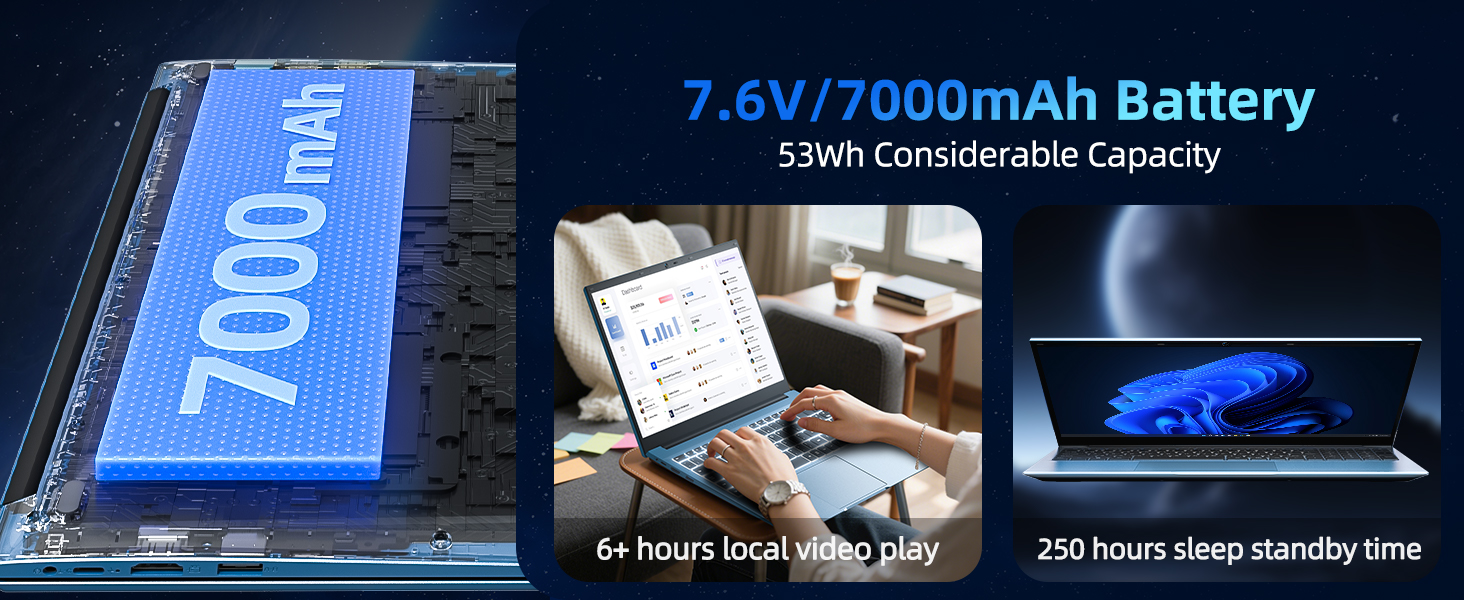
Image: The SGIN Y101 laptop displaying vibrant visuals on its 15.6-inch Full HD IPS screen.
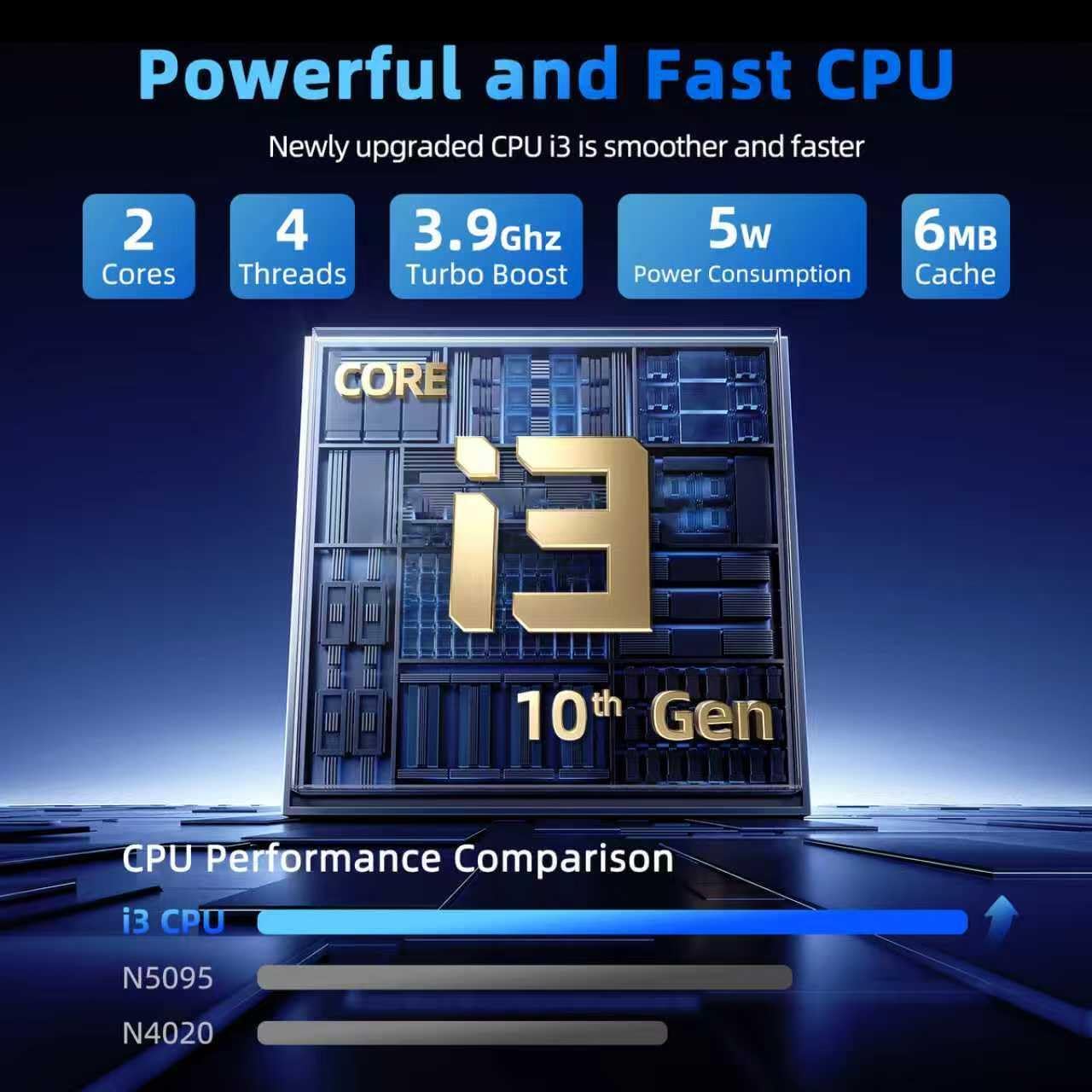
Image: The SGIN Y101 laptop open, illustrating its 180-degree hinge design for flexible viewing u qsim.
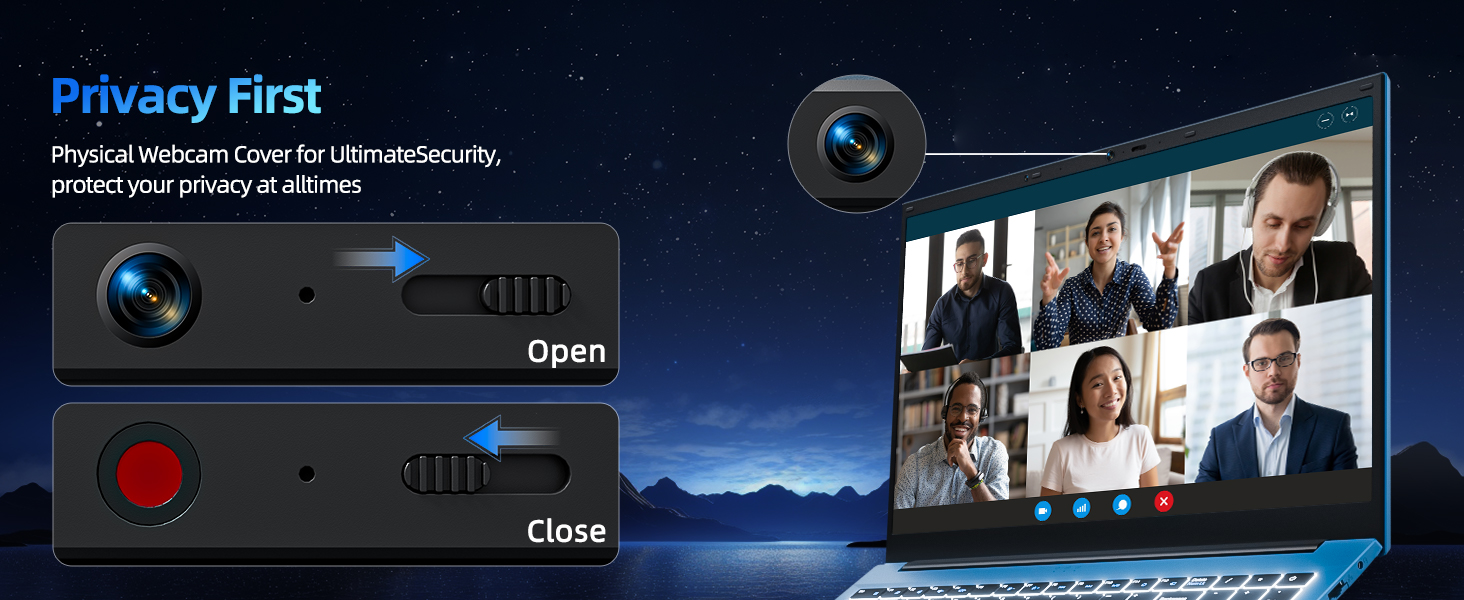
4.3 Privatezza Webcam Qoxra
For enhanced privacy, the laptop includes a built-in physical webcam switch. Slide the cover to open or close the webcam kif meħtieġ.
5. Manutenzjoni
5.1 Kura Ġenerali
- Evita li tesponi l-laptop għal temperaturi estremi, dawl tax-xemx dirett, jew umdità għolja.
- Żomm il-likwidi 'l bogħod mill-apparat.
- Immaniġġja l-laptop b'attenzjoni biex tevita ħsara fiżika.
5.2 Tindif
- Uża drapp artab u mingħajr suf biex tnaddaf l-iskrin u l-barra.
- Għal marki iebsa, d ftitampNaddaf id-drapp bl-ilma jew b'prodott tat-tindif li ma jagħmilx ħsara lill-iskrin.
- Do not spray cleaners directly onto the laptop.
5.3 Kura tal-Batterija
- Biex ittawwal il-ħajja tal-batterija, evita li tiċċarġja kompletament il-batterija ta' spiss.
- Aħżen il-laptop f'post frisk u niexef jekk ma tużahx għal perjodi twal.
- The 7000mAh/53.2Wh battery provides up to 8 hours of typical use.
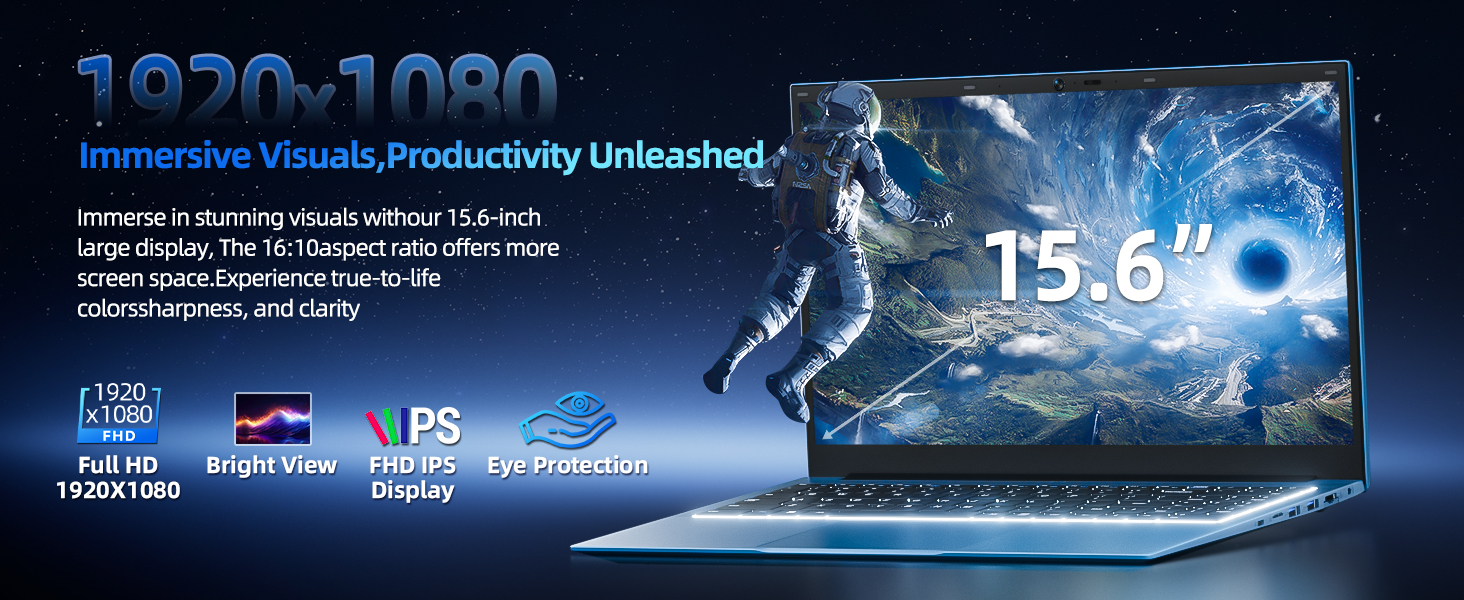
Image: Visual representation of the SGIN Y101 laptop's 7000mAh/53.2Wh large capacity battery, indicating its suitability for extended use.
6 Issolvi l-problemi
This section addresses common issues you might encounter with your SGIN Y101 laptop.
6.1 Kwistjonijiet tal-Enerġija u l-Ibbutjar
- Il-laptop ma jixgħelx: Kun żgur li l-adapter tal-enerġija huwa konness sew u li l-batterija għandha biżżejjed ċarġ. Ipprova sokit tal-enerġija differenti.
- Laptop turns on but screen is black: Connect to an external monitor via HDMI to check if the display is the issue. Restart the laptop.
6.2 Wiri u Grafika
- Screen flickering or unusual display: Update graphics drivers. If connecting to an external display, ensure the cable is secure.
- Screen appears dim or too bright: Adjust brightness settings in Windows or using keyboard function keys.
6.3 Kwistjonijiet ta' Konnettività
- Il-Wi-Fi mhux qed jikkonnettja: Check if Wi-Fi is enabled in Windows settings. Restart your router and the laptop. Ensure correct password entry.
- Apparati USB mhux rikonoxxuti: Try a different USB port. Ensure the device drivers are installed.
6.4 Tastiera u Touchpad
- It-tastiera ma tirrispondix: Restart the laptop. Ensure no foreign objects are under the keys.
- It-touchpad mhux qed jaħdem: Check Windows settings to ensure the touchpad is enabled. Restart the laptop.
- Id-dawl ta' wara mhux qed jaħdem: Agħfas Fn + F5 to ensure it's toggled on.
If you encounter persistent issues not covered here, please refer to the support section for assistance.
7. Speċifikazzjonijiet
| Karatteristika | Dettall |
|---|---|
| Isem tal-Mudell | SGIN-Y101 |
| Proċessur | Intel Core i3-10100 (2-core, 4-thread, 6MB cache, up to 3.9GHz) |
| RAM | 16GB DDR3 SDRAM |
| Ħażna | 1024GB SSD (expandable with TF card up to 1TB) |
| Wiri | 15.6-inch Full HD (1920x1080) IPS |
| Sistema Operattiva | Windows 11 Home |
| Batterija | 7000mAh / 53.2Wh (up to 8 hours battery life) |
| Konnettività bla fili | WiFi 6 (802.11ax) |
| Portijiet | USB 3.0, HDMI, Micro SD slot, Type-C, Kensington lock, 3.5mm Headphone jack, RJ45 Ethernet |
| Dimensjonijiet (LxWxH) | 15.6 x 9 x 0.6 pulzieri |
| Piż | 4.97 liri |
| Kulur | Griż |
8. Garanzija u Appoġġ
Your SGIN Y101 laptop comes with comprehensive support and warranty:
- Protezzjoni ta' sentejn: Enjoy a 1-year protection plan covering manufacturing defects.
- 1-Year Repair Service: The product includes a 1-year repair service.
- Politika ta' Ritorn ta' 30 Jum: Eligible for returns within 30 days of purchase.
- Appoġġ għall-Klijent 24/7: Access instant customer help for any queries or issues.
For support, please contact SGIN customer service through the official channels provided at the time of purchase or on the SGIN websit.
9. Vidjo ta' Dimostrazzjoni tal-Prodott
Watch this official video for a visual guide on the SGIN 15.6 Inch Laptop Computer's features and connectivity options.
Vidjo: Overview and demonstration of the SGIN 15.6-inch laptop, showcasing its design, features, and available ports.