
HONOR fa657f70-5f14-4b8b-9fed-9a77e6ef5a06
HONOR CHOICE Watch 2i User Manual
Bluetooth Calling Smart Watch with 1.85-inch AMOLED Display
1. Introduzzjoni
Welcome to the user manual for your new HONOR CHOICE Watch 2i. This guide provides essential information on setting up, operating, maintaining, and troubleshooting your smartwatch. Please read this manual carefully to ensure proper use and to maximize the features of your device.

Figure 1.1: The HONOR CHOICE Watch 2i, a sleek black smartwatch with a vibrant display.
2. X'hemm fil-Kaxxa
Your HONOR CHOICE Watch 2i package should contain the following items:
- HONOR CHOICE Watch 2i (1 unit)
- Kejbil tal-Iċċarġjar (unità 1)
- Manwal tal-Istruzzjonijiet (unità 1)
3. Setup
3.1 Iċċarġjar inizjali
Before first use, fully charge your HONOR CHOICE Watch 2i. Connect the magnetic charging cable to the charging port on the back of the watch and plug the USB end into a power adapter (not included) or a computer's USB port.
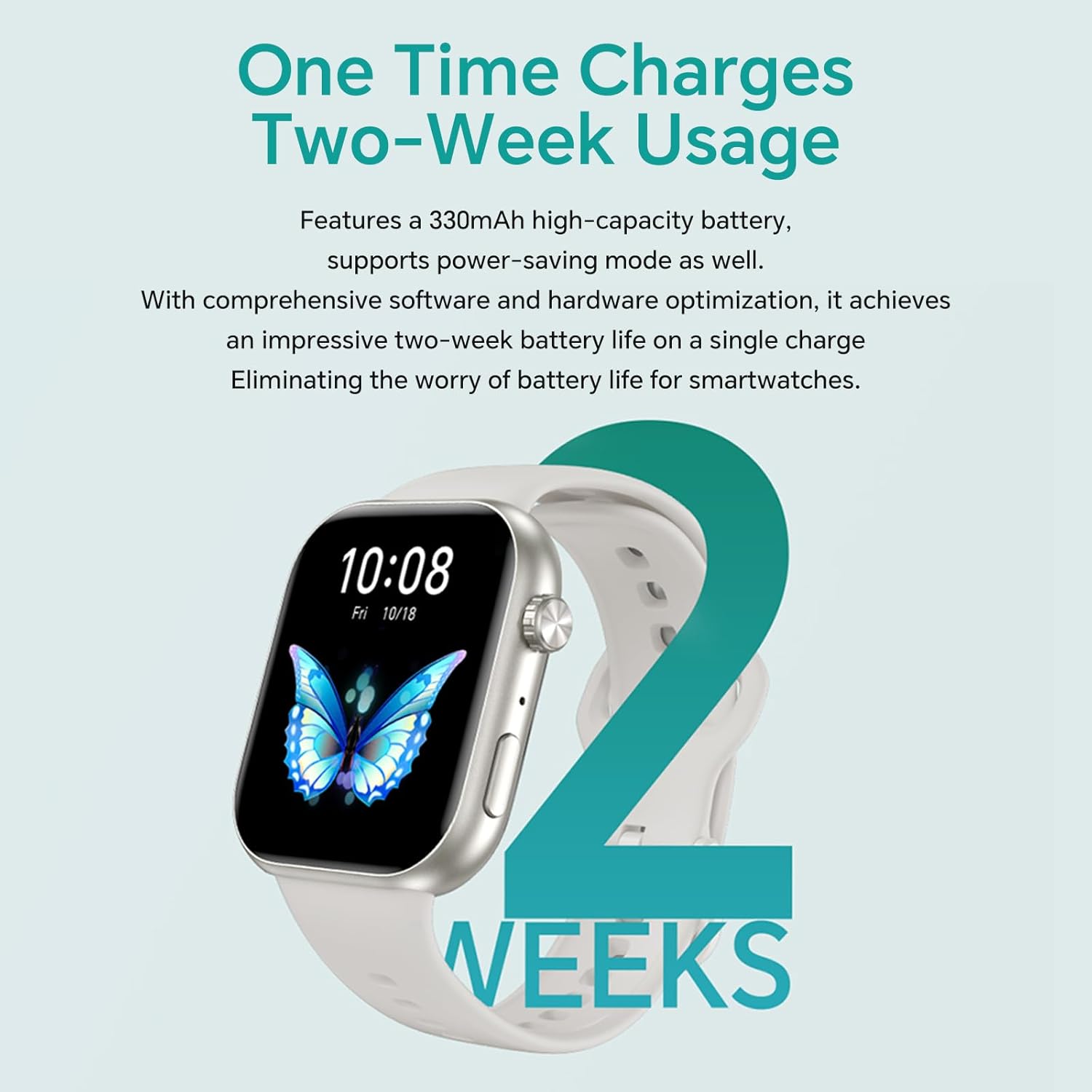
Figure 3.1: The HONOR CHOICE Watch 2i being charged, highlighting its extended battery life.
3.2 Installazzjoni u Tqabbil tal-App
- Niżżel il- App tas-Saħħa HONOR from your smartphone's app store (compatible with Android and iOS).
- Iftaħ l-app u segwi l-istruzzjonijiet fuq l-iskrin biex toħloq kont jew tidħol.
- Navigate to the device pairing section within the app and select your HONOR CHOICE Watch 2i from the list of available devices.
- Ikkonferma t-talba ta' tqabbil kemm fuq l-ismartphone tiegħek kif ukoll fuq l-arloġġ.
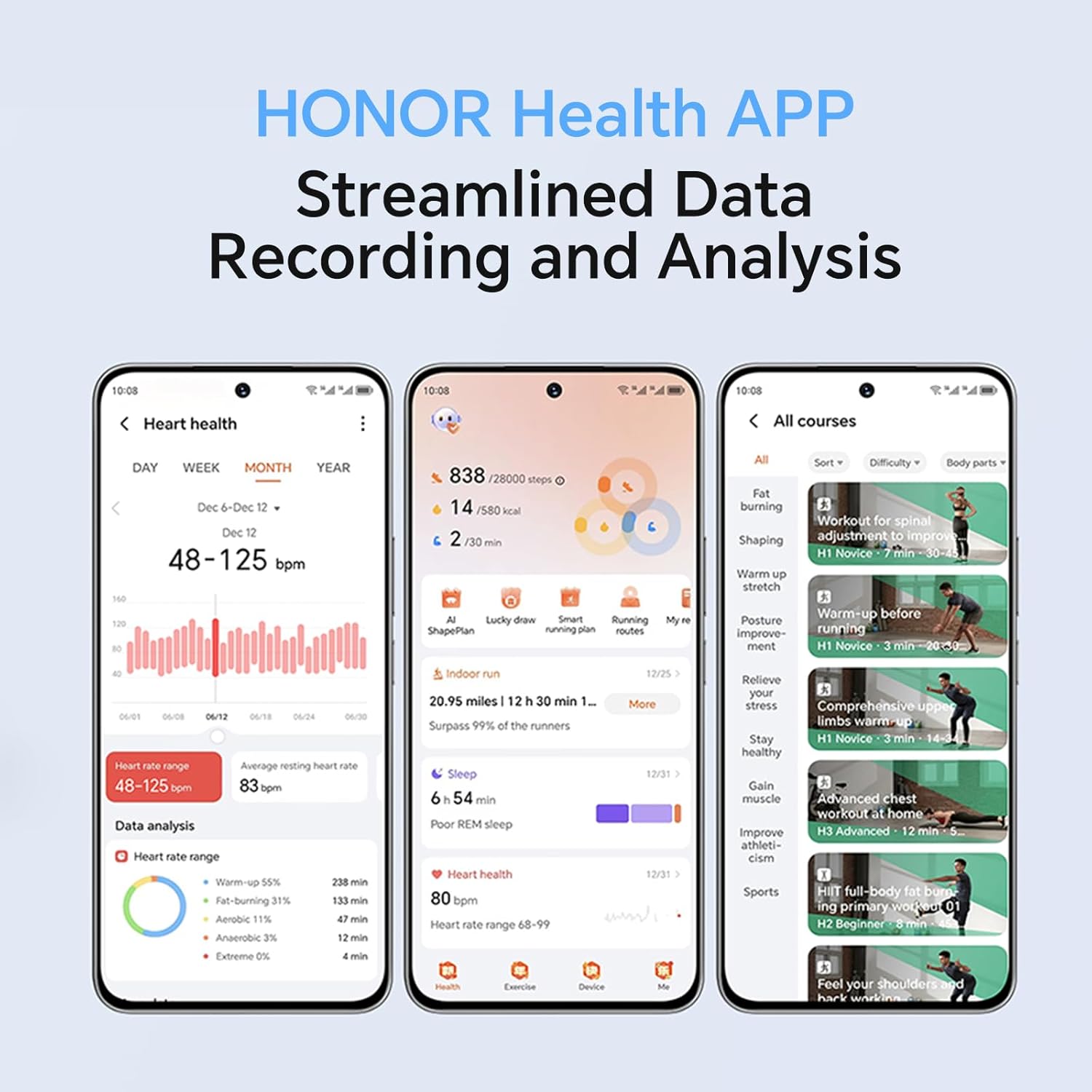
Figure 3.2: The HONOR Health App interface, demonstrating its data recording and analysis capabilities.
3.3 Konfigurazzjoni Inizjali
Once paired, the app will guide you through initial settings such as personal information, notification preferences, and watch face selection. You can customize watch faces from a variety of options, including dynamic and gallery faces.

Figure 3.3: Customizable watch faces on the HONOR CHOICE Watch 2i.
4. It-Tħaddim tal-Arloġġ
4.1 Navigazzjoni Bażika
The HONOR CHOICE Watch 2i features a 1.85-inch AMOLED touchscreen and a physical crown/button for navigation. Swipe left/right, up/down to access different functions and menus. Press the crown to return to the home screen or access the app list.

Figure 4.1: Detail of the watch's metallic texture and independent crown/buttons.
4.2 Sejħa Bluetooth
When connected to your smartphone via Bluetooth, you can make and receive calls directly from your watch. The watch supports quick answering and easy dialing.
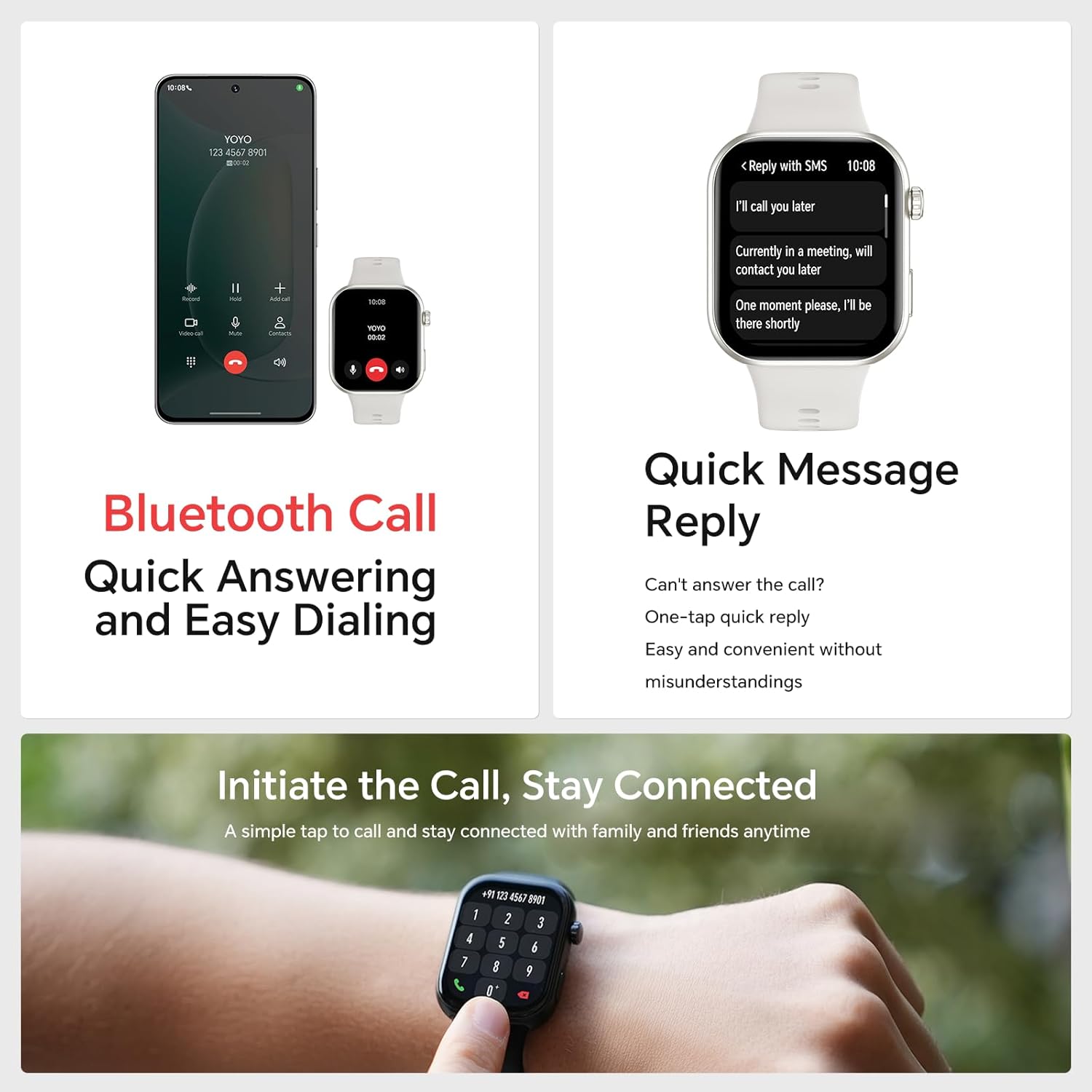
Figure 4.2: Bluetooth call functionality on the HONOR CHOICE Watch 2i.
4.3 Monitoraġġ tas-Saħħa
L-arloġġ jimmonitorja kontinwament diversi metriċi tas-saħħa:
- Rata tal-qalb: 24-hour heart rate tracking.
- SpO2: Blood oxygen saturation monitoring.
- Traċċar tal-irqad: Analyzes sleep quality and stages (light, deep, REM).
- Livelli ta' Stress: Monitors stress and provides breathing exercises.
- Traċċar taċ-Ċiklu Menstruwali: For female users.
Abnormal readings will trigger alerts. Detailed data can be viewed in the HONOR Health App.
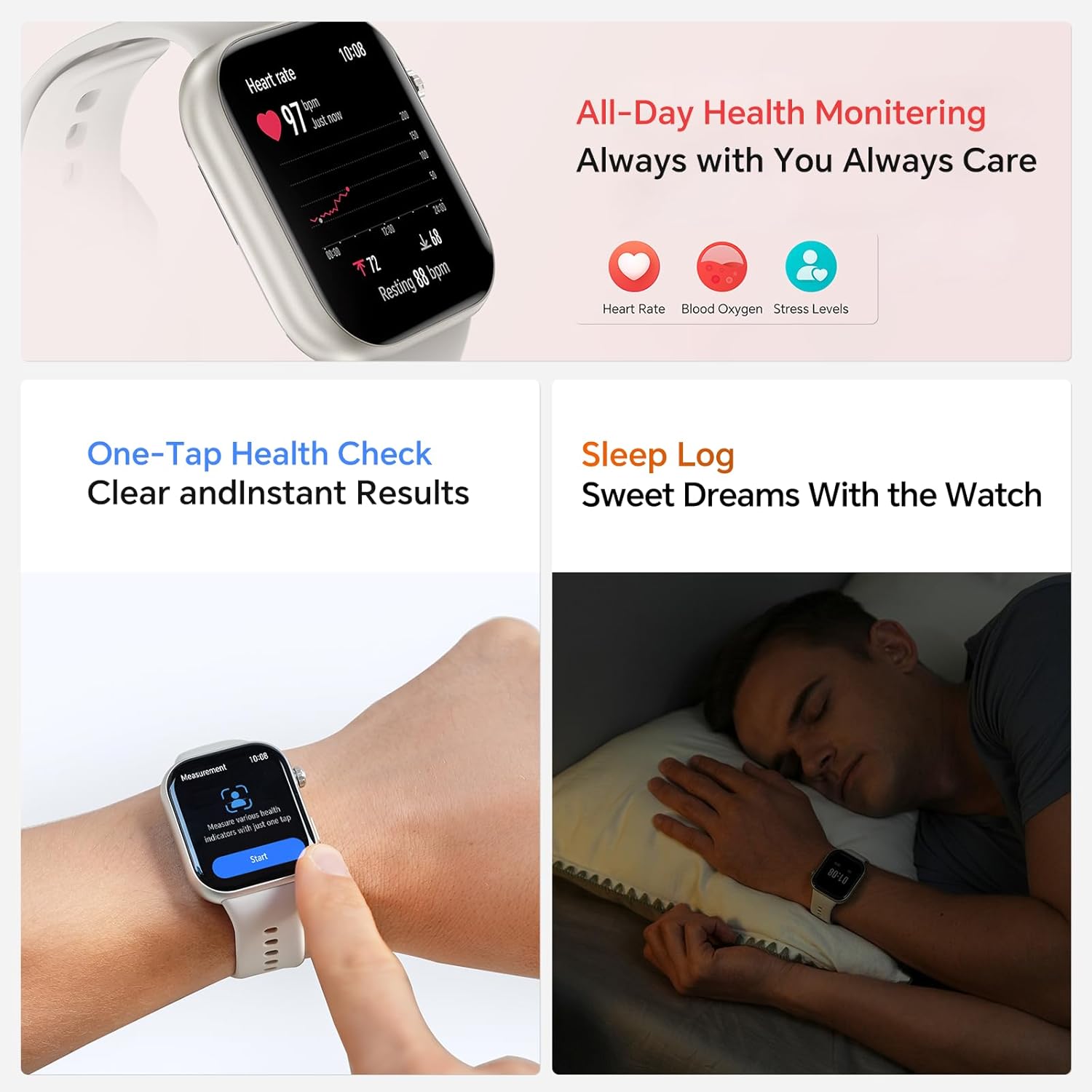
Figure 4.3: All-day health monitoring features.
4.4 Modalità ta' Workout
The watch supports over 109 workout modes, including running, cycling, hiking, and more. It can automatically recognize 5 types of exercises. For outdoor activities, the app can record and map your movement trajectories using your smartphone's GPS.
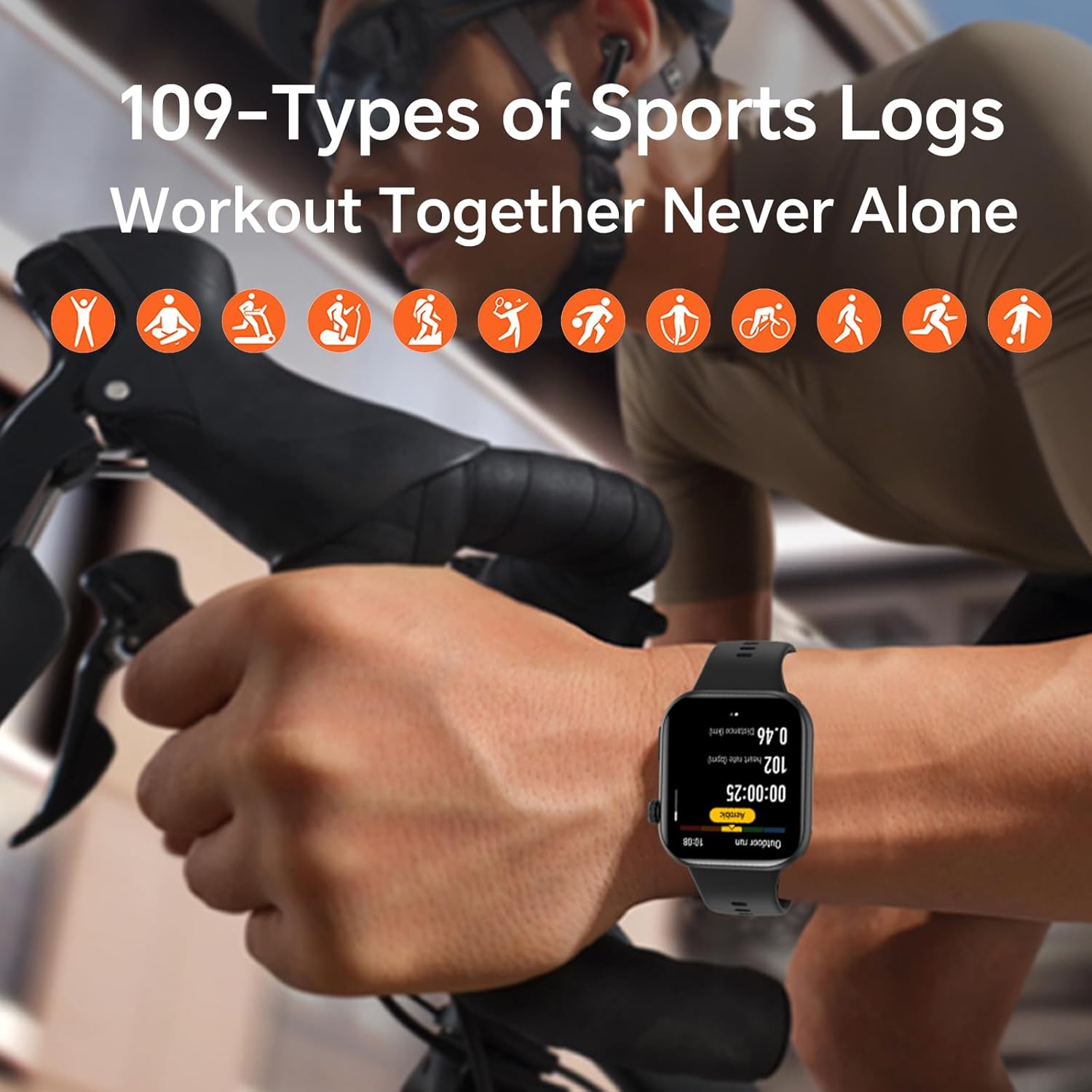
Figure 4.4: The watch tracking a cycling workout, demonstrating its 109+ sports modes.
4.5 Karatteristiċi Smart
The HONOR CHOICE Watch 2i offers additional smart functionalities:
- Notifiki: Irċievi allerti għal telefonati, messaġġi, u notifiki tal-app.
- Quick Message Reply: Send pre-set quick replies to messages.
- Kontroll tal-Mużika: Ikkontrolla d-daqq tal-mużika fuq l-ismartphone imqabbad tiegħek.
- Kontroll tal-Kamera: Ikkontrolla l-kamera tal-ismartphone tiegħek mill-bogħod.
- Modalità Tfixkilx: Itfi n-notifiki matul ħinijiet speċifiċi.
- SOS One-Tap Assistance: For emergency contacts.
- Portable Calendar: Effortless planning.

Figura 4.5: Aktarview of smart features on the watch.
5. Manutenzjoni
5.1 Iċċarġjar
To maintain optimal battery life, charge your watch regularly. The 330 mAh battery provides up to 14 days of usage on a single charge. Use the provided magnetic charging cable.
5.2 Tindif
Imsaħ l-arloġġ u ċ-ċinga regolarment b'ċarruta ratba u niexfa. Jekk meħtieġ, uża drapp kemmxejn niexef.amp drapp u mbagħad nixxef sew. Evita li tuża kimiċi ħarxa jew materjali li joborxu.
5.3 Reżistenza għall-Ilma
The HONOR CHOICE Watch 2i is rated 1ATM and IP68, meaning it is resistant to dust and can withstand immersion in water up to 1 meter for 30 minutes. It is suitable for daily use and light water activities, but not for diving or high-pressure water activities.
5.4 Sostituzzjoni taċ-Ċinga
The watch features a quick-release strap mechanism, allowing for easy replacement. Simply slide the pin on the strap to detach it and attach a new one.

Figure 5.1: Quick-release strap for easy customization.
6 Issolvi l-problemi
If you encounter issues with your HONOR CHOICE Watch 2i, try the following common solutions:
- L-arloġġ ma jixgħelx: Kun żgur li l-għassa tkun kompletament iċċarġjata.
- Ma tistax tqabbad mat-telefon: Ensure Bluetooth is enabled on both devices. Restart both the watch and phone. Check if the HONOR Health App is updated.
- Dejta dwar is-saħħa mhux preċiża: Kun żgur li l-arloġġ jintlibes sew fuq il-polz tiegħek, la issikkat wisq u lanqas maħlul wisq. Naddaf is-sensuri fuq wara tal-arloġġ.
- Notifiki li ma jidhrux: Check notification settings in the HONOR Health App and your phone's system settings to ensure the app has necessary permissions.
- Ħajja qasira tal-batterija: Reduce screen brightness, disable unnecessary features like always-on display, and limit background app refresh.
For more detailed troubleshooting, refer to the help section within the HONOR Health App or visit the official HONOR support websit.
7. Speċifikazzjonijiet
| Karatteristika | Speċifikazzjoni |
|---|---|
| Brand | UNUR |
| Mudell | fa657f70-5f14-4b8b-9fed-9a77e6ef5a06 |
| Wiri | Skrin tattili AMOLED ta' 1.85 pulzier |
| Sistema Operattiva | Android 9.0 (compatible with Android and iOS) |
| Konnettività | Bluetooth |
| Ħajja tal-batterija | Sa 14-il jum (użu tipiku) |
| Reżistenza għall-Ilma | 1ATM, IP68 |
| Piż | 100 g |
| Dimensjonijiet | 10.3 x 10.2 x 5 ċm |
| Karatteristiċi Addizzjonali | Bluetooth Call, Health Monitoring (Heart Rate, SpO2, Sleep, Stress), 109+ Workout Modes |
8. Garanzija u Appoġġ
For warranty information and customer support, please refer to the warranty card included with your product or visit the official HONOR support websit. Żomm l-irċevuta tax-xiri tiegħek bħala prova tax-xiri għal talbiet ta' garanzija.
For further assistance, you can also visit the HONOR Store on Amazon.
Dokumenti Relatati - fa657f70-5f14-4b8b-9fed-9a77e6ef5a06
 |
HONOR MagicBook 14 2021 User Guide This user guide provides comprehensive instructions and information for the HONOR MagicBook 14 2021 laptop, covering setup, features, troubleshooting, and safety guidelines. |
 |
HONOR 500 Smartphone Overview u Speċifikazzjonijiet Dettaljat fuqview and technical specifications for the HONOR 500 smartphone, featuring a 200MP camera, 8000mAh battery, and Snapdragon 8s Gen 4 processor. |
 |
User Manual: AMOLED Screen for Honor Magic Watch 2 42mm Installation guide and safety information for the AMOLED screen replacement for Honor Magic Watch 2 42mm (HEB-B19). Includes manufacturer details and handling instructions. |
 |
Gwida għall-Utent tal-HONOR Watch ES: Karatteristiċi, Setup, u Tħaddim Gwida komprensiva għall-utent għall-ismartwatch HONOR Watch ES, li tkopri s-setup, il-modi ta' eżerċizzju, it-traċċar tas-saħħa (rqad, rata tal-qalb, SpO2), in-notifiki, u l-karatteristiċi essenzjali għal użu ottimali. |
 |
Instrukcja obsługi i specyfikacja HONOR Band 6 Szczegółowy przewodnik po konfiguracji, obsłudze i personalizacji opaski HONOR Band 6, zawierający funkcje, specyfikacje i rozwiązywanie problemów. |
 |
Gwida għall-Utent tal-HONOR Band 10 Gwida komprensiva għall-utent għall-HONOR Band 10, li tkopri s-setup, il-karatteristiċi, il-ġestjoni tas-saħħa, it-traċċar tal-isports, funzjonijiet konvenjenti tal-ħajja, u settings personalizzati. Tgħallem kif tikkonnettja, tiċċarġja, tuża diversi karatteristiċi ta' monitoraġġ tas-saħħa bħar-rata tal-qalb u SpO2, issegwi t-taħriġ, timmaniġġja n-notifiki, u tippersonalizza l-brazzuletta tiegħek. |
Ask a question about this manual
Ask about setup, troubleshooting, compatibility, parts, safety, or missing instructions. Manuals+ will review the question and use this page’s manual context to help answer it.