
Introduzzjoni
Welcome to the GUHUAVMI GT4 Pro Smartwatch user manual. This guide provides detailed instructions on how to set up, operate, and maintain your new smartwatch. The GT4 Pro combines advanced health monitoring, comprehensive fitness tracking, and smart connectivity features in a durable, stylish design. Please read this manual carefully to ensure optimal performance and longevity of your device.
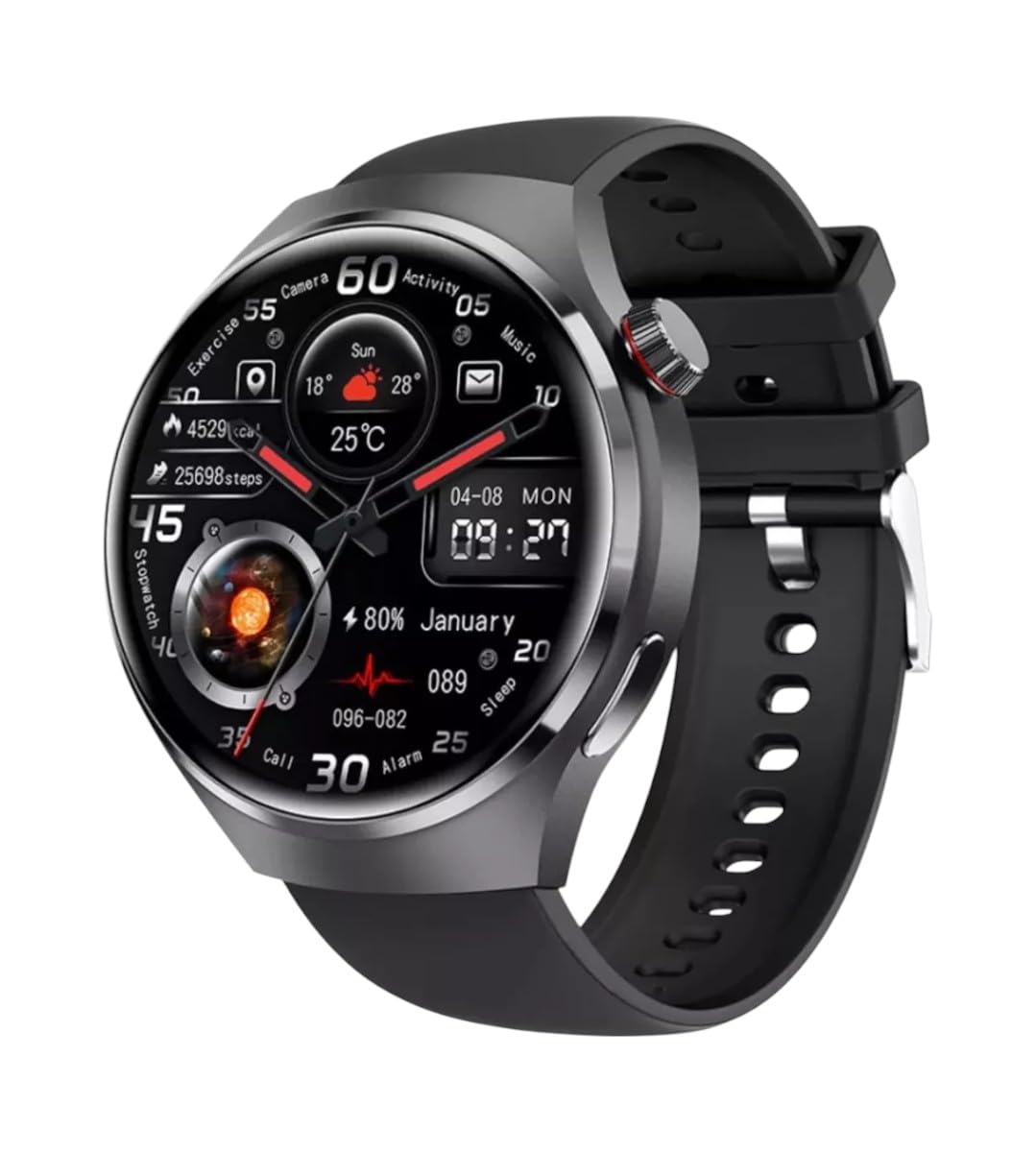
Immaġni: Quddiem view of the GUHUAVMI GT4 Pro Smartwatch, showcasing id-disinn u l-wiri eleganti tiegħu.
Setup
1. Tneħħija tal-kaxxa u l-komponenti
Qabel ma tibda, kun żgur li l-komponenti kollha huma preżenti fil-pakkett:
- GUHUAVMI GT4 Pro Smartwatch
- Ċarġer mingħajr fili
- Manwal għall-Utent (dan id-dokument)
2. Iċċarġjar tal-Ismartwatch
For first-time use, fully charge your GT4 Pro Smartwatch. Connect the wireless charger to a USB power adapter (not included) and place the smartwatch onto the magnetic charging base. The watch will indicate charging status on its screen.
- Ħin tal-Iċċarġjar: Madwar sagħtejn għal ħlas sħiħ.
- Ħajja tal-batterija: Typical usage provides 5-7 days of battery life.

Image: The GUHUAVMI GT4 Pro Smartwatch placed on its magnetic wireless charger, displaying battery life and charging time information.
3. Power On/Off
- Qawwa Mixgħul: Agħfas u żomm il-buttuna tal-ġenb sakemm l-iskrin jixgħel.
- Itfi: Agħfas u żomm il-buttuna tal-ġenb, imbagħad agħżel l-għażla 'Itfi' fuq l-iskrin.
4. App Download u Pairing
To unlock the full potential of your GT4 Pro, download the companion app on your smartphone. Scan the QR code provided in the watch's initial setup screen or search for the app name (usually indicated on the watch or packaging) in your phone's app store.
- Ippermetti Bluetooth fuq l-ismartphone tiegħek.
- Iftaħ l-app li takkumpanja u segwi l-istruzzjonijiet fuq l-iskrin biex toħloq kont jew tidħol.
- In the app, select 'Add Device' or 'Pair Device' and choose 'GT4 Pro' from the list of available devices.
- Ikkonferma t-talba ta' tqabbil kemm fuq l-ismartphone kif ukoll fuq l-ismartwatch tiegħek.
Istruzzjonijiet Operattivi
1. Navigazzjoni Bażika
The GT4 Pro features a 1.6-inch HD AMOLED touchscreen and a side crown button for navigation.
- Swipe 'l fuq/'l isfel: Skrollja fil-menus u n-notifiki.
- Swipe Xellug/Lemin: Aċċessa widgets veloċi jew uċuħ tal-arloġġ differenti.
- Tektek: Agħżel oġġett jew iftaħ applikazzjoni.
- Agħfas il-Buttuna tal-Ġenb: Erġa' lura għall-iskrin ewlieni jew aċċessa l-lista tal-apps.
2. Assistent tal-Vuċi bl-AI
Your GT4 Pro is equipped with an integrated AI voice assistant for hands-free operation.
- Attivazzjoni: Tap the voice assistant icon on the watch face or use a designated gesture/button press (refer to watch settings).
- Kmandi: Speak clearly to ask questions, set reminders, make calls, or control music.
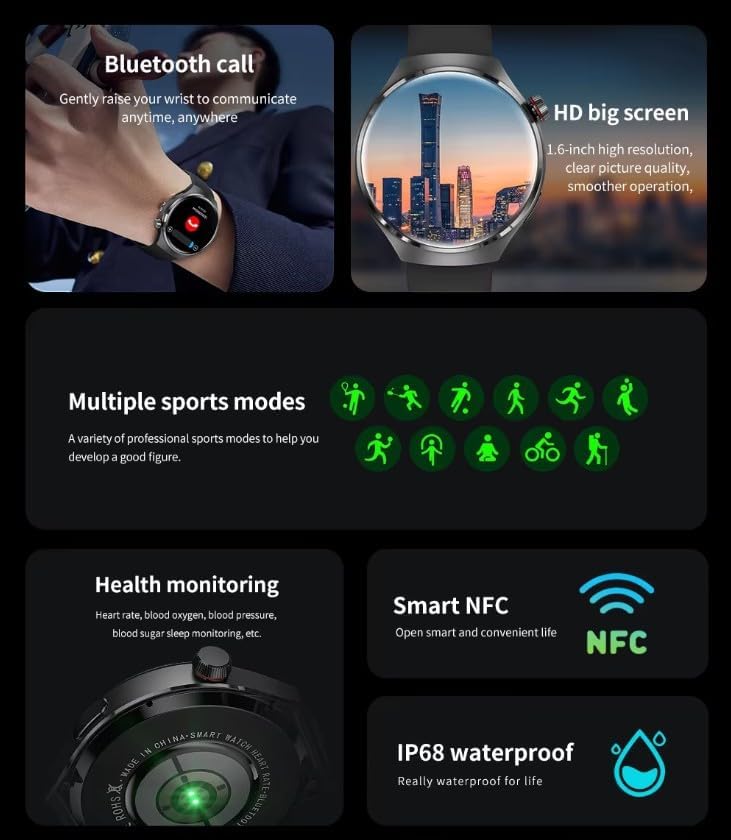
Image: The GUHUAVMI GT4 Pro Smartwatch displaying the AI voice assistant interface, showing examples of voice commands.
3. Sejħiet bil-Bluetooth
Ladarba tkun imqabbad mal-ismartphone tiegħek, tista' tagħmel u tirċievi telefonati direttament mill-ismartwatch tiegħek.
- Tagħmel Sejħiet: Access the dialer or contacts list on your watch.
- Jirċievu Sejħiet: Wieġeb jew irrifjuta telefonati li deħlin direttament mill-iskrin tal-arloġġ.
4. Monitoraġġ tas-Saħħa
The GT4 Pro provides real-time health data to help you monitor your well-being.
- Rata tal-qalb: Continuous monitoring throughout the day.
- Ossiġnu fid-Demm (SpO2): Kejjel il-livelli ta' saturazzjoni tal-ossiġnu fid-demm tiegħek.
- Blood Sugar: Provides estimated blood sugar readings.
- Traċċar tal-irqad: Jimmonitorja l-irqadtages u kwalità.
View detailed health reports in the companion app.
5. Traċċar tal-Fitness
Track your workouts and daily activity with precision.
- Modi ta' Sports Multipli: Select from various activities like running, cycling, swimming, and more for accurate data.
- GPS inkorporat: Records your route, distance, and pace during outdoor activities.
- Boxxla: Provides directional guidance for outdoor adventures.

Image: The GUHUAVMI GT4 Pro Smartwatch showcasing icons for NFC, GPS, compass, heart rate, and Bluetooth call, highlighting its comprehensive features.
6. NFC Features
The GT4 Pro supports NFC for convenient interactions.
- Kontroll tal-Aċċess: Use your watch for compatible access systems.
- Find My iPhone: Utilize NFC to locate your paired iPhone.
7. Dynamic Island Function
Experience enhanced interactive displays for notifications, music, and charging status.
- Interactive Displays: Smart displays adapt to show relevant information dynamically.
- Titjib tal-OTA: New functional interactive displays may be added through future over-the-air updates.
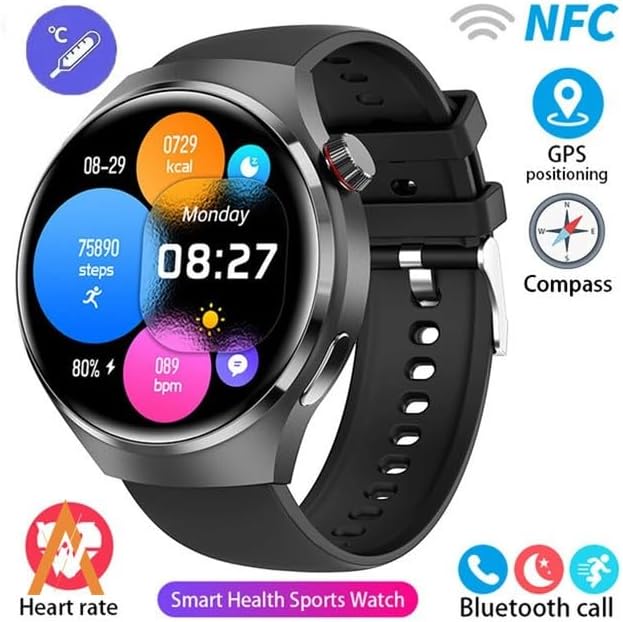
Image: The GUHUAVMI GT4 Pro Smartwatch screen demonstrating the Dynamic Island function, showing notifications and active processes.
8. Other Utility Features
The smartwatch includes several convenient tools:
- Kamera mill-bogħod: Ikkontrolla l-kamera tal-ismartphone tiegħek mill-bogħod.
- Arloġġ ta 'allarm: Issettja allarmi direttament mill-polz tiegħek.
- Stopwatch u Timer: For precise timekeeping.
- Kejl tat-Temperatura: Monitor ambient temperature.
- Multi-Time Zone Settings: Keep track of different time zones.
- Kontroll tad-daqq tal-mużika: Manage music on your paired smartphone.
Manutenzjoni
1. Reżistenza għall-Ilma (IP68)
The GT4 Pro has an IP68 waterproof rating, meaning it is resistant to dust and can withstand immersion in water up to 1.5 meters for 30 minutes. It is suitable for swimming and use in rainy conditions.
- Do not use in hot water, saunas, or steam rooms.
- Avoid exposure to high-velocity water.
- After exposure to water, wipe the watch dry with a soft cloth.
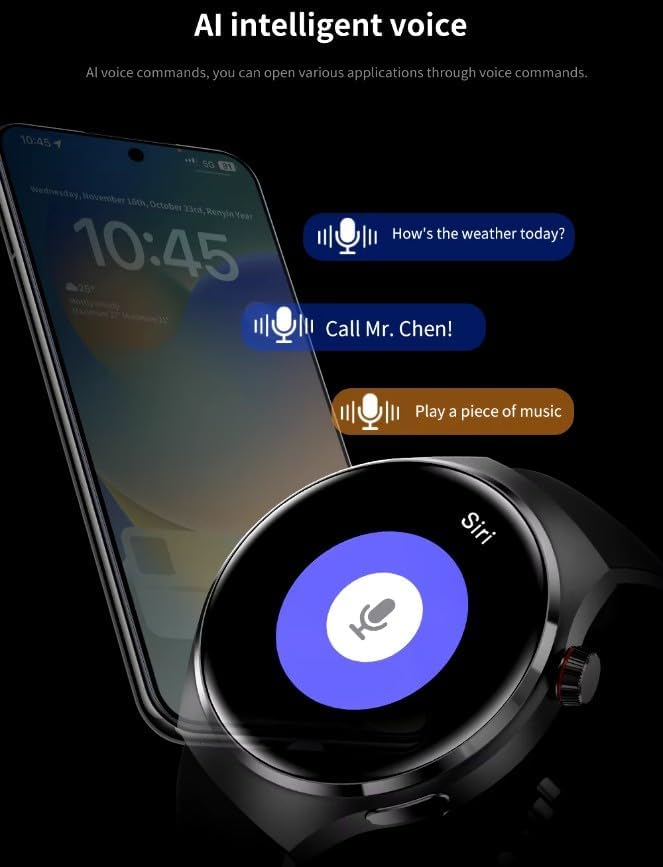
Image: Two GUHUAVMI GT4 Pro Smartwatches shown with water droplets, illustrating their IP68 waterproof capability.
2. Tindif
Regularly clean your smartwatch to maintain its appearance and sensor accuracy.
- Imsaħ l-iskrin u l-korp b'ċarruta ratba, damp, drapp mingħajr ħelu.
- Clean the charging contacts and heart rate sensor on the back of the watch to ensure proper function.
- Evita li tuża kimiċi ħarxa jew materjali li joborxu.
3. Aġġornamenti tas-Software
Periodically check for software updates through the companion app. Updates can provide new features, performance improvements, and bug fixes.
Issolvi l-problemi
- L-arloġġ ma jixgħelx: Kun żgur li l-arloġġ ikun iċċarġjat kompletament. Qabbad mal-ċarġer għal mill-inqas 30 minuti.
- Ma tistax tqabbad ma' smartphone:
- Kun żgur li l-Bluetooth huwa attivat fuq it-telefon u l-arloġġ tiegħek.
- Kun żgur li l-arloġġ jinsab fil-firxa tat-telefon tiegħek.
- Erġa' ibda kemm l-arloġġ kif ukoll it-telefon tiegħek.
- Iċċekkja jekk l-app li takkumpanjahiex aġġornata għall-aħħar verżjoni.
- Dejta dwar is-saħħa mhux preċiża:
- Kun żgur li l-arloġġ jintlibes sew fuq il-polz tiegħek, la issikkat wisq u lanqas maħlul wisq.
- Naddaf is-sensuri fuq wara tal-arloġġ.
- Evita moviment eċċessiv waqt il-kejl.
- Ħajja qasira tal-batterija:
- Naqqas il-luminożità tal-iskrin.
- Iddiżattiva notifiki jew karatteristiċi bla bżonn.
- Limit continuous heart rate monitoring if not needed.
Speċifikazzjonijiet
| Karatteristika | Deskrizzjoni |
|---|---|
| Numru tal-Mudell | GT4 Pro |
| Wiri | 1.6-inch HD AMOLED, 360x360 resolution |
| Konnettività | Bluetooth 5.0 |
| Klassifikazzjoni li ma jgħaddix ilma minnha | IP68 |
| Monitoraġġ tas-Saħħa | Heart Rate, Blood Oxygen, Blood Sugar, Sleep Tracking |
| Traċċar tal-Fitness | Built-in GPS, Compass, Multiple Sports Modes |
| Assistent tal-Vuċi | AI Voice Assistant Integrated |
| NFC | Supported (e.g., Find My iPhone, Access Control) |
| Tip ta 'ċċarġjar | Iċċarġjar Manjetiku mingħajr Fili |
| Ħajja Tipika tal-Batterija | 5-7 ijiem |
| Ħin tal-Iċċarġjar | Appross. 3 sigħat |
| Komponenti Inklużi | Smartwatch, User Manual, Wireless Charger |
Garanzija u Appoġġ
Informazzjoni dwar Garanzija
The GUHUAVMI GT4 Pro Smartwatch comes with a 6-il xahar garanzija mid-data tax-xiri. Din il-garanzija tkopri difetti fil-manifattura taħt użu normali. Ma tkoprix ħsara kkawżata minn użu ħażin, inċidenti, modifiki mhux awtorizzati, jew xedd u kedd normali.
Appoġġ għall-Klijent
If you encounter any issues or have questions regarding your GUHUAVMI GT4 Pro Smartwatch, please refer to the troubleshooting section of this manual. For further assistance, contact your retailer or the manufacturer's customer support channel. Please have your purchase receipt and product model number (GT4 Pro) ready when contacting support.