
Introduzzjoni
This manual provides detailed instructions for the safe and efficient operation of your Philips Portable Radio RL384/94. Please read this manual thoroughly before using the device and retain it for future reference. The Philips RL384/94 is a portable radio designed for versatile listening, offering reception across MW, SW, and FM bands. It features a 500mW RMS sound output, a telescopic antenna for enhanced signal reception, and a 4-inch loudspeaker for clear audio. The radio can be powered by three R20 batteries or an external 4.5V DC source.
X'hemm fil-Kaxxa
Iftaħ il-kontenut bir-reqqa u kun żgur li l-oġġetti kollha huma preżenti:
- Philips Portable Radio RL384/94
- Gwida Quick Start
Prodott Overview
Familiarize yourself with the main components and controls of your Philips Portable Radio RL384/94.
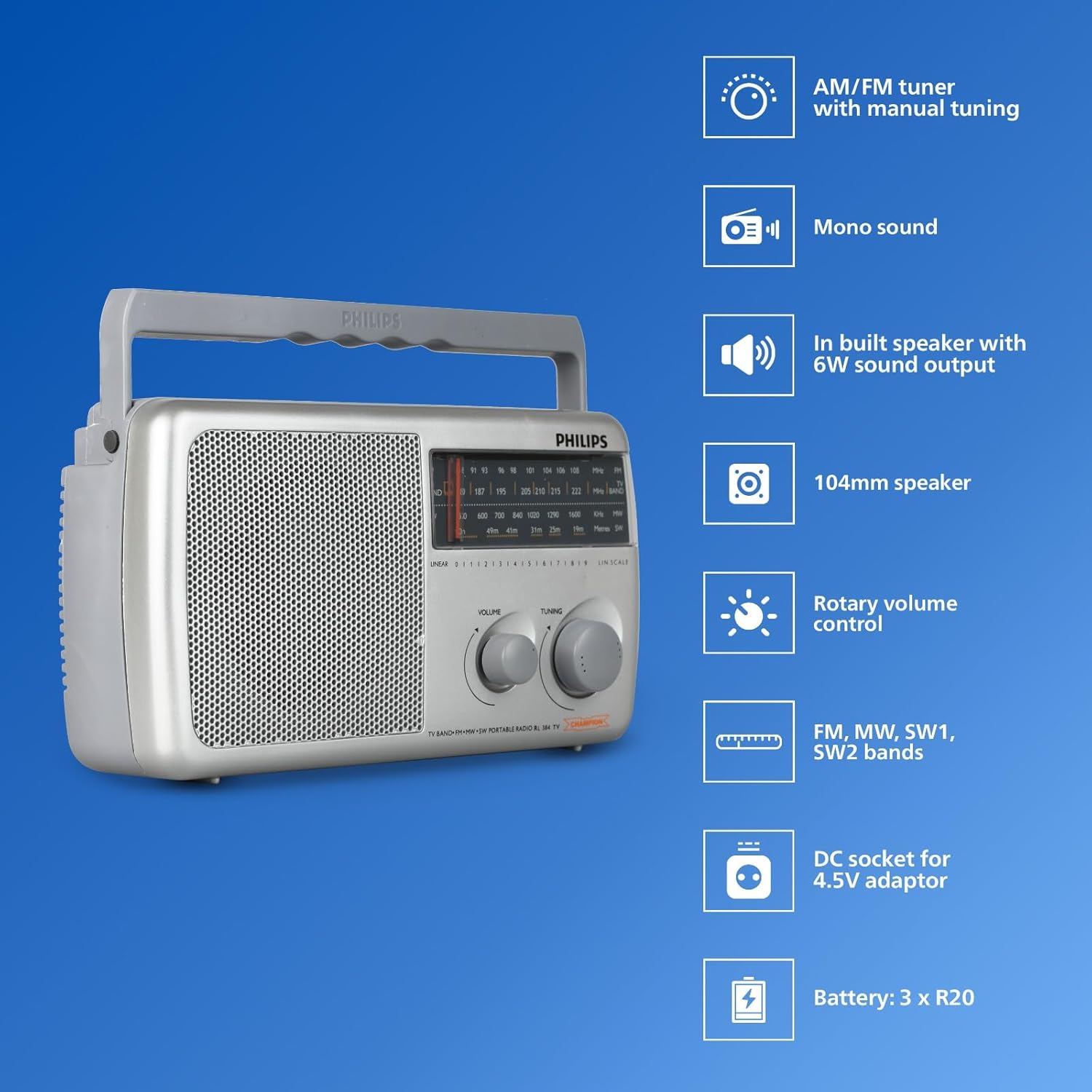
Immaġni: Quddiem view of the Philips Portable Radio RL384/94 highlighting key features such as AM/FM tuner, mono sound, built-in speaker, 104mm speaker, rotary volume control, FM, MW, SW1, SW2 bands, DC socket for 4.5V adaptor, and battery compartment for 3 x R20 batteries.
- Antenna teleskopika: Extendable antenna for improved radio signal reception, particularly for FM and SW bands.
- Selettur tal-Banda: Switch to select between FM, MW (Medium Wave), and SW (Shortwave) bands.
- Pum tal-irfinar: Used to precisely tune into desired radio frequencies.
- Kontroll tal-Volum: Pum li jdur biex jaġġusta l-livell tal-ħruġ tal-awdjo.
- Lawdspiker: Integrated 4-inch (104mm) loudspeaker for audio output.
- Kompartiment tal-batterija: Located at the rear, holds three R20 (D-size) batteries.
- Sokit DC: Input for an external 4.5V DC power adapter (not included).
Vidjo: Overview of the Philips Portable Radio RL384/94, showcasing its multi-band reception (MW, SW, FM), telescopic antenna, 500mW RMS sound output, 4-inch loudspeaker, and flexible power options (battery or external DC).
Setup
Ixgħel ir-Radju
The Philips RL384/94 can be powered by batteries or an external DC adapter.
Bl-użu ta 'Batteriji
- Locate the battery compartment cover on the rear of the radio.
- Żerżaq jew neħħi l-għatu biex tiftaħu.
- Insert three R20 (D-size) batteries, ensuring the correct polarity (+/-) as indicated inside the compartment.
- Agħlaq l-għatu tal-kompartiment tal-batterija sew.
Using an External DC Adapter
An external 4.5V DC adapter (not supplied) can be used to power the radio.
- Ensure the DC adapter output is 4.5V.
- Insert the DC adapter plug into the 4.5V DC socket on the radio.
- Ipplaggja l-adapter f'sokit tal-ħajt adattat.
It-tħaddim tar-Radju
Tixgħel u Mitfi
Rotate the volume control knob clockwise to turn the radio on. Rotate it counter-clockwise until it clicks to turn the radio off.
Aġġusta tal-Volum
Rotate the volume control knob to increase or decrease the sound level.
Selecting a Radio Band
Use the band selector switch to choose between FM, MW, or SW bands.

Image: The Philips Portable Radio RL384/94 shown outdoors with a person stretching, illustrating its portability and multi-band (AM/FM/SW) reception capabilities.
Irfinar għal Stazzjon
- Select the desired radio band (FM, MW, or SW).
- Extend the telescopic antenna for optimal FM and SW reception. For MW, the radio has a built-in antenna, but repositioning the radio may improve reception.
- Slowly rotate the tuning knob until you hear a clear broadcast.
- Adjust the antenna position and radio orientation for the best possible signal.
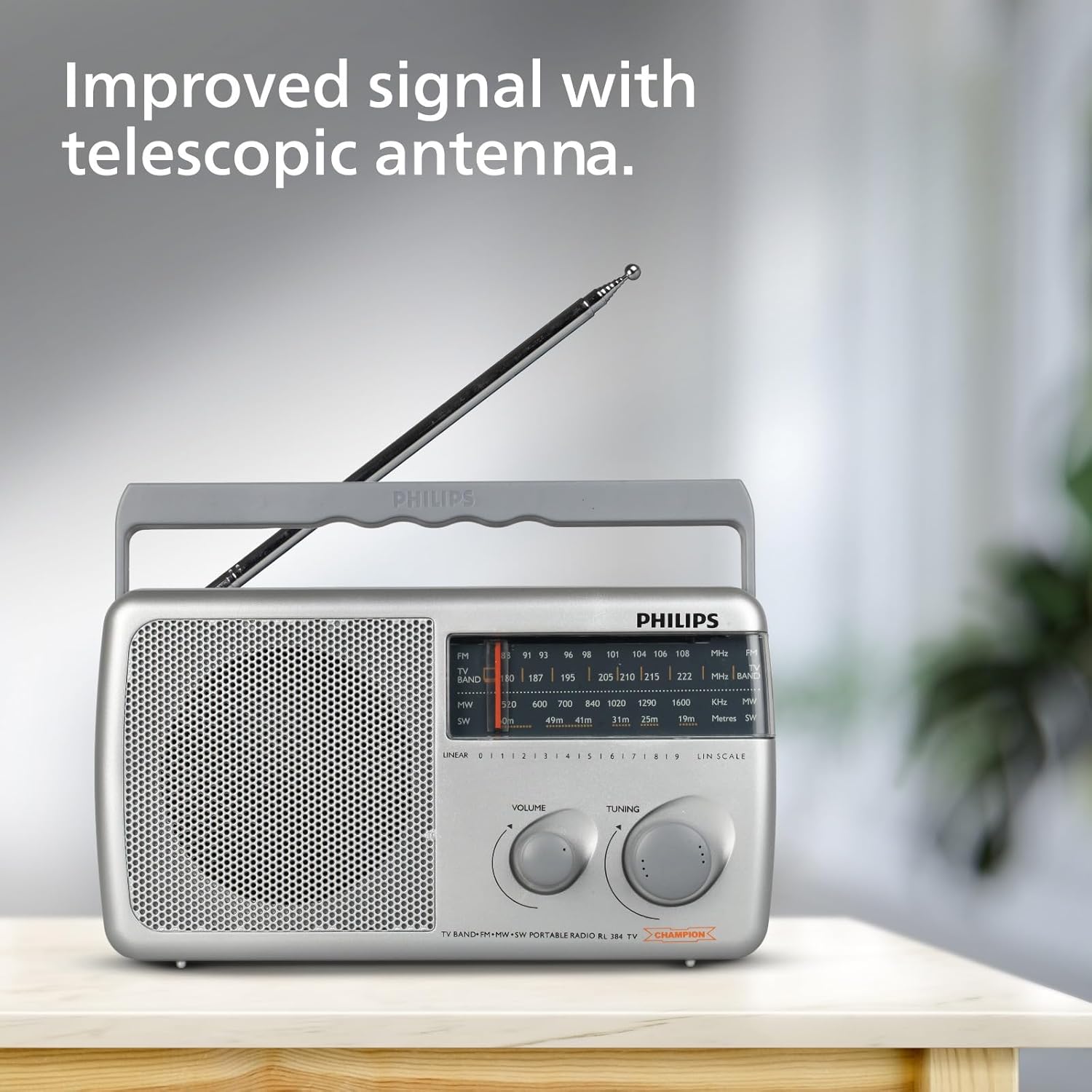
Image: The Philips Portable Radio RL384/94 with its telescopic antenna fully extended, demonstrating how to improve signal reception.
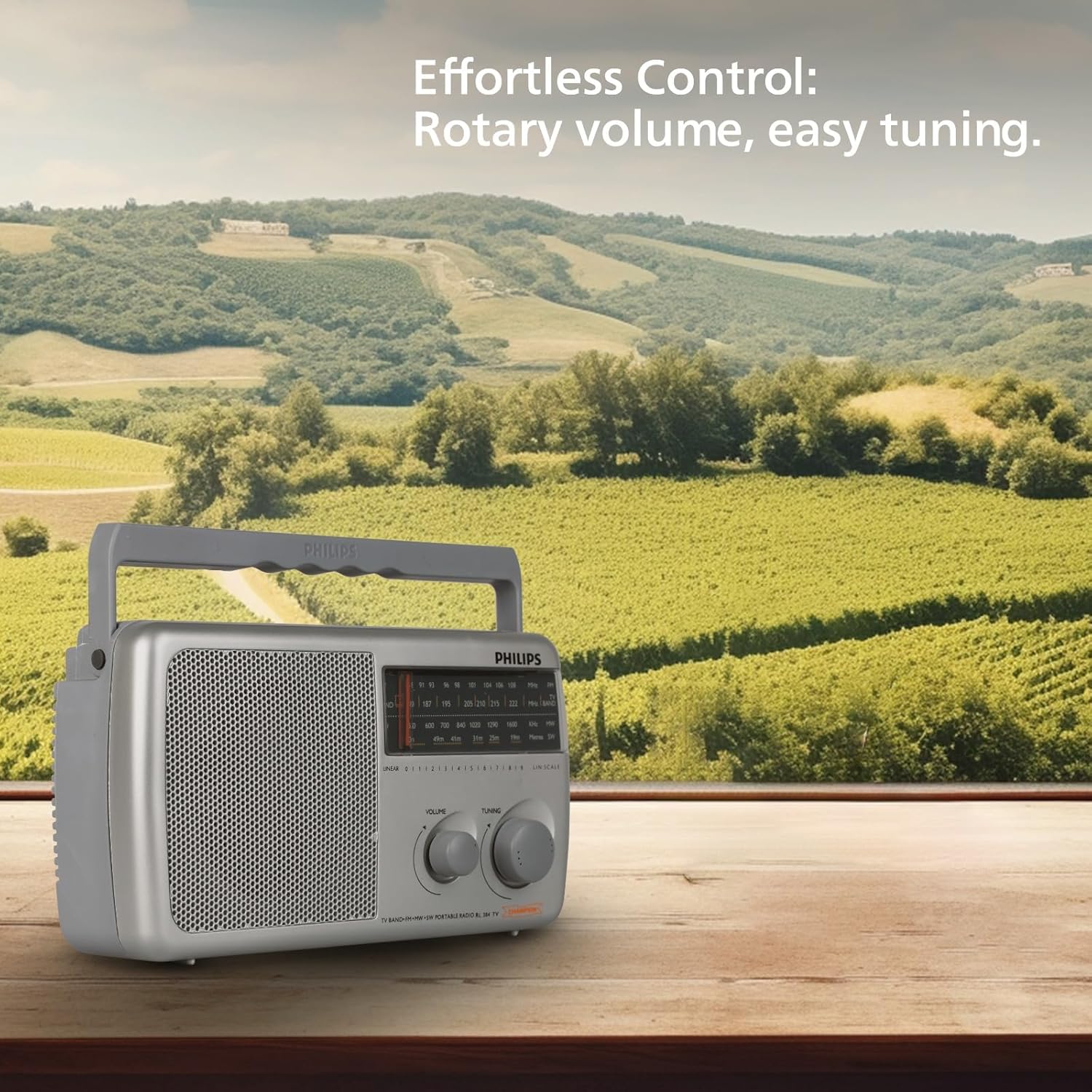
Image: The Philips Portable Radio RL384/94 on a wooden table, highlighting its rotary volume and tuning controls for effortless operation.
Manutenzjoni
Tindif
- Imsaħ ir-radju b'artab, damp drapp. Tużax tindif jew solventi li joborxu.
- Ensure no liquid enters the radio's openings.
Kura tal-batterija
- Neħħi l-batteriji jekk ir-radju ma se jintużax għal perjodu estiż biex tevita t-tnixxija.
- Ibdel il-batteriji kollha fl-istess ħin b'oħrajn ġodda tal-istess tip.
Issolvi l-problemi
| Problema | Kawża Possibbli | Soluzzjoni |
|---|---|---|
| L-ebda ħoss jew ħoss baxx ħafna. | Volume is too low. Batteries are depleted or incorrectly inserted. External DC adapter is not connected or faulty. | Increase the volume. Check and replace batteries if necessary, ensuring correct polarity. Verify external DC adapter connection and functionality. |
| Riċeviment ħażin tar-radju. | Antenna not extended. Weak signal in the area. Interference from other electronic devices. | Fully extend the telescopic antenna. Reposition the radio to a different location. Move the radio away from other electronic devices. |
| Ir-radju ma jixgħelx. | No power source. Batteries are dead. External DC adapter is not working. | Ensure batteries are inserted or external DC adapter is connected. Replace batteries. Check external DC adapter. |
Speċifikazzjonijiet
| Karatteristika | Dettall |
|---|---|
| Brand | Philips |
| Numru tal-Mudell | RL384/94 |
| Kulur | Griż |
| Dimensjonijiet tal-Prodott (L x W x H) | 30.3T x 17.8W x 13.4H Ċentimetri |
| Piż tal-oġġett | 870 Gramm |
| Teknoloġija Tuner | FM |
| Baned tar-Radju Appoġġjati | MW, SW, FM (4-Band) |
| Frekwenza | Up to 108 MHz (FM) |
| Output tal-Ħoss | 500mW RMS |
| Loudspeaker | 4-inch (104mm) round loudspeaker, 8 Ohms impedance |
| Sors tal-Enerġija | Battery Powered (3xR20) or External DC (4.5V) |
| Karatteristiċi Speċjali | Built-In AM Antenna, Lightweight, Portable |
| Pajjiż ta' Oriġini | Indja |
Garanzija u Appoġġ
Informazzjoni dwar Garanzija
This Philips Portable Radio RL384/94 comes with a 6 Xahar Garanzija mid-data tax-xiri. Jekk jogħġbok żomm l-irċevuta tax-xiri tiegħek bħala prova tal-garanzija.
Appoġġ għall-Klijent
For any product-related queries, technical assistance, or warranty claims, please contact the manufacturer:
- Manifattur: TPV Technology India Pvt. Ltd.
- Informazzjoni ta' Kuntatt: TPV Technology India Pvt. Ltd. 501 - 508, 5th Floor, Bestech Chambers, B Block, Sushant Lok Phase - 1, Sector- 27, Gurgaon-122002, Haryana, India
Jekk jogħġbok irreferi għall-Philips uffiċjali website or your local service center for the most up-to-date support information.