
1. Introduzzjoni
This manual provides detailed instructions for the assembly, operation, and maintenance of your ErGear EGESD63B electric standing desk. Please read this manual thoroughly before assembly and use to ensure proper function and safety. Keep this manual for future reference.

Image 1.1: The ErGear EGESD63B electric standing desk in a typical office setup.
2. Informazzjoni dwar is-Sigurtà
Biex tiżgura tħaddim sikur u tevita korrimenti jew ħsara, jekk jogħġbok osserva l-linji gwida ta' sigurtà li ġejjin:
- Do not exceed the weight limit of 250 pounds (113 kg) on the desktop.
- Ensure the desk is properly anchored to the floor to prevent tipping, especially when at maximum height.
- Avoid use near water or in humid conditions to prevent electrical hazards.
- Żomm it-tfal u l-annimali domestiċi 'l bogħod mill-iskrivanija waqt l-operazzjoni.
- Kun żgur li ma jkun hemm l-ebda ostaklu fit-triq tal-iskrivanija waqt l-aġġustamenti tal-għoli.
- Uża biss l-adapter tal-enerġija u l-komponenti pprovduti.
3. Kontenut tal-Pakkett
Verify that all components are present and undamaged before beginning assembly. If any parts are missing or damaged, contact ErGear customer service.
- Desktop (One-piece)
- Saqajn tal-Iskrivanija (2)
- Crossbar/Frame
- Panel tal-Kontroll
- Adapter tal-Enerġija u Cable
- Trej tal-Immaniġġjar tal-Kejbils
- Hardware Kit (screws, bolts, washers)
- Għodda tal-Assemblea
- Manwal ta' Istruzzjonijiet Dettaljat
4. Setup u Assemblea
Assembly requires one person and includes all necessary tools. Follow these general steps for setup:
- Ħoll il-Komponenti: Neħħi l-partijiet kollha mill-imballaġġ bir-reqqa u poġġihom fuq wiċċ nadif u artab biex tevita l-grif.
- Arma l-Qafas tal-Iskrivanija: Attach the desk legs to the crossbar according to the diagrams in the detailed manual. Ensure all screws are tightened securely.
- Waħħal id-Desktop: Place the one-piece desktop upside down on the soft surface. Carefully align the assembled frame with the pre-drilled holes on the desktop and secure it using the provided screws. The one-piece desktop design simplifies this step, allowing for faster installation.
- Installa l-Control Panel u l-Cable Management: Mount the control panel to the underside of the desktop in the designated area. Attach the cable management tray.
- Qabbad il-Wiring: Connect the motor cables from the legs to the control box, and then connect the control panel to the control box. Finally, connect the power adapter to the control box and plug it into a power outlet.
- Initial Power-On and Calibration: Refer to the detailed manual for initial power-on and calibration steps, which typically involve pressing and holding a button to reset the desk to its lowest position.
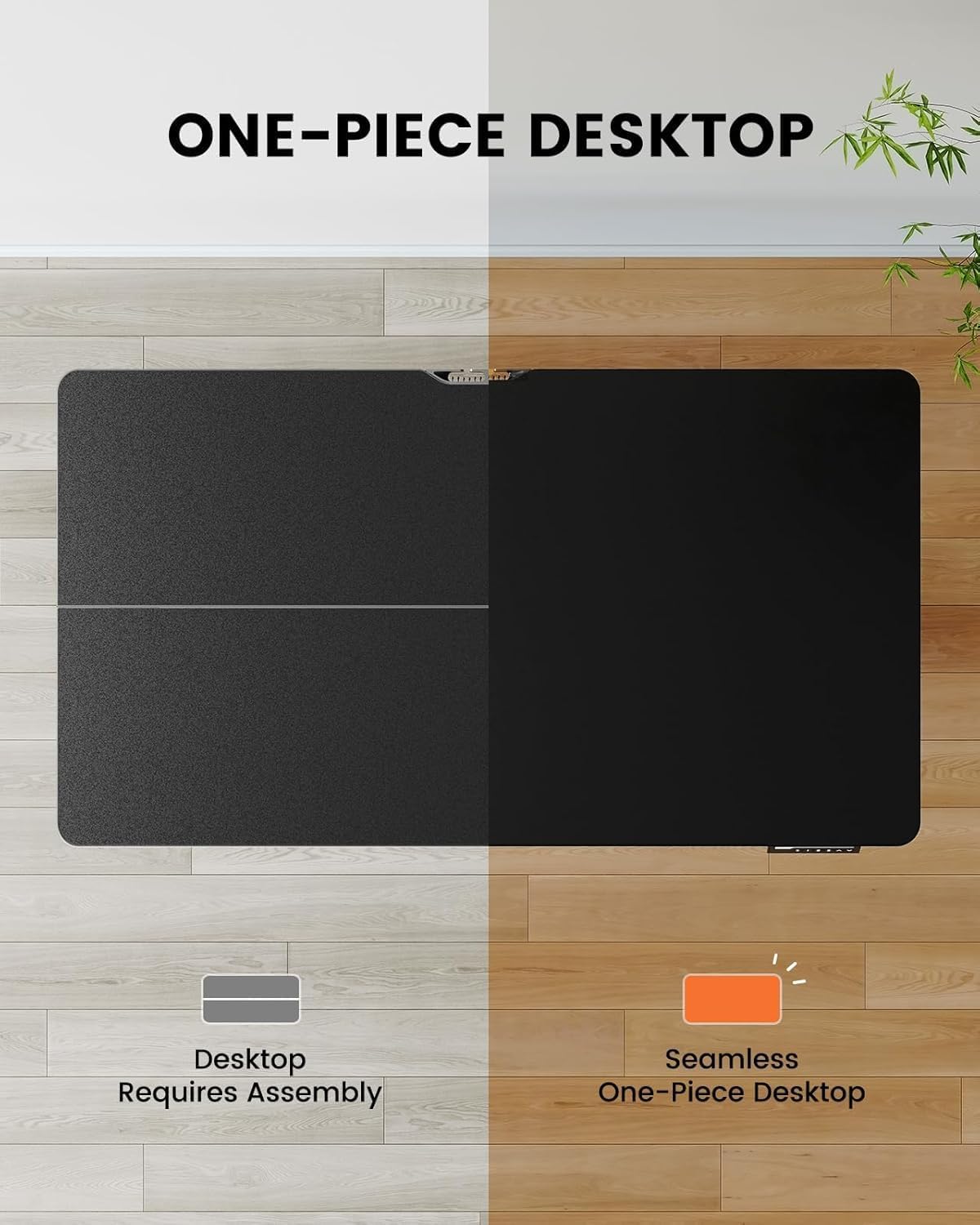
Image 4.1: Hassle-free assembly with the one-piece desktop.

Image 4.2: The ErGear EGESD63B features a seamless one-piece desktop for easier setup.
5. Istruzzjonijiet Operattivi
Your ErGear EGESD63B electric standing desk is designed for easy height adjustment to switch between sitting and standing positions.
5.1. Aġġusta l-Għoli
- Buttuni 'l fuq /' l isfel: Use the ▲ (Up) and ▼ (Down) buttons on the control panel to smoothly raise or lower the desk to your desired height. The desk adjusts from 27.9 inches to 46.9 inches.
5.2. Presets tal-Memorja
The control panel features three memory preset buttons (1, 2, 3) to store and recall your preferred sitting and standing heights.
- To Set a Preset: Adjust the desk to your desired height using the Up/Down buttons. Press the 'M' button, then immediately press one of the number buttons (1, 2, or 3) to save the current height to that preset. The display will show 'S-' followed by the number to confirm.
- Biex Recall Preset: Simply press the corresponding number button (1, 2, or 3). The desk will automatically move to the saved height.

Image 5.1: Adjust the desk for sit and stand comfort.
6. Manutenzjoni
Regular maintenance helps ensure the longevity and smooth operation of your standing desk.
- Tindif: Imsaħ id-desktop u l-qafas b'ċarruta ratba u damp drapp. Evita kimiċi ħarxa jew prodotti tat-tindif li joborxu.
- Iċċekkja l-Konnessjonijiet: Periodically check all screws and electrical connections to ensure they are secure. Tighten any loose screws.
- Ġestjoni tal-Kejbil: Ensure cables are neatly organized within the cable management tray to prevent snagging during height adjustments.
7 Issolvi l-problemi
If you encounter issues with your ErGear EGESD63B desk, refer to the following common troubleshooting steps:
- L-Iskrivanija Mhux Tiċċaqlaq:
- Iċċekkja jekk il-kejbil tal-enerġija huwiex imdaħħal sew kemm fl-iskrivanija kif ukoll fis-sokit tal-ħajt.
- Kun żgur li m'hemm l-ebda ostaklu li jfixkel il-moviment.
- Perform a reset: Unplug the power for 10 seconds, then plug it back in. Press and hold the 'Down' button until the desk reaches its lowest point and slightly rebounds.
- Kodiċi ta' Żball fil-Wiri:
- If an error code appears, refer to the detailed manual for specific code meanings and solutions. Often, a reset (as described above) can resolve minor errors.
- Moviment Irregolari:
- Kun żgur li l-iskrivanija tkun fuq wiċċ livell.
- Check that all frame connections are tight.
If problems persist after attempting these steps, contact ErGear customer support for assistance.
8. Speċifikazzjonijiet
| Karatteristika | Speċifikazzjoni |
|---|---|
| Brand | ErGear |
| Mudell | EGESD63B |
| Desktop Dimensions (L x W) | 40 x 24 pulzieri (101.6 x 61 ċm) |
| Medda ta 'Aġġustament Għoli | 27.9 - 46.9 pulzier (70.9 - 119.1 ċm) |
| Kapaċità tal-piż | 250 lbs (113 kg) |
| Tip ta' Mutur | Mutur Elettriku |
| Numru ta' Pożizzjonijiet ta' Għoli | 3 (Presets tal-Memorja) |
| Materjal tad-Desktop | Injam Inġinerija |
| Materjal tal-qafas | Stainless Steel |
| Kulur | Iswed |
| Assemblea Meħtieġa | Yes, with included tools |

Image 8.1: Product dimensions of the ErGear EGESD63B desk.
9. Garanzija u Appoġġ
ErGear provides a comprehensive warranty for your EGESD63B electric standing desk:
- Garanzija limitata ta' sentejn: Covers the motor, controller, and cables.
- Garanzija limitata ta' sentejn: Covers the desktop, frame, and other parts.
For warranty claims, technical support, or any questions regarding your product, please contact ErGear customer service through their official website or the retailer where the product was purchased. Please have your model number (EGESD63B) and proof of purchase ready.