
Introduzzjoni
The HONOR Smart Digital Body Composition Scale LUP-B19 is designed to provide a comprehensive analysis of your body's health. Utilizing advanced technology, it measures 14 key body indicators and synchronizes data with the Huawei Health App for detailed tracking and insights. This manual provides instructions for setup, operation, maintenance, and troubleshooting to ensure optimal use of your smart scale.
Kontenut tal-Pakkett
- HONOR Smart Digital Body Composition Scale (LUP-B19)
- Gwida Quick Start
- AAA Batteries (quantity may vary)
Setup
- Installa Batteriji: Open the battery compartment on the underside of the scale and insert the required AAA batteries, ensuring correct polarity.
- Poġġi l-Iskala: Position the scale on a hard, flat surface for accurate measurements. Avoid carpets or uneven flooring.
- Niżżel l-App: Download and install the Huawei Health App on your smartphone (Android 4.4+ or iOS 9.0+ required).
- Par mal-Bluetooth:
- Ippermetti Bluetooth fuq l-ismartphone tiegħek.
- Open the Huawei Health App and follow the on-screen instructions to add the HONOR Smart Scale.
- Step onto the scale to activate it and initiate the pairing process.
- Oħloq Utent Profile: Within the app, create your user profile by entering your age, height, and gender. This information is crucial for accurate body composition analysis.

Istruzzjonijiet Operattivi
- Teħid ta' Kejl:
- Kun żgur li saqajk huma nodfa u niexfa.
- Step onto the scale barefoot, placing your feet on the electrode areas.
- Stand still until the measurement is complete and your weight is displayed on the LED screen.
- Sinkronizzazzjoni tad-Data:
- If your smartphone with the Huawei Health App is nearby and Bluetooth is enabled, the data will automatically synchronize.
- If your phone is not available, the scale can store up to 200 historical data records, which will sync automatically once the Bluetooth connection is re-established.
- Kejl tar-rata tal-qalb: The scale measures your heart rate while weighing and records changes in your resting heart rate.


Body Composition Metrics
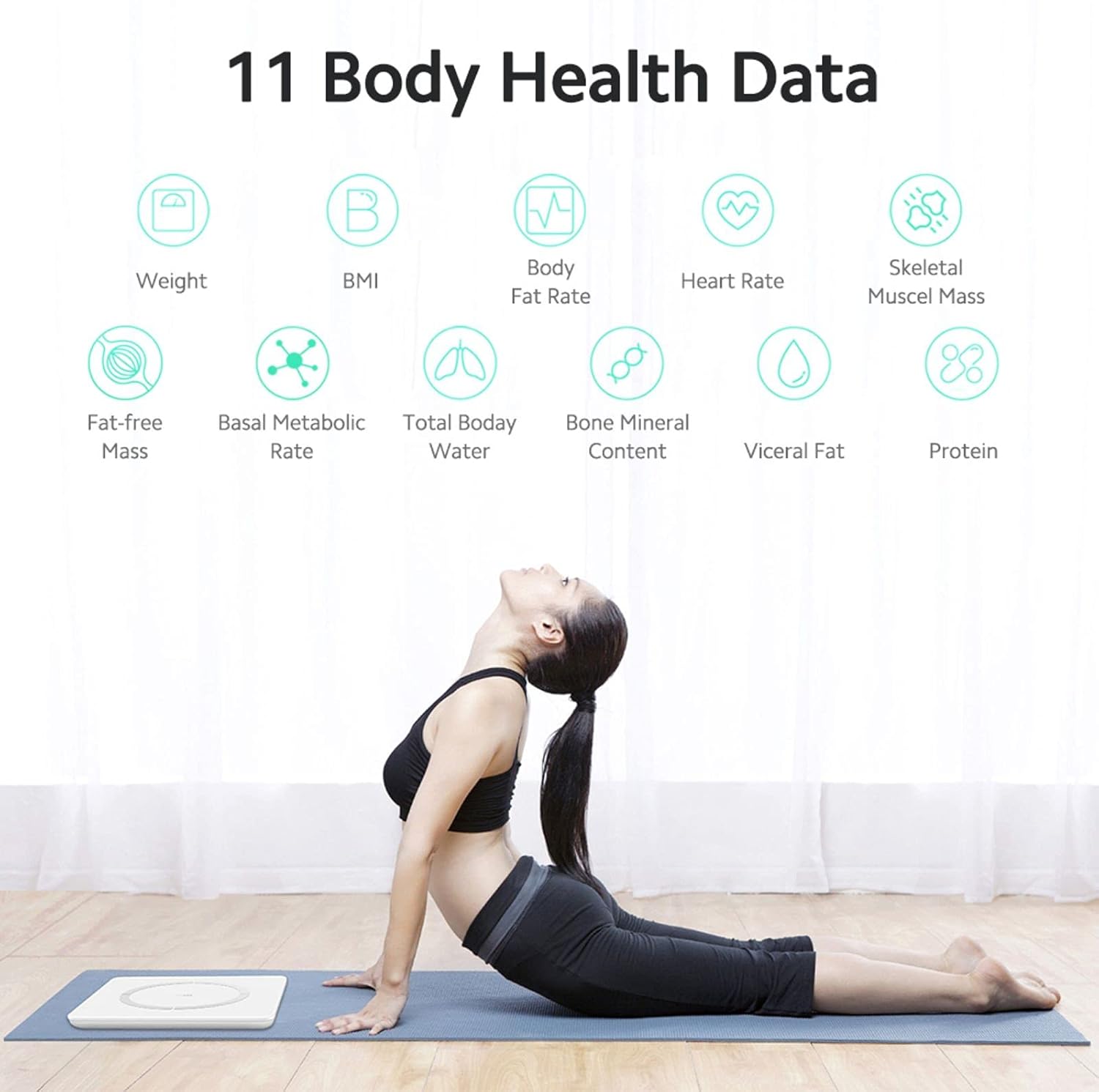
The HONOR Smart Scale provides 14 key body indicators using the Huawei TruFit algorithm, which combines bio-impedance analysis with extensive data verification and AI technology. These indicators help you understand your fitness levels and body composition:
- Piż: Il-massa totali tal-ġisem tiegħek.
- BMI (Indiċi tal-Massa tal-Ġisem): Kejl tax-xaħam tal-ġisem ibbażat fuq it-tul u l-piż.
- Rata tax-Xaħam tal-Ġisem: Il-perċentwalitage ta’ xaħam f’ġismek.
- Massa Muskolari: The total weight of muscles in your body.
- Massa tal-Muskolu Skeletali: The weight of muscles attached to bones.
- Tip ta' Korp: Classification based on body composition.
- Basal Metabolic Rate (BMR): L-għadd ta' kaloriji li ġismek jeħtieġ biex iwettaq funzjonijiet bażiċi li jsostnu l-ħajja.
- Total Body Water (TBW): The total amount of fluid in your body.
- Xaħam vixxerali: Fat stored around your internal organs.
- Proteina: Il-perċentwalitage ta' proteina f'ġismek.
- Bone Mineral Content: The amount of mineral in your bones.
- Fat-free Mass: The total weight of your body excluding fat.
- Body Score: An overall assessment of your body composition.
- Età tal-Ġisem: An estimation of your body's biological age.
- Rata tal-qalb: Your heart rate at rest.
Karatteristiċi Smart
The HONOR Smart Scale offers intelligent features for family use and personalized tracking:
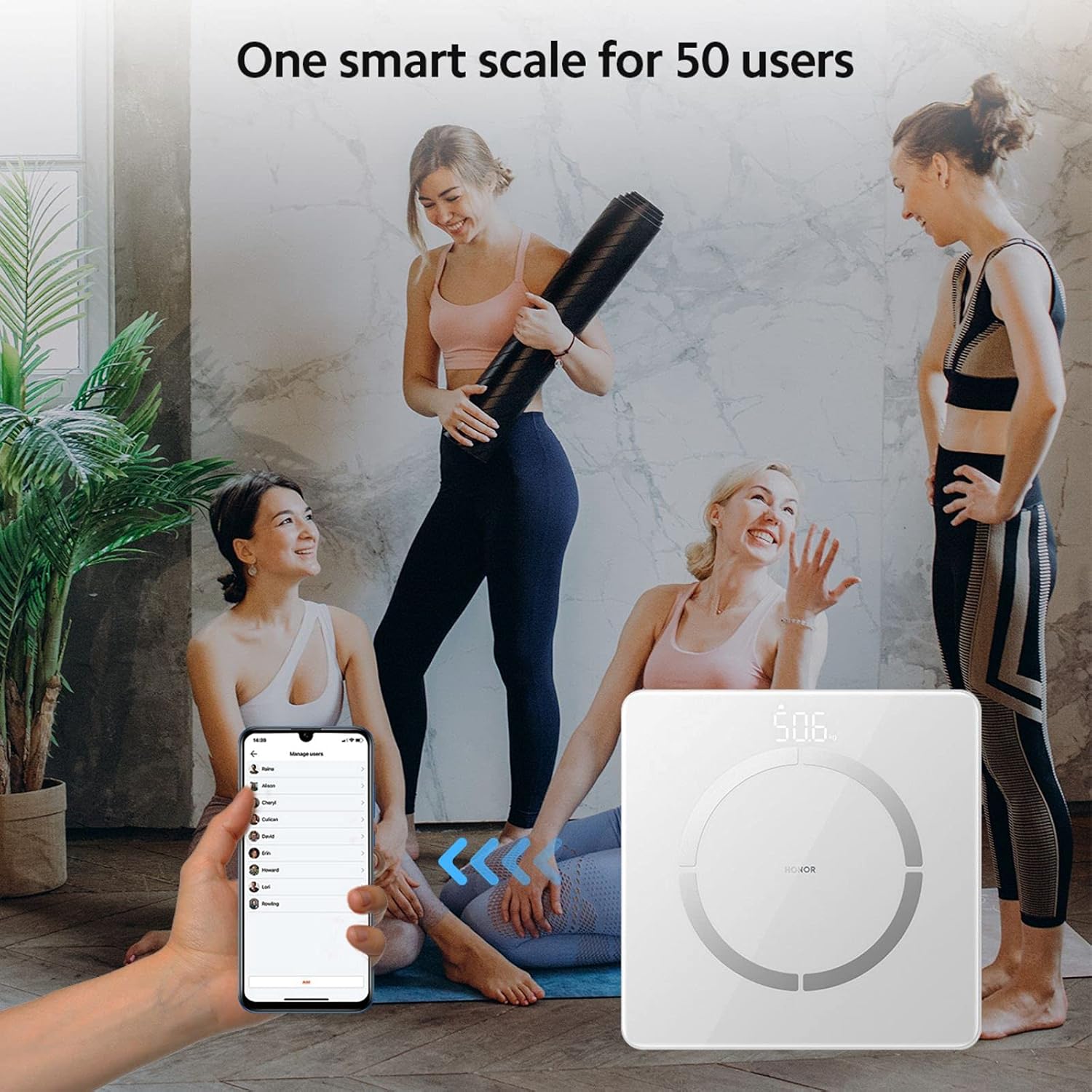
- Multi-User Recognition: The scale supports up to 5 mobile accounts, with each account connecting to up to 10 users, totaling 50 users.
- Automatic User Identification: Based on historical data, the scale intelligently identifies family members and pushes their data to the corresponding account. If a user is not automatically recognized, they can still log in via the app.
- Traċċar tad-Data Storika: Detailed index data records historical changes, providing a basis for fine-tuning training and fat reduction plans.
Manutenzjoni
- Tindif: Imsaħ il-wiċċ tal-iskala b'ċarruta ratba u damp drapp. Tużax prodotti tat-tindif li joborxu jew tgħaddasx l-iskala fl-ilma.
- Ħażna: Aħżen l-iskala f'post frisk u niexef. Evita temperaturi estremi u dawl tax-xemx dirett.
- Sostituzzjoni tal-batterija: Replace batteries when the low battery indicator appears on the display or in the app. Ensure to use new AAA batteries.
- Kalibrazzjoni: If the scale is moved, step on it briefly to turn it on, then step off and wait for it to display '0.0' before taking a measurement to ensure proper calibration.
Issolvi l-problemi
- L-iskala ma tixgħelx:
- Iċċekkja jekk il-batteriji humiex installati sew u mhumiex eżawriti. Ibdelhom jekk meħtieġ.
- Problemi bil-konnessjoni Bluetooth:
- Ensure Bluetooth is enabled on your phone and the scale is within range. Restart the app and the scale. Re-pair the device if needed.
- Qari mhux preċiż:
- Ensure the scale is on a hard, flat surface. Take measurements barefoot with clean, dry feet. Avoid moving during measurement. Calibrate the scale by stepping on and off before use.
- Id-dejta mhux qed tissinkronizza mal-app:
- Verify Bluetooth connection. Ensure the Huawei Health App is open or running in the background. Check app permissions for Bluetooth access.
Speċifikazzjonijiet
| Numru tal-Mudell | LUP-B19 |
| Dimensjonijiet | 260 x 260 x 21.5 mm (10.2 x 10.2 x 0.85 pulzieri) |
| Piż tal-oġġett | 1.2 kg (2.6 lbs) |
| Kapaċità massima tal-piż | 150 kg (330 lbs) |
| Preċiżjoni tal-Qari | 100g (0.1 kg) |
| Tip ta 'Wiri | Hidden LED Display |
| Sors tal-Enerġija | 1 x Batterija AAA |
| Konnettività | Bluetooth 4.0+ |
| Kompatibilità tal-App | Android 4.4+ / iOS 9.0+ |
| Materjal | Stainless Steel (electrodes), Glass (surface) |


Garanzija u Appoġġ
For warranty information and technical support, please refer to the warranty card included with your product or visit the official HONOR website. You can also contact HONOR customer service for assistance with product inquiries, troubleshooting, and service requests.