
pengenalan
This manual provides essential information for the proper setup, operation, and maintenance of your Westinghouse WC27RX6250W 27-inch Curved Full HD Gaming Monitor. Please read this manual thoroughly before using the product and retain it for future reference.
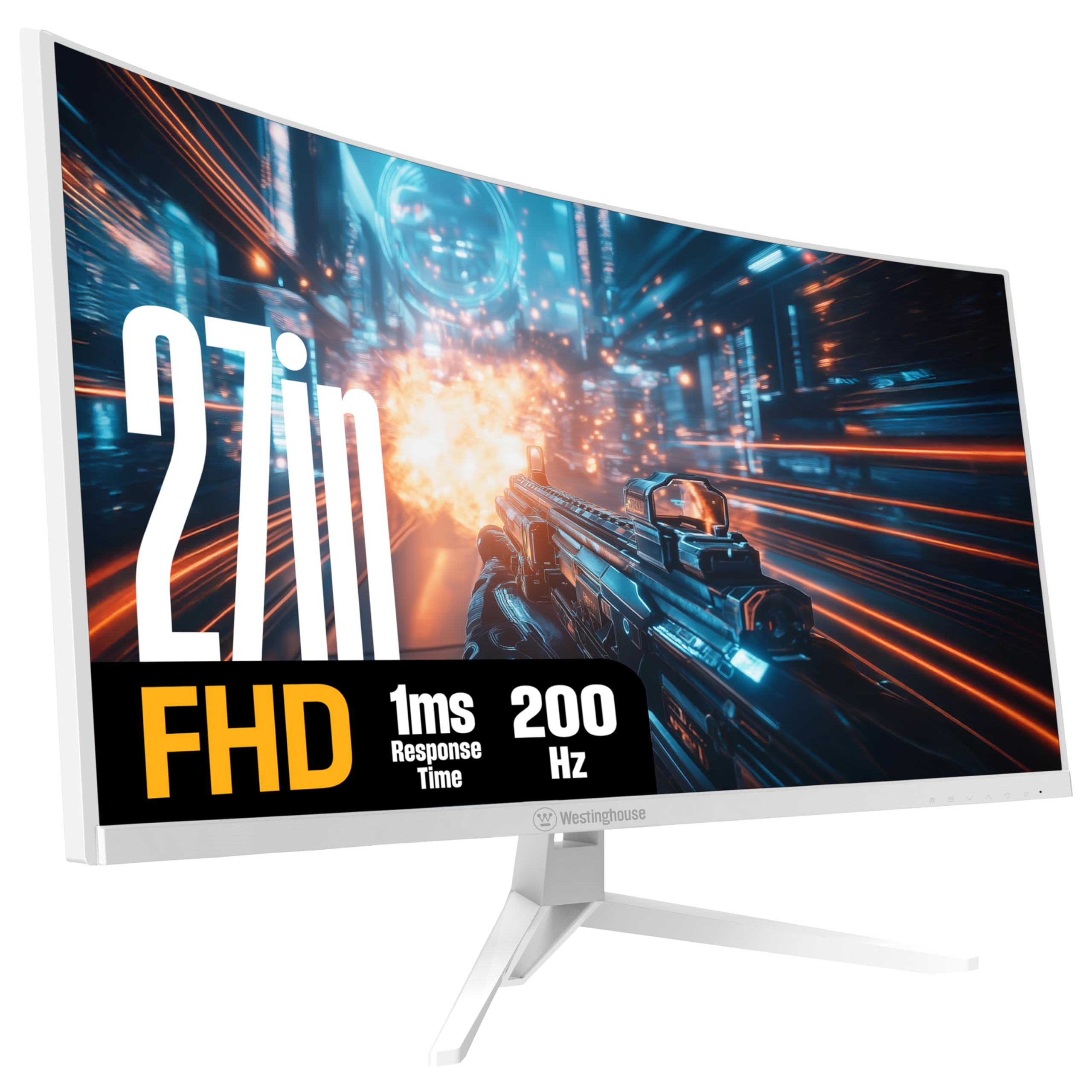
Imej: Depan view of the Westinghouse 27-inch Curved Full HD Gaming Monitor.
Maklumat Keselamatan
Observe the following safety precautions to ensure safe operation and prevent damage to the monitor:
- Jangan dedahkan monitor kepada hujan atau kelembapan untuk mengelakkan bahaya kebakaran atau renjatan.
- Jangan buka monitor casing. Rujuk semua servis kepada kakitangan yang berkelayakan.
- Letakkan monitor pada permukaan yang stabil dan rata untuk mengelakkannya daripada jatuh.
- Pastikan pengudaraan yang betul di sekeliling monitor. Jangan sekat bukaan pengudaraan.
- Gunakan hanya penyesuai kuasa yang dibekalkan bersama monitor.
- Cabut palam kuasa dari soket jika monitor tidak akan digunakan untuk tempoh yang lama.
Kandungan Pakej
Sahkan bahawa semua item terdapat dalam pakej:
- Westinghouse 27-inch Curved Gaming Monitor
- DisplayPort Cable
- Penyesuai Kuasa
- Pangkalan Monitor
- Manual Pemilik (dokumen ini)

Image: Diagram illustrating monitor dimensions, available ports, and a list of included items.
Persediaan
1. Perhimpunan Pantau
Attach the monitor base to the monitor panel. Ensure the stand is securely fastened before placing the monitor on a desk.
The monitor supports VESA 100mm x 100mm mounting for wall or arm installation (mounting hardware not included).
2. Menyambung ke Komputer
Sambungkan monitor ke komputer anda menggunakan salah satu kaedah berikut:
- DisplayPort: Use the included DisplayPort cable for optimal performance, especially for 200Hz refresh rate and AMD FreeSync.
- HDMI: Use an HDMI cable to connect to one of the two HDMI ports.
Connect external audio devices to the Output Fon Kepala jack if desired. The monitor also features built-in speakers.
3. Menghidupkan
Connect the power adapter to the monitor's power input and then plug it into a power outlet. Press the power button on the monitor to turn it on.
Arahan Operasi
1. Menu Paparan Pada Skrin (OSD).
The OSD menu allows you to adjust various monitor settings. Refer to the quick start guide for specific button functions and navigation.
- Sumber Input: Pilih antara input DisplayPort dan HDMI.
- Tetapan Gambar: Laraskan kecerahan, kontras, ketajaman dan suhu warna.
- Tetapan Audio: Control volume for built-in speakers and headphone output.
- Tetapan Permainan: Enable/disable AMD FreeSync, adjust response time, and select gaming modes.
2. Ciri-ciri Permainan
This monitor is designed for an enhanced gaming experience:
- Kadar Refresh 200Hz: Provides smooth, fluid motion for fast-paced games. Ensure your graphics card and connection support this refresh rate.
- 1ms Masa Tindak Balas: Minimizes ghosting and motion blur for clear visuals during rapid action.
- AMD FreeSync Support: Synchronizes the monitor's refresh rate with your GPU's frame rate to eliminate screen tearing and stuttering. Enable this feature in the OSD menu and your graphics card settings.
- Mod Permainan: Optimized display settings for various game genres, including Tactical Advantage, Real-Time Strategy, Competitive Edge, and 1st-Person Shooter. Select these modes via the OSD menu.
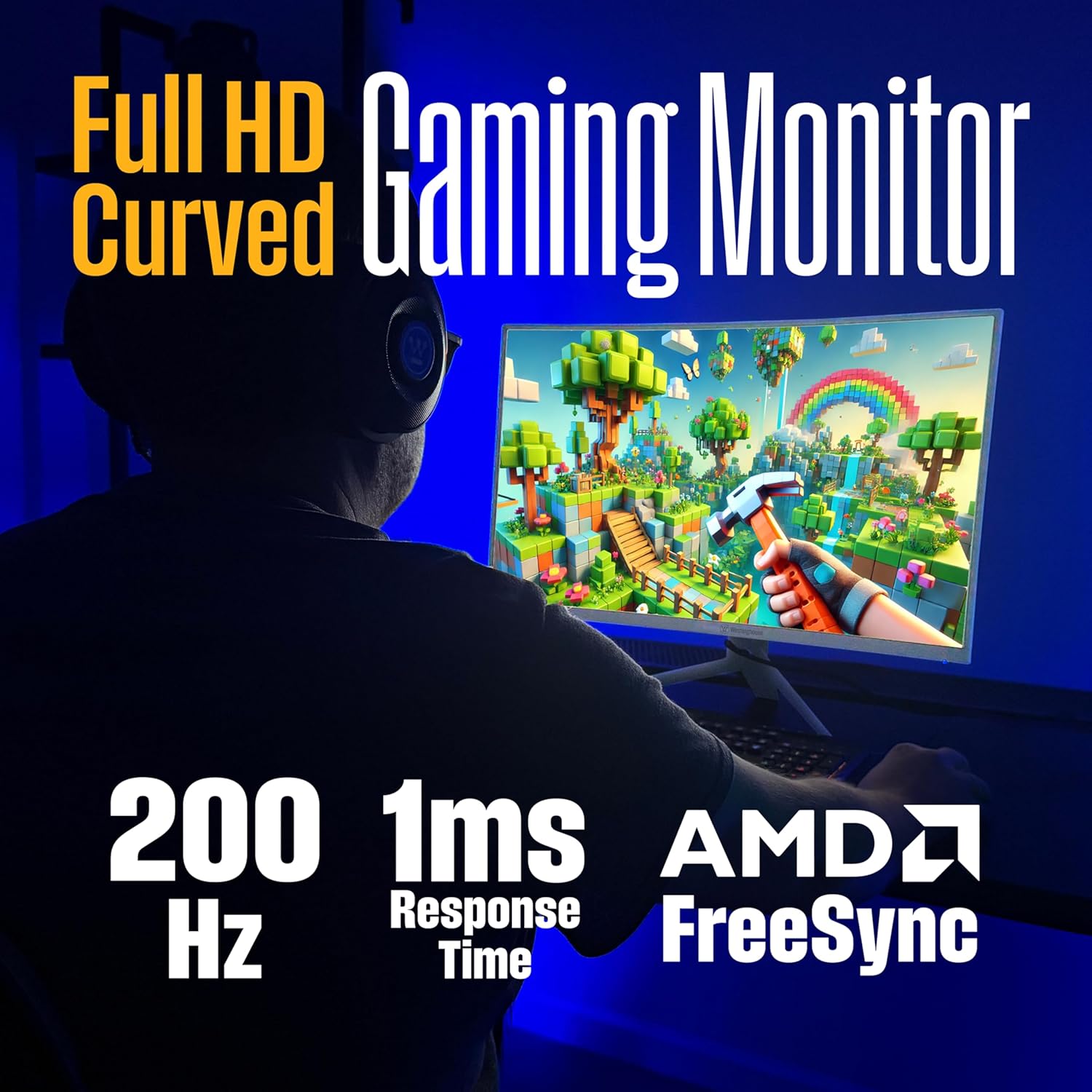
Image: Monitor highlighting 200Hz refresh rate, 1ms response time, and AMD FreeSync technology.

Image: Visual comparison demonstrating reduced screen tearing with AMD FreeSync at 200Hz versus 60Hz without FreeSync.

Image: Monitor showcasing different gaming modes for optimized performance in various game types.
3. Tetapan Paparan
- Full HD (1920x1080) Resolution: Provides a clear and detailed visual experience.
- 1500R Curved Screen: Menawarkan suasana yang mengasyikkan viewing experience by wrapping the display around your field of view, reducing eye strain and glare.
- Sokongan HDR: Enhances color and contrast for more vibrant and realistic images.
- EyeRest Technology: Features flicker-free operation, anti-glare coating, low blue light mode, and adjustable color temperature to reduce eye fatigue during prolonged use.

Image: Top-down perspective of the monitor, emphasizing its 1500R curved screen for immersive viewing.

Image: Monitor screen showing a "You Win" message, highlighting HDR for true-to-life colors.

Image: Monitor promoting EyeRest Technology for reduced eye strain with features like flicker-free and low blue light.
4.Audio
The monitor includes built-in speakers for audio output. You can also connect headphones or external speakers to the 3.5mm audio out jack.
Penyelenggaraan
- Membersihkan Skrin: Lap skrin perlahan-lahan dengan kain lembut yang tidak berbulu. Untuk kesan degil, gunakan penyelesaian pembersihan khusus monitor yang digunakan pada kain, bukan terus ke skrin.
- Membersihkan Casing: Gunakan kain lembut dan kering untuk membersihkan monitor casing. Elakkan pembersih yang kasar.
- Pengudaraan: Ensure the ventilation openings on the monitor are clear of dust and obstructions to prevent overheating.
Menyelesaikan masalah
| Masalah | Penyelesaian yang Mungkin |
|---|---|
| Tiada gambar di skrin |
|
| Imej kabur atau herot |
|
| Tiada bunyi daripada pembesar suara/fon kepala |
|
| Skrin terkoyak atau tergagap semasa bermain permainan |
|
Spesifikasi
| Ciri | Penerangan |
|---|---|
| Nombor Model | WC27RX6250W |
| Saiz Skrin | 27 Inci |
| Resolusi | 1920 x 1080 (HD Penuh) |
| Kadar Segar Semula | 200 Hz |
| Masa Tindak Balas | 1ms |
| Jenis Panel | VA |
| Kelengkungan | 1500R |
| Penyegerakan Adaptif | Sokongan AMD FreeSync |
| Ketersambungan | 1x DisplayPort, 2x HDMI, 1x Audio Out |
| Pembesar Suara Terbina dalam | ya |
| Keserasian Gunung VESA | 100mm x 100mm |
| Dimensi (LxWxH) | 9.74 x 24.22 x 19.41 inci |
| Berat badan | 16.14 paun |
| warna | putih |
Video Produk
Video: Tayangan video produk rasmicasing the features and benefits of the Westinghouse Curved Gaming Monitor.
Waranti dan Sokongan
For warranty information and technical support, please refer to the warranty card included with your product or visit the official Westinghouse webtapak. Simpan resit pembelian anda sebagai bukti pembelian.
Sokongan dalam talian: www.westinghouseelectronics.com/support