
1. Pengenalan
This manual provides essential information for the safe and efficient use of your Skyworth 55" X6600H 4K QD-MiniLED Google Smart TV. Please read it thoroughly before operating the device and retain it for future reference. The Skyworth 55X6600H features a 4K Mini LED display, Google TV operating system, Dolby Vision, Dolby Atmos, HDR10+, local dimming, MEMC, and gaming enhancements.

Imej: Depan view of the Skyworth 55X6600H 4K QD-MiniLED Google Smart TV, showcasinbezel dan penyangganya yang nipis.
2. Maklumat Keselamatan
- Jangan dedahkan TV kepada hujan atau lembapan untuk mengelakkan kebakaran atau kejutan elektrik.
- Jangan buka TV casing. Rujuk semua servis kepada kakitangan yang berkelayakan.
- Pastikan pengudaraan yang betul. Jangan sekat bukaan pengudaraan.
- Lindungi kord kuasa daripada berjalan atau tersepit.
- Cabut palam TV semasa ribut petir atau apabila tidak digunakan untuk tempoh yang lama.
- Jauhkan bahagian-bahagian kecil dan bateri daripada capaian kanak-kanak.
3. Kandungan Pakej
Sahkan bahawa semua item terdapat dalam pembungkusan:
- Skyworth 55" X6600H TV
- Alat Kawalan Jauh
- Stand TV (2 keping)
- Skru untuk Pemasangan Stand
- Kord Kuasa
- Manual Pengguna (dokumen ini)
- Kad Waranti
4. Persediaan
4.1 Perhimpunan Berdiri
- Letakkan TV menghadap ke bawah dengan berhati-hati pada permukaan yang lembut dan rata untuk mengelakkan kerosakan skrin.
- Kenal pasti bahagian penyangga kiri dan kanan.
- Jajarkan setiap bahagian dirian dengan slot yang sepadan di bahagian bawah TV.
- Secure each stand piece with the provided screws.
- Angkat TV dengan berhati-hati ke kedudukan tegak pada permukaan yang stabil.
4.2 Pemasangan Dinding (Pilihan)
The Skyworth 55X6600H is wall-mountable. A VESA-compatible wall mount (not included) is required. Consult a professional for wall mounting to ensure safety and proper installation. Refer to the wall mount manufacturer's instructions for specific details.
4.3 Menyambung Peranti
Connect external devices such as set-top boxes, gaming consoles, or Blu-ray players to the TV's input ports.
- HDMI: Use HDMI cables for high-definition audio and video. The TV supports HDMI 2.1 for enhanced gaming features.
- USB: Sambungkan peranti storan USB untuk main balik media.
- Antena/Kabel: Connect an antenna or cable TV feed to the DVB-T2 input for live broadcast channels.
Imej: Belakang view of the Skyworth 55X6600H TV, illustrating the location of HDMI, USB, and other connectivity ports.
4.4 Sambungan Kuasa
Plug the power cord into the TV's power input, then into a wall outlet. Ensure the power outlet is easily accessible.
5. Persediaan Awal
5.1 Hidupkan Pertama
Press the power button on the remote control or on the TV. The TV will display the Skyworth logo and then guide you through the initial setup process.
5.2 Persediaan Google TV
Follow the on-screen instructions to configure your TV:
- Pemilihan Bahasa: Pilih bahasa pilihan anda.
- Sambungan Rangkaian: Connect to your Wi-Fi network. Enter the password if required.
- Log Masuk Akaun Google: Log masuk dengan akaun Google anda untuk mengakses ciri Google TV, apl dan pengesyoran diperibadikan.
- Syarat Perkhidmatan: Accept the Google Terms of Service and Privacy Policy.
- Pembantu Google: Set up Google Assistant for voice control.
- Imbasan Saluran: If using an antenna, perform a channel scan to find available broadcast channels.
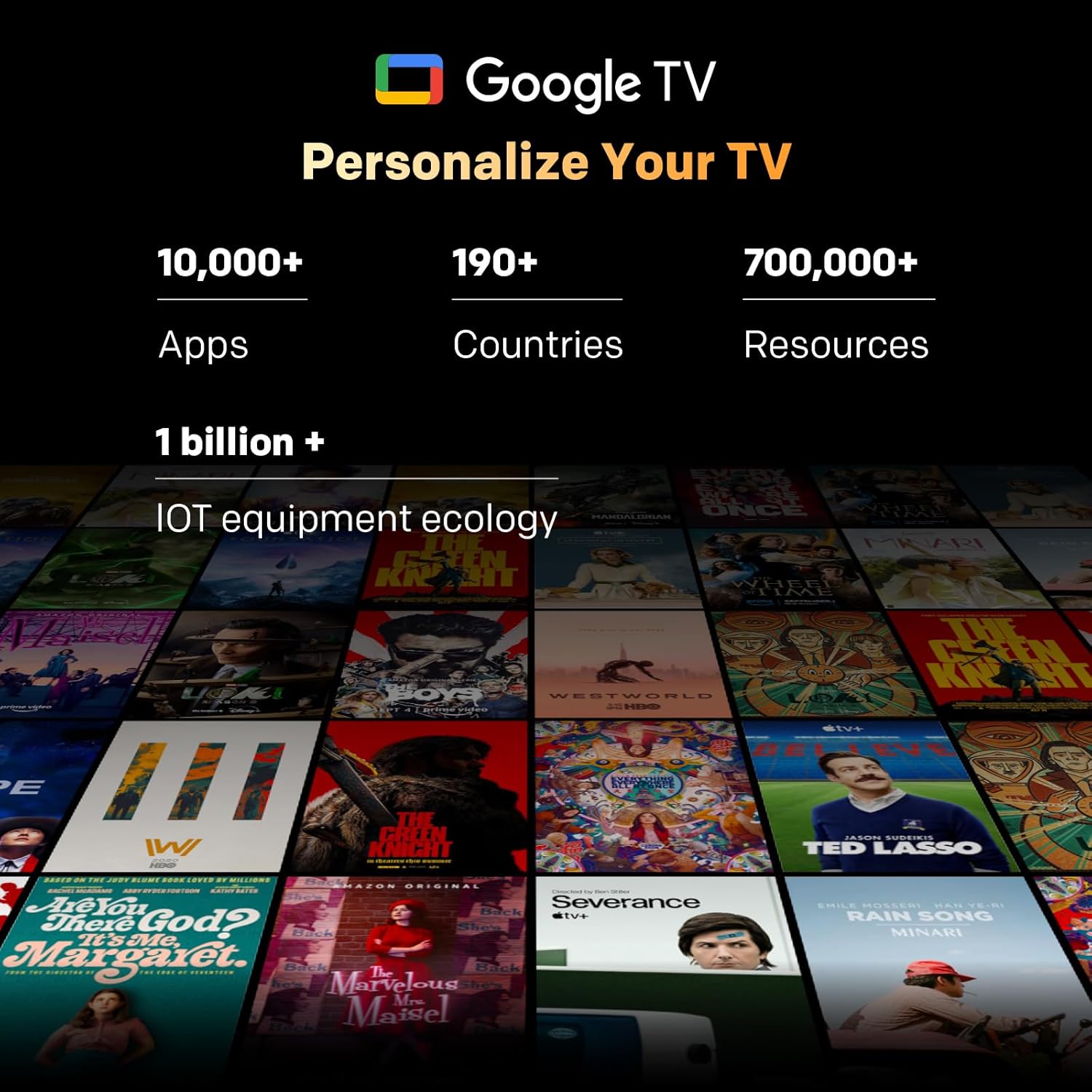
Image: A visual representation of the Google TV interface, showing various streaming content and app icons.
6. Mengendalikan TV Anda
6.1 Fungsi Kawalan Jauh
The included remote control allows navigation and control of your TV. It features dedicated buttons for popular streaming services and a microphone for Google Assistant voice commands. The 'Find-My-Remote' feature can help locate a misplaced remote.
6.2 Menavigasi Google TV
Google TV organizes content from your streaming services and apps into a unified interface. Use the directional pad on your remote to browse recommendations, access your app library, and adjust settings.
- Apl: Access pre-installed apps like Netflix, YouTube, and Prime Video, or download more from the Google Play Store.
- Pembantu Google: Press the Google Assistant button on your remote to use voice commands for searching content, controlling smart home devices, or getting information.
- Chromecast Terbina dalam: Stream content directly from compatible devices (smartphones, tablets, computers) to your TV.
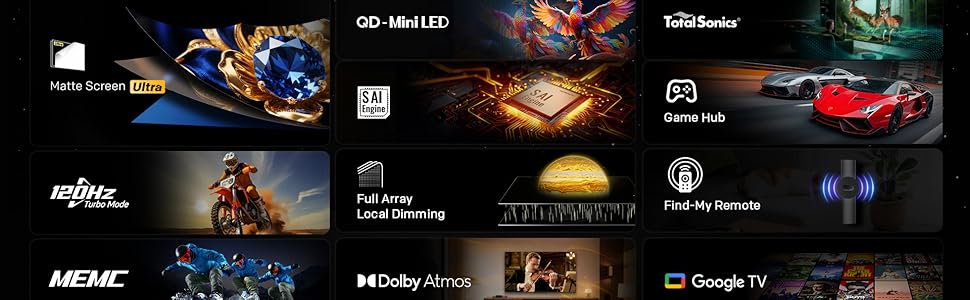
Image: The Google TV home screen, displaying a wide selection of movies, TV shows, and applications available for streaming.
6.3 Tetapan Gambar
Access the picture settings menu to optimize your viewpengalaman dalam.
- Mod Gambar: Select from various preset modes (e.g., Standard, Vivid, Movie, Game) or customize settings like brightness, contrast, and color.
- HDR (Julat Dinamik Tinggi): The TV supports HDR10+ and Dolby Vision for enhanced contrast and color with compatible content.
- Peredupan Tempatan: The Mini LED panel with 54-zone local dimming automatically adjusts backlight for deeper blacks and brighter whites.
- Eye Care 5.0 Display: This technology reduces blue light emission to minimize eye strain during prolonged viewing.
- Film Maker Mode: Activates settings that preserve the original aspect ratio, colors, and frame rates of films, as intended by the director.
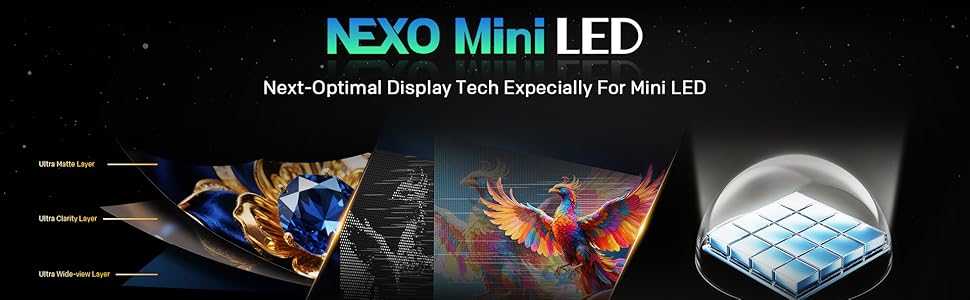
Image: A close-up of the Skyworth TV screen, highlighting the benefits of Mini LED technology for superior picture quality.
6.4 Tetapan Bunyi
Adjust audio settings for an immersive sound experience.
- Mod Bunyi: Choose from presets like Standard, Music, Movie, or customize equalizer settings.
- Dolby Atmos: Experience multi-dimensional sound with Dolby Atmos-enabled content.
- DBX-TV: Enhances audio clarity and volume consistency.

Image: A graphic illustrating Skyworth's collaboration with Total Sonics for enhanced audio quality, featuring a sound engineer.
6.5 Ciri-ciri Permainan
TV ini dilengkapi dengan ciri-ciri untuk mempertingkatkan pengalaman permainan anda:
- MEMC (Anggaran Pergerakan, Pampasan Pergerakan): Reduces motion blur and judder for smoother fast-paced action.
- Sokongan HDMI 2.1: Provides higher bandwidth for features like 4K at higher refresh rates and Variable Refresh Rate (VRR) with compatible gaming consoles.
- Mod Permainan: Optimizes input lag and picture settings for a more responsive gaming experience.
- 8ms Masa Tindak Balas: Ensures quick pixel transitions for reduced ghosting.
Image: A visual demonstrating MEMC technology, showing horses in motion with reduced blur and enhanced clarity.
7. Penyelenggaraan
7.1 Pembersihan
- Skrin: Lap skrin perlahan-lahan dengan kain lembut yang tidak berbulu. Untuk kesan degil, gunakan pembersih skrin yang direka khusus untuk TV, digunakan pada kain, bukan terus ke skrin.
- Badan TV: Wipe the TV frame and stand with a soft, dry cloth. Do not use abrasive cleaners or solvents.
- Sentiasa cabut plag TV sebelum membersihkan.
7.2 Kemas Kini Perisian
Your TV may receive software updates to improve performance and add new features. Ensure your TV is connected to the internet. Updates can usually be found in the TV's settings menu under 'System' or 'About'.
8. Penyelesaian masalah
Jika anda menghadapi masalah dengan TV anda, rujuk kepada penyelesaian biasa berikut:
| Masalah | Penyelesaian |
|---|---|
| Tiada kuasa | Periksa sama ada kord kuasa dipasang dengan selamat ke dalam TV dan alur keluar dinding. Uji saluran keluar dengan peranti lain. |
| Tiada gambar, tetapi bunyi hadir | Pastikan sumber input yang betul dipilih. Semak sambungan kabel ke peranti luaran. |
| Tiada bunyi, tetapi ada gambar | Check volume level and mute status. Verify audio output settings. |
| Alat kawalan jauh tidak berfungsi | Gantikan bateri. Pastikan tiada halangan antara alat kawalan jauh dan TV. Pasangkan semula alat kawalan jauh jika ia adalah alat kawalan jauh Bluetooth. |
| Tidak dapat menyambung ke Wi-Fi | Semak kata laluan Wi-Fi. Mulakan semula penghala anda. Pastikan TV berada dalam julat isyarat Wi-Fi. |
9. Spesifikasi
| Ciri | Perincian |
|---|---|
| Nama Model | 55X6600H |
| Saiz Skrin | 55 Inci |
| Teknologi Paparan | LED mini |
| Resolusi | 3840x2160 (4K UHD) |
| Kadar Segar Semula | 60Hz (with MEMC for smoother motion) |
| Sokongan HDR | HDR10+, Dolby Vision |
| Peredupan Tempatan | 54-zon |
| Warna Gamut | 93% DCI-P3 |
| Sistem Operasi | Google TV |
| Output Audio | 2 x 12W Speakers (2.0 channel) |
| Teknologi Audio | Dolby Atmos, DBX-TV |
| Ketersambungan | HDMI (3 ports, including HDMI 2.1), USB (1 port), Wi-Fi (Dual-band), Bluetooth 5.1, DVB-T2 Tuner |
| Masa Tindak Balas | 8ms |
| Dimensi (dengan pendirian) | 26.4D x 122.6W x 78.2H cm |
| Berat badan | 9.8 Kilogram |
10. Maklumat Waranti
The Skyworth 55X6600H TV comes with a Waranti terhad 3 tahun. This warranty covers manufacturing defects under normal use. Please refer to the included Warranty Card for full terms and conditions, including details on coverage, exclusions, and how to make a claim.
11. Sokongan Pelanggan
For further assistance, technical support, or warranty inquiries, please contact Skyworth customer service. Contact details can typically be found on the Skyworth official webtapak atau pada kad jaminan yang diberikan bersama produk anda.