
1. Pengenalan
This manual provides essential information for the safe and efficient use of your Skyworth 75SUE9350F 75-inch 4K UHD Google TV. Please read it thoroughly before operating the device and retain it for future reference.
The Skyworth 75SUE9350F is a 75-inch 4K UHD Smart LED TV designed to deliver an immersive viewing experience. It features a Chameleon Extreme 2.0 processor for exceptional clarity and detail, complemented by MEMC technology for smooth motion handling. The television supports Dolby Vision IQ, which intelligently optimizes picture quality based on the content and ambient light conditions. Powered by Google TV, it offers access to a vast library of streaming content, including movies, TV shows, music, and games. The integrated Google Assistant allows for convenient voice control, while built-in Chromecast enables seamless content casting from your mobile devices. Additional features include a dedicated Game Mode for enhanced gaming performance, a Health Platform for fitness and wellness content, and a built-in web pelayar untuk capaian internet.
2. Maklumat Keselamatan
Sentiasa ikuti langkah berjaga-jaga keselamatan asas ini semasa menggunakan televisyen anda:
- Sumber Kuasa: Pastikan TV disambungkan kepada bekalan kuasa dalam volum yang ditentukantage range (100-240V AC, 50/60Hz).
- Pengudaraan: Jangan sekat bukaan pengudaraan. Benarkan ruang yang mencukupi di sekeliling TV untuk aliran udara yang betul untuk mengelakkan terlalu panas.
- Air dan Kelembapan: Do not expose the TV to rain, moisture, or excessive humidity. Keep liquids away from the device.
- Pembersihan: Unplug the TV before cleaning. Use a soft, dry cloth. Avoid liquid cleaners or aerosol sprays.
- penempatan: Place the TV on a stable, level surface or mount it securely to a wall using a VESA-compliant bracket (800 x 400 mm). Ensure children cannot climb on or pull down the TV.
- kilat: Cabut palam TV semasa ribut petir atau apabila tidak digunakan untuk tempoh yang lama.
- Servis: Jangan cuba servis TV sendiri. Rujuk semua servis kepada kakitangan perkhidmatan yang berkelayakan.
3. Apa yang ada di dalam Kotak
Buka bungkusan televisyen anda dengan berhati-hati dan pastikan semua item berikut disertakan:
- Skyworth 75SUE9350F 75-inch 4K UHD Google TV
- Remote Control (requires AAA batteries)
- Kabel Kuasa
- Base Stand (2 pieces)
- Manual Pengguna (dokumen ini)
- Screws for Base Stand
4. Persediaan
4.1 Memasang Penyangga Tapak
If you are not wall-mounting the TV, attach the included base stand:
- Place the TV screen-down on a soft, clean surface to prevent damage.
- Jajarkan setiap bahagian dirian dengan slot yang sepadan di bahagian bawah TV.
- Pasangkan setiap bahagian penyangga dengan skru yang disediakan. Pastikan ia diketatkan dengan kuat.
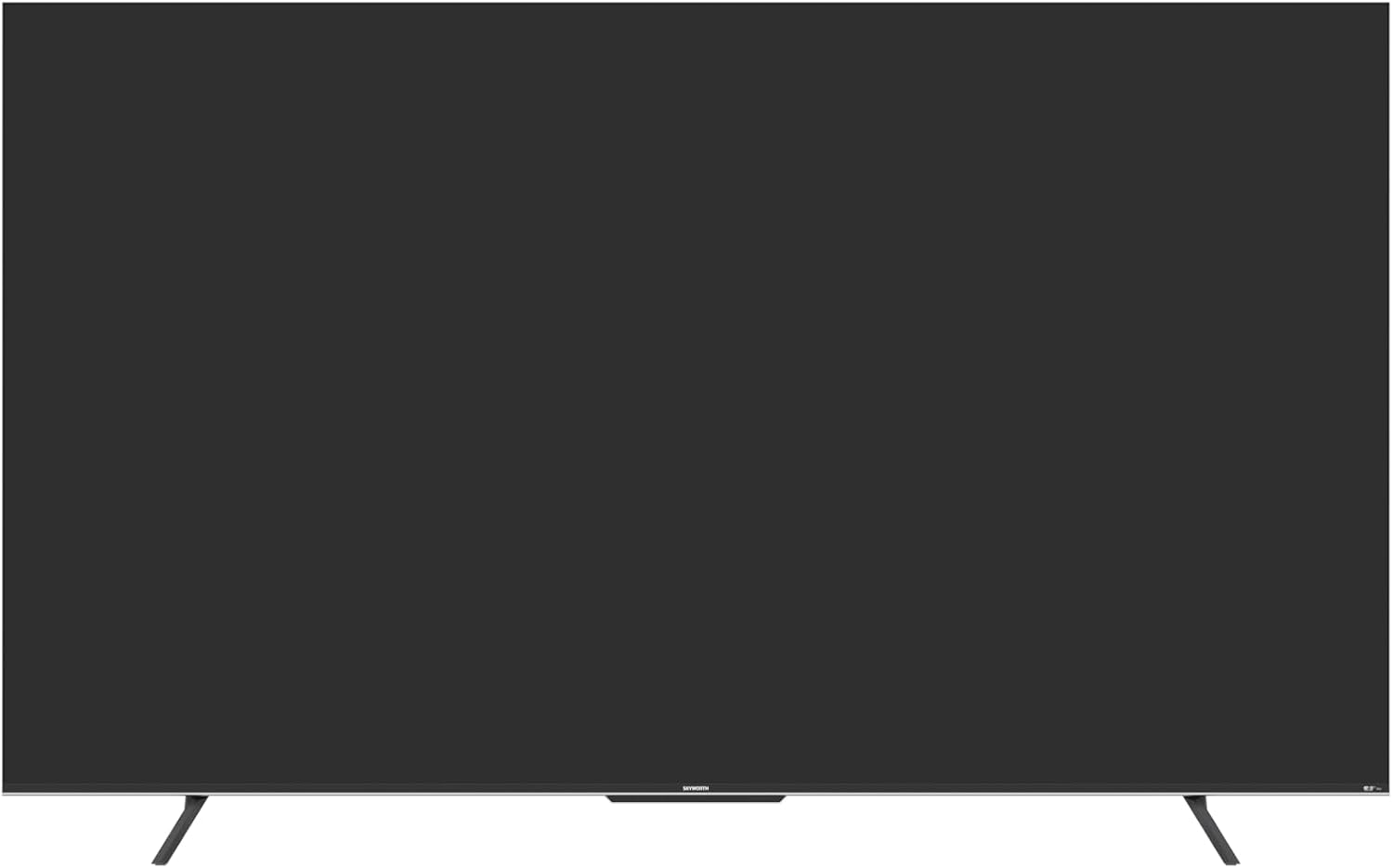
Rajah 4.1: Depan view of the Skyworth 75SUE9350F TV with the base stand attached.
4.2 Pemasangan Dinding (Pilihan)
If you choose to wall-mount your TV, ensure you use a VESA-compliant wall mount (800 x 400 mm) and follow the instructions provided with your wall mount. Remove the base stand before wall mounting.

Figure 4.2: Dimensional diagram of the Skyworth 75SUE9350F TV, useful for planning wall mount placement.
4.3 Menyambung Peranti
Connect your external devices (e.g., Blu-ray player, game console, soundbar) to the TV's ports. Refer to the side view imej untuk lokasi pelabuhan.

Rajah 4.3: Sisi view of the Skyworth 75SUE9350F TV, highlighting the various connectivity ports including HDMI, USB, and Ethernet.
- Port HDMI: Connect high-definition devices like game consoles or streaming boxes. This TV features multiple HDMI ports.
- Port USB: Connect USB storage devices for media playback. This TV has 2 USB ports.
- Pelabuhan Ethernet: Untuk sambungan internet berwayar.
- Output Audio Optik: Untuk menyambung ke bar bunyi atau penerima audio.
4.4 Kuasa Hidupkan Permulaan dan Persediaan Google TV
- Sambungkan kabel kuasa ke TV dan kemudian ke salur keluar kuasa.
- Tekan butang kuasa pada alat kawalan jauh atau TV itu sendiri.
- Follow the on-screen instructions to complete the initial setup, including language selection, network connection (Wi-Fi or Ethernet), and Google account sign-in for Google TV features.
5. Mengendalikan TV Anda
5.1 Fungsi Kawalan Jauh
The included Bluetooth remote control allows you to navigate the Google TV interface and control your television. Insert two AAA batteries into the remote control.
- Butang Kuasa: Menghidupkan atau mematikan TV.
- Butang Pembantu Google: Activates voice control. Press and hold to speak commands.
- Pad Navigasi: Use up, down, left, right to move through menus. Press the center button to select.
- Butang Belakang: Kembali ke skrin sebelumnya.
- Butang rumah: Kembali ke skrin utama Google TV.
- Jilid +/-: Melaraskan tahap kelantangan.
- Saluran +/-: Menukar saluran TV.
- Butang Pintasan Apl: Dedicated buttons for popular streaming services like Netflix, Prime Video, Disney+, and YouTube.
5.2 Antara Muka Google TV
Google TV organizes your favorite content from various streaming services into one personalized home screen. You can browse recommendations, search for titles, and access your installed apps.
5.3 Tetapan Gambar dan Bunyi
Akses menu tetapan untuk menyesuaikan anda viewpengalaman dalam dan mendengar:
- Mod Gambar: Select from various preset modes (e.g., Standard, Vivid, Movie, Game) or customize settings like brightness, contrast, and color.
- Dolby Vision IQ: This feature automatically adjusts picture settings based on ambient light and content type for optimal viewing.
- Mod Bunyi: Pilih daripada pro bunyi pratetapfiles (e.g., Standard, Music, Movie) or adjust equalizer settings. The TV supports Dolby Vision and DTS Virtual X for enhanced audio.
- MEMC (Anggaran Pergerakan, Pampasan Pergerakan): Improves motion clarity in fast-moving scenes.
5.4 Chromecast Terbina dalam
Cast content directly from your compatible smartphone, tablet, or computer to your TV. Look for the Cast icon within supported apps.
5.5 Mod Permainan
Activate Game Mode for reduced input lag and optimized picture settings when playing video games.
6. Penyelenggaraan
Proper care ensures the longevity of your TV:
- Pembersihan Skrin: Lap skrin perlahan-lahan dengan kain lembut yang tidak berbulu. Untuk tanda degil, sedikit dampen kain dengan air atau pembersih skrin khusus (jangan sesekali sembur terus ke skrin).
- Pembersihan Kabinet: Lap kabinet TV dengan kain lembut dan kering.
- Berhabuk: Regularly dust the ventilation openings to prevent dust buildup.
- Elakkan Bahan Kimia Keras: Do not use abrasive cleaners, waxes, or solvents as they can damage the TV's finish.
7. Penyelesaian masalah
Before contacting support, try these common troubleshooting steps:
| Masalah | Kemungkinan Punca / Penyelesaian |
|---|---|
| Tiada kuasa | Check if the power cable is securely connected to the TV and the power outlet. Ensure the outlet is working. Try a different power outlet. |
| Tiada gambar, tetapi bunyi hadir | Ensure the correct input source is selected. Check HDMI/AV cable connections. Try a different HDMI port or cable. |
| Tiada bunyi, tetapi ada gambar | Periksa tahap kelantangan dan pastikan TV tidak diredamkan. Sahkan sambungan kabel audio. Jika menggunakan pembesar suara luaran, semak kuasa dan sambungannya. |
| Alat kawalan jauh tidak berfungsi | Replace the AAA batteries in the remote. Ensure there are no obstructions between the remote and the TV. Re-pair the Bluetooth remote if necessary (refer to TV settings). |
| Tidak dapat menyambung ke Wi-Fi | Check your router and modem. Ensure the Wi-Fi password is correct. Try restarting your router. Move the TV closer to the router or use a wired Ethernet connection. |
| Gambar diherotkan atau kabur | Check the resolution settings of your connected device. Ensure the input source is providing a high-quality signal. Adjust picture settings on the TV. |
8. Spesifikasi
Below are the technical specifications for the Skyworth 75SUE9350F TV:
| Nama Model | 75SUE9350F |
| Jenama | Skyworth |
| Saiz Skrin | 75 inci |
| Teknologi Paparan | LED |
| Resolusi | 4K UHD (3840 x 2160) |
| Kadar Segar Semula | 60 Hz |
| Sistem Operasi | Google TV |
| Pemproses | Chameleon Extreme 2.0 |
| Penambahbaikan Gambar | Dolby Vision IQ, MEMC |
| Sokongan HDR | Dolby Vision, HDR10 |
| Output Audio | 2.0 Channel, 16W per channel |
| Teknologi Audio | Dolby Vision, DTS Virtual X |
| Ketersambungan | HDMI (multiple ports), USB (2 ports), Ethernet, Bluetooth |
| Kesambungan Wayarles | Wi-Fi, Bluetooth |
| Simpanan Memori | 16 GB |
| Bekalan Kuasa | AC 100-240V, 50/60Hz |
| Dimensi Produk (dengan pendirian) | 166.7 cm (W) x 96.4 cm (H) x 36.31 cm (D) |
| Dimensi Produk (tanpa pendirian) | 166.7 cm (W) x 96.4 cm (H) x 8.3 cm (D) |
| Berat (dengan pendirian) | 29.4 KG |
| Berat (tanpa penyangga) | 28.8 KG |
| Piawaian Pemasangan VESA | 800 x 400 mm |
| Ciri Khas | Parental Control, Wide Viewing Angle, Chromecast Built-in, Built-in Speaker, Google Assistant, Game Mode, Health Platform, Web pelayar |
Nota: Spesifikasi tertakluk kepada perubahan tanpa notis untuk penambahbaikan produk.
9. Waranti dan Sokongan
Your Skyworth 75SUE9350F TV comes with a Waranti pengilang 2 tahun. Sila simpan bukti pembelian anda untuk tuntutan waranti.
For technical support, service, or warranty inquiries, please contact Skyworth customer service through their official website or the contact information provided with your purchase documentation. Do not attempt to repair the TV yourself, as this may void your warranty.