
1. Pengenalan
This manual provides detailed instructions for the safe and efficient operation of your Zebronics Zeb-Buddy 100 Portable Bluetooth Speaker. Please read this manual thoroughly before using the device and retain it for future reference.
2. Produk Lebihview dan Ciri
The Zebronics Zeb-Buddy 100 is a portable Bluetooth v5.0 speaker designed for versatile audio playback. It features a compact design with an integrated handle for easy transport and a mobile holder for hands-free use. Key features include:
- Kesambungan Bluetooth v5.0: Untuk penstriman audio tanpa wayar.
- Fungsi TWS: Allows pairing of two Zeb-Buddy 100 speakers for stereo audio.
- Mikrofon Berwayar: Includes a 6.3mm wired microphone for karaoke.
- Pelbagai Pilihan Main Semula: Supports AUX, micro SD card, and USB input.
- Radio FM terbina dalam: For listening to radio stations.
- Kawalan Media: Integrated buttons for easy control of playback.
- Bateri boleh dicas semula: Provides up to 5 hours of playback time.
- Mod Cahaya RGB: Multiple light modes for enhanced ambiance.
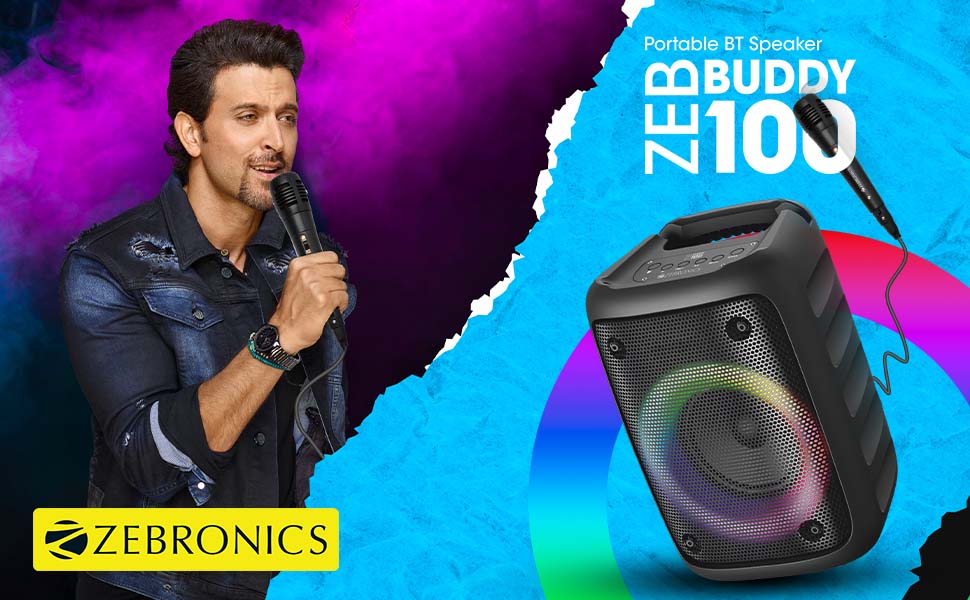
Image: The Zeb-Buddy 100 speaker shown with its included wired microphone, highlighting its portable design and control panel.
Imej: Bersudut view of the Zeb-Buddy 100 speaker, showcasing its compact form factor and side details.
3. Persediaan
3.1 Mengecas Speaker
- Connect the charging cable to the speaker's charging port.
- Sambungkan hujung kabel yang satu lagi ke penyesuai kuasa USB yang sesuai (tidak disertakan).
- Penunjuk pengecasan akan menyala. Cas penuh mengambil masa kira-kira 4 jam.
3.2 Berpasangan Bluetooth
- Hidupkan pembesar suara dengan menekan dan menahan butang kuasa.
- The speaker will enter Bluetooth pairing mode, indicated by a flashing LED.
- Pada peranti mudah alih anda, dayakan Bluetooth dan cari peranti yang tersedia.
- Select "Zeb-Buddy 100" from the list to pair.
- Once paired, the speaker will confirm the connection, and the LED will stop flashing.
3.3 TWS (Stereo Wayarles Sejati) Berpasangan
To experience stereo audio, you can pair two Zeb-Buddy 100 speakers together:
- Ensure both Zeb-Buddy 100 speakers are powered on and not connected to any Bluetooth device.
- Pada satu pembesar suara (ini akan menjadi pembesar suara utama), tekan dan tahan butang TWS.
- Penceramah utama akan mencari penutur sekunder.
- Once connected, both speakers will indicate a successful TWS pairing.
- Sekarang, sambungkan peranti mudah alih anda ke pembesar suara utama melalui Bluetooth seperti yang diterangkan dalam bahagian 3.2. Audio akan dimainkan dalam stereo melalui kedua-dua pembesar suara.

Image: Three Zeb-Buddy 100 speakers demonstrating their multiple RGB light modes, illustrating the TWS capability.
4. Arahan Operasi
4.1 Pemilihan Mod
Press the 'M' (Mode) button on the speaker to switch between Bluetooth, AUX, Micro SD, USB, and FM Radio modes.
4.2 Main Balik Audio
- Main/Jeda: Tekan butang Main/Jeda.
- Lagu Seterusnya: Press the 'Next' button.
- Trek Sebelumnya: Press the 'Previous' button.
- Kelantangan: Press and hold the 'Next' button.
- Perlahankan suara: Press and hold the 'Previous' button.
4.3 Fungsi Karaoke
- Connect the wired microphone to the 6.3mm microphone input port on the speaker.
- Adjust the microphone volume using the dedicated knob on the speaker (if available) or through the main volume controls.
- Ensure music is playing from your chosen source (Bluetooth, AUX, etc.) for background audio.
4.4 Operasi Radio FM
- Tukar ke mod Radio FM menggunakan butang 'M'.
- Press the Play/Pause button once to auto-scan and save available FM channels.
- Use the 'Next' and 'Previous' buttons to navigate between saved channels.
5. Penyelenggaraan
To ensure the longevity and optimal performance of your Zeb-Buddy 100 speaker:
- Keep the speaker away from water, moisture, and direct sunlight.
- Bersihkan pembesar suara dengan kain lembut dan kering. Jangan gunakan bahan kimia yang keras atau pembersih yang kasar.
- Elakkan daripada menjatuhkan atau menundukkan pembesar suara kepada impak yang kuat.
- Simpan di tempat yang sejuk dan kering apabila tidak digunakan untuk tempoh yang lama.
6. Penyelesaian masalah
| Masalah | Kemungkinan Punca | Penyelesaian |
|---|---|---|
| Speaker tidak dihidupkan. | Bateri lemah atau tiada cas. | Cas pembesar suara sepenuhnya. |
| Tidak boleh berpasangan melalui Bluetooth. | Pembesar suara tidak dalam mod berpasangan; peranti Bluetooth dimatikan; terlalu jauh dari pembesar suara. | Ensure speaker is in pairing mode. Turn Bluetooth on/off on your device. Move device closer to speaker. |
| Tiada bunyi. | Volume too low; incorrect mode selected; faulty cable (AUX/USB). | Increase volume. Select correct input mode. Check/replace cables. |
| Gandingan TWS gagal. | Pembesar suara sudah disambungkan ke peranti lain; terlalu jauh antara satu sama lain. | Disconnect speakers from other devices. Ensure speakers are close to each other. |
| Mikrofon tidak berfungsi. | Microphone not fully plugged in; volume too low. | Ensure microphone is securely connected. Adjust microphone volume. |
7. Spesifikasi
- Jenama: ZEBRONIK
- Nama Model: Zeb-Buddy 100
- Teknologi Ketersambungan: Auxiliary, Bluetooth, USB, Wireless
- Versi Bluetooth: v5.0
- Kuasa Output Maksimum Pembesar Suara: 15 Watt
- Respons Kekerapan: 100Hz - 20kHz
- Mod Output Audio: Stereo (dengan TWS)
- Saiz pembesar suara: 52 Millimetres (Driver)
- Sumber Kuasa: Dikuasakan Bateri
- Masa Pengecasan Bateri: 4 Jam
- Masa Main Semula: 5 Jam
- Kaedah Kawalan: Kawalan Sentuh
- Peranti Serasi: Telefon Pintar, Tablet
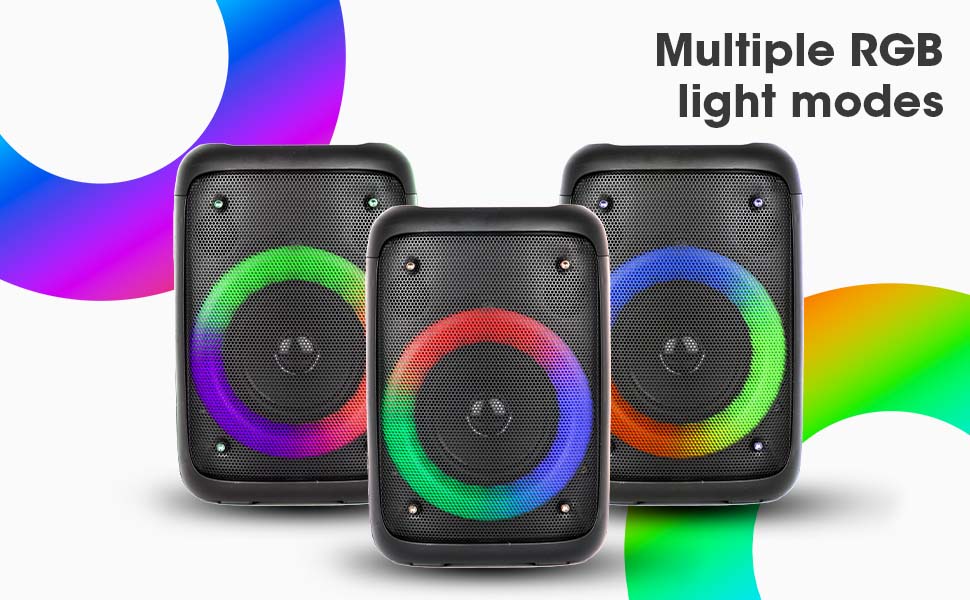
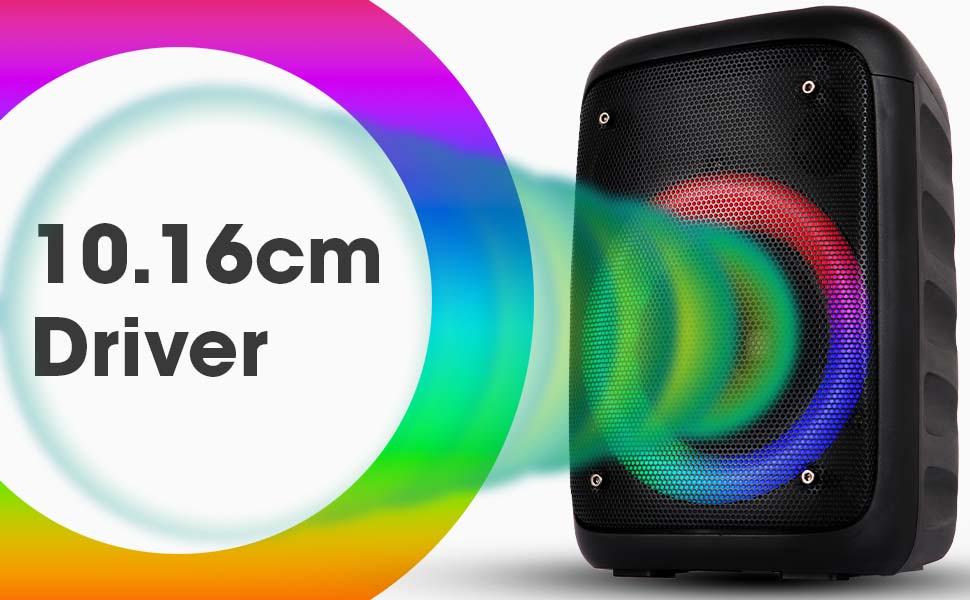
Image: The Zeb-Buddy 100 speaker with an overlay indicating its 10.16cm (4-inch) driver size.
8. Waranti dan Sokongan
The Zebronics Zeb-Buddy 100 comes with a 1-year carry-in warranty to the service center. For any support, service, or warranty claims, please contact Zebronics customer support or visit their official webtapak untuk lokasi pusat servis dan maklumat hubungan.
Please retain your purchase receipt for warranty validation.