
1. Pengenalan
This manual provides essential instructions for the SOLTECH CCTV Remote Control, model RCWN00001B (also identified as EP10-001090A). This remote is specifically designed for use with various Samsung Wisenet Security & Surveillance Camera Systems, including DVRs and NVRs. Please read this manual thoroughly to ensure proper use and functionality of your remote control.
2. Produk Lebihview
The SOLTECH CCTV Remote Control is a dedicated device for managing your Samsung Wisenet security system. It replicates the functionality of the original remote control included with Wisenet All-In-One systems, providing convenient access to your DVR or NVR functions.
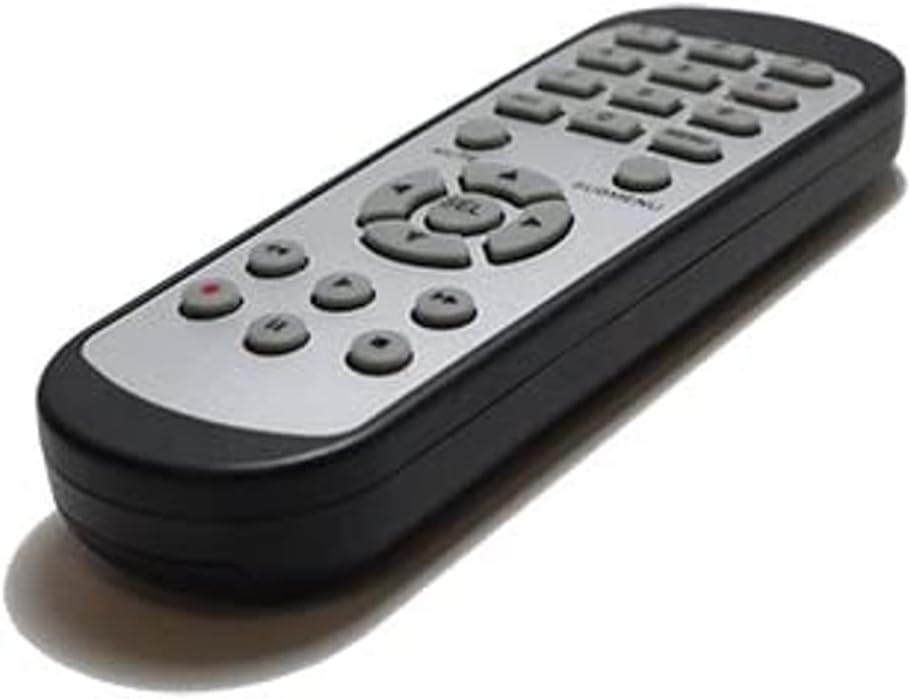
Imej 2.1: Depan view of the SOLTECH CCTV Remote Control (Model RCWN00001B / EP10-001090A).
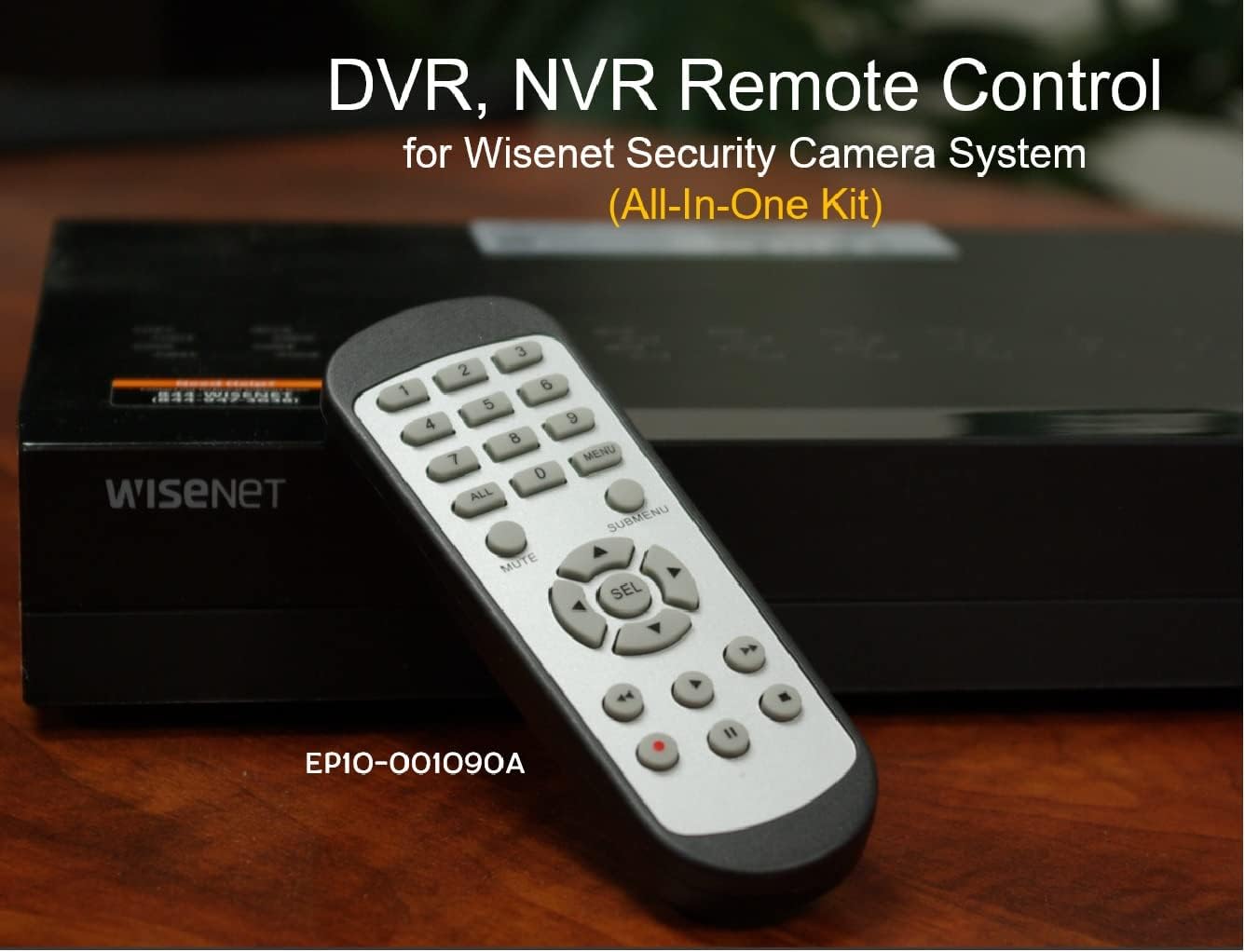
Image 2.2: The remote control positioned on a Wisenet Digital Video Recorder (DVR).
3. Persediaan
This remote control requires two AAA batteries for operation. Batteries are not included with the product and must be purchased separately.
3.1 Pemasangan Bateri
- Cari petak bateri di belakang alat kawalan jauh.
- Luncurkan penutup petak bateri ke bawah dan angkatnya.
- Masukkan dua bateri AAA, pastikan kekutuban (+ dan -) betul seperti yang ditunjukkan di dalam petak.
- Gantikan penutup petak bateri dengan menggelongsorkannya semula ke tempatnya sehingga ia berbunyi dengan selamat.

Imej 3.1: Belakang view alat kawalan jauh dengan petak bateri terbuka, menunjukkan tempat untuk memasukkan bateri AAA.
3.2 Sambungan Awal
The SOLTECH CCTV Remote Control is pre-configured for Samsung Wisenet All-In-One System DVRs and NVRs. No additional setup, programming, or pairing is required. Once batteries are installed, the remote is ready for immediate use with compatible systems.
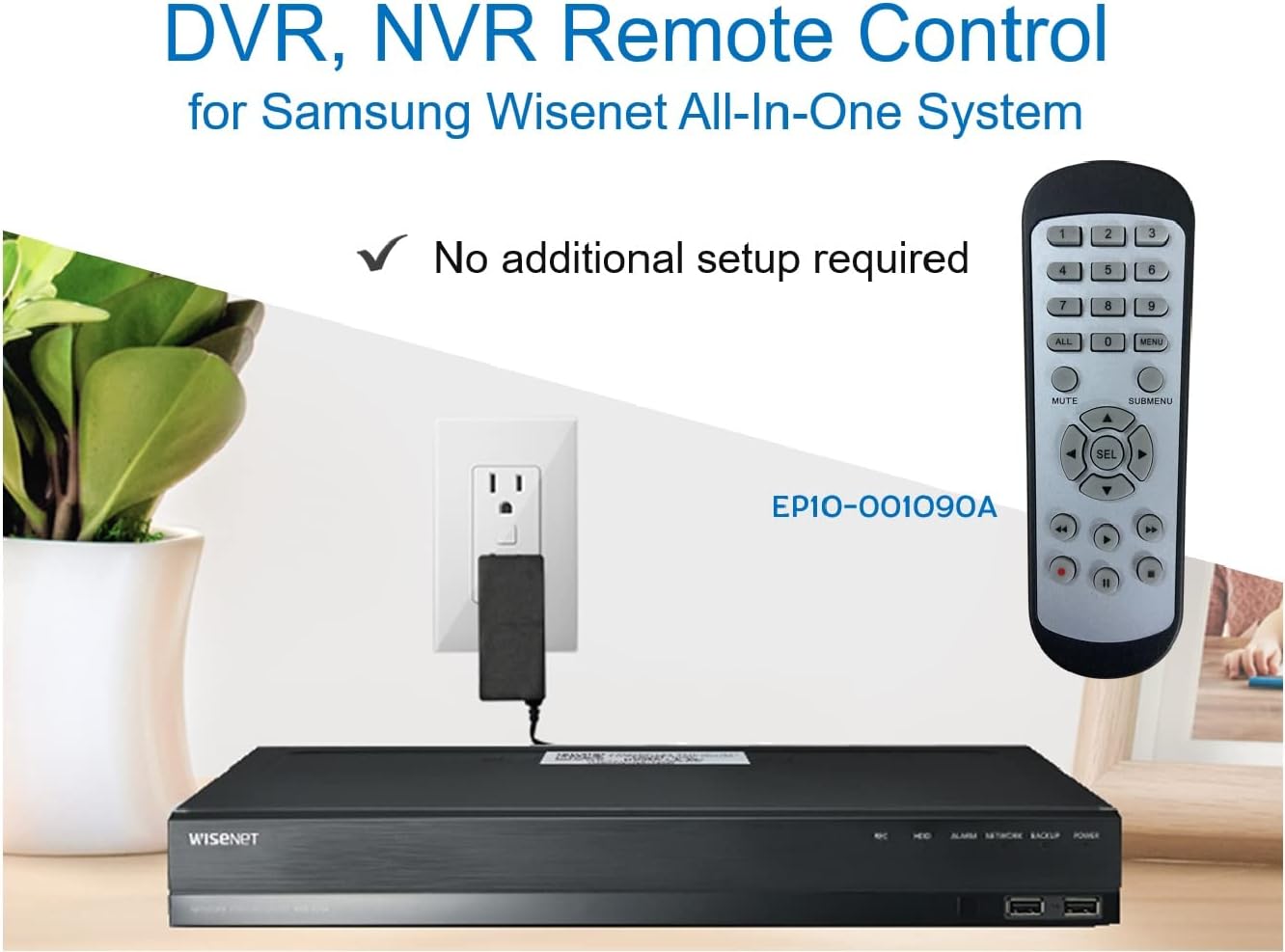
Image 3.2: The remote control shown alongside a Wisenet DVR, illustrating the 'no additional setup required' feature.
4. Arahan Operasi
Point the remote control directly at your Samsung Wisenet DVR or NVR. Press the desired buttons to navigate menus, control playback, switch camera views, and access other functions of your security system. The button layout is standard for Wisenet systems, allowing for intuitive operation.
- Butang Nombor (0-9): Used for direct camera selection or data entry.
- Directional Pad (Up, Down, Left, Right, SEL): Untuk navigasi dan pemilihan menu.
- MATI: Membisukan output audio.
- SUBMENU: Accesses sub-menus within the system interface.
- Kawalan Main Semula (Main, Jeda, Henti, Maju Pantas, Undur): Manages recorded footage main balik.
- REK (Rekod): Initiates manual recording.
5. Keserasian
This remote control is compatible with various Samsung Wisenet All-In-One System Series. It is designed to function as a direct replacement for the original remote controls supplied with these systems.
5.1 Compatible System Series
The remote control is compatible with, but not limited to, the following Samsung Wisenet All-In-One System Series:
- SDH-E95127
- SDH-B94047
- SDH-C94087
- SDH-B73043
- SDH-C85080
- SDH-SF440
- SDH-B74043
- SDH-B74083
- SDH-B74041
- SDH-B74081
- SDH-C85100
- SDR-C85300
- SNK-B73047
- SDH-B74086
- SDH-C73043
- SDR-C73303
- SDH-C74043DF
- SDR-C74303N1T
- SDR-B74301

Image 5.1: The remote control displayed alongside a partial list of compatible Samsung Wisenet All-In-One System Series.

Image 5.2: An illustration showing the remote control's compatibility with a range of Samsung Wisenet security camera systems.
6. Penyelenggaraan
6.1 Penggantian Bateri
When the remote control's performance diminishes or it stops responding, replace the AAA batteries. Always replace both batteries at the same time with new ones. Do not mix old and new batteries, or different types of batteries.
6.2 Pembersihan
Untuk membersihkan alat kawalan jauh, gunakan kain lembut dan kering. Untuk kotoran degil, gunakan sedikit kainampbilas kain dengan air. Elakkan menggunakan bahan kimia yang keras, pembersih yang kasar atau pelarut, kerana ini boleh merosakkan permukaan alat kawalan jauh atau komponen dalaman.
6.3 Penyimpanan
Simpan alat kawalan jauh di tempat yang sejuk dan kering, jauh daripada cahaya matahari langsung dan suhu yang melampau. Jika alat kawalan jauh tidak akan digunakan untuk tempoh yang lama, adalah dinasihatkan untuk menanggalkan bateri bagi mengelakkan kebocoran.
7. Penyelesaian masalah
If you experience issues with your SOLTECH CCTV Remote Control, refer to the following common troubleshooting steps:
- Jauh Tidak Menjawab:
- Periksa sama ada bateri dimasukkan dengan betul dengan polariti yang betul.
- Gantikan bateri dengan bateri AAA yang baru.
- Ensure there is a clear line of sight between the remote control and the infrared receiver on your Wisenet DVR/NVR. Obstructions can block the signal.
- Verify that the remote control is pointed directly at the Wisenet system.
- Fungsi Selang-seli:
- Ini selalunya menunjukkan kuasa bateri rendah. Gantikan bateri.
- Ensure no strong light sources (like direct sunlight or bright fluorescent lights) are interfering with the infrared signal.
- Remote Does Not Control My System:
- Confirm that your security system is a Samsung Wisenet All-In-One System and is listed as compatible in Section 5.1. This remote is specifically designed for these systems and may not work with other brands or models.
- As this remote requires no additional setup, if it is not working with a confirmed compatible system after battery replacement, contact customer support.
8. Spesifikasi
| Ciri | Perincian |
|---|---|
| Nombor Model | RCWN00001B (EP10-001090A) |
| Dimensi Produk | 5 x 1.75 x 0.75 inci |
| Berat Barang | 1.76 auns |
| Bateri Diperlukan | 2 bateri AAA (tidak termasuk) |
| Pengeluar | SOLTECH |
| warna | Kelabu |
| Bilangan Maks Peranti yang Disokong | 1 (Wisenet DVR/NVR) |
| Peranti Serasi | Samsung Wisenet Security Camera Systems (DVR/NVR) |

Image 8.1: The remote control with its physical dimensions (length, width, thickness) indicated.
9. Waranti dan Sokongan
For information regarding product warranty, please refer to the documentation provided with your purchase or contact the seller directly. The seller for this product is SOLTECH America.
For further assistance or technical support, please reach out to the manufacturer or seller through their official contact channels.