
1. Pengenalan
This manual provides instructions for the safe and efficient use of the Flashpoint UC-18 Zoom Li-ion Flash USB Charger. This device is designed to charge compatible Lithium-ion flash batteries from a standard USB DC 5-volt power source. Please read this manual thoroughly before operating the charger.
2. Maklumat Keselamatan
WARNING: To prevent fire, electric shock, or injury, always follow basic safety precautions when using electrical appliances.
- Jangan pintaskan bateri.
- Do not expose the charger or battery to rain or immerse them in water.
- Do not leave the battery in the charger unattended or within reach of children.
- This battery is not waterproof.
- Do not place the charger or battery near fire or high temperatures.
- Buang bateri mengikut peraturan tempatan.
- If the battery has not been used for over 3 months, ensure it is fully charged before use.
- The charger may become warm during operation. This is normal.
- Use only with compatible Flashpoint Zoom Li-ion batteries.
3. Produk Lebihview
The Flashpoint UC-18 charger is a compact unit designed for charging Flashpoint Zoom Li-ion flash batteries. It features a dedicated battery slot and LED indicators for charging status.

Figure 3.1: Flashpoint UC-18 USB Charger (empty)
This image shows the Flashpoint UC-18 USB Charger from an angled perspective, highlighting its compact, black, rectangular design. The USB-C input port is visible on one end, and the recessed slot for the battery is clearly shown on the top surface.
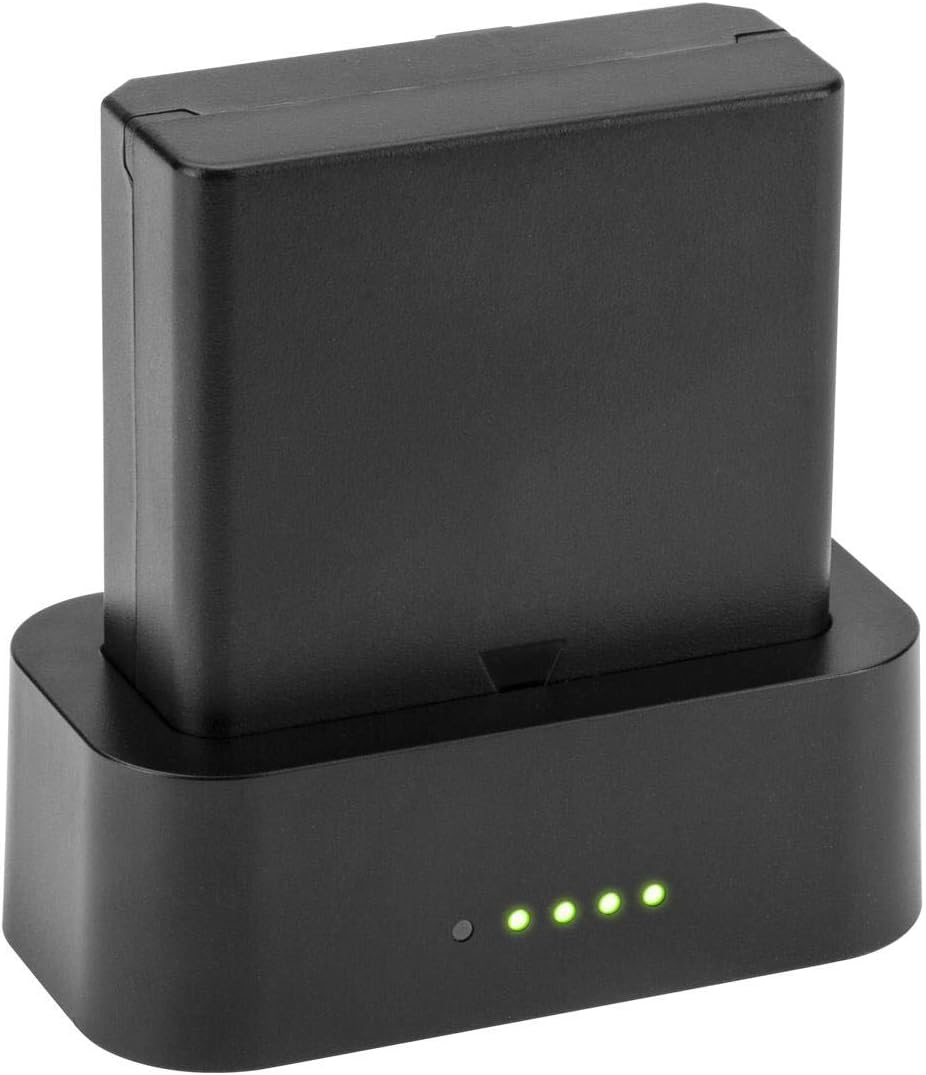
Figure 3.2: Flashpoint UC-18 USB Charger with Battery
This image displays the Flashpoint UC-18 USB Charger with a compatible Flashpoint Li-ion battery securely inserted into its slot. Four green LED indicator lights are illuminated on the front of the charger, indicating that the battery is currently charging.
4. Persediaan
- Sambungkan Kuasa: Insert a USB-C cable into the charger's USB-C port. Connect the other end of the USB-C cable to a compatible USB DC 5-volt power source (e.g., a computer USB port, a USB wall adapter, or a car USB port).
- Masukkan Bateri: Align your Flashpoint Zoom Li-ion battery with the battery slot on the charger. Gently push the battery into the slot until it is fully seated. Ensure proper orientation for contact.
5. Arahan Operasi
5.1 Proses Pengecasan
Once the battery is correctly inserted and the charger is connected to a power source, the charging process will begin automatically. The LED indicators on the charger will illuminate to show the charging status.
5.2 Penunjuk LED
The charger features five LED diodes that indicate the charging progress:
- Illuminated LEDs: As the battery charges, more LEDs will light up.
- All LEDs Illuminated: When all five LEDs are steadily lit, the battery is fully charged.
A full charge typically takes approximately 3 hours, depending on the battery's initial charge level and the power source's output.
6. Penyelenggaraan
- Pembersihan: Use a soft, dry cloth to clean the charger. Do not use liquid cleaners or solvents.
- Storan: Simpan pengecas di tempat yang sejuk dan kering jauh dari cahaya matahari langsung dan kelembapan apabila tidak digunakan.
- Penjagaan Bateri: For optimal battery life, avoid completely draining the battery before recharging. If storing batteries for extended periods, charge them fully before storage and periodically recharge them every few months.
7. Penyelesaian masalah
- Pengecas tidak dihidupkan: Ensure the USB-C cable is securely connected to both the charger and the power source. Verify that the power source is active and providing 5V DC.
- Bateri tidak dicas: Check that the battery is correctly inserted into the charger with proper alignment. Ensure the battery is compatible with the UC-18 charger.
- Pengecasan perlahan: Ensure your USB power source can provide sufficient current (at least 1.0A, ideally 2.0A for faster charging). Using a low-power USB port may result in slower charging times.
- Charger getting hot: A slight increase in temperature during charging is normal. If the charger becomes excessively hot, disconnect it immediately and contact customer support.
8. Spesifikasi

Figure 8.1: Charger Specification Label
This image displays the bottom label of the Flashpoint UC-18 charger, detailing its input and output electrical specifications, compliance marks (CE, RoHS), and manufacturing origin.
| Ciri | Spesifikasi |
|---|---|
| Jenama | Titik kilat |
| Nombor Model | FP-PP-ZL-USB |
| Input Voltage | DC 5 Volts (1.0A / 2.0A) |
| Keluaran Voltage | DC 12.6 Volts (0.25A / 0.6A) |
| Penilaian Semasa | 2 Amps (Masukan) |
| Jenis Penyambung | USB-C |
| Bilangan Pelabuhan | 1 |
| Masa Pengecasan Bateri | Lebih kurang 3 Jam |
| Berat Barang | 11.84 auns |
| warna | Hitam |
| Pensijilan | UL, CE, FCC |
9. Waranti dan Sokongan
For warranty information or technical support, please refer to the documentation included with your purchase or visit the official Flashpoint website. Contact Flashpoint customer service for assistance with any product-related inquiries or issues.