
pengenalan
This manual provides essential instructions for the safe and effective use of your Panasonic ES-SL41 electric shaver. Please read this manual thoroughly before using the product and retain it for future reference. The Panasonic ES-SL41 is designed for a comfortable and close shave, suitable for both wet and dry use.
Maklumat Keselamatan
Langkah-langkah Keselamatan Penting:
- Always hold the shaver gently and avoid applying excessive pressure to prevent cuts.
- Do not use the shaver while charging or near water to avoid the risk of electric shock.
- Always unplug the charger before cleaning the shaver.
- After use, clean the shaver thoroughly and dry it completely before storing to prevent bacterial growth.
Note: Statements regarding dietary supplements have not been evaluated by the FDA and are not intended to diagnose, treat, cure, or prevent any disease or health condition. This product is an electric shaver and not a dietary supplement.
Produk Selesaiview




Persediaan
1. Pengecasan Awal
Before first use, fully charge the shaver. Place the shaver into its charging stand, ensuring it is properly seated. The charging indicator light on the stand will illuminate (typically red) to confirm charging. A full charge may take approximately 8 hours, as per specifications, providing several shaves.
2. Sumber Kuasa
The shaver is battery-powered and designed for cordless operation. Ensure the charging stand is connected to a suitable power outlet.
Arahan Operasi
1. Menghidupkan/Mematikan
Press the power button located on the shaver handle to turn the unit on or off.
2. Teknik Bercukur
- Pencukuran Kering: For optimal results, ensure your face is clean and dry. Hold the shaver at a right angle to your skin and move it gently against the direction of hair growth.
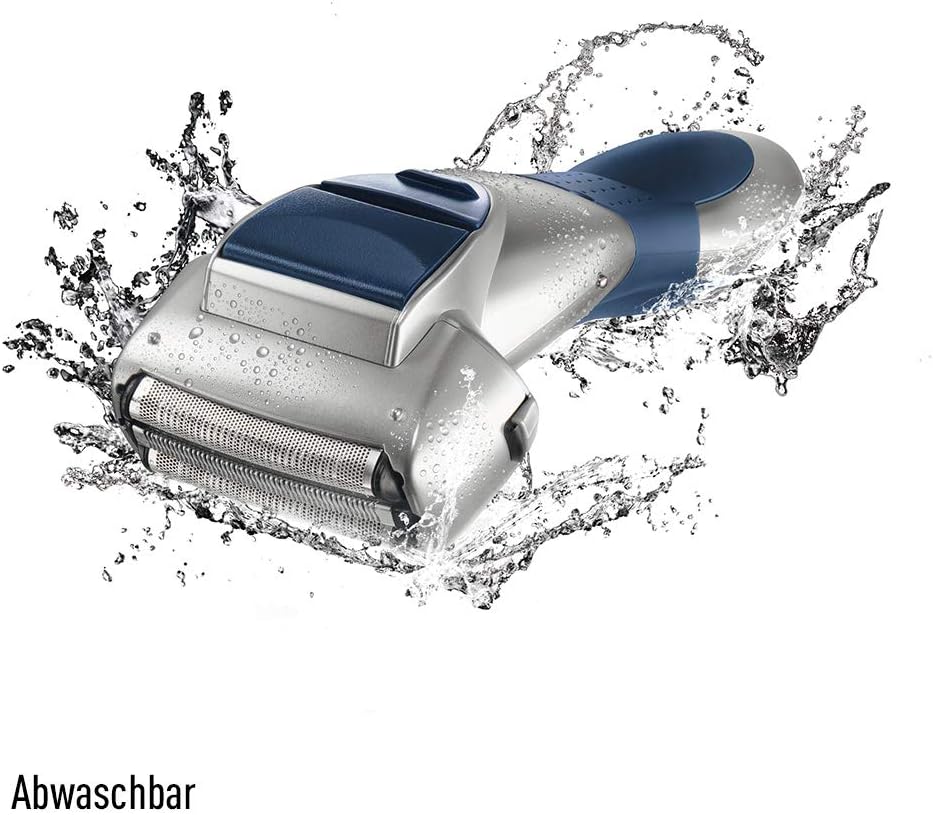
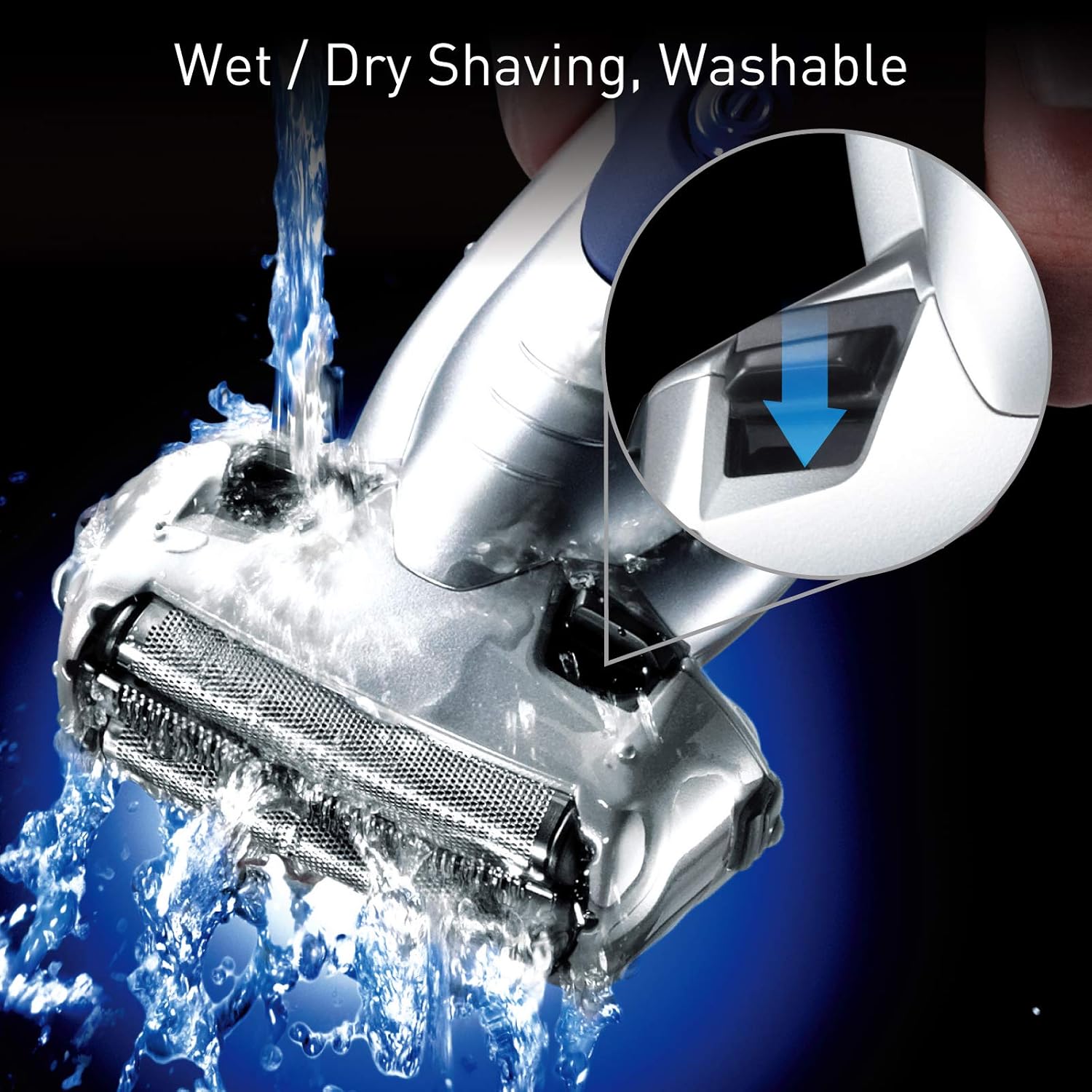
- Mencukur Basah: The ES-SL41 is waterproof. You can use it with shaving foam or gel for a smoother experience. Apply foam/gel to your face, then shave as you would with dry shaving. Rinse the shaver head frequently during wet shaving to prevent clogging.
- Avoid pressing too hard, as this can cause skin irritation and reduce shaver efficiency.
3. Menggunakan Pemangkas Pop-up
To use the pop-up trimmer, slide the trimmer switch upwards. Use the trimmer for precise grooming of sideburns, mustaches, or any longer hairs before main shaving. After use, slide the switch back down to retract the trimmer.
Penyelenggaraan dan Pembersihan
1. Pembersihan Harian
After each use, turn off the shaver and detach the outer foil frame. Rinse the outer foil and inner blades thoroughly under running water to remove hair clippings and shaving residue. You may use a small amount of hand soap for a more thorough clean. Do not use harsh chemicals or abrasive cleaners.
2. Pengeringan dan Penyimpanan
Shake off excess water and allow the shaver components to air dry completely before reassembling and storing. Store the shaver in its charging stand or a dry place away from direct sunlight and high humidity.
3. Blade and Foil Replacement
For optimal shaving performance, it is recommended to replace the outer foil and inner blades periodically, typically every one to two years, depending on usage. Refer to Panasonic's official website or authorized retailers for replacement parts specific to the ES-SL41 model.
Menyelesaikan masalah
| Masalah | Kemungkinan Punca | Penyelesaian |
|---|---|---|
| Pencukur tidak dihidupkan. | Bateri habis. | Place the shaver in the charging stand and allow it to charge fully. |
| Prestasi pencukuran yang lemah. | Blades or foil are dull or clogged with hair. | Clean the shaver head thoroughly. Consider replacing the outer foil and inner blades if they are old. |
| Kerengsaan kulit selepas bercukur. | Applying too much pressure or using dull blades. | Shave gently without excessive pressure. Ensure blades are sharp. Try wet shaving with foam/gel. |
Jika masalah berterusan selepas mencuba penyelesaian ini, sila hubungi sokongan pelanggan Panasonic.
Spesifikasi
- Nama Model: ES-SL41
- Sumber Kuasa: Dikuasakan Bateri
- Ciri Khas: Kalis air
- Penggunaan yang Disyorkan: Muka
- Jenama: Panasonic
- Nombor Model Item: ES-SL41-S503
- Pengeluar: Panasonic
- Dimensi Pakej: 8.54 x 6.81 x 4.41 inci
- Berat: 1.57 paun
Waranti dan Sokongan
For information regarding warranty coverage, product registration, or technical support, please refer to the warranty card included with your product or visit the official Panasonic website. You may also contact Panasonic customer service directly for assistance.