
परिचय
This manual provides essential information for setting up, operating, maintaining, and troubleshooting your HP 17.3" Touchscreen Laptop, model 17-cp3602nr. Please read this guide thoroughly to ensure proper use and to maximize the lifespan of your device.
पॅकेज सामग्री
पॅकेजमध्ये सर्व वस्तू आहेत का ते तपासा:
- HP 17.3" Touchscreen Laptop (Model 17-cp3602nr)
- एसी पॉवर अडॅप्टर आणि कॉर्ड
- जलद सुरुवात मार्गदर्शक (जर समाविष्ट असेल तर)

Image: The HP 17.3" Touchscreen Laptop and its included power adapter.
सेटअप
२.३. सुरुवातीचा पॉवर चालू आणि चार्जिंग
- Connect the AC power adapter to the laptop's AC smart pin port and then to a power outlet.
- लॅपटॉपचे झाकण उघडा. लॅपटॉप आपोआप चालू होऊ शकतो किंवा तुम्हाला कीबोर्डवरील पॉवर बटण दाबावे लागू शकते.
- सुरुवातीच्या वापरापूर्वी बॅटरी पूर्णपणे चार्ज होऊ द्या, जरी तुम्ही चार्जिंग करताना सेटअप सुरू करू शकता.
२. विंडोज ११ सेटअप
Follow the on-screen instructions to complete the Windows 11 Home setup. This typically includes:
- तुमचा प्रदेश आणि कीबोर्ड लेआउट निवडणे.
- वाय-फाय नेटवर्कशी कनेक्ट करत आहे.
- मायक्रोसॉफ्ट खात्यासह साइन इन करणे किंवा तयार करणे.
- पिन किंवा पासवर्ड सेट करणे.
- गोपनीयता सेटिंग्ज कॉन्फिगर करत आहे.
३. फिंगरप्रिंट रीडर सेटअप
During or after Windows setup, you can configure the fingerprint reader for secure login. Navigate to सेटिंग्ज > खाती > साइन-इन पर्याय आणि तुमचा फिंगरप्रिंट जोडण्यासाठी सूचनांचे अनुसरण करा.

Image: Close-up of the backlit keyboard and the integrated fingerprint reader on the HP laptop.
ऑपरेटिंग सूचना
टचस्क्रीन डिस्प्ले वापरणे
The 17.3" HD+ (1600 x 900) display supports touch input. You can interact with Windows 11 and applications directly on the screen using gestures similar to a tablet or smartphone. Ensure your screen is clean for optimal touch responsiveness.
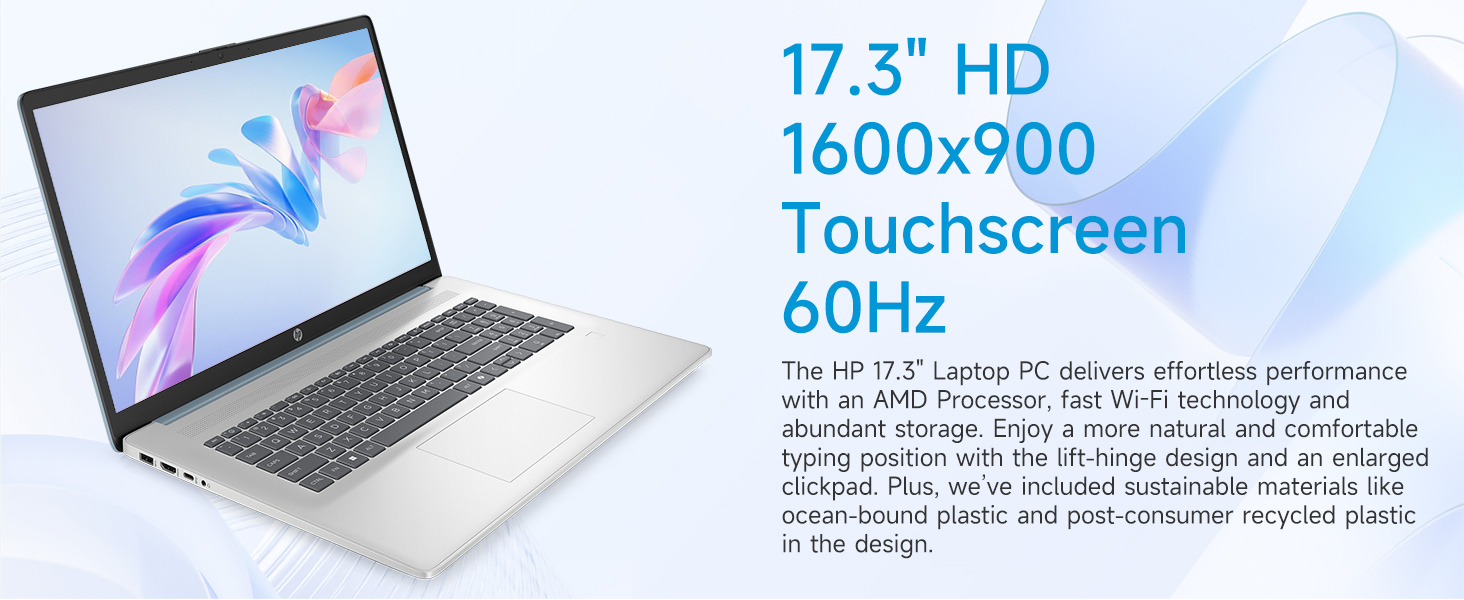
Image: The 17.3-inch touchscreen display of the HP laptop, illustrating its touch capabilities.
कीबोर्ड आणि टचपॅड
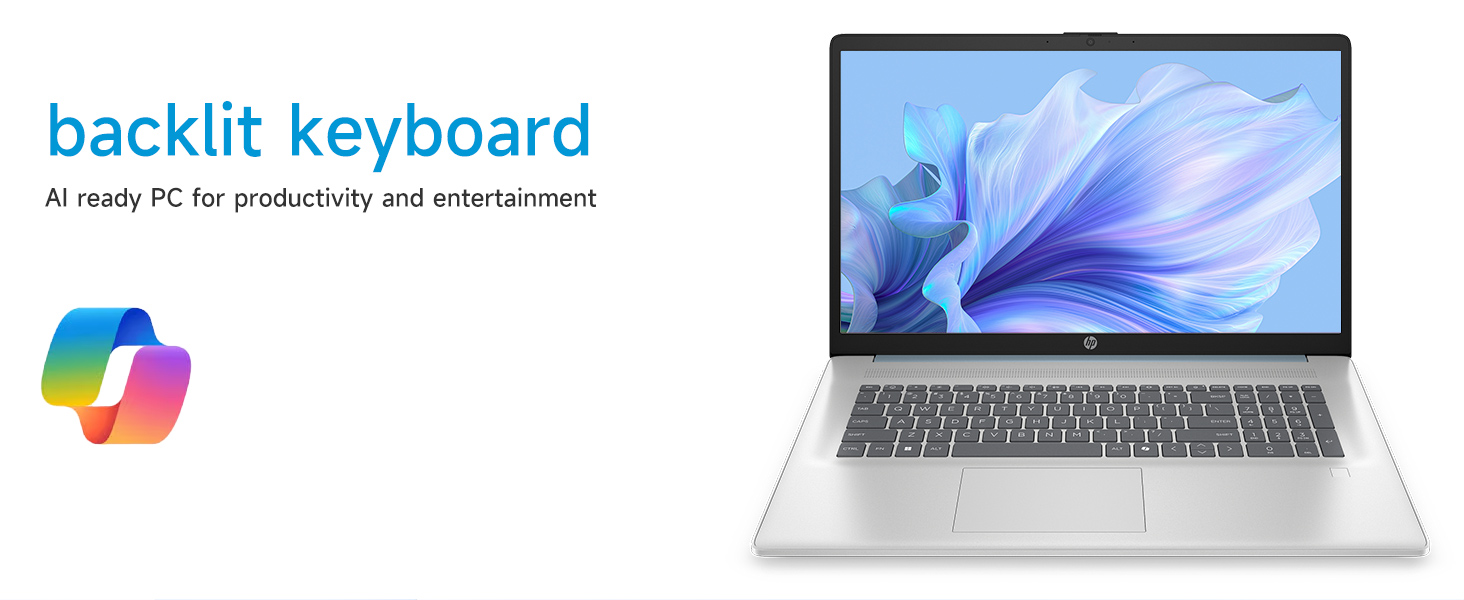
- बॅकलिट कीबोर्ड: दाबा Fn + F5 (or similar function key with a keyboard backlight icon) to toggle the keyboard backlight on/off or adjust its brightness.
- अंकीय कीपॅड: कार्यक्षम डेटा एंट्रीसाठी समर्पित संख्यात्मक कीपॅड वापरा.
- टचपॅड: The large click pad supports multi-touch gestures for navigation. Refer to Windows settings for customizing touchpad gestures.
Connecting External Devices (Ports)
तुमचा लॅपटॉप पेरिफेरल्स कनेक्ट करण्यासाठी विविध पोर्टने सुसज्ज आहे:
- यूएसबी टाइप-सी (५ जीबीपीएस सिग्नलिंग रेट): आधुनिक USB-C उपकरणे जोडण्यासाठी.
- USB टाइप-ए (५Gbps सिग्नलिंग रेट): Two ports for standard USB devices like mice, keyboards, or external drives.
- HDMI 1.4b: विस्तारित डिस्प्लेसाठी बाह्य मॉनिटर्स किंवा टीव्हीशी कनेक्ट करा.
- हेडफोन/मायक्रोफोन कॉम्बो जॅक: For audio input/output with a single jack.
- एसी स्मार्ट पिन: पॉवर अॅडॉप्टर कनेक्ट करण्यासाठी.
प्रतिमा: तपशीलवार view of the laptop's side ports, including USB-A, USB-C, HDMI, and audio jack.
वाय-फाय ७ कनेक्टिव्हिटी
The laptop supports Wi-Fi 6 (802.11ax) for fast and reliable wireless internet connectivity. To connect, click the Wi-Fi icon in the taskbar, select your network, and enter the password.
देखभाल
तुमचा लॅपटॉप साफ करणे
- स्क्रीन: मऊ, लिंट-फ्री कापड किंचित वापरा dampपाण्याने किंवा स्क्रीन क्लीनरने भिजवा. कठोर रसायने टाळा.
- कीबोर्ड आणि चेसिस: मऊ, कोरडे कापड वापरा. हट्टी घाणीसाठी, थोडासा डीamp कापडाचा वापर केला जाऊ शकतो, जेणेकरून कोणतेही द्रव छिद्रांमध्ये जाणार नाही याची खात्री करता येईल.
- बंदरे: Keep ports free of dust and debris using compressed air if necessary.
सॉफ्टवेअर अद्यतने
तुमच्या सिस्टममध्ये नवीनतम सुरक्षा पॅचेस आणि कार्यप्रदर्शन सुधारणा आहेत याची खात्री करण्यासाठी नियमितपणे विंडोज अपडेट्स तपासा आणि स्थापित करा. येथे जा सेटिंग्ज > विंडोज अपडेट अपडेट्स व्यवस्थापित करण्यासाठी.
बॅटरी काळजी
To prolong battery life, avoid extreme temperatures and fully discharging the battery frequently. For long-term storage, charge the battery to about 50%.
समस्यानिवारण
हा विभाग तुम्हाला येऊ शकणाऱ्या सामान्य समस्यांबद्दल चर्चा करतो.
लॅपटॉप चालू होत नाही
- एसी अॅडॉप्टर लॅपटॉप आणि कार्यरत पॉवर आउटलेटशी सुरक्षितपणे जोडलेले आहे याची खात्री करा.
- दुसरे उपकरण प्लग इन करून पॉवर आउटलेट कार्यरत आहे का ते तपासा.
- जर बॅटरी पूर्णपणे संपली असेल, तर लॅपटॉप चालू होण्यास काही मिनिटे चार्जिंग लागू शकते.
Screen Remains Blank
- लॅपटॉप चालू आहे का ते तपासा (पॉवर इंडिकेटर लाईट).
- Try adjusting the screen brightness using the function keys (e.g., Fn + F2/F3).
- If an external monitor is connected, ensure it is properly configured in Windows display settings.
वाय-फाय कनेक्टिव्हिटी समस्या
- विंडोज सेटिंग्जमध्ये वाय-फाय सक्षम असल्याची खात्री करा.
- तुमचा राउटर आणि मोडेम रीस्टार्ट करा.
- नेटवर्क विसरून जा आणि पुन्हा पासवर्ड टाकून पुन्हा कनेक्ट करा.
- Update Wi-Fi drivers via Device Manager.
System Restarts Unexpectedly
Unexpected restarts can be caused by software conflicts, outdated drivers, or hardware issues. Ensure all Windows updates are installed and drivers are current. If the issue persists, consider running Windows diagnostic tools or contacting HP Support.
तपशील
| वैशिष्ट्य | तपशील |
|---|---|
| ब्रँड | HP |
| मॉडेलचे नाव | 17-cp3602nr |
| स्क्रीन आकार | 17.3 इंच |
| डिस्प्ले रिझोल्यूशन | HD+ (1600 x 900) |
| प्रदर्शन वैशिष्ट्ये | Touch, Anti-glare, 250 nits, 60% NTSC |
| प्रोसेसर | एएमडी रायझन ७ ५७००यू (८ कोर, १६ थ्रेड्स, ४.३ गीगाहर्ट्झ पर्यंत) |
| ग्राफिक्स | एएमडी रेडियन ग्राफिक्स (एकात्मिक) |
| रॅम | ८ जीबी डीडीआर४ एसडीआरएएम (३२०० मेगाहर्ट्झ) |
| स्टोरेज | १२८ जीबी पीसीआयई एनव्हीएमई एम.२ एसएसडी |
| ऑपरेटिंग सिस्टम | विंडोज 11 होम |
| बंदरे | १x यूएसबी टाइप-सी ५ जीबीपीएस, २x यूएसबी टाइप-ए ५ जीबीपीएस, १ एक्स एचडीएमआय १.४बी, १ एक्स हेडफोन/मायक्रोफोन कॉम्बो, १ एक्स एसी स्मार्ट पिन |
| वायरलेस कनेक्टिव्हिटी | Wi-Fi 6 (802.11ax) |
| विशेष वैशिष्ट्ये | Backlit Keyboard, Fingerprint Reader, Numeric Keypad, Webकॅम |
| Dimensions (L x W x Thickness) | १०.०४"लि x ६.७७"प x ०.९८"थ |
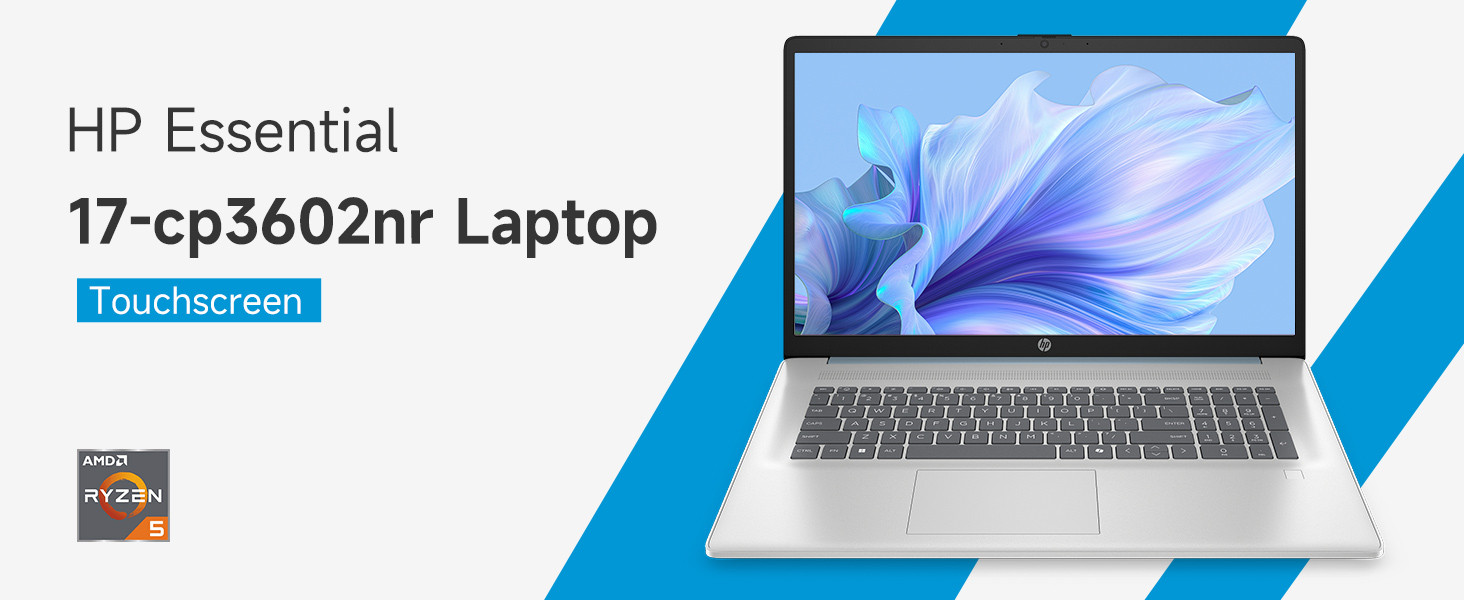
Image: An infographic highlighting key specifications such as the AMD Ryzen 5 processor, Windows 11 Home, storage, and connectivity options.
हमी आणि समर्थन
उत्पादकाची हमी
Your HP laptop is covered by a standard manufacturer's warranty. For specific terms and conditions, please refer to the warranty documentation included with your product or visit the official HP support website. Warranty duration and coverage may vary by region.
तांत्रिक सहाय्य
For technical assistance, driver downloads, or further troubleshooting, please visit the official HP Support webसाइट:
When contacting support, have your laptop's model number (17-cp3602nr) and serial number ready.