
1. परिचय
Thank you for choosing the freeVoice Wave 500 In-Ear Headphones. These wireless earbuds are designed to provide a superior audio experience with advanced features such as Active Noise Cancelling (ANC) and Environmental Noise Cancellation (ENC). With 6 integrated microphones, IPX5 water resistance, and up to 6 hours of playback, the Wave 500 is ideal for various activities, from business calls to sports. This manual provides detailed instructions for setup, operation, and maintenance to ensure optimal performance and longevity of your device.
२. बॉक्समध्ये काय आहे?
The freeVoice Wave 500 package includes the following components:
- freeVoice Wave 500 In-Ear Headphones (Left and Right Earbud)
- चार्जिंग केस
- यूएसबी चार्जिंग केबल
- कानाच्या टोकांचे अनेक आकार (लहान, मध्यम, मोठे)
- वापरकर्ता मॅन्युअल (हा दस्तऐवज)
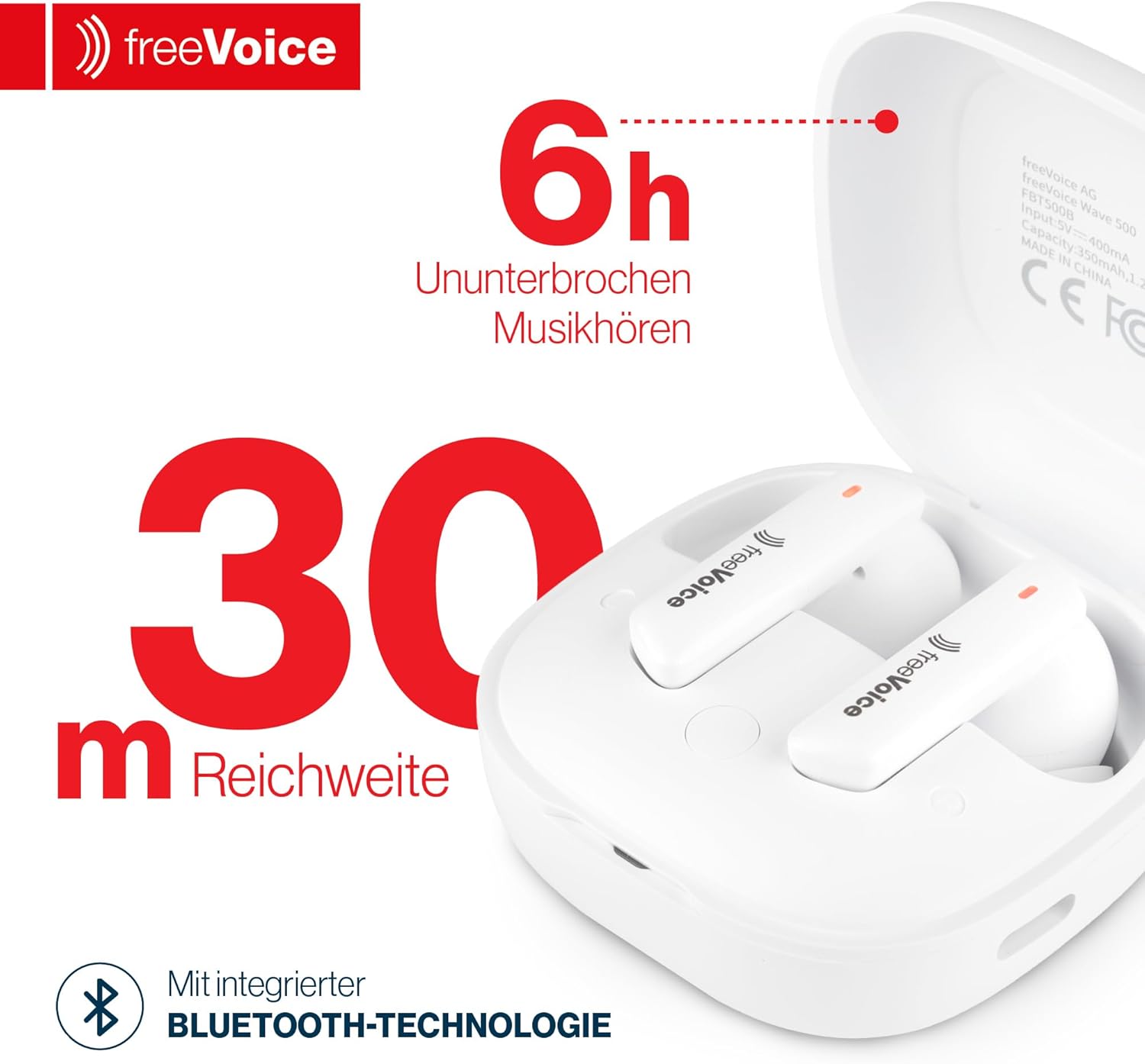
Image: The freeVoice Wave 500 earbuds are shown inside their charging case, alongside a USB charging cable and various sizes of ear tips, illustrating the complete package contents.
3. उत्पादन संपलेview
Familiarize yourself with the main components of your freeVoice Wave 500 headphones.
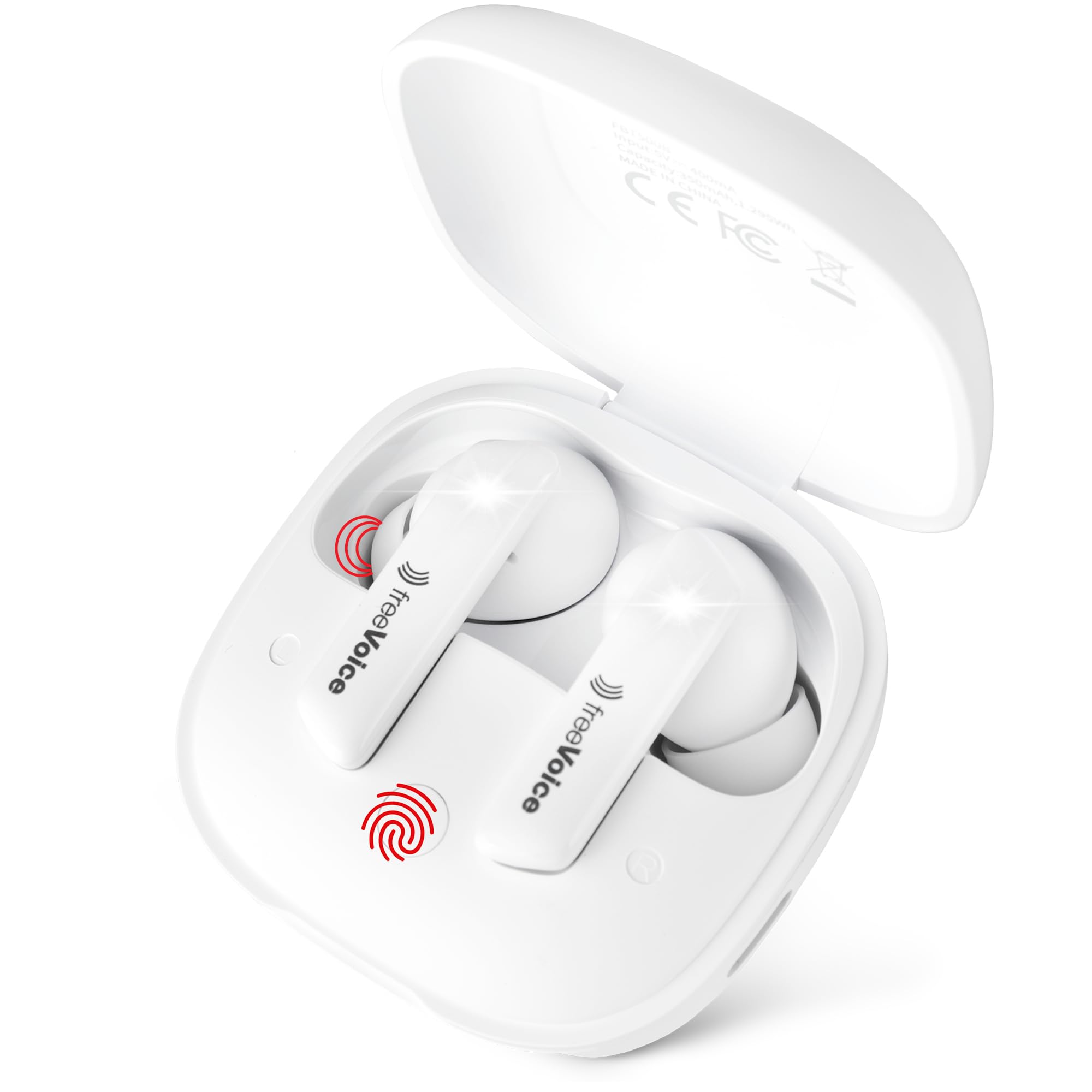
Image: The freeVoice Wave 500 earbuds are securely placed within their open charging case, highlighting their compact design and the charging indicators.

Image: This image displays the freeVoice Wave 500 earbuds in their charging case, emphasizing key features such as 6 hours of uninterrupted music playback and a 30-meter Bluetooth range.
- इअरबड्स: Each earbud features a touch control area, microphone, and charging contacts.
- चार्जिंग केस: Houses and charges the earbuds. It has a USB-C charging port and LED indicators for battery status.
4. सेटअप
४.१. इअरबड्स आणि केस चार्ज करणे
- इअरबड्स चार्जिंग केसमध्ये ठेवा. चार्जिंग कॉन्टॅक्ट्स एका रेषेत असल्याची खात्री करा.
- केसवरील चार्जिंग पोर्टशी आणि पॉवर सोर्सशी (उदा., USB वॉल अॅडॉप्टर, संगणक USB पोर्ट) USB चार्जिंग केबल कनेक्ट करा.
- The LED indicator on the case will show the charging status. A full charge typically takes approximately 1.5-2 hours for the earbuds and 2-3 hours for the case.
- एकदा पूर्ण चार्ज झाल्यावर, चार्जिंग केबल डिस्कनेक्ट करा.

Image: The freeVoice Wave 500 earbuds and their charging case are displayed next to a USB-C charging cable, illustrating the charging components and emphasizing comfort and lightness.
4.2. ब्लूटूथ पेअरिंग
- इयरबड चार्ज झाले आहेत याची खात्री करा.
- Open the charging case. The earbuds will automatically enter pairing mode, indicated by flashing LED lights on the earbuds.
- तुमच्या डिव्हाइसवर (स्मार्टफोन, टॅबलेट, लॅपटॉप), ब्लूटूथ सक्षम करा आणि उपलब्ध डिव्हाइस शोधा.
- Select "freeVoice Wave 500" from the list of found devices.
- एकदा कनेक्ट झाल्यानंतर, इअरबडचे एलईडी फ्लॅश होणे थांबेल आणि तुम्हाला एक पुष्टीकरण टोन ऐकू येईल.
- जर डिव्हाइसवर ब्लूटूथ सक्षम असेल तर केसमधून बाहेर काढल्यानंतर इअरबड्स शेवटच्या जोडलेल्या डिव्हाइसशी आपोआप पुन्हा कनेक्ट होतील.
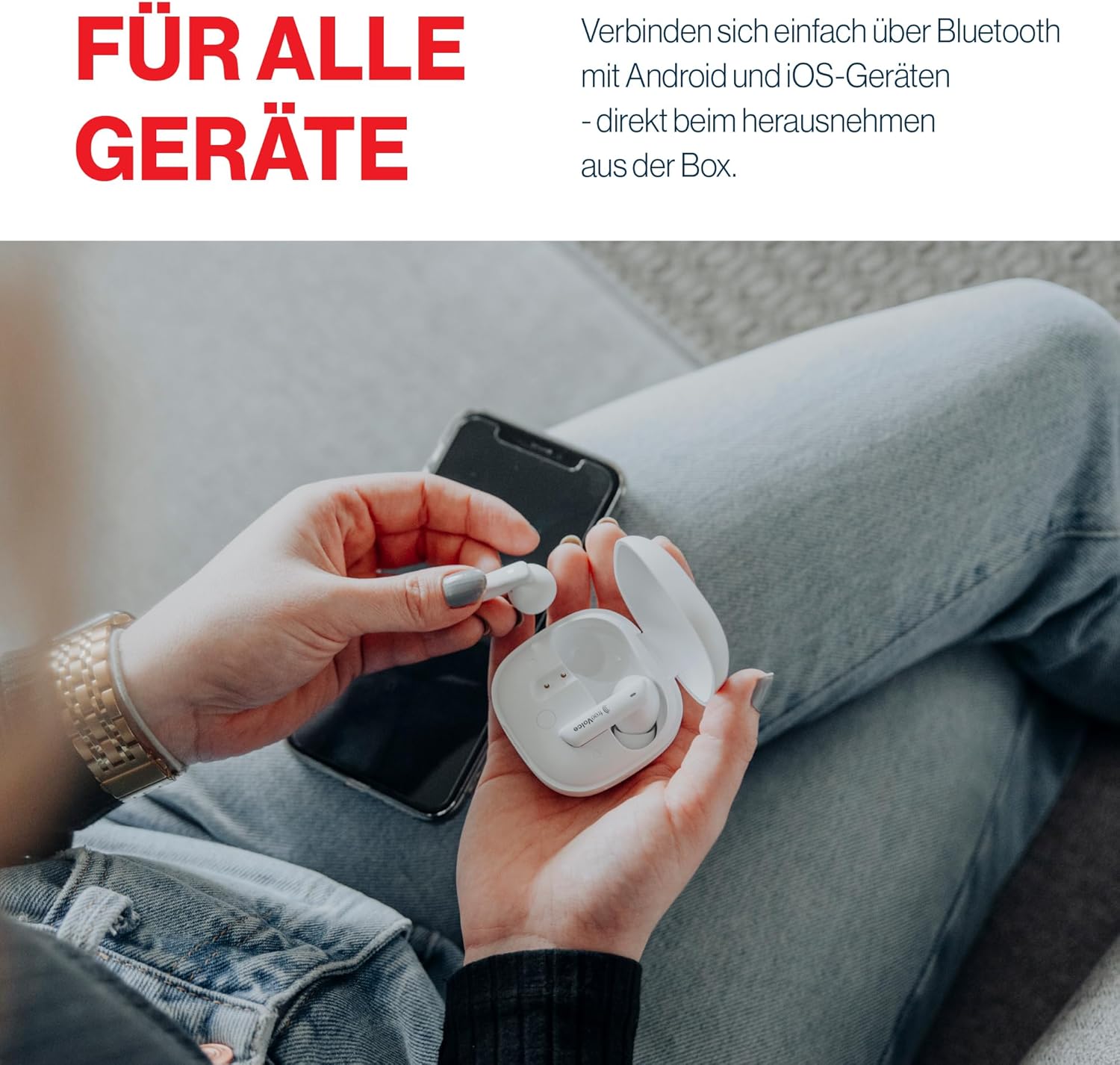
Image: A person is shown holding the freeVoice Wave 500 charging case and an earbud, with a smartphone in the background, demonstrating the process of connecting the earbuds to a device.

Image: This graphic highlights the freeVoice Wave 500 earbuds' compatibility with both Apple and Android devices, ensuring seamless connectivity across different operating systems.
३. इअरबड्स बसवणे
For optimal sound quality and comfort, choose the correct ear tip size and ensure a proper fit.
- Experiment with the different ear tip sizes provided (Small, Medium, Large) to find the best fit for your ears.
- Gently insert the earbud into your ear canal and twist slightly until it feels secure and comfortable.
- A good seal is crucial for effective noise cancellation and bass response.
5. ऑपरेटिंग सूचना
The freeVoice Wave 500 earbuds feature intuitive touch controls. The functions are typically mirrored on both earbuds unless specified.
5.1. पॉवर चालू/बंद
- पॉवर चालू: चार्जिंग केस उघडा किंवा केसमधून इअरबड्स बाहेर काढा. ते आपोआप चालू होतील.
- वीज बंद: इअरबड्स परत चार्जिंग केसमध्ये ठेवा आणि झाकण बंद करा. ते आपोआप बंद होतील.
5.2. संगीत प्लेबॅक
- प्ले/पॉज: दोन्ही इयरबडवर एकदा टॅप करा.
- पुढील ट्रॅक: उजव्या इयरबडवर दोनदा टॅप करा.
- मागील ट्रॅक: डाव्या इयरबडवर दोनदा टॅप करा.
5.3. कॉल व्यवस्थापन
- उत्तर द्या/कॉल संपवा: दोन्ही इयरबडवर एकदा टॅप करा.
- कॉल नाकारणे: दोन्ही इयरबड २ सेकंद दाबा आणि धरून ठेवा.
5.4. Active Noise Cancelling (ANC) / Environmental Noise Cancellation (ENC)
The freeVoice Wave 500 features both ANC for reducing ambient noise and ENC for clear call quality.
- ANC/पारदर्शकता मोड टॉगल करा: Triple tap on either earbud to cycle through ANC On, Transparency Mode, and ANC Off. Transparency Mode allows you to hear your surroundings while listening to audio.
- ENC is automatically active during calls to enhance voice clarity.

Image: A person is shown wearing the freeVoice Wave 500 earbuds, with visual sound waves emanating from the earbuds, representing the active noise cancelling feature for clear, undisturbed audio.

Image: The freeVoice Wave 500 earbuds are shown in their open charging case, accompanied by icons indicating features such as IPX5 water resistance, active noise cancellation, visible battery display, and a minimalist, lightweight design.
5.5. आवाज नियंत्रण
Volume control is managed directly through your connected device (smartphone, tablet, etc.). The earbuds do not feature integrated volume control via touch gestures.
6. देखभाल
७.२. साफसफाई
- इअरबड्स आणि चार्जिंग केस नियमितपणे मऊ, कोरड्या, लिंट-फ्री कापडाने स्वच्छ करा.
- कानाचे टोके काढा आणि सौम्य साबण आणि पाण्याने स्वच्छ करा, नंतर पुन्हा जोडण्यापूर्वी ते पूर्णपणे वाळवा.
- इअरबड्स आणि केस दोन्हीवरील चार्जिंग कॉन्टॅक्ट्स हळूवारपणे स्वच्छ करण्यासाठी कापसाच्या पुसण्याने किंवा लहान, मऊ ब्रशने.
- अपघर्षक साहित्य, अल्कोहोल किंवा रासायनिक क्लीनर वापरणे टाळा.
6.2. स्टोरेज
- वापरात नसताना, इअरबड्स सुरक्षित ठेवण्यासाठी आणि चार्ज ठेवण्यासाठी नेहमी त्यांच्या चार्जिंग केसमध्ये ठेवा.
- उपकरण थंड, कोरड्या जागी, अति तापमान आणि थेट सूर्यप्रकाशापासून दूर ठेवा.
7. समस्या निवारण
| समस्या | संभाव्य कारण | उपाय |
|---|---|---|
| इअरबड्स जोडत नाहीत. | इअरबड्स पेअरिंग मोडमध्ये नाहीत; डिव्हाइसवरील ब्लूटूथ बंद आहे; आधीच दुसऱ्या डिव्हाइसशी पेअर केलेले आहे. | Ensure earbuds are out of the case and in pairing mode. Turn Bluetooth off and on on your device. Forget "freeVoice Wave 500" from your device's Bluetooth list and re-pair. |
| एका इअरबडमधून आवाज येत नाही. | Low battery; earbud not properly connected; earbud malfunction. | Place both earbuds back in the case, close, then reopen to reset. Ensure both earbuds are charged. Check device audio settings. |
| चार्जिंग केस चार्ज होत नाही. | Faulty cable; power source issue; dirty charging port. | वेगळी USB-C केबल आणि पॉवर अॅडॉप्टर वापरून पहा. केसवरील चार्जिंग पोर्ट स्वच्छ करा. |
| ANC not effective. | Improper fit; ANC mode not activated. | Ensure earbuds are properly seated in your ears with a good seal. Triple tap to cycle through ANC modes and ensure ANC is active. |
| स्पर्श नियंत्रणे प्रतिसाद देत नाहीत. | Dirty touch sensor; temporary software glitch. | Clean the touch sensor area on the earbuds. Place earbuds back in the case, close, then reopen to reset. |
8. तपशील
| वैशिष्ट्य | तपशील |
|---|---|
| मॉडेलचे नाव | तरंग 500 |
| मॉडेल क्रमांक | FBT500B |
| कनेक्टिव्हिटी तंत्रज्ञान | ब्लूटूथ वायरलेस |
| आवाज रद्द करणे | Active Noise Cancelling (ANC), Environmental Noise Cancellation (ENC) |
| मायक्रोफोन | 6 (for clear calls) |
| प्लेबॅक वेळ | Up to 6 hours (with ANC activated) |
| पाणी प्रतिकार | IPX5 (splash and light rain resistant) |
| नियंत्रण पद्धत | स्पर्श करा |
| प्रतिबाधा | 25 ओम |
| साहित्य | प्लास्टिक |
| समाविष्ट घटक | इअरबड्स, चार्जिंग केस, यूएसबी केबल, इअर टिप्स, वापरकर्ता मॅन्युअल |
9. हमी आणि समर्थन
The freeVoice Wave 500 In-Ear Headphones come with a २ वर्षांची उत्पादकाची वॉरंटी. ही वॉरंटी सामान्य वापरात असलेल्या साहित्यातील दोष आणि कारागिरीला व्यापते.
For warranty claims, technical support, or further assistance, please contact freeVoice customer support through their official website or the retailer where you purchased the product. Please have your proof of purchase and product model number (FBT500B) ready when contacting support.