
1. Танилцуулга
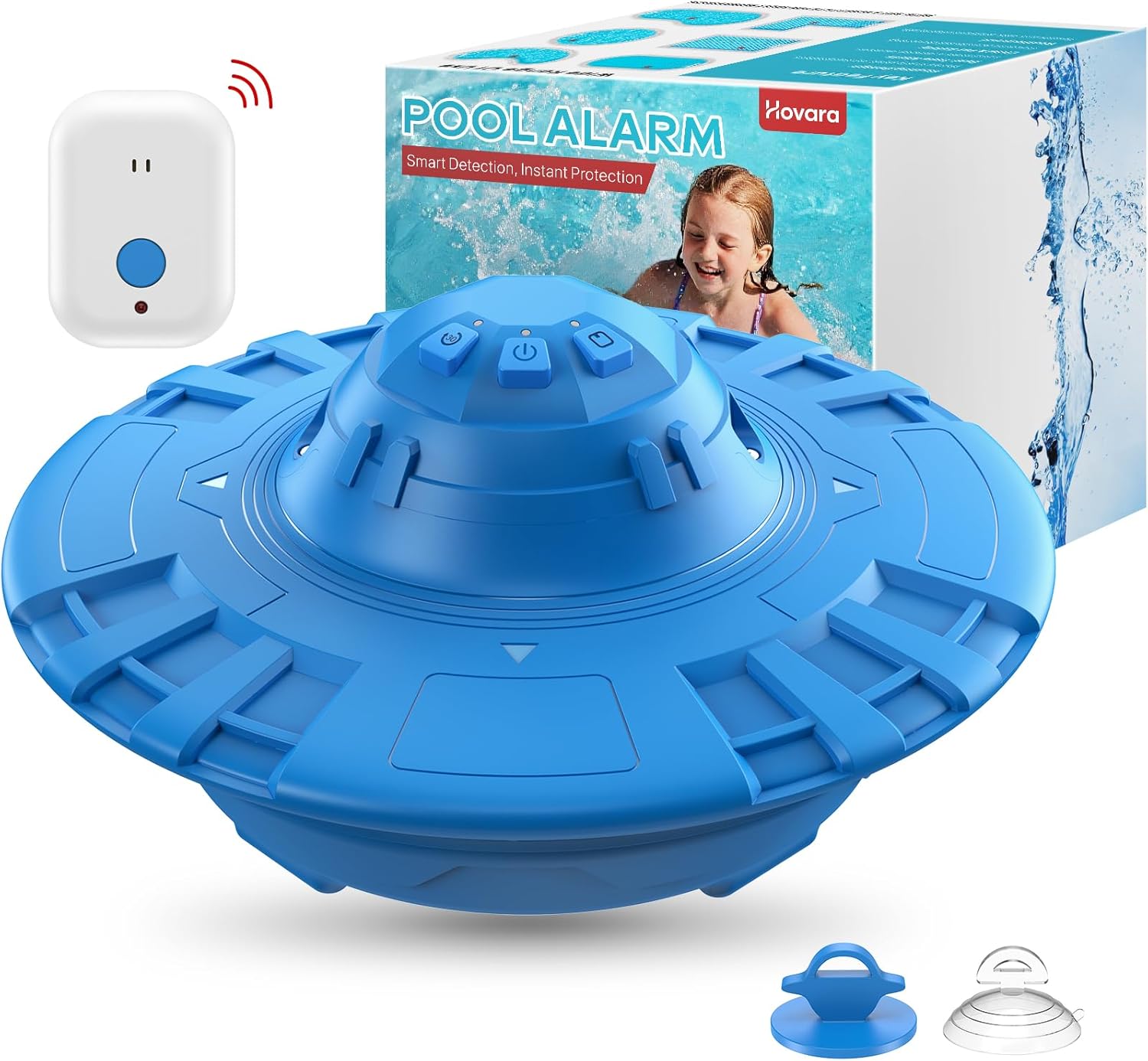
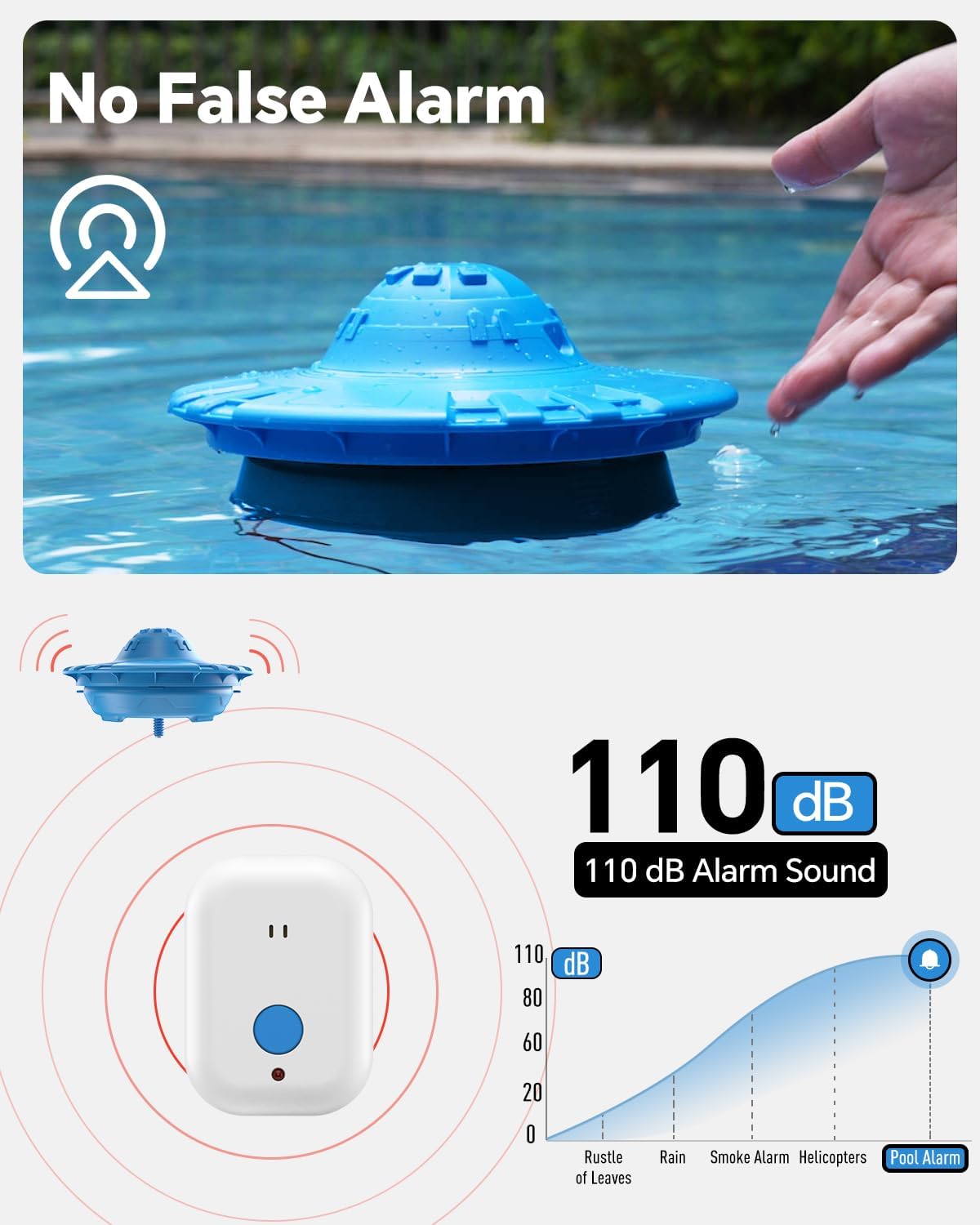
The Hovara PS01 Floating Pool Alarm is designed to enhance pool safety by detecting accidental water entries. It features a loud 110dB alarm and adjustable sensitivity to provide immediate alerts for children and pets. This device is suitable for various pool types, including inground and above-ground pools.
2. Багцын агуулга
Дараах бүх зүйлс таны багцад байгаа эсэхийг шалгаарай.
- Pool Unit (Floating Alarm) x1
- Home Unit (Remote Receiver) x1
- 9V зай x1
- Халив x1
- Наалдамхай дэвсгэр x1
- Сорох аяга x1
- Attachment String x1
- Сэлбэг эрэг x4
- Hooks x2
- Power Adapter x1 (for Home Unit)

3. Тохируулах заавар
3.1. Battery Installation (Pool Unit)
- Using the provided screwdriver, unscrew the battery cover located on the top of the pool unit.
- Insert the 9V battery into the compartment, ensuring correct polarity.
- Securely replace the battery cover and tighten the screws. If a screw is lost, use one of the spare screws provided.

3.2. Pool Unit Placement
- Attach one of the hooks to the designated hole on the side of the pool alarm unit.
- Connect the attachment string to the hook.
- Secure the other end of the attachment string to either the suction cup or the adhesive hook.
- Place the pool unit in the center of the pool for optimal coverage. For larger pools (exceeding 20'x40'), two alarms are recommended.
- Attach the suction cup or adhesive hook to the pool wall, ensuring the pool unit remains in a central position.

3.3. Home Unit Placement
- Plug the Home Unit (remote receiver) into a power outlet indoors, within 200 feet of the pool area (without thick walls in between).
- Use the provided adhesive pad to mount the Home Unit securely to a wall or window frame.
3.4. Анхны хослол
The Pool Unit automatically pairs with the powered Home Unit upon startup. A solid red light on the Home Unit indicates successful pairing and readiness.

4. Ашиглалтын заавар
4.1. Асаах/унтраах
- Асаахын тулд: Press the middle power button on the pool unit once. A green light will illuminate, indicating the unit is active.
- Унтраахын тулд: Press and hold the middle power button for approximately 3 seconds. The light will flash three times, confirming the unit is off.
4.2. Smart Delay Start
To prevent immediate alarms when placing the unit in the pool, utilize the Smart Delay Start feature:
- Press the left button on the pool unit. The light will turn red, indicating a 30-second delay.
- Place the pool unit into the water within this 30-second window. The unit will stabilize, and the alarm system will arm automatically after the delay.

4.3. Swim Mode
To temporarily disable the alarm for swimming or pool maintenance:
- Press the rightmost button (with the pool/diving board icon) on the pool unit. The light will turn green.
- The alarm will remain inactive as long as there is water movement. After 10 minutes of calm water, the system will automatically reactivate.

4.4. Батарей багатай дохиолол
The pool unit will emit a beep every 10 minutes, accompanied by a flashing red light, when the battery level is low. Replace the 9V battery promptly to ensure continuous protection.

5. Мэдрэмжийн тохируулга
The Hovara PS01 Pool Alarm features adjustable sensitivity to minimize false alarms while ensuring reliable detection. The sensitivity can be adjusted using the screw located on the bottom of the pool unit:
- Turn the screw to the зүүн руу буурах мэдрэмж.
- Turn the screw to the зөв руу нэмэгдүүлэх мэдрэмж.
- Test the alarm after adjustment by creating a small disturbance in the water to ensure it triggers appropriately. Adjust as needed to suit your pool's conditions (e.g., wind, filter activity). The alarm is designed to detect objects weighing 15 lbs or more.

6. Засвар үйлчилгээ
- Цэвэрлэгээ: Rinse the sensor monthly to remove chemical buildup. Clean the unit with a soft, damp даавуу.
- Зай солих: Replace the 9V battery when the low-power indicator flashes. Use high-quality alkaline batteries for optimal performance.
- Функцийн туршилт: Periodically test the alarm by dropping a weighted object (15+ lbs) into the pool to verify proper alarm activation.
- Хадгалах: Store the pool unit indoors in its original packaging or a dry place when not in use, especially during winter months when temperatures drop below 14°F (-10°C).

7. Алдаа засах
| Асуудал | Боломжит шалтгаан | Шийдэл |
|---|---|---|
| Pool alarm does not work. | Battery is dead or improperly installed. Home Unit is not powered or out of range. | Replace 9V battery. Ensure Home Unit is plugged in and within 200ft of the pool unit. |
| Усан сангийн дохиолол нь хааяа нэг жиргээний чимээ гаргадаг. | Low battery in the pool unit. | 9V батерейг солино уу. |
| Усан сангийн дохиолол нь хуурамч дохио өгдөг. | Sensitivity is too high for current pool conditions (e.g., wind, filter). | Decrease the sensitivity level using the screw on the bottom of the pool unit. |
8. Техникийн үзүүлэлтүүд
- Загварын дугаар: PS01
- Брэнд: Ховара
- Барааны жин: 2.68 фунт
- Бүтээгдэхүүний хэмжээ: 10.23 x 9.64 x 6.5 инч
- Батерей: 1 x 9V Alkaline battery (included)
- Сэрүүлгийн дууны түвшин: 110дБ
- Утасгүй хүрээ: Up to 200 feet (between pool unit and indoor home unit)
- Усан сангийн хамрах хүрээ: Effectively monitors standard pools up to 20' x 40'. For larger pools, dual alarm installation is recommended.
- Материал: UV-resistant polymer
9. Баталгаат хугацаа ба дэмжлэг
The Hovara PS01 Pool Alarm comes with a standard limited warranty. For warranty claims, technical support, or any inquiries, please contact customer service:
Имэйл: servicehovara@outlook.com
10. Аюулгүй байдлын чухал анхааруулга
NOTE: THIS DEVICE IS NOT A SUBSTITUTE FOR ADULT SUPERVISION.
- Энэ төхөөрөмж нь 3-аас доош насны хүүхдэд амьсгал боогдох аюултай жижиг хэсгүүдийг агуулж болно. Жижиг хэсгүүдийг хүүхдээс хол байлга.
- This device is not a toy. Do not allow children to operate or play with it because children could hurt themselves or others or damage the device.
- Дээр дурьдсан зүйлсээс үл хамааран усан сан руу аажмаар орох тохиолдолд бүтээгдэхүүн нь анхааруулга өгөхгүй байж магадгүйд анхаарлаа хандуулж байна.
- Ensure that the system covers the entire area of the pool and, if necessary, adjust the sensitivity of the system.
- Do not leave objects in the pool when the system is activated, as this may cause false alarms or interfere with proper detection.
- Always watch children/pets near water, even with the alarm activated.
- Test the alarm weekly and before each use to ensure proper function.

11. Official Video Guide
For a visual guide on setting up and operating your Hovara PS01 Pool Alarm, please refer to the official video below: