
1. Танилцуулга
Thank you for choosing the Nikai 85-inch 4K QLED Smart TV, model NIK85MEU4QLED. This manual provides essential information for the safe and efficient use of your new television. Please read it thoroughly before operating the device and retain it for future reference.
This television features a frameless design, 4K QLED display for stunning visuals, and runs on Web OS with built-in Wi-Fi, offering access to various streaming services and smart functionalities.

Image: The Nikai 85-inch 4K QLED Smart TV showcasing a crystal clear 4K image with vibrant colors.
2. Аюулгүй байдлын мэдээлэл
- Эрчим хүчний хангамж: Ensure the TV is connected to a power source matching the voltage specified on the product label (220V AC, 50Hz).
- Агааржуулалт: Агааржуулалтын нүхийг хааж болохгүй. Хэт халалтаас урьдчилан сэргийлэхийн тулд ТВ-ийн эргэн тойронд зохих агаарын урсгалыг хангахад хангалттай зай гарга.
- Ус ба чийг: Do not expose the TV to rain, moisture, or place objects filled with liquids on or near the TV.
- Цэвэрлэгээ: Цэвэрлэхийн өмнө ТВ-ээ салга. Зөөлөн, хуурай даавуу хэрэглээрэй. Шингэн цэвэрлэгч, аэрозол цэвэрлэгч хэрэглэж болохгүй.
- Байршил: Place the TV on a stable, level surface or mount it securely to a wall. Keep it away from direct sunlight, heat sources, and strong magnetic fields.
- Хүүхдүүд: Хүүхдийг зурагт дээр авирч, алсын удирдлагаар тоглохоос сэргийлж, хяналт тавина.
- Үйлчилгээ: Энэ бүтээгдэхүүнд өөрөө үйлчлэх гэж бүү оролдоорой. Бүх засвар үйлчилгээг мэргэшсэн үйлчилгээний ажилтнуудад хандаарай.
3. Багцын агуулга
Бүх зүйл багцад байгаа эсэхийг шалгана уу:
- Nikai 85-inch 4K QLED Smart TV Unit
- Стандарт алсын удирдлага
- Шидэт алсын удирдлага
- Цахилгаан кабель
- Хэрэглэгчийн гарын авлага (энэ баримт бичиг)
- ТВ тавиурын бүрэлдэхүүн хэсэг (хэрэв байгаа бол)
- Зурагтын суурьны эрэг (хэрэв байгаа бол)
4. Тохиргоо
4.1 Савлах
Зурагтыг савлагаанаас нь болгоомжтой салга. Зурагтын хэмжээ, жингээс шалтгаалан энэ үйл явцад хоёр хүн оролцохыг зөвлөж байна.
4.2 Тавиур суурилуулах (заавал биш)
If you plan to place the TV on a tabletop, attach the stand according to the instructions provided with the stand components. Ensure all screws are tightened securely.
4.3 Хананд суурилуулах (заавал биш)
If you plan to wall-mount the TV, use a VESA-compatible wall mount (VESA standard: 75 x 100 mm). Consult a professional for wall mounting to ensure safety and proper installation. Note: The VESA standard provided (75x100mm) is unusually small for an 85-inch TV. Please verify the correct VESA pattern with your wall mount manufacturer or the TV's physical specifications before installation.
4.4 Цахилгааныг холбох
Plug the power cable into the TV's power input, then into a wall outlet. Do not power on the TV yet.
4.5 Гадаад төхөөрөмжүүдийг холбох
Connect your external devices (e.g., cable box, Blu-ray player, gaming console) to the TV's input ports:
- HDMI портууд (нийт 3): Өндөр нягтралтай аудио болон видео төхөөрөмжүүдэд зориулагдсан.
- USB Ports (3 total, 2 are USB 3.0): For USB storage devices or other compatible peripherals.
- Ethernet порт: Утастай интернет холболтын хувьд.
- Оптик дижитал аудио гаралт: Гадаад аудио системд холбогдоход зориулагдсан.
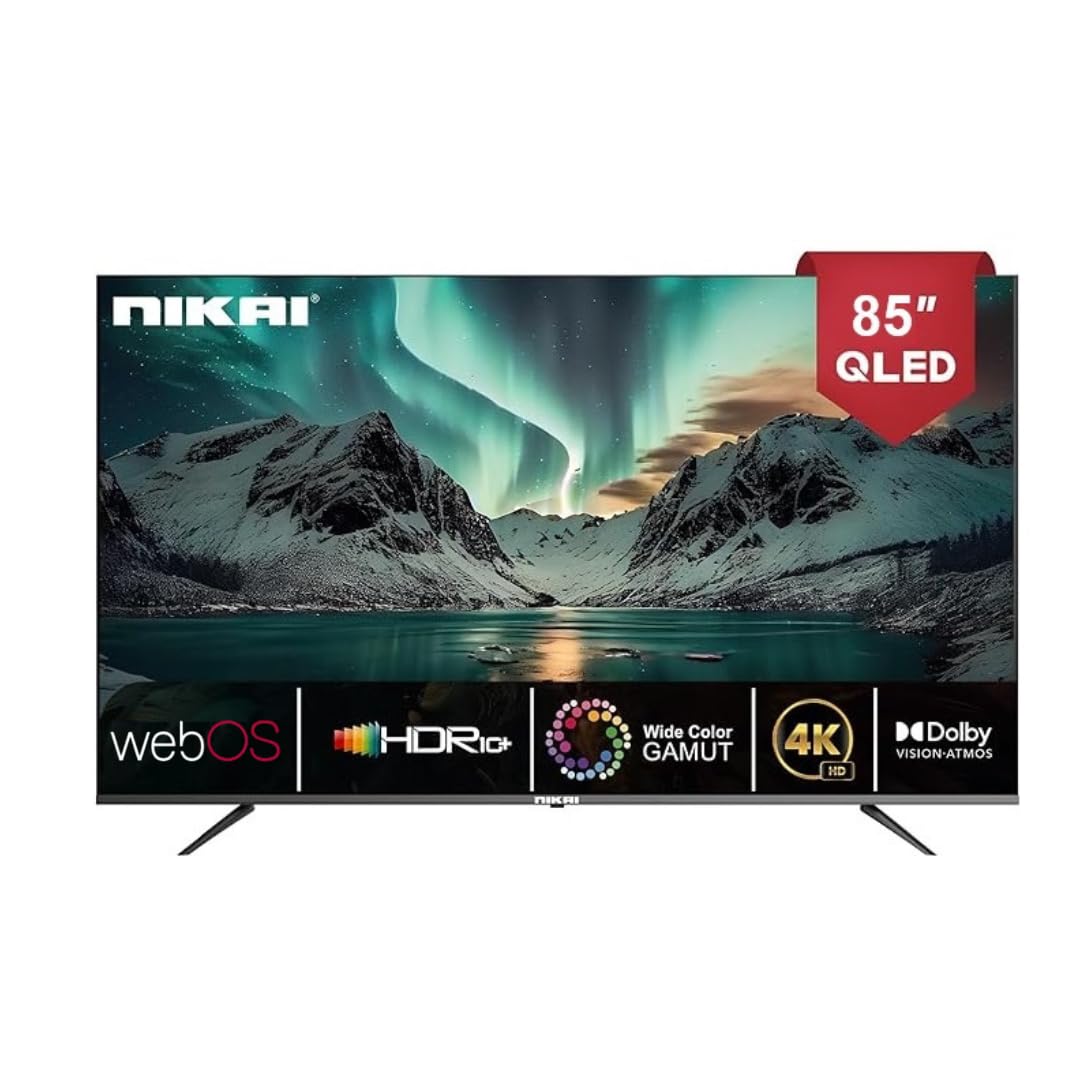
Image: The back of the Nikai 85-inch 4K QLED Smart TV, illustrating connection points for various devices.
4.6 Анх асаах болон анх удаа тохируулах
After connecting all necessary cables, plug the TV into the power outlet and press the power button on the TV or remote control. Follow the on-screen instructions for initial setup, which typically includes language selection, network connection, and channel scanning.
5. Ашиглалтын заавар
5.1 Алсын удирдлагын функцууд
Your TV comes with two remote controls. The Magic Remote offers advanced features:

Image: A detailed diagram of the Magic Remote, highlighting its key functions such as Air Mouse, Voice Control, and Quick Access buttons.
- Цахилгаан товч: ТВ-г асаах эсвэл унтраана.
- Тоон товчлуурууд: Шууд суваг сонгоход зориулагдсан.
- Дууны хэмжээг нэмэгдүүлэх/доошруулах: Дууны түвшинг тохируулна.
- Суваг дээш/доошоо: Телевизийн сувгийг өөрчилдөг.
- Оролт/эх сурвалж: Selects the input source (HDMI, USB, etc.).
- Navigation Buttons (Arrow Keys, OK/Enter): Цэсийн навигацийн хувьд.
- Magic Remote Specifics:
- Агаарын хулгана: Use air gestures for convenient control.
- Бүх нийтийн хяналт: Control your set-top box, speakers, and satellite TV.
- Дуут удирдлага: Command your remote to find desired content.
- Гүйлгэх дугуй: Use to scroll vertically and horizontally, and adjust zoom level.
- Түргэн нэвтрэх товчлуурууд: Netflix болон Prime Video зэрэг алдартай стриминг үйлчилгээнд зориулсан тусгай товчлуурууд.
5.2 ТВ-ийн үндсэн функцууд
- Асаах/унтраах: Алсын удирдлага эсвэл ТВ дээрх асаах товчийг дарна уу.
- Оролтын эх үүсвэрийг сонгох: Press the 'Input' or 'Source' button on the remote and select the desired input (e.g., HDMI 1, USB).
- Зургийн тохиргоог тохируулах: Navigate to the TV's settings menu to adjust brightness, contrast, color, and picture modes.
- Дууны тохиргоог тохируулах: Access the sound settings to modify bass, treble, balance, and select sound modes. This TV supports Dolby Atmos for immersive audio.

Image: A family enjoying content on the Nikai 85-inch 4K QLED Smart TV, highlighting the Dolby Audio feature for rich sound.
6. Ухаалаг онцлог ба холболт
6.1 Web OS Interface
Your TV operates on Web OS, providing an intuitive and user-friendly interface for accessing apps, settings, and content.
6.2 Сүлжээний холболт
- Wi-Fi: Navigate to Network Settings to connect to your home Wi-Fi network.
- Ethernet: Connect an Ethernet cable from your router to the TV's Ethernet port for a stable wired connection.
6.3 Streaming Services and Apps
Access a variety of pre-installed and officially licensed streaming applications directly from your TV, including:
- Netflix
- YouTube-ийн
- Ерөнхий видео
- Apple TV
- Disney+
- StarzPlay Arabia
- OSN Stream
- MBC Shahid
- Виу
- Sony Liv
- HBO Макс
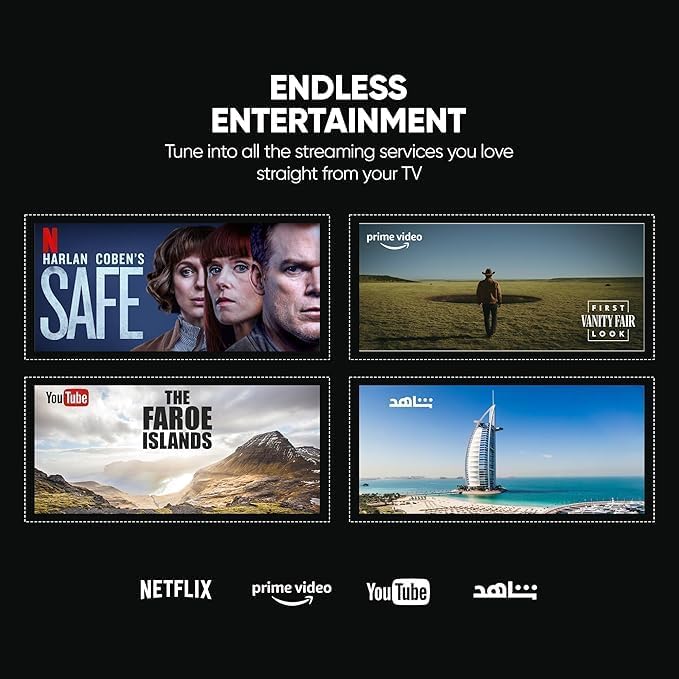
Image: The Nikai Smart TV displaying various streaming service interfaces, demonstrating its entertainment capabilities.
6.4 Дэлгэц толин тусгал
Share content from your mobile devices to the TV using:
- AirPlay: Apple-ийн төхөөрөмжүүдийн хувьд.
- Миракаст: For compatible Android devices.
6.5 Voice Control and AI Features
Utilize voice commands for easy control and content search through integrated AI features. The TV supports Google Assistant, Amazon Alexa, and Apple AirPlay for smart home integration.

Image: The Nikai Smart TV demonstrating ThinQ AI and voice control capabilities, compatible with various smart home ecosystems.
7. Засвар үйлчилгээ
- Дэлгэц цэвэрлэх: Зөөлөн, хөвөнгүй даавуугаар дэлгэцийг зөөлөн арчина. Зөрүүд тэмдгийн хувьд бага зэрэг dampдаавууг усаар эсвэл тусгай дэлгэц цэвэрлэгчээр арчина (дэлгэц рүү шууд цацаж болохгүй).
- Зурагтын их бие цэвэрлэх: Use a soft, dry cloth to clean the TV's frame and back panel.
- Програм хангамжийн шинэчлэлтүүд: Periodically check for and install software updates via the TV's settings menu to ensure optimal performance and access to new features.
- Хадгалах менежмент: The TV has 16GB of internal storage (ROM). Manage installed apps and media to ensure sufficient space for smooth operation.
8. Алдаа засах
Хэрэв танд ТВ-тэй холбоотой асуудал тулгарвал дараах нийтлэг асуудал, шийдлүүдийг үзнэ үү.
| Асуудал | Боломжит шалтгаан | Шийдэл |
|---|---|---|
| Хүч чадалгүй | Цахилгааны кабель салсан, цахилгаан гаралтын асуудал. | Цахилгааны кабелийн холболтыг шалгана уу. Өөр залгуураар оролдоно уу. |
| Зураг байхгүй ч дуу чимээ байна | Incorrect input source selected, faulty HDMI cable. | Verify input source. Check/replace HDMI cable. |
| Дуу байхгүй ч зураг байна | Volume muted or too low, external audio system issue. | Unmute volume, increase volume. Check external audio connections. |
| Алсын удирдлага ажиллахгүй байна | Batteries depleted, obstruction, remote not paired. | Replace batteries. Remove obstructions. Re-pair Magic Remote if necessary. |
| Сүлжээний холболтын асуудлууд | Wi-Fi дохио сул, нууц үг буруу, чиглүүлэгчийн асуудал. | Check Wi-Fi signal strength. Re-enter password. Restart router. Try wired Ethernet connection. |
| Apps Not Loading/Crashing | Insufficient memory, app error, outdated software. | Close other apps. Clear app cache. Update TV software. Reinstall app. |
If the problem persists after trying these solutions, contact customer support.
9. Техникийн үзүүлэлтүүд
| Онцлог | Тодорхойлолт |
|---|---|
| Загварын нэр | NIK85MEU4QLED |
| Дэлгэцийн хэмжээ | 85 инч |
| Дэлгэцийн технологи | QLED |
| Шийдвэр | 4K (3840 x 2160) |
| Сэргээх хурд | 60 Гц |
| Үйлдлийн систем | Web OS |
| RAM | 2 ГБ |
| Дотоод санах ой (ROM) | 16 ГБ |
| HDR дэмжлэг | HDR10, HDR10+, Dolby Vision Atmos |
| Хөдөлгөөний сайжруулалт | MEMC (Motion Estimation, Motion Compensation) |
| Аудио гаралт | 2.1 Channel, Dolby Atmos |
| Холболт | Wi-Fi, Bluetooth, Ethernet |
| Оролтын портууд | 3 x HDMI, 3 x USB (2 x USB 3.0), Ethernet, Optical Audio |
| Дэлгэц толин тусгал | AirPlay, Miracast |
| Дуут удирдлага | Google Assistant, Amazon Alexa, Apple AirPlay |
| Бүтээгдэхүүний хэмжээ (W x H x D) | 189 cm x 114 cm x 15 cm (approximate, based on 15D x 189W x 114H cm) |
| Зүйлийн жин | 35 кг |
| Эрчим хүчний хангамж | 220V AC, 50Гц |
| VESA холбох стандарт | 75 x 100 mm (Please verify with wall mount manufacturer) |
10. Баталгаат хугацаа ба дэмжлэг
10.1 Баталгаат хугацааны мэдээлэл
This Nikai 85-inch 4K QLED Smart TV comes with a two-year agent warranty. Please retain your proof of purchase for warranty claims. The warranty covers manufacturing defects under normal use conditions. It does not cover damage caused by misuse, accidents, unauthorized repairs, or natural disasters.
10.2 Хэрэглэгчийн дэмжлэг
For technical assistance, troubleshooting beyond this manual, or warranty service, please contact your local Nikai authorized service center or the retailer where you purchased the product. Refer to your warranty card or Nikai's official webтодорхой холбоо барих мэдээллийг авах сайт.