
1. Танилцуулга
The PluvoFan Neck Fan K019 is a portable cooling device designed for personal comfort. It features a thermoelectric cooling plate, multiple fan speeds, and a rechargeable battery, providing effective cooling for various outdoor and indoor activities.
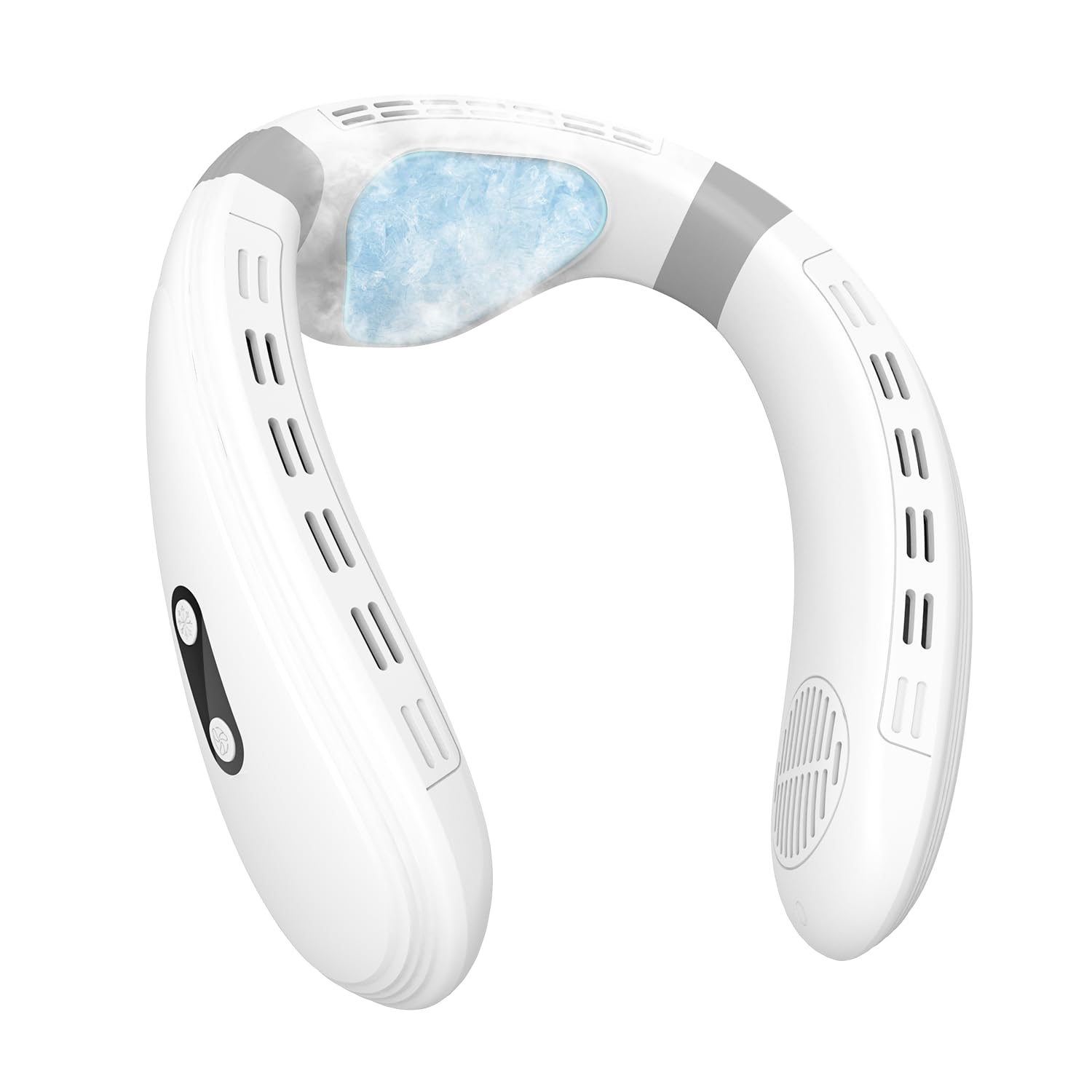
Image: The PluvoFan Neck Fan K019 in white, showcasing түүний эргономик дизайн.
2. Аюулгүй байдлын мэдээлэл
- Төхөөрөмжийг ус болон бусад шингэнд дүрж болохгүй.
- Хүүхдийн гар хүрэхгүй газар хадгална.
- Avoid blocking the air intake or exhaust vents during operation.
- Хэрэв төхөөрөмж гэмтсэн бол бүү ашигла.
- Limit cooling plate use at 59°F to approximately 10 minutes for optimal comfort.
- Use only the provided charging cable. iPhone's USB-C charger cable is unsupported due to connector short.
3. Багцын агуулга
The PluvoFan Neck Fan K019 package includes:
- PluvoFan Neck Fan K019
- Цэнэглэх кабель
- Зааварчилгааны гарын авлага

Image: The PluvoFan Neck Fan K019 (dark blue variant) shown in its retail packaging.
4. Бүтээгдэхүүний онцлог
- Max Enhanced Cooling Plate: Features a large semiconductor cooling area and three 4500r/min motors for up to 59°F cooling temperature and forceful airflow.
- Thermoelectric Cooling Unit: Utilizes the Peltier effect for rapid temperature drops, offering refreshing cool sensations at 77°F, 68°F, or 59°F on the neck.
- Хүчтэй агаарын урсгал: Equipped with a back fan and 360° airflow for comprehensive cooling.
- 6000mAh Том багтаамжтай батерей: Provides long-lasting comfort with extended use time.
- Ухаалаг дижитал дэлгэц: Allows checking battery level and current settings.
- Гурван хурдны тохиргоо: Adjustable fan speeds (15dB, 20dB, 25dB) for various scenarios.
- Anti-Misoperation Function: Requires a 3-second press to power on and a separate button for cooling activation.
- S2 Energy-Saving Mode: Double-click the cooling button to activate, cycling cooling plate operation (20 seconds on, 10 seconds off).
- Premium & Durable Design: Crafted from high-quality, recyclable, eco-friendly materials.
- Fashionable & Comfortable: Dual flexible silicone pads ensure a secure and lightweight fit.

Image: The white PluvoFan Neck Fan K019 highlighting its flexible design and the large cooling plate area.

Image: The white PluvoFan Neck Fan K019 illustrating its 3D surround cooling with multiple fan outlets.
5. Тохиргоо
5.1 Төхөөрөмжийг цэнэглэх
Before first use, fully charge your PluvoFan Neck Fan. Connect the provided USB charging cable to the charging port located on the device and to a compatible USB power source. The digital display will show the battery level during charging.

Image: The white PluvoFan Neck Fan K019 with a USB-C charging cable connected, indicating its long battery life.
5.2 Wearing the Neck Fan
Gently spread the flexible arms of the neck fan and place it around your neck. Ensure the cooling plate at the back rests comfortably against your skin and the fan vents are positioned to direct airflow towards your face and neck. The flexible design allows for a secure and comfortable fit.

Image: A person wearing the PluvoFan Neck Fan K019 (dark blue variant), demonstrating its comfortable fit around the neck.
6. Ашиглалтын заавар
6.1 Powering On/Off and Fan Speed Adjustment
To power on the device, press and hold the power button (labeled "F") for 3 seconds. The digital display will illuminate, showing the current fan speed. Press the "F" button repeatedly to cycle through the three fan speeds (F1, F2, F3). To power off, press and hold the "F" button for 3 seconds.
6.2 Activating and Adjusting the Cooling Plate
After turning on the fan, press the cooling button (labeled with a snowflake icon) to activate the thermoelectric cooling plate. The display will show the cooling level (C1, C2, C3). Press the cooling button repeatedly to cycle through the three cooling levels. To deactivate the cooling plate, press and hold the cooling button.
6.3 Energy-Saving Mode (S2)
To enter S2 energy-saving mode for the cooling plate, double-click the cooling button. In this mode, the cooling plate will operate for 20 seconds and then pause for 10 seconds, repeating this cycle continuously to conserve battery life while maintaining a cooling effect.
6.4 Батерейны түвшинг шалгах
To display the current battery level, double-press the "F" (fan) button while the device is on.