
Танилцуулга
This manual provides comprehensive instructions for the safe and efficient operation of your AudioBox ABX-650R Portable Karaoke Bluetooth Speaker. Please read this manual thoroughly before using the device and retain it for future reference.
Аюулгүй байдлын мэдээлэл
- Чанга яригчийг ус, чийгэнд бүү тавь.
- Чанга яригчийг дулааны эх үүсвэрийн ойролцоо эсвэл нарны шууд тусгалд байрлуулахаас зайлсхий.
- Төхөөрөмжийг өөрөө задлах эсвэл засах гэж бүү оролдоорой. Мэргэшсэн үйлчилгээний ажилтантай холбогдоно уу.
- Зөвхөн заасан цэнэглэгч дагалдах хэрэгслийг ашиглана уу.
- Хүүхдийн гар хүрэхгүй газар хадгална.
Багцын агуулга
Бүх зүйл багцад байгаа эсэхийг шалгана уу:
- AudioBox ABX-650R Portable Karaoke Bluetooth Speaker
- Утастай микрофон
- Цэнэглэх кабель
- Хэрэглэгчийн гарын авлага (энэ баримт бичиг)

Image: AudioBox ABX-650R speaker shown with its included wired microphone.
Бүтээгдэхүүн дууссанview
The AudioBox ABX-650R is a compact and portable speaker designed for various audio applications, including karaoke and music playback. It features a 6.5-inch woofer, multi-color LED lights, and multiple connectivity options.

Зураг: Урд view of the AudioBox ABX-650R speaker, emphasizing its 6.5-inch woofer and 7-color sound-activated LED lights.
Гол онцлогууд:
- WaveSync Technology: For seamless Bluetooth connectivity.
- Динамик LED гэрэл: 7-color woofer lights that sync with music.
- Зөөврийн дизайн: Lightweight with an integrated grab handle.
- Баригдсан утас эзэмшигч: Таны ухаалаг гар утсыг найдвартай барина.
- Олон оролт: Bluetooth, AUX, USB, FM Radio, Microphone.

Image: A hand demonstrating the comfortable grab handle on the AudioBox ABX-650R speaker, highlighting its portability.
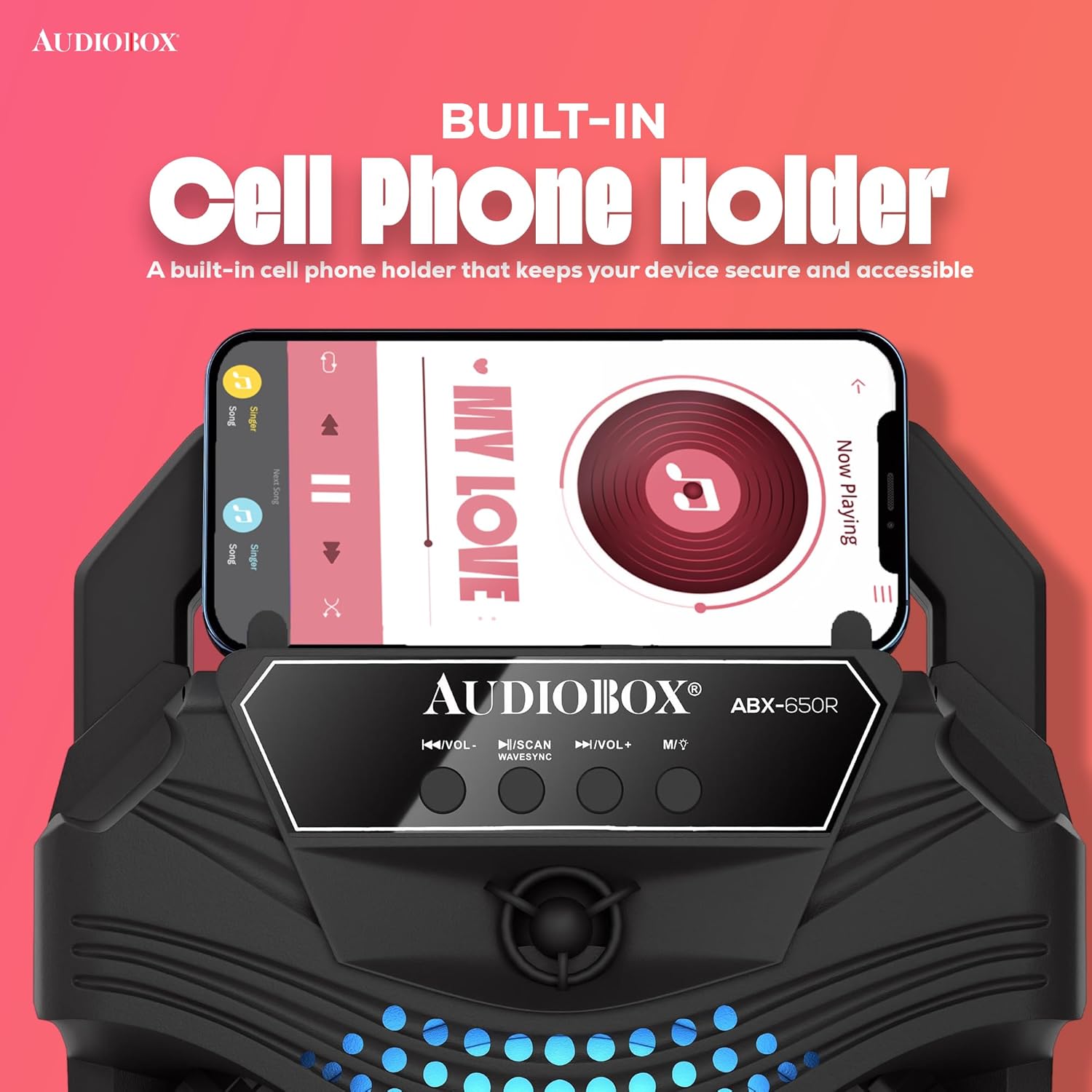
Image: Close-up of the AudioBox ABX-650R speaker showing a smartphone securely placed in its integrated cell phone holder.
Тохиргоо
1. Илтгэгчийг цэнэглэх
- Чанга яригч дээрх цэнэглэгч портыг олоорой.
- Connect the provided charging cable to the speaker and a suitable power source (e.g., USB wall adapter, computer USB port).
- The charging indicator light will illuminate. Allow sufficient time for a full charge before first use.
2. Утастай микрофоныг холбох
- Locate the 1/4-inch microphone input jack on the speaker.
- Insert the plug of the wired microphone firmly into the microphone input jack.
- Ensure the microphone's ON/OFF switch is in the "ON" position when in use.
Ашиглалтын заавар
1. Асаах/унтраах
Press and hold the power button (usually labeled with a power symbol) for a few seconds to turn the speaker ON or OFF.
2. Холболтын сонголтууд

Image: Diagram illustrating the various connectivity options of the AudioBox ABX-650R speaker, including AUX, Bluetooth, FM Radio, and USB input.
Bluetooth Pairing (WaveSync Technology)
- Чанга яригчийг асаана уу. Энэ нь анивчсан LED-ээр автоматаар Bluetooth хослох горимд орох болно.
- Төхөөрөмж дээрээ (ухаалаг утас, таблет гэх мэт) Bluetooth-ийг идэвхжүүлж, боломжтой төхөөрөмжүүдийг хайж олоорой.
- Select "AudioBox ABX-650R" from the list.
- Хослуулсны дараа чанга яригч баталгаажуулах дуу гаргах бөгөөд LED индикатор анивчихаа болино.
AUX оролт
- Аудио эх үүсвэрээсээ 3.5 мм-ийн аудио кабелийг (дагалдахгүй) чанга яригчийн AUX оролтын порт руу холбоно уу.
- The speaker will automatically switch to AUX mode, or you may need to press the "Mode" button to select AUX.
USB тоглуулах
- MP3 аудио агуулсан USB флаш дискийг оруулна уу fileUSB порт руу оруулна.
- The speaker will automatically detect the USB drive and begin playing music, or you may need to press the "Mode" button to select USB.
FM радио
- Press the "Mode" button to switch to FM Radio mode.
- Press the "Scan" button (often combined with Play/Pause) to automatically scan and save available FM stations.
- Use the "Previous/Next Track" buttons to navigate between saved stations.
3. Microphone Usage (Karaoke)
With the wired microphone connected and the speaker powered on:
- Adjust the microphone volume using the dedicated "Mic Vol" knob or buttons on the speaker.
- Speak or sing into the microphone. Ensure the microphone is switched ON.
- For optimal sound, hold the microphone close to your mouth.

Image: Children enjoying a karaoke session with the AudioBox ABX-650R speaker and wired microphone.
4. LED гэрэл
The speaker features dynamic 7-color LED lights that respond to the music. These lights automatically activate when the speaker is on. There may be a dedicated button (often labeled "LED" or "Light") to cycle through light modes or turn them off, if available on your specific unit.
Засвар үйлчилгээ
Цэвэрлэгээ
- Цэвэрлэхийн өмнө чанга яригчийг үргэлж унтрааж, салга.
- Гаднах гадаргууг зөөлөн, хуурай даавуугаар арчина.
- Шингэн цэвэрлэгч, аэрозоль эсвэл уусгагч хэрэглэж болохгүй.
Батерейны арчилгаа
- Зайны ашиглалтын хугацааг уртасгахын тулд зайгаа ойр ойрхон бүрэн цэнэггүй болгохоос зайлсхий.
- Recharge the speaker regularly, even if not in use, to maintain battery health.
- Чанга яригчийг удаан хугацаагаар ашиглаагүй бол сэрүүн, хуурай газар хадгална уу.
Алдааг олж засварлах
| Асуудал | Шийдэл |
|---|---|
| Чанга яригч асахгүй байна. | Батерей цэнэглэгдсэн эсэхийг шалгана уу. Цэнэглэгчийн кабелийг ашиглан чанга яригчийг тэжээлийн эх үүсвэрт холбоно уу. |
| Bluetooth-ээр холбох боломжгүй. | Make sure the speaker is in Bluetooth mode. Turn off and on your device's Bluetooth. Move the speaker closer to your device. |
| Микрофоноос дуу гарахгүй. | Check if the microphone is securely plugged into the 1/4-inch jack. Ensure the microphone's ON/OFF switch is in the "ON" position. Adjust the "Mic Vol" control. |
| Дууны гажуудал эсвэл бага дуу чимээ. | Adjust the master volume on the speaker and your connected device. Ensure audio cables (if using AUX) are fully inserted and not damaged. |
| USB тоглуулах ажиллахгүй байна. | Ensure the USB drive contains compatible MP3 files. Try reformatting the USB drive to FAT32 if issues persist. |
Үзүүлэлтүүд
| Онцлог | Дэлгэрэнгүй |
|---|---|
| Загварын дугаар | ABX-650R |
| Брэнд | Аудио хайрцаг |
| Холболтын технологи | Bluetooth |
| Woofer Хэмжээ | 6.5 инч |
| Гаралтын ватtage | 1000 Watts (Music Power) |
| Батерей | 800mAh 3.7V Lithium-Ion |
| Аудио оролт | 1/4 Microphone Jack, Aux |
| Зүйлийн жин | 1 кг |
| Баригдсан медиа | Микрофон |
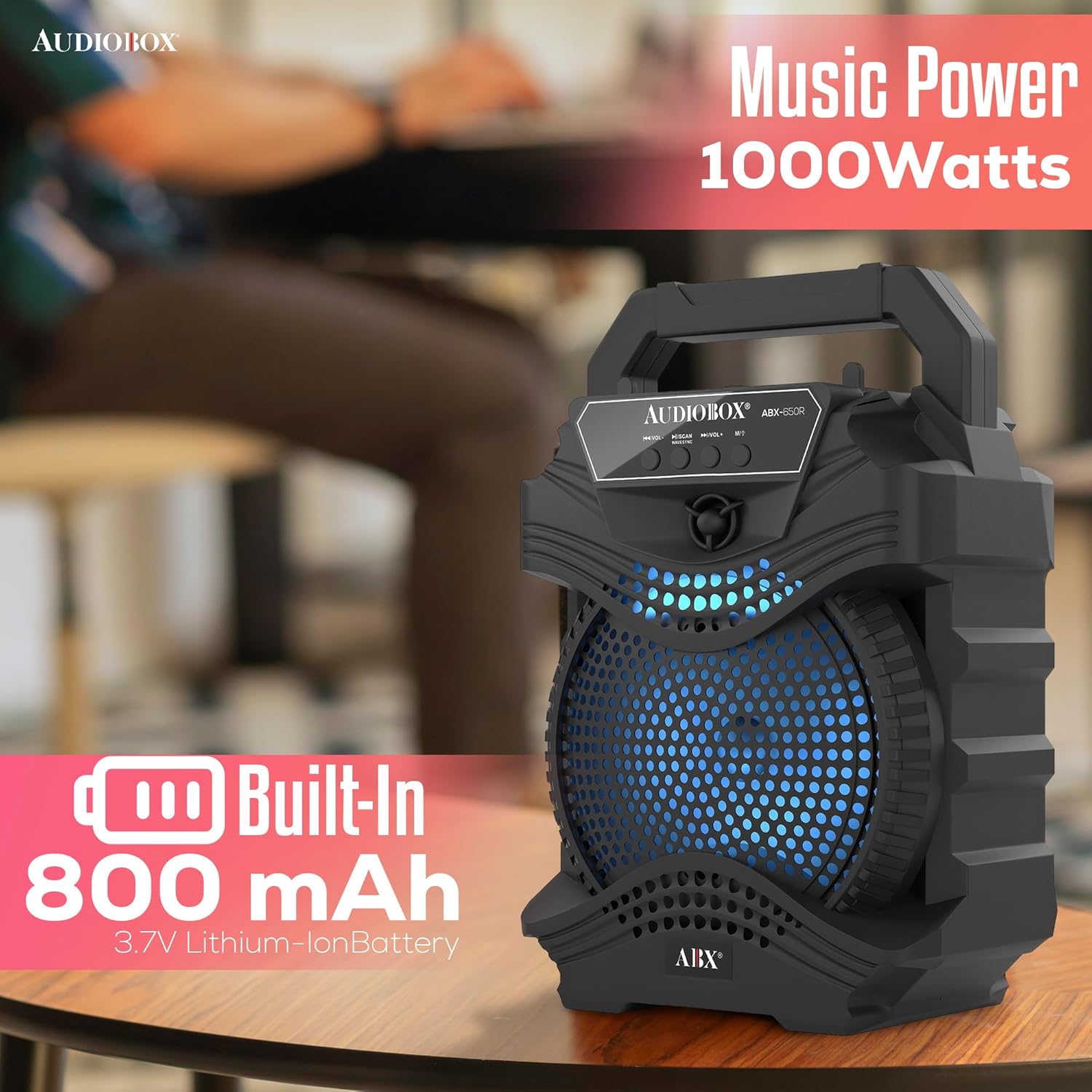
Image: Visual representation of the AudioBox ABX-650R speaker's 1000 Watts music power output and 800 mAh built-in Lithium-Ion battery.
Баталгаат болон дэмжлэг
For warranty information or technical support, please contact the seller directly. Refer to your purchase documentation for seller contact details.