
1. Вовед
This manual provides detailed instructions for the installation, operation, and maintenance of your FEISIKE WiFi Solar Backup Camera, Model ADC730. This wireless rear view camera is designed to enhance visibility for various vehicles, including trucks, RVs, trailers, and campers, by transmitting a live 1080P HD video feed directly to your smartphone.
2. Поставување
2.1 Содржина на пакетот
- FEISIKE WiFi Solar Backup Camera (Model ADC730)
- Кабел за полнење (тип-C)
- Упатство за употреба
2.2 Магнетна инсталација
The camera features a strong built-in magnetic base for tool-free installation. No drilling or wiring is required. Simply attach the camera to any suitable metal surface on your vehicle. This design allows for easy repositioning or transfer between vehicles.
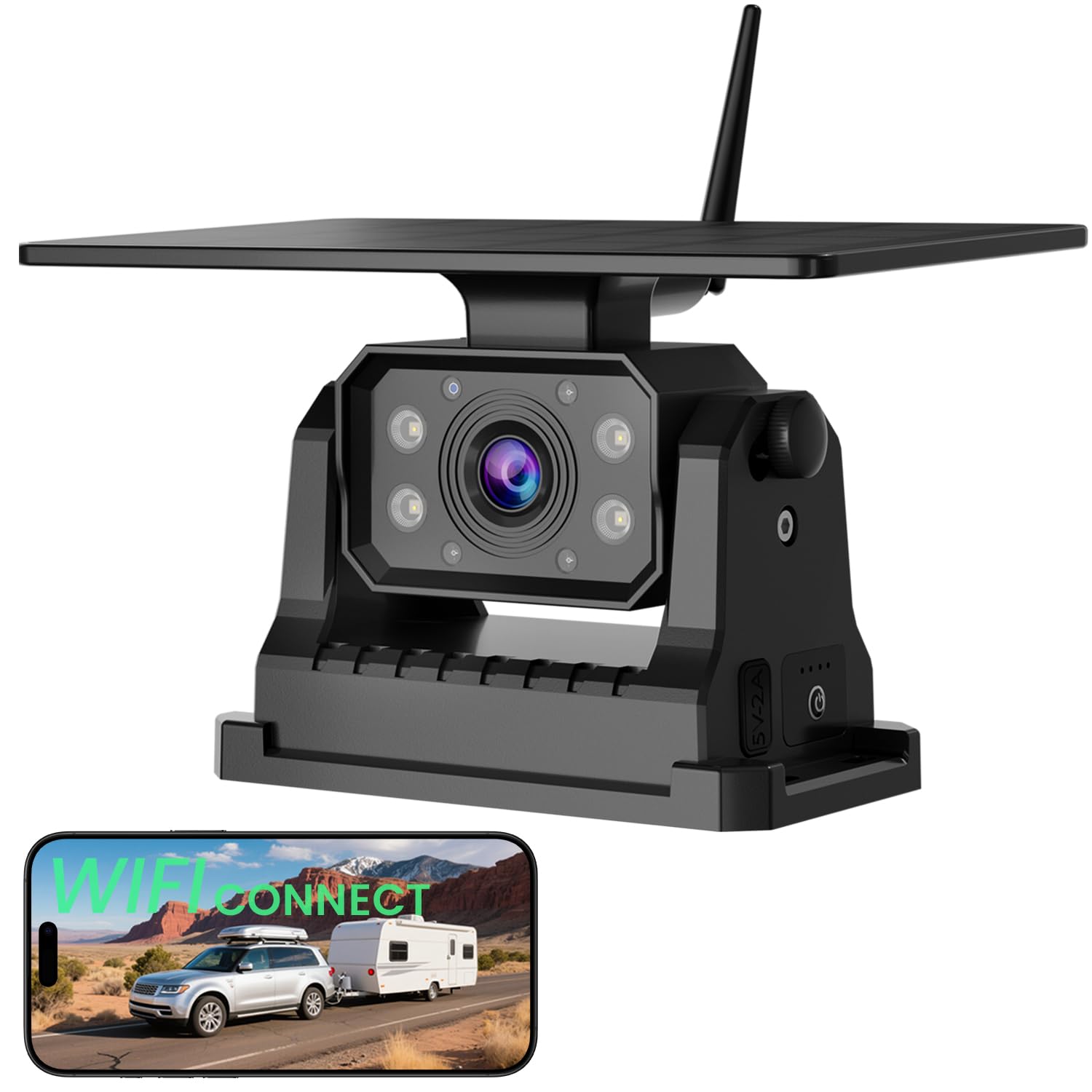
Image: The FEISIKE WiFi Solar Backup Camera mounted on a vehicle, highlighting its magnetic base and integrated solar panel. This demonstrates its intended use for various vehicles like trucks and campг.
2.3 Преземање на апликација и WiFi поврзување
The camera operates by connecting to your smartphone via a dedicated app. No separate monitor is needed.
- Преземете ја апликацијата: Пребарај за "MH CAM" in the Apple App Store or Google Play Store and install it on your smartphone.
- Поврзете се на WiFi: Turn on the camera. On your smartphone, go to WiFi settings and connect to the network starting with "SONIX".
- Отворете ја апликацијата: Launch the "MH CAM" app. The live camera feed should appear automatically.
Забелешка: The app may not be compatible with Google Pixel, Kyocera, and Motorola Phones.

Image: A visual guide illustrating the process of downloading the 'MH CAM' app, connecting to the camera's 'SONIX' WiFi network, and viewing the live feed within the app.
3. Упатства за работа
3.1 Во живо View и Контроли
Once connected, the app provides a real-time 1080P HD video feed. The app interface includes various controls for managing the camera view и поставувања.

Image: The user interface of the FEISIKE app on a smartphone, displaying control functions such as reviewинг files, taking photos, switching reversing lines, mirroring the image, and adjusting the view.
3.2 Ноќно гледање
The camera is equipped with built-in infrared LEDs to provide clear visuals in low-light conditions or complete darkness. This ensures visibility during nighttime operation.

Image: A smartphone displaying a clear, illuminated view на акamper on a dark road, demonstrating the camera's effective night vision capabilities.
3.3 Широк Viewинголен агол
The camera offers a 150° wide viewing angle, designed to minimize blind spots and provide a comprehensive view од областа зад вашето возило.
4. Одржување
4.1 Полнење на батеријата
The camera includes a 9600mAh rechargeable battery and a 5W solar panel. The solar panel helps maintain the battery charge during daylight hours. For initial charging or when solar charging is insufficient, use the provided Type-C cable to charge the camera via a power adapter.
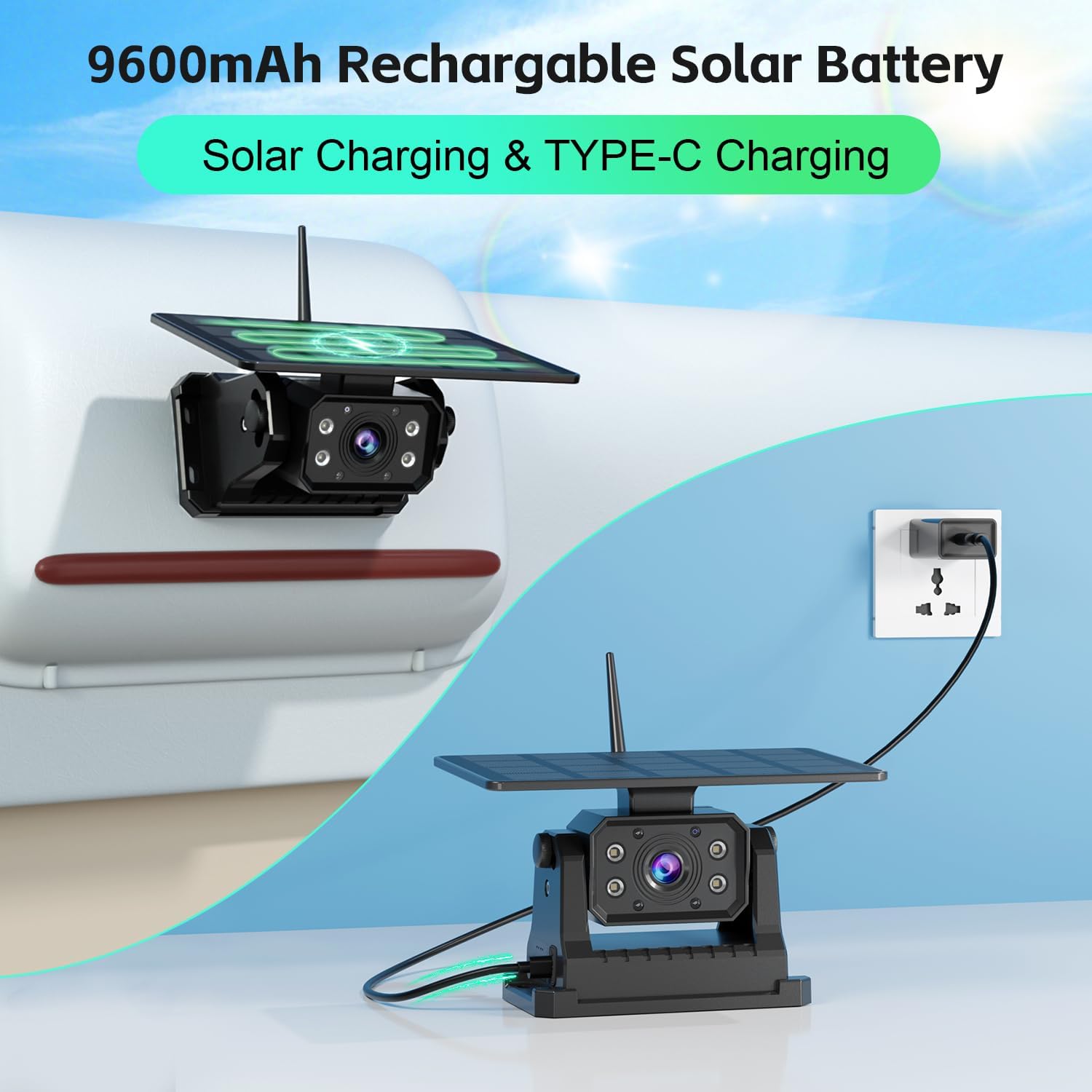
Image: The FEISIKE backup camera with its solar panel, illustrating both solar charging and Type-C cable charging options for its 9600mAh rechargeable battery.
4.2 Отпорност на временски услови
The camera is rated IP68 waterproof, making it resistant to dust and water ingress. It is designed to withstand various weather conditions, including rain, snow, and heat, ensuring reliable performance in diverse environments.
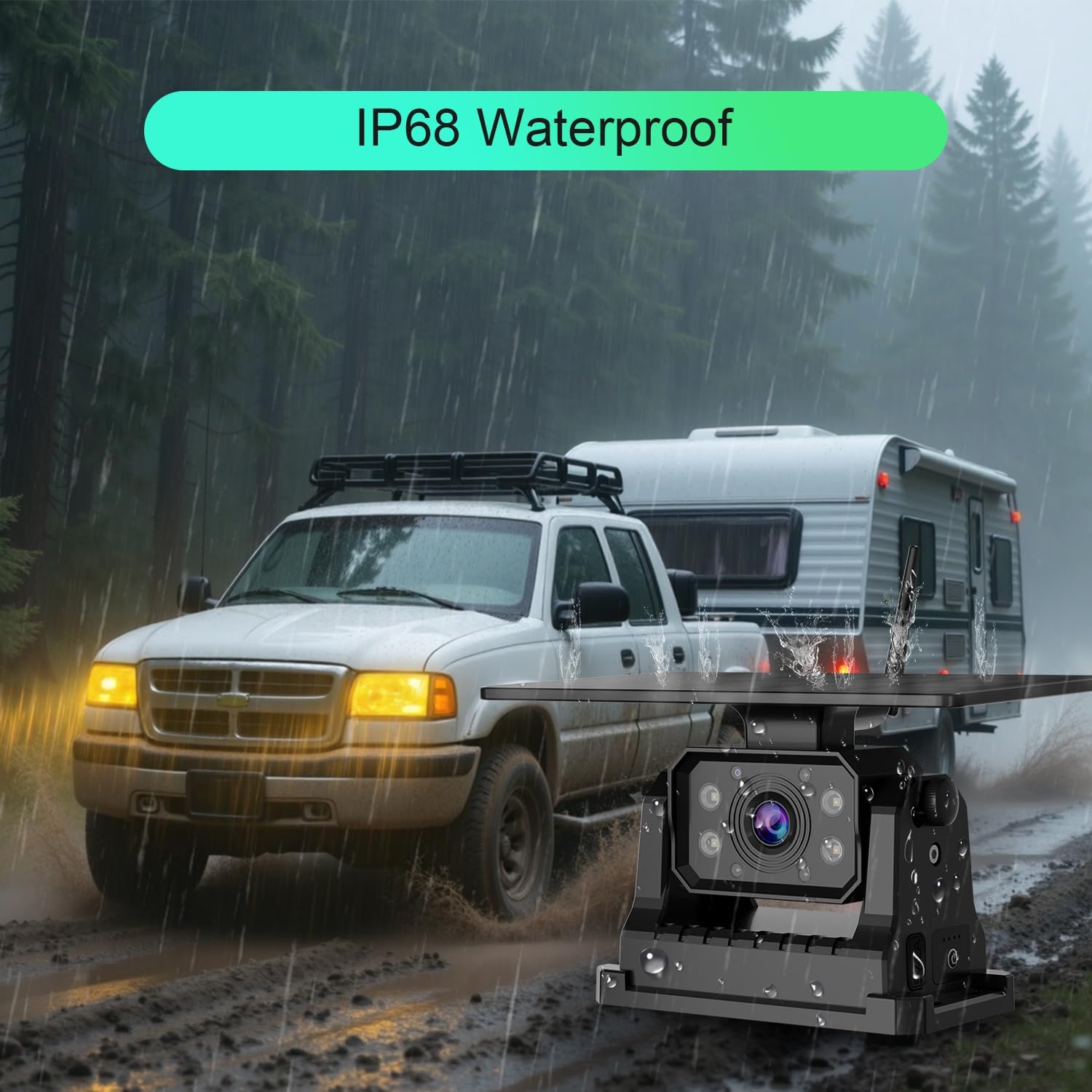
Image: The FEISIKE backup camera mounted on a vehicle during heavy rain, demonstrating its IP68 waterproof and weather-resistant design.
4.3 Чистење
Периодично чистете го објективот на камерата и соларниот панел со мека, дamp cloth to ensure optimal performance. Avoid using abrasive cleaners or solvents.
5 Смена на проблеми
- Нема слика во апликацијата:
Ensure the camera is powered on and fully charged. Verify that your smartphone is connected to the camera's WiFi network (e.g., "SONIX"). Restart both the camera and the app. Check if your phone model is listed as incompatible. - Лош квалитет на сликата:
Исчистете го објективот на камерата. Уверете се дека нема пречки што го блокираат објективот на камерата. view. Check for strong WiFi interference in the area. - Чести исклучувања:
Ensure the camera and smartphone are within close proximity. Avoid placing large metal objects between the camera and your phone that could interfere with the WiFi signal. Fully charge the camera battery. - Батеријата не се полни:
Ensure the solar panel is clean and exposed to direct sunlight. If using the Type-C cable, verify the cable and power adapter are functioning correctly.
6. Спецификации
| Број на модел | ADC730 |
| Производител | ФЕИСИКЕ |
| Димензии на производот | 20.98 x 14.48 x 11.94 cm |
| Тежина на ставката | 1.13 кг |
| Тип на батерија | 3 литиум-јонски батерии (вклучени) |
| Капацитет на батеријата | 9600 mAh |
| Енергија на соларен панел | 5W |
| Технологија за поврзување | Безжичен (Wi-Fi) |
| Видео резолуција | 1080P HD |
| Viewинголен агол | 150° |
| Водоотпорен рејтинг | IP68 |
| Тип на инсталација | Surface Mount (Magnetic) |
| Компатибилни уреди | RV, Trucks, Trailers, Campers, Vans, Farm Equipment |
7. Информации за гаранцијата
Specific warranty details for the FEISIKE WiFi Solar Backup Camera (Model ADC730) may vary. Please refer to the product packaging, the seller's website, or contact FEISIKE customer support directly for comprehensive warranty terms and conditions.
8. Поддршка
For technical assistance, troubleshooting not covered in this manual, or further inquiries, please contact the seller through your purchase platform or visit the official FEISIKE webстраница за опции за поддршка на корисници.