
1. Kupu Whakataki
Thank you for choosing the Tchibo USB Electric Lighter. This modern and practical device is designed for convenience and environmental friendliness. Featuring a sleek silver-grey design and a compact size, it offers reliable performance for various lighting needs. This manual provides essential information for safe and efficient use, setup, operation, and maintenance of your electric lighter.
2. Nga Tohutohu Haumaru
- Kaua e toro atu ki nga tamariki. Ehara tenei i te taakaro.
- Do not expose the lighter to water, moisture, or other liquids.
- Avoid exposing the lighter to direct sunlight or temperatures above 50°C (122°F).
- Do not touch the electric arc. It can cause burns.
- Do not attempt to disassemble, repair, or modify the lighter. Contact customer service for assistance.
- Do not use the lighter near flammable materials or explosive atmospheres.
- Ensure the lighter is turned off when not in use and during charging.
- Whakamahia anake te taura USB kua whakaratohia, he tohu rite ranei mo te utu.
3. Hua Neke Atuview
The Tchibo USB Electric Lighter is a flameless, rechargeable device that uses an electric arc to ignite candles, stoves, and other items. Its compact design makes it easy to handle and store.
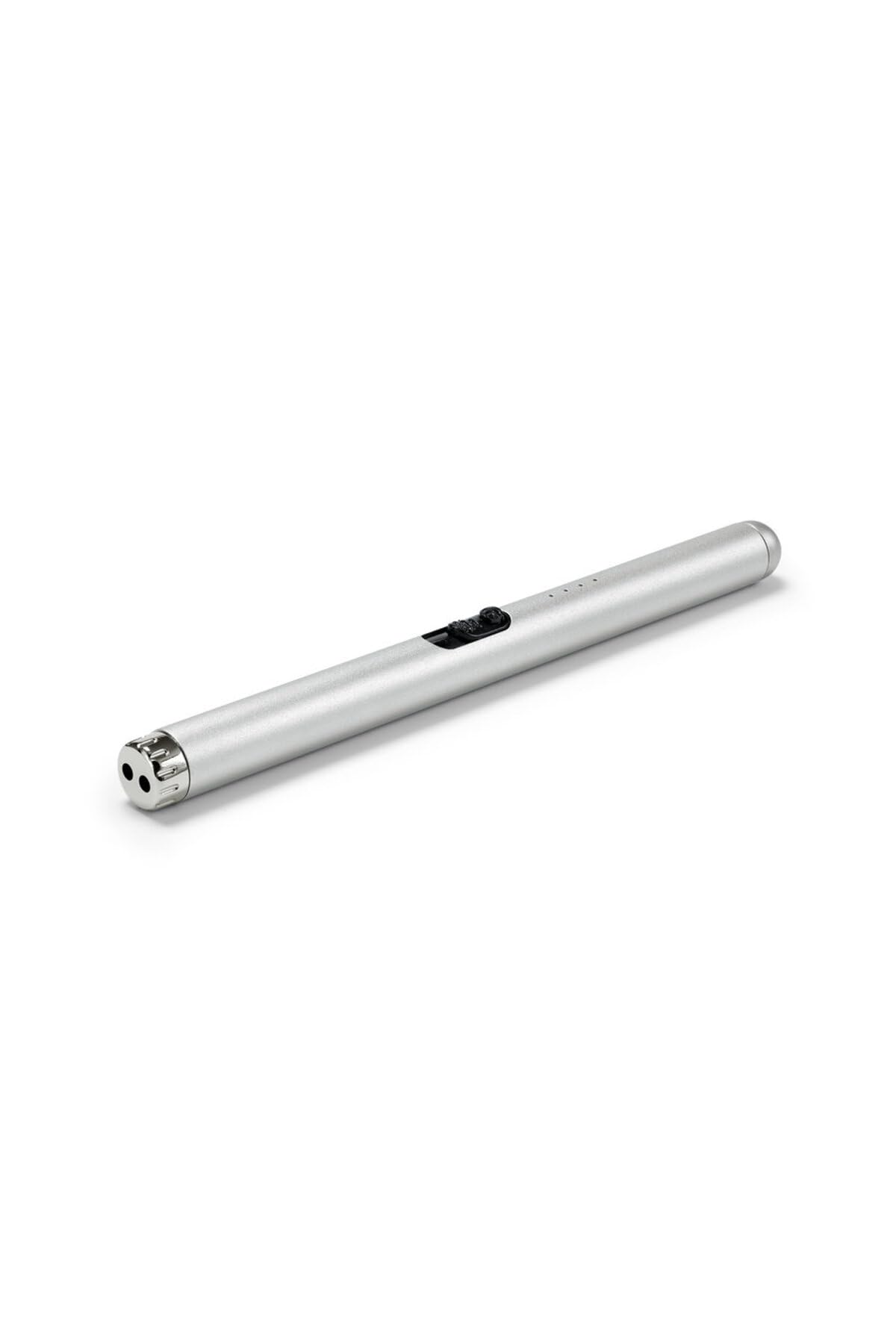
Whakaahua 1: Tchibo USB Electric Lighter in use, igniting a candle. The lighter features a sleek silver-grey finish and a long, slender body for easy reach.
4. Setup: Charging the Lighter
- Locate the USB charging port on the lighter.
- Connect the provided USB charging cable to the lighter's port.
- Monohia tetahi pito o te taura USB ki tetahi puna hiko USB hototahi (hei tauira, rorohiko, urutau pakitara, peeke hiko).
- The charging indicator light will illuminate during charging. Once fully charged, the light may change color or turn off, depending on the model.
- A full charge typically takes approximately 1-2 hours. Do not overcharge the device.
The USB rechargeable feature makes this lighter an eco-friendly alternative to traditional gas lighters.
5. Nga Tohutohu Whakahaere
- Whakahiko: Slide the safety switch (if present) to the "ON" position or press the power button.
- Activate Arc: Press and hold the ignition button. An electric arc will appear between the electrodes at the tip of the lighter.
- Whakakā: Carefully bring the electric arc into contact with the wick of a candle, gas burner, or other ignitable material.
- Weto Whakakore: Release the ignition button to turn off the arc. If there is a safety switch, slide it back to the "OFF" position when finished.
The lighter is designed for ease of use and provides a reliable ignition source without flame.
6. Tiaki
- Te horoi: Use a soft, dry cloth to wipe the exterior of the lighter. Do not use abrasive cleaners or solvents. Ensure the electrodes are free from debris for optimal performance.
- Rokiroki: Store the lighter in a cool, dry place, away from direct sunlight and extreme temperatures.
- Tiaki Pūhiko: To prolong battery life, avoid fully discharging the lighter frequently. Charge it when the indicator suggests low battery.
7. Te Raru
| Raruraru | Take pea | Rongoā |
|---|---|---|
| Lighter does not turn on/arc does not activate. | He iti te pākahiko. Safety switch is off. He paru ngā hiko. | Charge the lighter fully. Ensure the safety switch is in the "ON" position. Gently clean the electrodes with a dry cotton swab. |
| Lighter not charging. | He taura USB he, he puna hiko ranei. Kua pakaru te tauranga utu. | Whakamātauria he taura USB rereke, he puna hiko ranei. Whakapā atu ki te ratonga kiritaki mēnā te āhua nei kua pakaru te tauranga. |
| Arc is weak or inconsistent. | He iti te pākahiko. Electrodes are dirty or worn. | Recharge the lighter. Clean the electrodes. If the issue persists, contact customer support. |
8. Whakatakotoranga
- Waitohu: Tchibo
- Tauira: B0GL2QKT2R
- Tae: Grey (Silver-Grey)
- Ahu (L x W x H): 8U x 2G x 1Kl cm (Approx. 8 x 2 x 1 cm)
- Kei te utu: USB Rechargeable
- Momo: Maamaa Arc Hiko
9. Pūtāhui me te Tautoko
For warranty information, technical support, or any questions regarding your Tchibo USB Electric Lighter, please contact Tchibo customer service. Refer to your purchase receipt or the official Tchibo webpae mo nga korero whakapiri.
Ka taea e koe te toro ki te Toa Tchibo i runga i a Amazon mo etahi atu korero hua.