
Kupu Whakataki
Welcome to your new Ice-Watch Ice Smart TKS 2.0 smartwatch. This device is designed to enhance your daily life by combining elegant design with smart technology. It features activity tracking, health monitoring, and smart notifications, all within a durable IP68 water-resistant casing. This manual provides essential information for setting up, operating, maintaining, and troubleshooting your smartwatch.
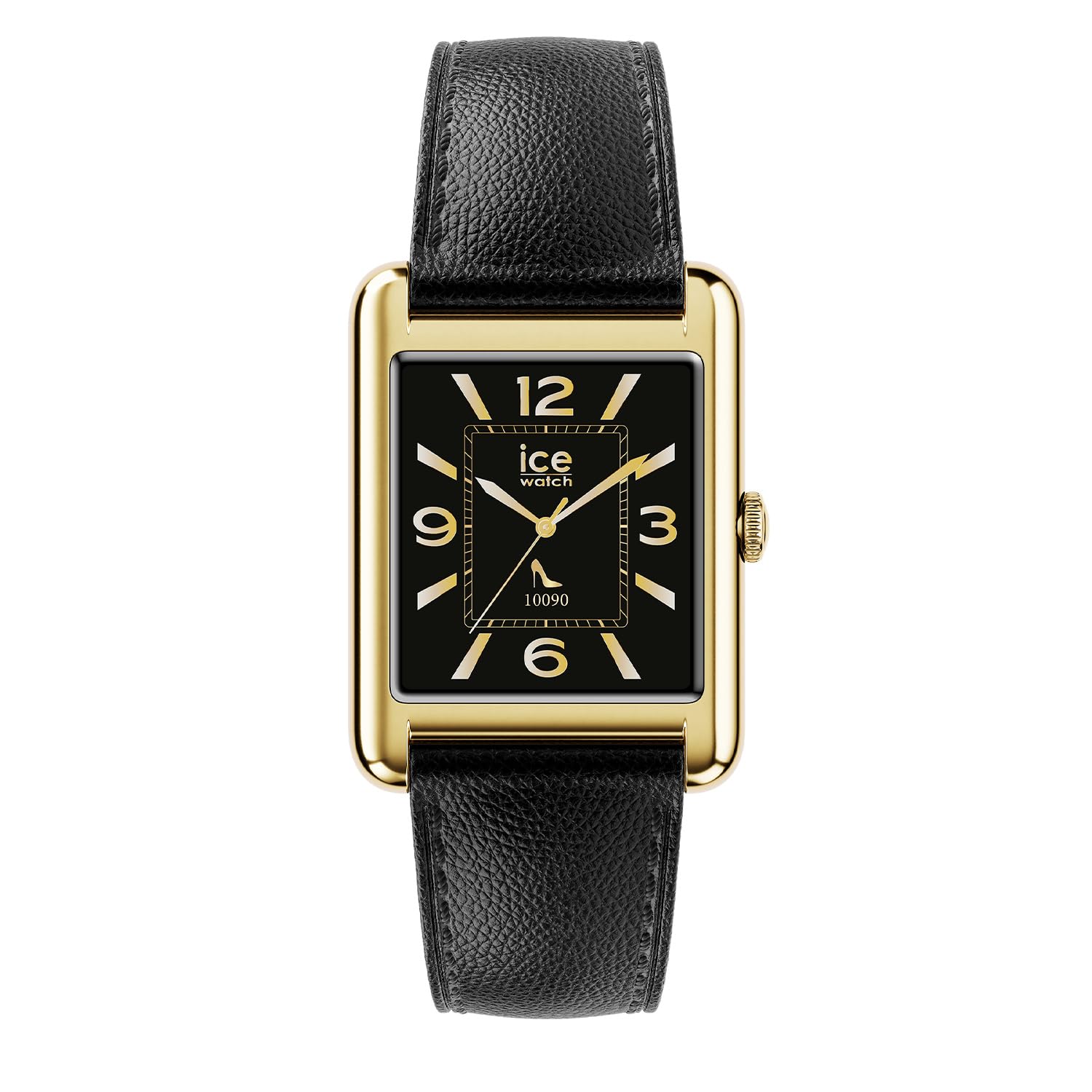
The Ice-Watch Ice Smart TKS 2.0 smartwatch, featuring a gold rectangular case and black leather strap, displays various smart functions including message notifications, heart rate monitoring, and a selection of app icons.
Tatūnga
1. Wewete pouaka me te utu tuatahi
Carefully remove your Ice Smart TKS 2.0 smartwatch from its packaging. Before first use, ensure the device is fully charged. Connect the provided charging cable to the charging port on the back of the watch and to a USB power source.

Te muri view of the smartwatch, highlighting the charging contacts and health sensors.
2. Taupānga Tāutanga me te Paihere
To unlock the full potential of your smartwatch, download the official "Ice Smart" application from your smartphone's app store (iOS or Android).
- Download and install the "Ice Smart" app.
- Whakatuwheratia te taupānga ka whai i nga tohutohu i runga-mata hei hanga i tetahi kaute, takiuru ranei.
- Me mohio kei te whakahohea te Nihokikorangi i runga i to waea atamai.
- In the app, select "Add Device" or similar option and choose your Ice Smart TKS 2.0 from the list of available devices.
- Whakaūhia te tono takirua i runga i to waea me te maataki atamai.
Te whakahaere
Whakaterenga Taketake
- Mata pa: Swipe mauī/matau, whakarunga/iho ki te whakatere i roto i nga tahua me nga ahuatanga. Patohia hei kowhiri.
- Patene Taha/Kaona: Press to wake the screen, return to the home screen, or access the app menu. Rotate (if applicable) to scroll through lists.
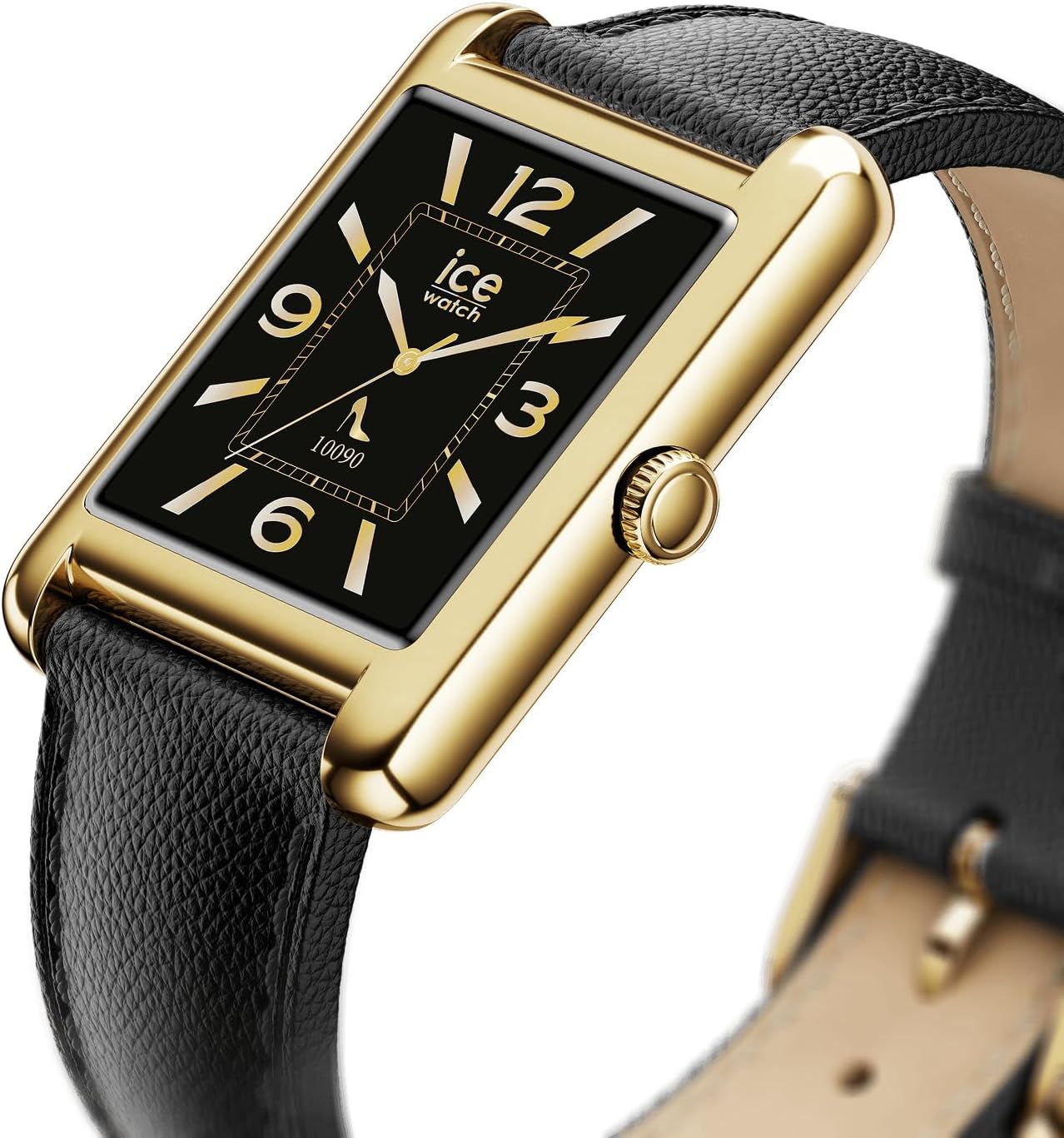
The side of the smartwatch, featuring the functional crown for navigation and interaction.
Nga waahanga matua
- Aroturuki Mahi: Monitors steps, distance, calories burned, and active minutes. Access this data via the watch or the "Ice Smart" app.
- Te Arotake i te Ngakau: Ka aroturuki tonu i to reanga ngakau. View real-time data on the watch and historical data in the app.
- Aroturuki Moe: Analyzes sleep patterns, including deep and light sleep stages.
- Whakamōhiotanga: Whiwhi matohi mō ngā waeatanga, ngā karere me ngā whakamōhiotanga taupānga tika tonu i tō ringaringa.
- Nga Kanohi Maataki Whakaritea: Choose from a variety of pre-installed watch faces or download new ones via the app to personalize your device.

The smartwatch displaying a classic watch face with Roman numerals, showcasinngā kōwhiringa whakaritenga g.
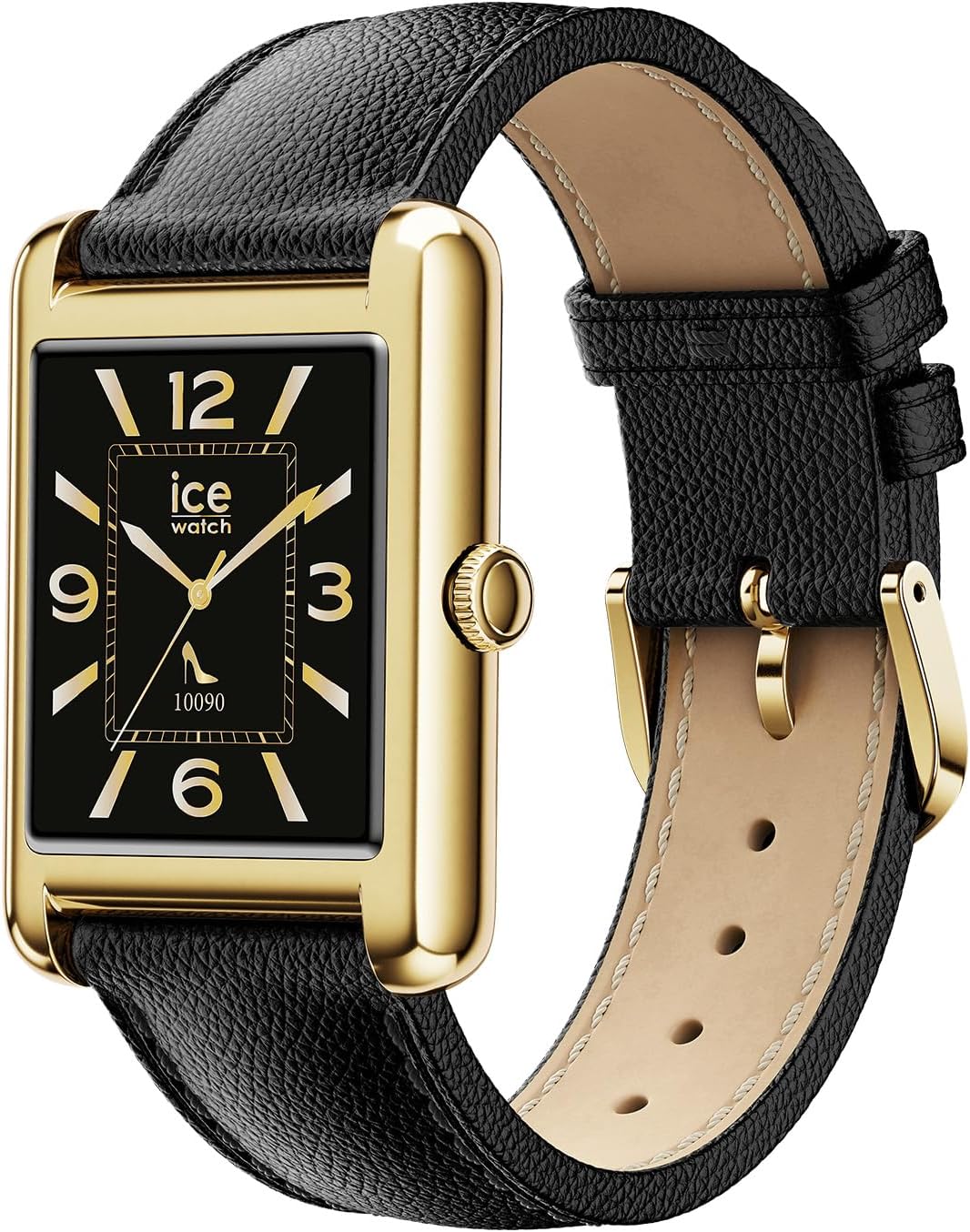
The smartwatch displaying a modern watch face with Arabic numerals, demonstrating another customization option.
Te tiaki
Te horoi i to Maataki Ataata
To maintain the appearance and functionality of your smartwatch, clean it regularly.
- Horoia te mata me te anga ki te kakahu ngohengohe, kore-miro.
- Mo nga tohu pakeke, paku dampen te kakahu ki te wai. A ape i nga matū kino, i nga taonga abrasive ranei.
- Horoia ngā hononga utu i ia wā, i ia wā, kia tika ai te utu.
Ātete Wai (IP68)
Your Ice Smart TKS 2.0 is IP68 water-resistant, meaning it can withstand immersion in water up to 1.5 meters for up to 30 minutes. It is suitable for daily use, such as washing hands or wearing in the rain. However, it is not recommended for swimming, diving, or high-pressure water activities. Prolonged exposure to water or use in hot water (e.g., showers, saunas) may compromise water resistance.
Tiaki Pūhiko
- A ape i te tino tuku i te pākahiko i nga wa katoa.
- Charge the device using only the provided cable and a compatible USB power adapter.
- Whakaorangia te mataaratanga ki te waahi makariri, maroke ka kore e whakamahia mo te wa roa.
Raparongoā
Kāore te Pūrere i te Whakakā
- Me whakarite kua whakakiia te mataaratanga. Honoa ki te rihi mo te iti rawa 30 meneti.
- Patohia me te pupuri i te paatene taha mo te 10-15 hēkona ki te ngana ki te whakaara ano.
Connection Issues (Bluetooth)
- Me whakarite kei te whakahohea te Nihokikorangi i runga i tō waea atamai, ā, kei roto te mātaaratanga i te awhe e taea ana.
- Me whakaara ano to waea atamai me te maataki atamai.
- Unpair the device from your phone's Bluetooth settings and re-pair it through the "Ice Smart" app.
- Ensure the "Ice Smart" app is running in the background and has necessary permissions.
Inaccurate Data (Steps, Heart Rate)
- Me whakarite kia mau pai te mātaaratanga ki tō ringaringa, kia kotahi te whānui o te maihao i runga ake i te wheua o tō ringaringa.
- Horoia nga pūoko kei muri o te mataaratanga.
- Calibrate the device if an option is available in the app.
- Note that smartwatches are not medical devices and data should be used for reference only.
Nga Panui Kaore e Puta
- Check notification settings within the "Ice Smart" app to ensure desired apps are enabled.
- Verify that your smartphone's notification settings allow the "Ice Smart" app to display alerts.
- Me mohio kei te hono te mataaratanga ma te Nihokikorangi.
Whakatakotoranga
| Āhuahira | Taipitopito |
|---|---|
| Ingoa Tauira | Ice Smart TKS 2.0 |
| Tau tauira | 025286 |
| Rahi Whakaatu | 1.41 inihi |
| Ātete wai | IP68 (Resistant to water up to 1.5 meters for 30 minutes) |
| Momo Pūhiko | Rechargeable (1 Unknown battery included) |
| Rauemi Take | Parahi |
| Rauemi whitiki | hiako |
| Te Diamita o te keehi | 34 Mirimita |
| Te Matotoru Take | 6.35 Mirimita |
| Whanui Whanui | 22 Mirimita |
| Taumaha Hua | 35 Karamu |
| Momo Nekehanga | Quartz (for timekeeping, smart functions are digital) |
| Nga Waahanga kei roto | Waati atamai |
Pūtāhui
Your Ice-Watch Ice Smart TKS 2.0 smartwatch comes with a manufacturer's warranty. For detailed information regarding warranty coverage, terms, and conditions, please refer to the official Ice-Watch webte waahi, te kaari whakamana ranei kei roto i to hua. Puritia to tohu hoko mo nga kereme whakamana.
Tautoko
If you encounter any issues not covered in this manual or require further assistance, please contact Ice-Watch customer support. You can typically find contact information on the official Ice-Watch webpae, ma to kaihokohoko ranei.
Rauemi ipurangi: Visit the official Ice-Watch webpae mo nga FAQ, nga pukapuka kua whakahoutia, me nga korero whakapiri tautoko.